
學會這20+個JavaScript單行代碼,可以讓你的代碼更加騷氣
JavaScript不斷發(fā)展壯大。
因為它是最容易上手的語言之一,因此為市場上的新成為技術怪才打開了大門。(問號臉?)
的確,JavaScript可以做很多出色的事情!還有很多東西要學習。
而且,無論你是JavaScript的新手還是更多的專業(yè)開發(fā)人員,學習新知識總是一件好事。
本文整理了一些非常有用的單行代碼(20+),這些單行代碼可以幫助你提高工作效率并可以幫助調(diào)試代碼。
什么是單行代碼?
單行代碼是一種代碼實踐,其中我們僅用一行代碼執(zhí)行某些功能。
01-隨機獲取布爾值
此函數(shù)將使用Math.random()方法返回布爾值(真或假)。Math.random創(chuàng)建一個介于0和1之間的隨機數(shù),然后我們檢查它是否大于或小于0.5。
這意味著有50/50的機會會得到對或錯。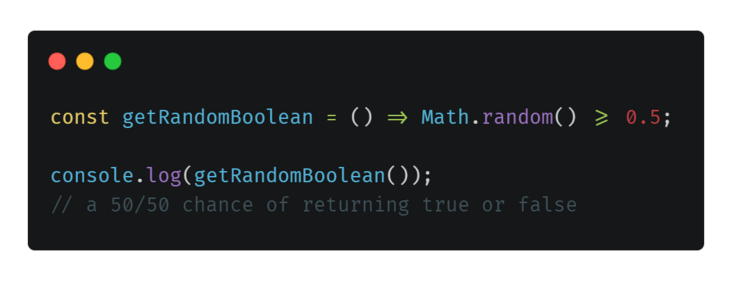
const?getRandomBoolean?=?()?=>?Math.random()?>=?0.5;

console.log(getRandomBoolean());
//?a?50/50?chance?of?returning?true?or?false
02-檢查日期是否為周末
通過此功能,你將能夠檢查提供的日期是工作日還是周末。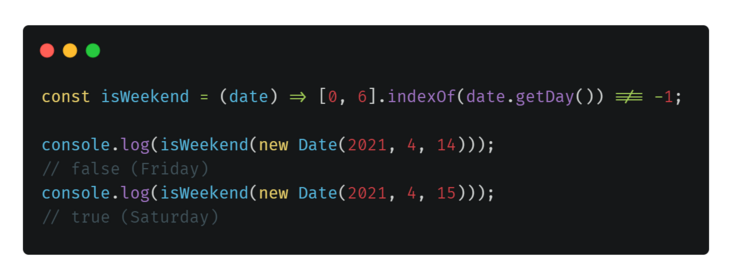
const?isWeekend?=?(date)?=>?[0,?6].indexOf(date.getDay())?!==?-1;

console.log(isWeekend(new?Date(2021,?4,?14)));
//?false?(Friday)
console.log(isWeekend(new?Date(2021,?4,?15)));
//?true?(Saturday)
03-檢查數(shù)字是偶數(shù)還是奇數(shù)
簡單的實用程序功能,用于檢查數(shù)字是偶數(shù)還是奇數(shù)。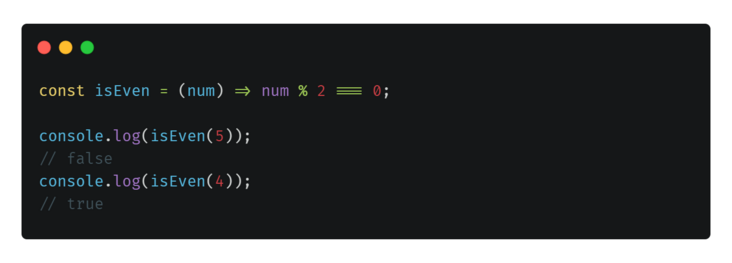
const?isEven?=?(num)?=>?num?%?2?===?0;

console.log(isEven(5));
//?false
console.log(isEven(4));
//?true
04-獲取數(shù)組中的唯一值(數(shù)組去重)
從數(shù)組中刪除所有重復值的非常簡單的方法。此函數(shù)將數(shù)組轉換為Set,然后返回數(shù)組。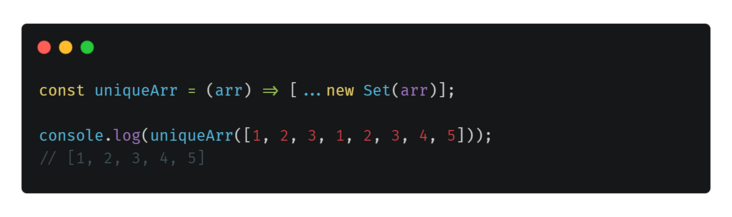
const?uniqueArr?=?(arr)?=>?[...new?Set(arr)];

console.log(uniqueArr([1,?2,?3,?1,?2,?3,?4,?5]));
//?[1,?2,?3,?4,?5]
05-檢查變量是否為數(shù)組
一種檢查變量是否為數(shù)組的干凈簡便的方法。
當然,也可以有其他方法??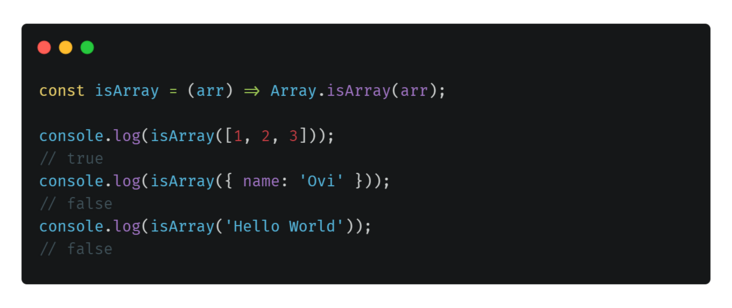
const?isArray?=?(arr)?=>?Array.isArray(arr);

console.log(isArray([1,?2,?3]));
//?true
console.log(isArray({?name:?'Ovi'?}));
//?false
console.log(isArray('Hello?World'));
//?false
06-在兩個數(shù)字之間生成一個隨機數(shù)
這將以兩個數(shù)字為參數(shù),并將在這兩個數(shù)字之間生成一個隨機數(shù)!
const?random?=?(min,?max)?=>?Math.floor(Math.random()?*?(max?-?min?+?1)?+?min);

console.log(random(1,?50));
//?could?be?anything?from?1?-?50
07-生成隨機字符串(唯一ID?)
也許你需要臨時的唯一ID,這是一個技巧,你可以使用它在旅途中生成隨機字符串。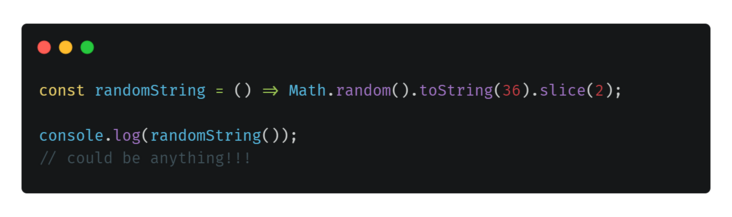
const?randomString?=?()?=>?Math.random().toString(36).slice(2);

console.log(randomString());
//?could?be?anything!!!
08-滾動到頁面頂部
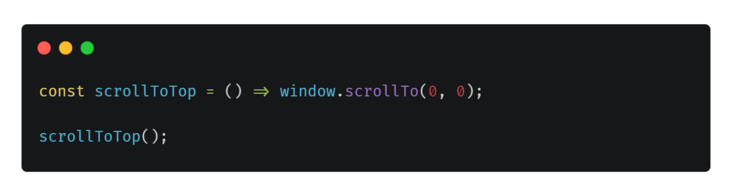
所述window.scrollTo()方法把一個X和Y坐標滾動到。
如果將它們設置為零和零,我們將滾動到頁面頂部。
const?scrollToTop?=?()?=>?window.scrollTo(0,?0);

scrollToTop();
09-切換布爾
切換布爾值是非常基本的編程問題之一,可以通過許多不同的方法來解決。
代替使用if語句來確定將布爾值設置為哪個值,你可以使用函數(shù)使用!翻轉當前值。非運算符。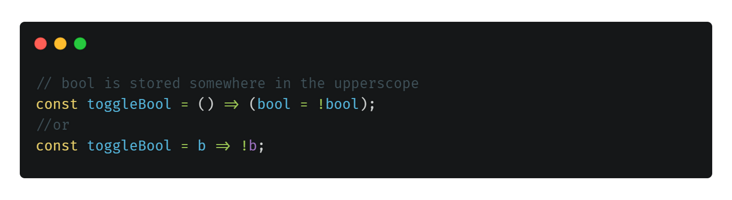
//?bool?is?stored?somewhere?in?the?upperscope
const?toggleBool?=?()?=>?(bool?=?!bool);
//or
const?toggleBool?=?b?=>?!b;
10-交換兩個變量
下面的代碼是不使用第三個變量而僅使用一行代碼即可交換兩個變量的更簡單方法之一。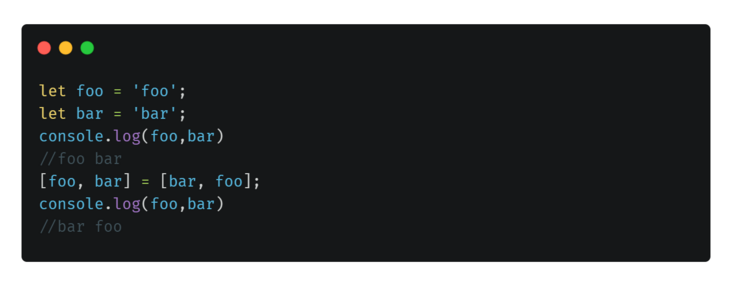
[foo,?bar]?=?[bar,?foo];
11-計算兩個日期之間的天數(shù)
要計算兩個日期之間的天數(shù),
我們首先找到兩個日期之間的絕對值,然后將其除以86400000(等于一天中的毫秒數(shù)),最后將結果四舍五入并返回。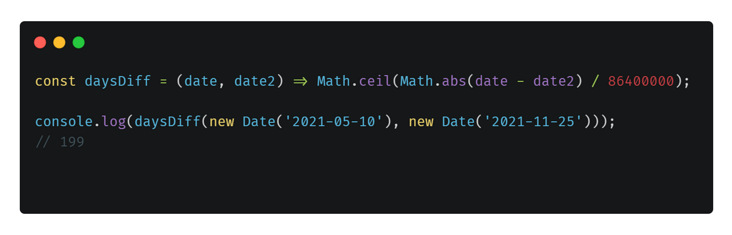
const?daysDiff?=?(date,?date2)?=>?Math.ceil(Math.abs(date?-?date2)?/?86400000);

console.log(daysDiff(new?Date('2021-05-10'),?new?Date('2021-11-25')));
//?199
12-將文字復制到剪貼板
PS:你可能需要添加檢查以查看是否存在navigator.clipboard.writeText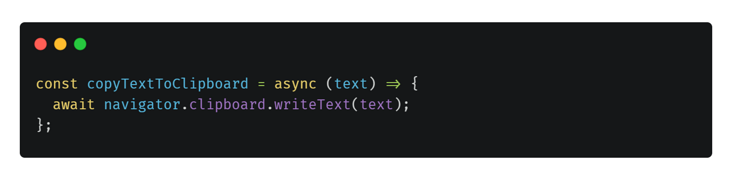
const?copyTextToClipboard?=?async?(text)?=>?{
??await?navigator.clipboard.writeText(text);
};
13-合并多個數(shù)組的不同方法
有兩種合并數(shù)組的方法。其中之一是使用concat方法。另一個使用擴展運算符(…)。
PS:我們也可以使用“設置”對象從最終數(shù)組中復制任何內(nèi)容。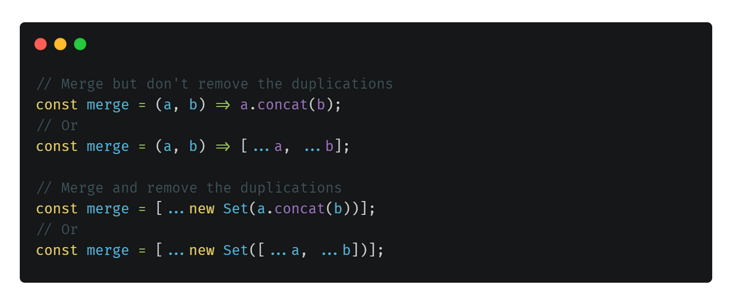
//?Merge?but?don't?remove?the?duplications
const?merge?=?(a,?b)?=>?a.concat(b);
//?Or
const?merge?=?(a,?b)?=>?[...a,?...b];

//?Merge?and?remove?the?duplications
const?merge?=?[...new?Set(a.concat(b))];
//?Or
const?merge?=?[...new?Set([...a,?...b])];
14-獲取javascript語言的實際類型
人們有時會使用庫來查找JavaScript中某些內(nèi)容的實際類型,這一小技巧可以節(jié)省你的時間(和代碼大小)。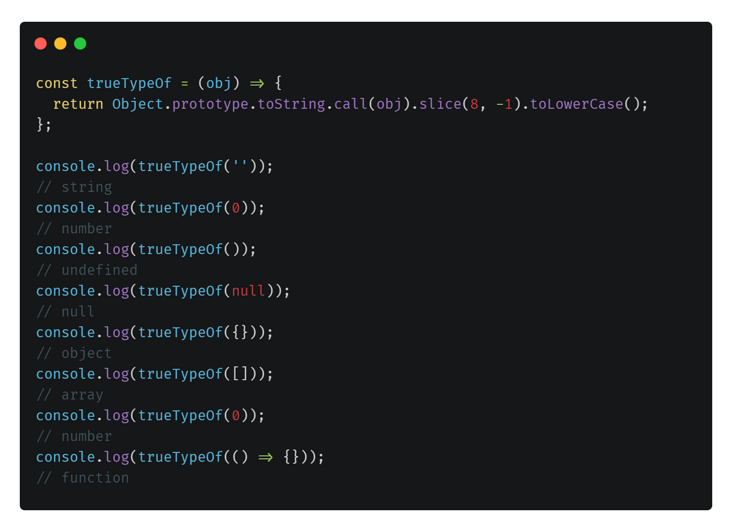
const?trueTypeOf?=?(obj)?=>?{
??return?Object.prototype.toString.call(obj).slice(8,?-1).toLowerCase();
};

console.log(trueTypeOf(''));
//?string
console.log(trueTypeOf(0));
//?number
console.log(trueTypeOf());
//?undefined
console.log(trueTypeOf(null));
//?null
console.log(trueTypeOf({}));
//?object
console.log(trueTypeOf([]));
//?array
console.log(trueTypeOf(0));
//?number
console.log(trueTypeOf(()?=>?{}));
//?function
15-在結尾處截斷字符串
需要從頭開始截斷字符串,這不是問題!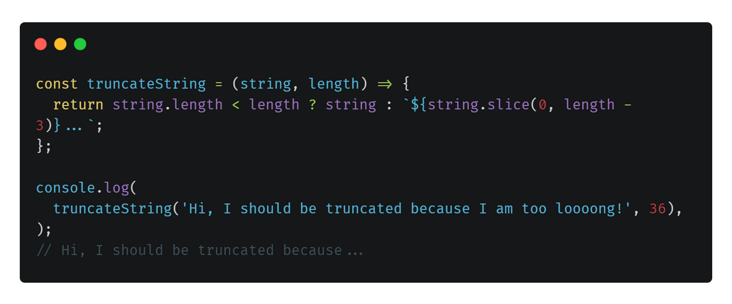
const?truncateString?=?(string,?length)?=>?{
??return?string.length?`${string.slice(0,?length?-?3)}...`;
};

console.log(
??truncateString('Hi,?I?should?be?truncated?because?I?am?too?loooong!',?36),
);
//?Hi,?I?should?be?truncated?because...
16-從中間截斷字符串
從中間截斷字符串怎么樣?
該函數(shù)將一個字符串作為第一個參數(shù),然后將我們需要的字符串大小作為第二個參數(shù),然后從第3個和第4個參數(shù)開始和結束需要多少個字符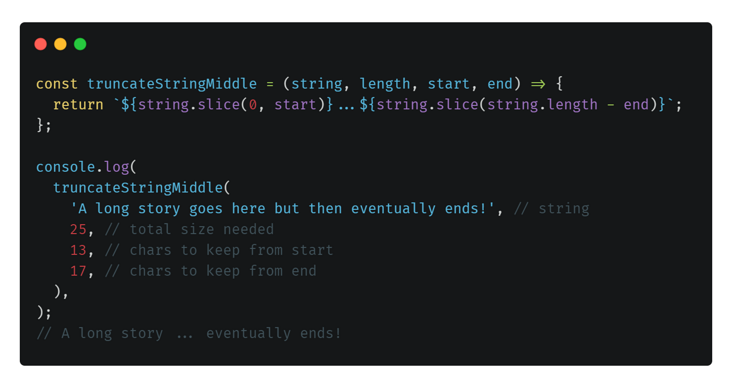
const?truncateStringMiddle?=?(string,?length,?start,?end)?=>?{
??return?`${string.slice(0,?start)}...${string.slice(string.length?-?end)}`;
};

console.log(
??truncateStringMiddle(
????'A?long?story?goes?here?but?then?eventually?ends!',?//?string
????25,?//?需要的字符串大小
????13,?//?從原始字符串第幾位開始截取
????17,?//?從原始字符串第幾位停止截取
??),
);
//?A?long?story?...?eventually?ends!
17-大寫字符串
好吧,不幸的是,JavaScript沒有內(nèi)置函數(shù)來大寫字符串,但是這種解決方法可以實現(xiàn)。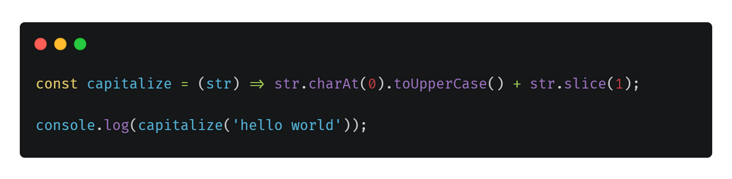
const?capitalize?=?(str)?=>?str.charAt(0).toUpperCase()?+?str.slice(1);

console.log(capitalize('hello?world'));
// Hello world
18-檢查當前選項卡是否在視圖/焦點內(nèi)
此簡單的幫助程序方法根據(jù)選項卡是否處于視圖/焦點狀態(tài)而返回true或false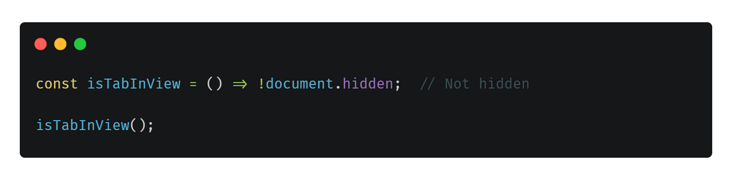
const?isTabInView?=?()?=>?!document.hidden;??//?Not?hidden

isTabInView();
// true/false
19-檢查用戶是否在Apple設備上
如果用戶使用的是Apple設備,則返回true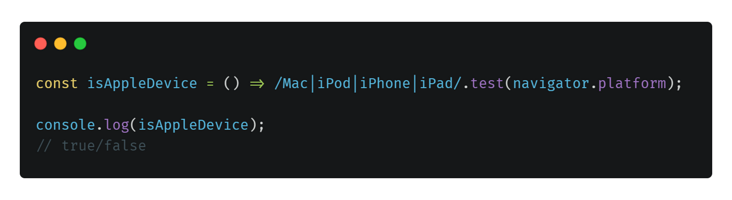
const?isAppleDevice?=?()?=>?/Mac|iPod|iPhone|iPad/.test(navigator.platform);

console.log(isAppleDevice);
//?true/false
20-三元運算符
當你只想在一行中編寫if..else語句時,這是一個很好的代碼保護程序。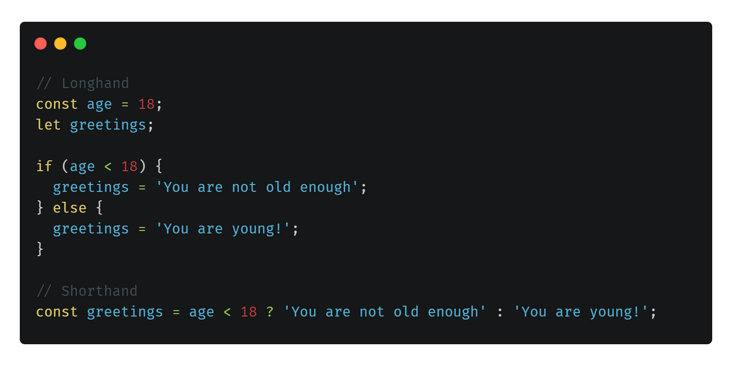
//?Longhand
const?age?=?18;
let?greetings;

if?(age?18)?{
??greetings?=?'You?are?not?old?enough';
}?else?{
??greetings?=?'You?are?young!';
}

//?Shorthand
const?greetings?=?age?18???'You?are?not?old?enough'?:?'You?are?young!';
21-短路評估速記
在將變量值分配給另一個變量時,可能要確保源變量不為null,未定義或為空。
可以編寫帶有多個條件的long if語句,也可以使用短路評估。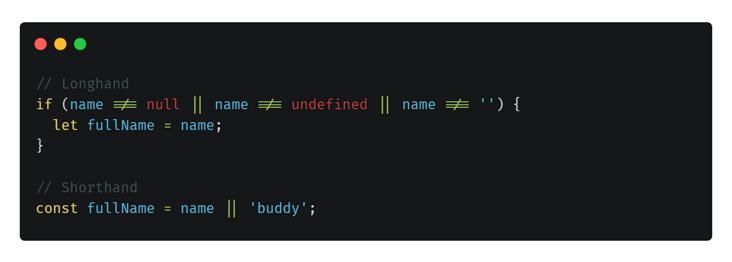
//?Longhand
if?(name?!==?null?||?name?!==?undefined?||?name?!==?'')?{
??let?fullName?=?name;
}

//?Shorthand
const?fullName?=?name?||?'buddy';
希望對你有所幫助!