
如何利用Python開(kāi)發(fā)App?
作者:nmask
https://blog.csdn.net/nmask/article/details/109664469
最近想到嘗試用python開(kāi)發(fā)一款app,google搜索了一番后,發(fā)現(xiàn)確實(shí)有路可尋,目前也有了一些相對(duì)成熟的模塊,于是便開(kāi)始了動(dòng)手實(shí)戰(zhàn),過(guò)程中發(fā)現(xiàn)這其中有很多坑,好在最終依靠google解決了,因此小記一番。
說(shuō)在前面的話(huà)
準(zhǔn)備工作
搭建kivy開(kāi)發(fā)環(huán)境
install kivy for mac
brew?install?pkg-config?sdl2?sdl2_image?sdl2_ttf?sdl2_mixer?gstreamer安裝cython以及kivy:
pip?install?cython==0.25pip?install?kivy
如果安裝kivy報(bào)錯(cuò),則使用下面的方式安裝kivy:
git clone https://github.com/kivy/kivypython setup.py install
安裝后測(cè)試:
$pythonPython 2.7.10 (default, Jul 15 2017, 17:16:57)[] on darwinType "help", "copyright", "credits" or "license" for more information.>>>>>> import kivy[] [Logger ] Record log in /Users/didi/.kivy/logs/kivy_18-05-08_4.txt[] [Kivy ] v1.10.1.dev0, git-5f6c66e, 20180507[] [Python ] v2.7.10 (default, Jul 15 2017, 17:16:57)[]
install kivy for centos7
yum install \make \mercurial \automake \gcc \gcc-c++ \SDL_ttf-devel \SDL_mixer-devel \khrplatform-devel \mesa-libGLES \mesa-libGLES-devel \gstreamer-plugins-good \gstreamer \gstreamer-python \mtdev-devel \python-devel \python-pip \java-devel
安裝cython以及kivy:
pip install Cython==0.20pip?install?kivy
用kivy開(kāi)發(fā)第一個(gè)python app
#! -*- coding:utf-8 -*-from kivy.app import Appclass HelloApp(App):passif __name__ == '__main__':HelloApp().run()
2)創(chuàng)建一個(gè)hello.kv文件,寫(xiě)入:
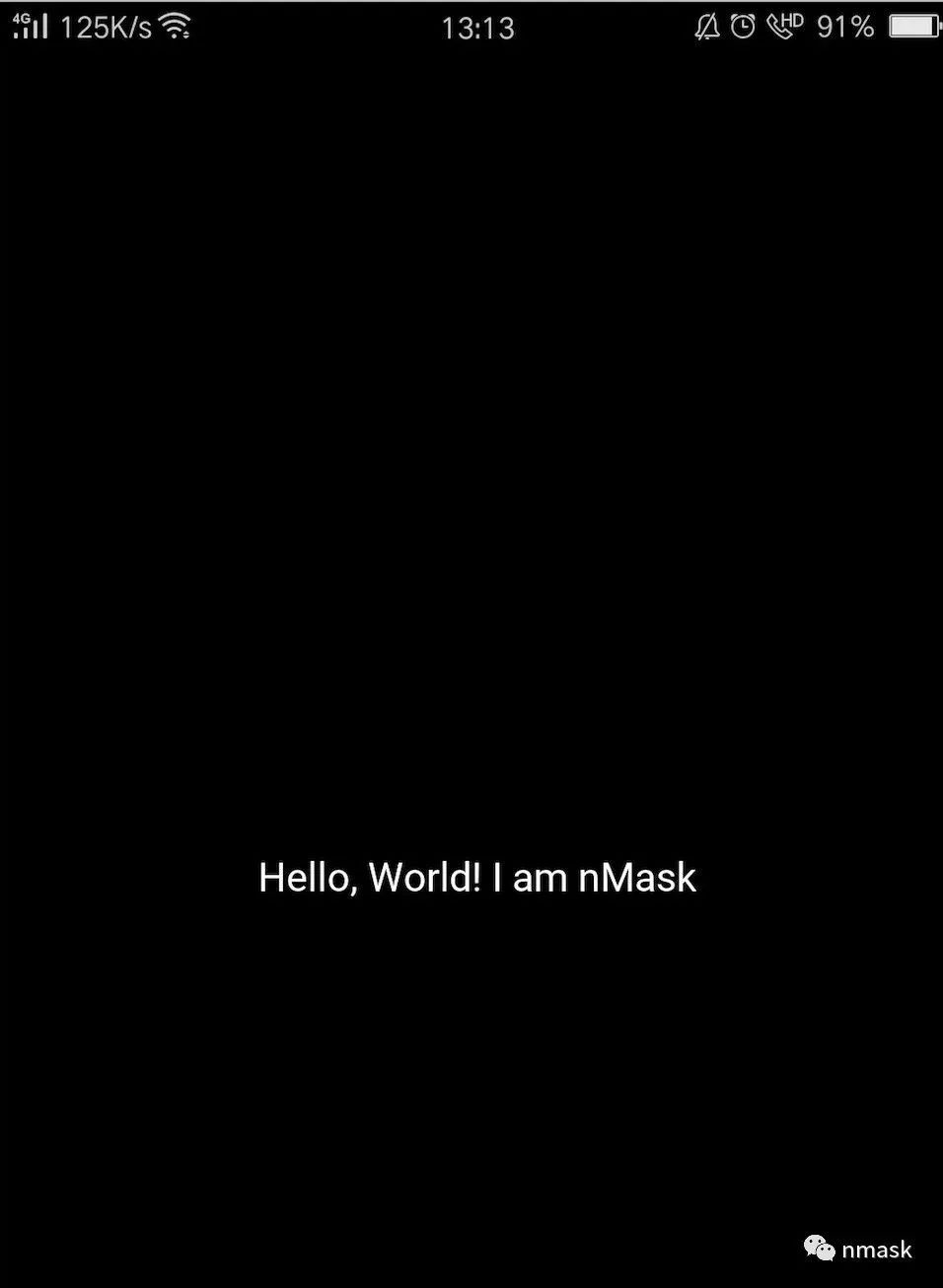
Label:text:?'Hello,?World!?I?am?nMask'
運(yùn)行第一個(gè)python app
python?main.py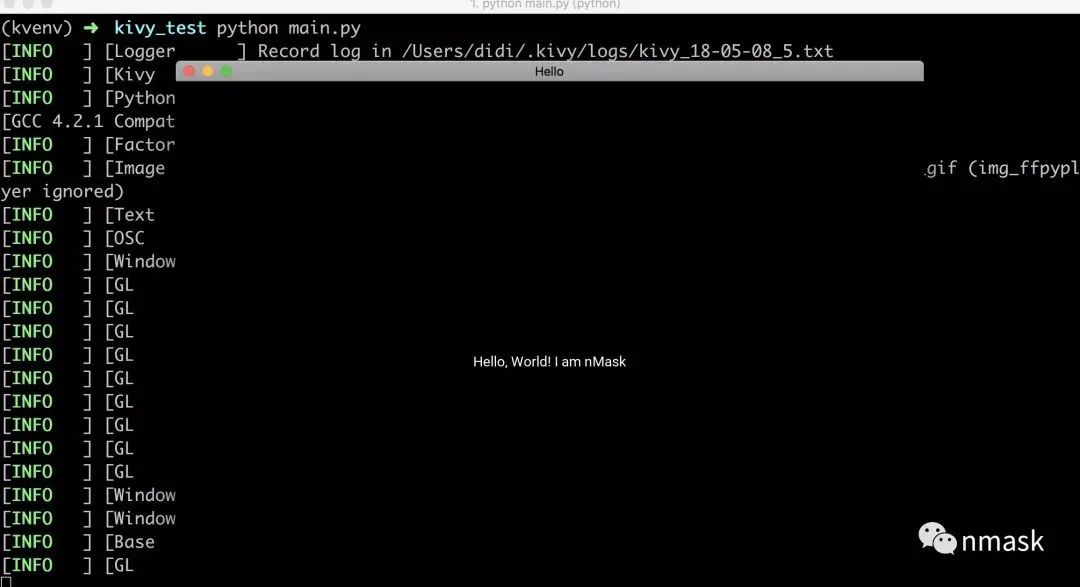
安裝buildozer工具
pip?install?buildozer使用buildozer工具將kivy程序打包成apk
buildozer?init運(yùn)行成功將會(huì)創(chuàng)建一個(gè)配置文件buildozer.spec,可以通過(guò)修改配置文件更改app的名稱(chēng)等,然后運(yùn)行:
buildozer?android?debug?deploy?run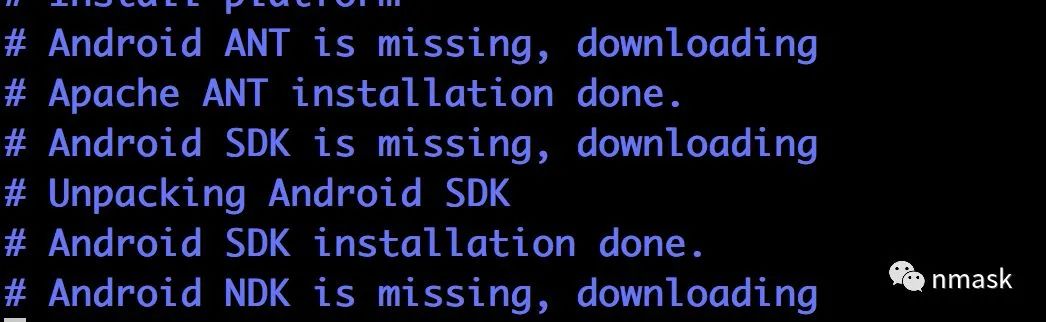
python apk程序測(cè)試
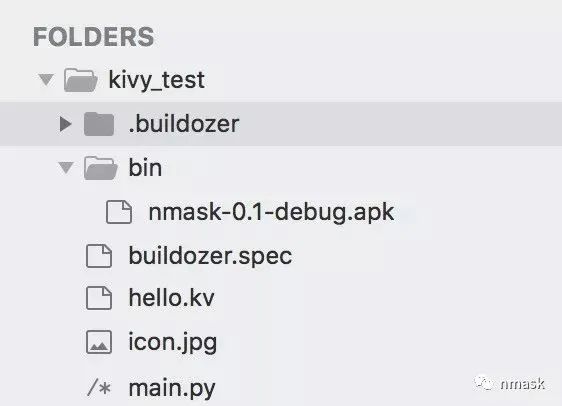
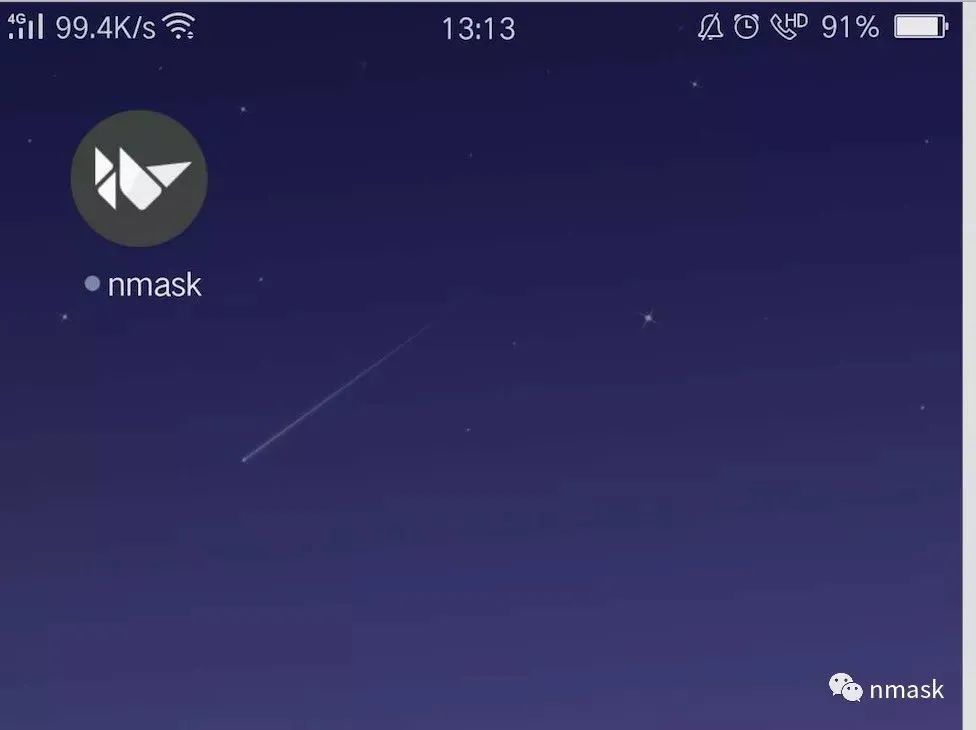
buildozer使用說(shuō)明
Usage:buildozer [--profile] [--verbose] [target] ... buildozer --versionAvailable targets:android Android target, based on python-for-android projectios iOS target, based on kivy-ios projectandroid_old Android target, based on python-for-android project (old toolchain)Global commands (without target):distclean Clean the whole Buildozer environment.help Show the Buildozer help.init Create a initial buildozer.spec in the current directoryserve Serve the bin directory via SimpleHTTPServersetdefault Set the default command to run when no arguments are givenversion Show the Buildozer versionTarget commands:clean Clean the target environmentupdate Update the target dependenciesdebug Build the application in debug moderelease Build the application in release modedeploy Deploy the application on the devicerun Run the application on the deviceserve Serve the bin directory via SimpleHTTPServerTarget "android_old" commands:adb Run adb from the Android SDK. Args must come after --, oruse --alias to make an aliaslogcat Show the log from the deviceTarget "ios" commands:list_identities List the available identities to use for signing.xcode Open the xcode project.Target "android" commands:adb Run adb from the Android SDK. Args must come after --, oruse --alias to make an aliaslogcat Show the log from the devicep4a Run p4a commands. Args must come after --, or use --aliasto make an alias
buildozer打包過(guò)程中的坑點(diǎn)
報(bào)錯(cuò):You might have missed to install 32bits libs
yum?-y?install?--skip-broken?glibc.i686?arts.i686?audiofile.i686?bzip2-libs.i686?cairo.i686?cyrus-sasl-lib.i686?dbus-libs.i686?directfb.i686?esound-libs.i686?fltk.i686?freeglut.i686?gtk2.i686?hal-libs.i686?imlib.i686?lcms-libs.i686?lesstif.i686?libacl.i686?libao.i686?libattr.i686?libcap.i686?libdrm.i686?libexif.i686?libgnomecanvas.i686?libICE.i686?libieee1284.i686?libsigc++20.i686?libSM.i686?libtool-ltdl.i686?libusb.i686?libwmf.i686?libwmf-lite.i686?libX11.i686?libXau.i686?libXaw.i686?libXcomposite.i686?libXdamage.i686?libXdmcp.i686?libXext.i686?libXfixes.i686?libxkbfile.i686?libxml2.i686?libXmu.i686?libXp.i686?libXpm.i686?libXScrnSaver.i686?libxslt.i686?libXt.i686?libXtst.i686?libXv.i686?libXxf86vm.i686?lzo.i686?mesa-libGL.i686?mesa-libGLU.i686?nas-libs.i686?nss_ldap.i686?cdk.i686?openldap.i686?pam.i686?popt.i686?pulseaudio-libs.i686?sane-backends-libs-gphoto2.i686?sane-backends-libs.i686?SDL.i686?svgalib.i686?unixODBC.i686?zlib.i686?compat-expat1.i686?compat-libstdc++-33.i686?openal-soft.i686?alsa-oss-libs.i686?redhat-lsb.i686?alsa-plugins-pulseaudio.i686?alsa-plugins-oss.i686?alsa-lib.i686?nspluginwrapper.i686?libXv.i686?libXScrnSaver.i686?qt.i686?qt-x11.i686?pulseaudio-libs.i686?pulseaudio-libs-glib2.i686?alsa-plugins-pulseaudio.i686?python-matplotli報(bào)錯(cuò):Error compiling Cython file
pip?install?cython==0.25報(bào)錯(cuò):IOError: [Errno 2] No such file or directory…..
from?distutils.version?import?LooseVersion(2) 將786行:XXX found how the apk name is really built from the title這一行以下的代碼替換為:
__sdk_dir = self.android_sdk_dirbuild_tools_versions = os.listdir(join(__sdk_dir, 'build-tools'))build_tools_versions = sorted(build_tools_versions, key=LooseVersion)build_tools_version = build_tools_versions[-1]gradle_files = ["build.gradle", "gradle", "gradlew"]is_gradle_build = any((exists(join(dist_dir, x)) for x in gradle_files)) and build_tools_version >= ’25.0'
buildozer虛擬機(jī)
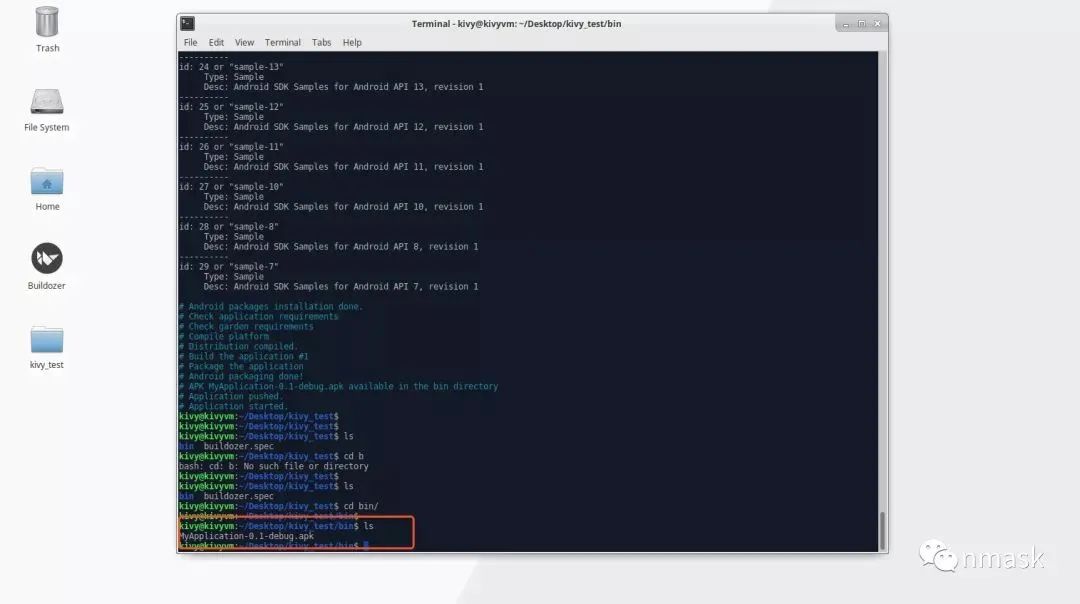
kivy開(kāi)發(fā)實(shí)例
PS:如果覺(jué)得分享內(nèi)容有一些幫助,歡迎大家隨手分享、點(diǎn)贊、在看。
評(píng)論
圖片
表情