
一行 JS 實現(xiàn)功能代碼,看起來像一個專家

JavaScript 可以做很多神奇的事情!
從復(fù)雜的框架到處理 API,有太多的東西需要學(xué)習(xí)。
但是,它也能讓你只用一行代碼就能做一些了不起的事情。
看看這 13 句 JavaScript 單行代碼,會讓你看起來像個專家!
1. 獲取一個隨機(jī)布爾值 (true/false)
這個函數(shù)使用 Math.random() 方法返回一個布爾值(true 或 false)。Math.random 將在 0 和 1 之間創(chuàng)建一個隨機(jī)數(shù),之后我們檢查它是否高于或低于 0.5。這意味著得到真或假的幾率是 50%/50%。
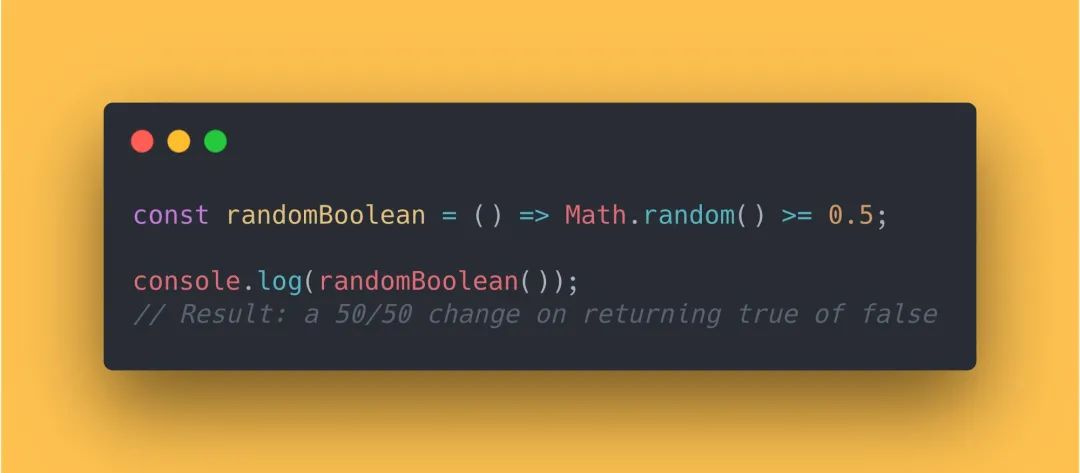
const randomBoolean = () => Math.random() >= 0.5;
console.log(randomBoolean());
// Result: a 50/50 change on returning true of false
2. 檢查日期是否為工作日
使用這個方法,你就可以檢查函數(shù)參數(shù)是工作日還是周末。
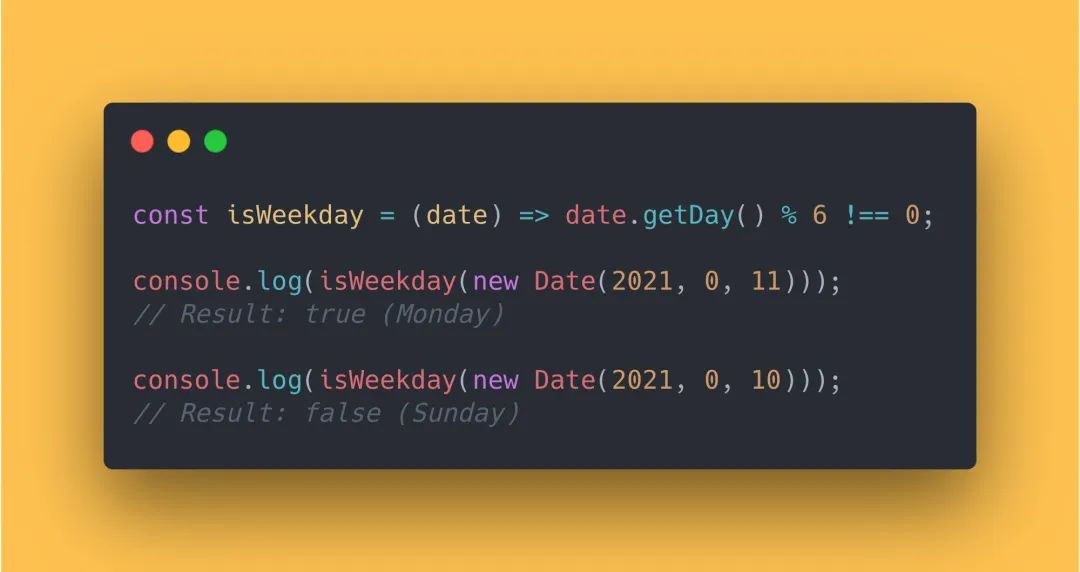
const isWeekday = (date) => date.getDay() % 6 !== 0;
console.log(isWeekday(new Date(2021, 0, 11)));
// Result: true (Monday)
console.log(isWeekday(new Date(2021, 0, 10)));
// Result: false (Sunday)
3. 反轉(zhuǎn)字符串
有幾種不同的方法來反轉(zhuǎn)一個字符串。以下代碼是最簡單的方式之一。
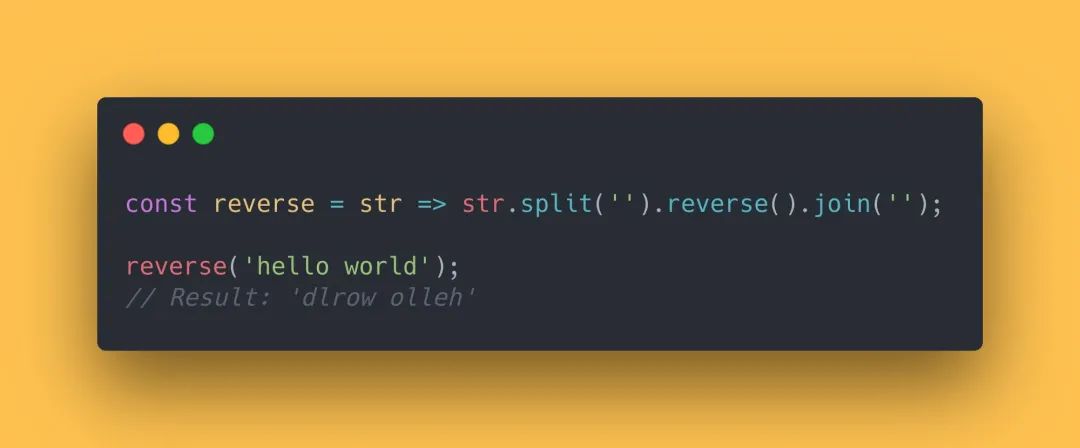
const reverse = str => str.split(  ).reverse().join(  );
reverse( hello world );
// Result:  dlrow olleh
4. 檢查當(dāng)前 Tab 頁是否在前臺
我們可以通過使用 document.hidden 屬性來檢查當(dāng)前標(biāo)簽頁是否在前臺中。
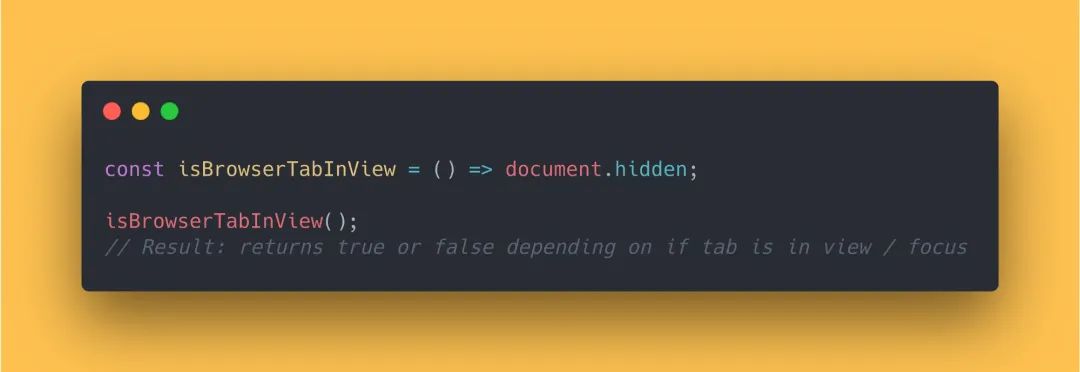
const isBrowserTabInView = () => document.hidden;
isBrowserTabInView();
// Result: returns true or false depending on if tab is in view / focus
5. 檢查數(shù)字是否為奇數(shù)
最簡單的方式是通過使用模數(shù)運算符(%)來解決。如果你對它不太熟悉,這里是 Stack Overflow 上的一個很好的圖解。
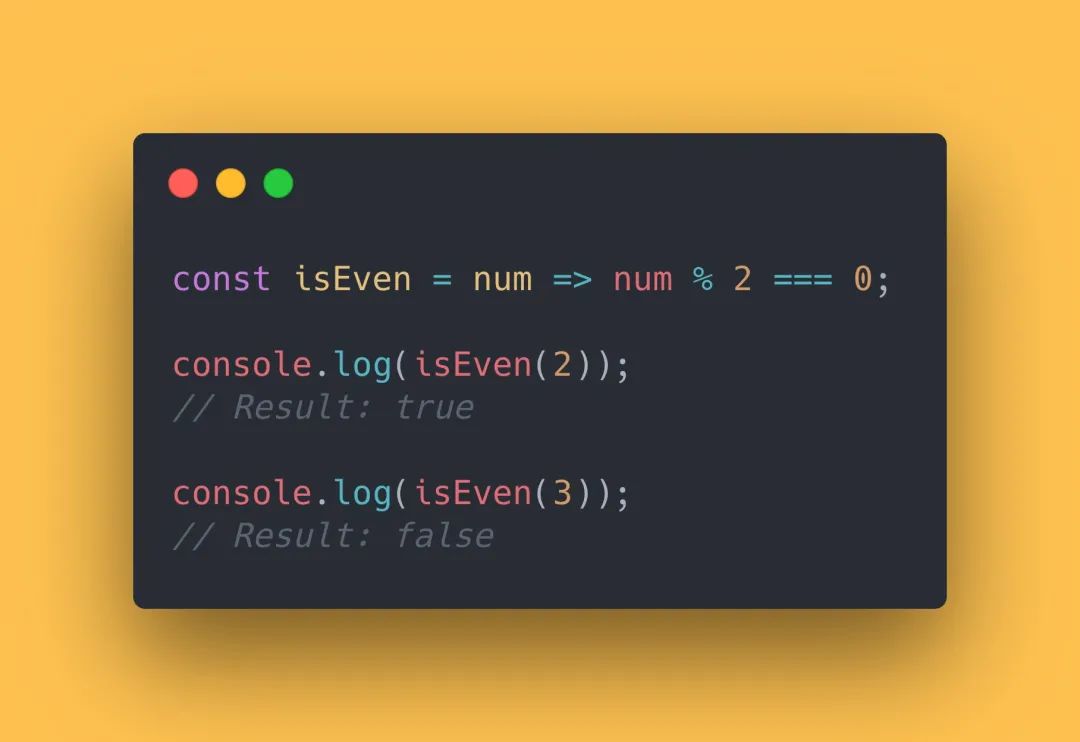
const isEven = num => num % 2 === 0;
console.log(isEven(2));
// Result: true
console.log(isEven(3));
// Result: false
6. 從日期中獲取時間
通過使用 toTimeString() 方法,在正確的位置對字符串進(jìn)行切片,我們可以從提供的日期中獲取時間或者當(dāng)前時間。
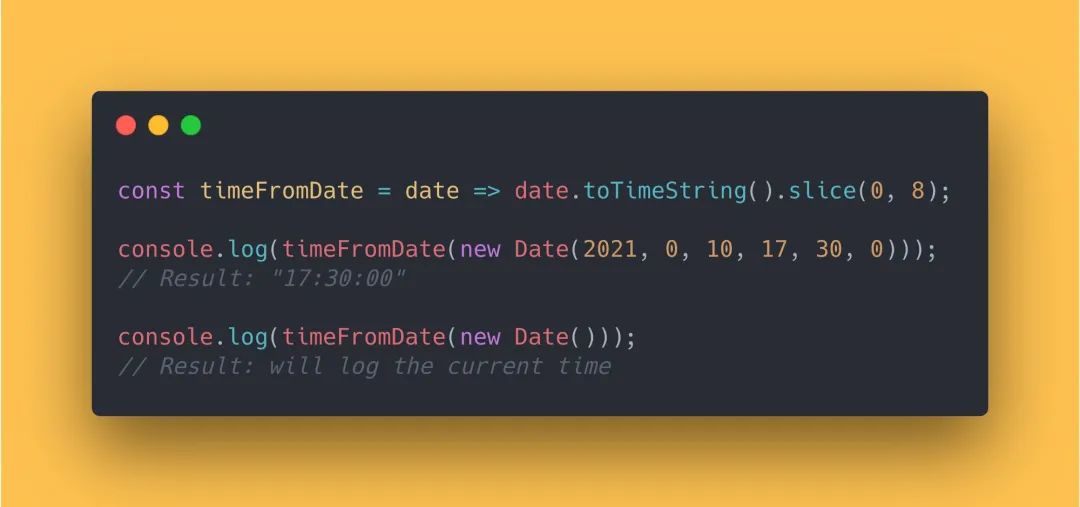
const timeFromDate = date => date.toTimeString().slice(0, 8);
console.log(timeFromDate(new Date(2021, 0, 10, 17, 30, 0)));
// Result: "17:30:00"
console.log(timeFromDate(new Date()));
// Result: will log the current time
7. 保留小數(shù)點(非四舍五入)
使用 Math.pow() 方法,我們可以將一個數(shù)字截斷到某個小數(shù)點。
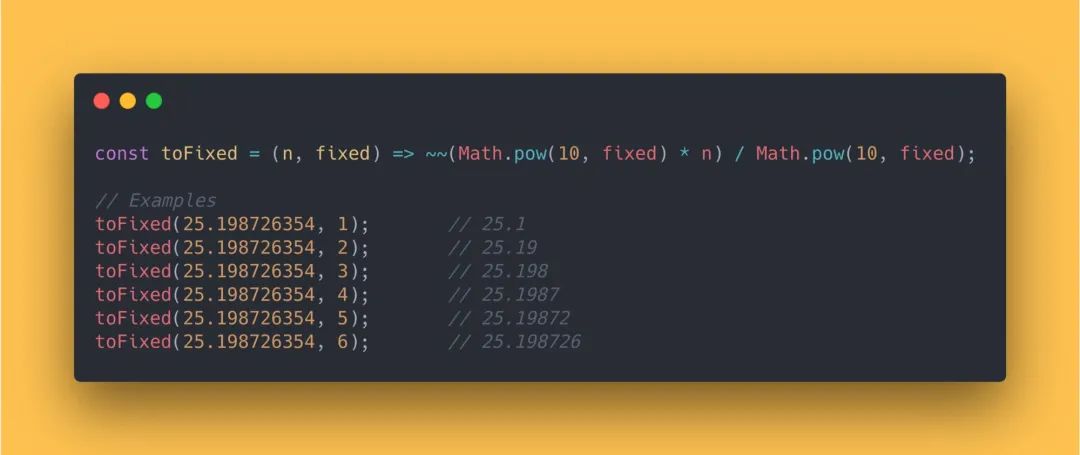
const toFixed = (n, fixed) => ~~(Math.pow(10, fixed) * n) / Math.pow(10, fixed);
// Examples
toFixed(25.198726354, 1);       // 25.1
toFixed(25.198726354, 2);       // 25.19
toFixed(25.198726354, 3);       // 25.198
toFixed(25.198726354, 4);       // 25.1987
toFixed(25.198726354, 5);       // 25.19872
toFixed(25.198726354, 6);       // 25.198726
8. 檢查元素當(dāng)前是否為聚焦?fàn)顟B(tài)
我們可以使用 document.activeElement 屬性檢查一個元素當(dāng)前是否處于聚焦?fàn)顟B(tài)。
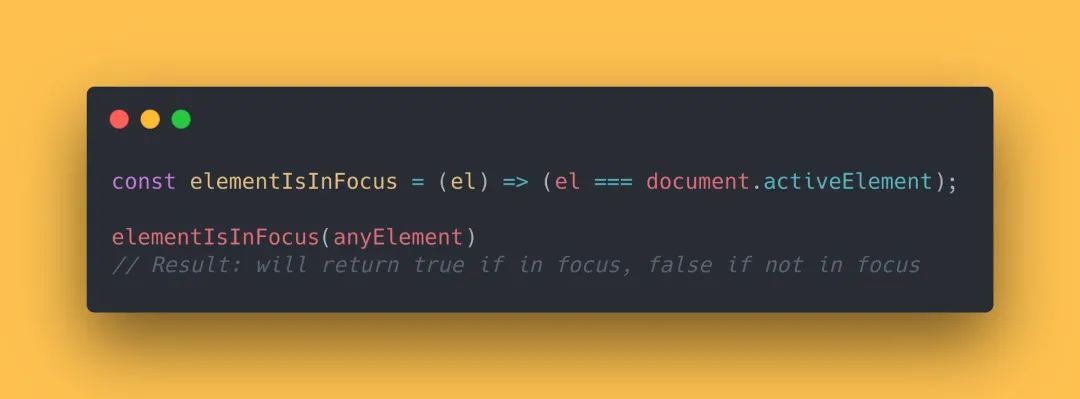
const elementIsInFocus = (el) => (el === document.activeElement);
elementIsInFocus(anyElement)
// Result: will return true if in focus, false if not in focus
9. 檢查瀏覽器是否支持觸摸事件
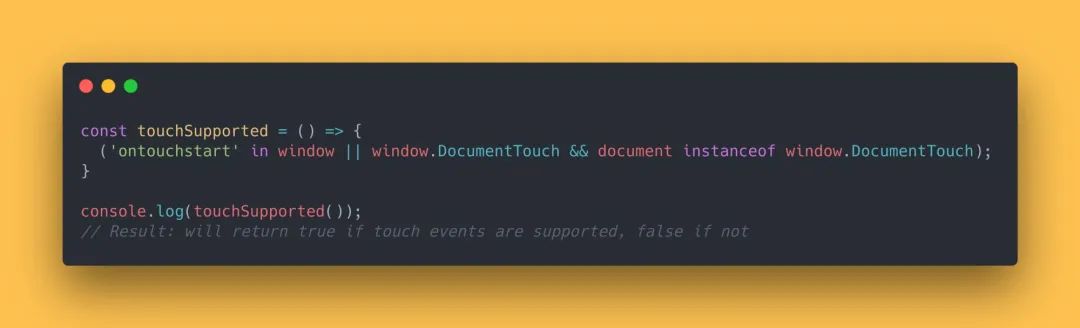
const touchSupported = () => {
  ( ontouchstart  in window || window.DocumentTouch && document instanceof window.DocumentTouch);
}
console.log(touchSupported());
// Result: will return true if touch events are supported, false if not
10. 檢查當(dāng)前用戶是否為蘋果設(shè)備
我們可以使用 navigator.platform 來檢查當(dāng)前用戶是否為蘋果設(shè)備。
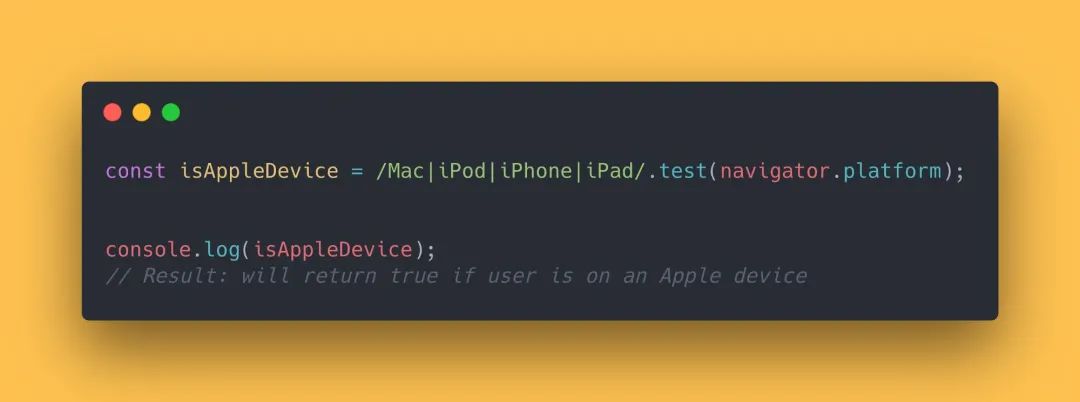
const isAppleDevice = /Mac|iPod|iPhone|iPad/.test(navigator.platform);
console.log(isAppleDevice);
// Result: will return true if user is on an Apple device
11. 滾動到頁面頂部
window.scrollTo() 方法會取一個 x 和 y 坐標(biāo)來進(jìn)行滾動。如果我們將這些坐標(biāo)設(shè)置為零,就可以滾動到頁面的頂部。
注意:IE 不支持 scrollTo() 方法。
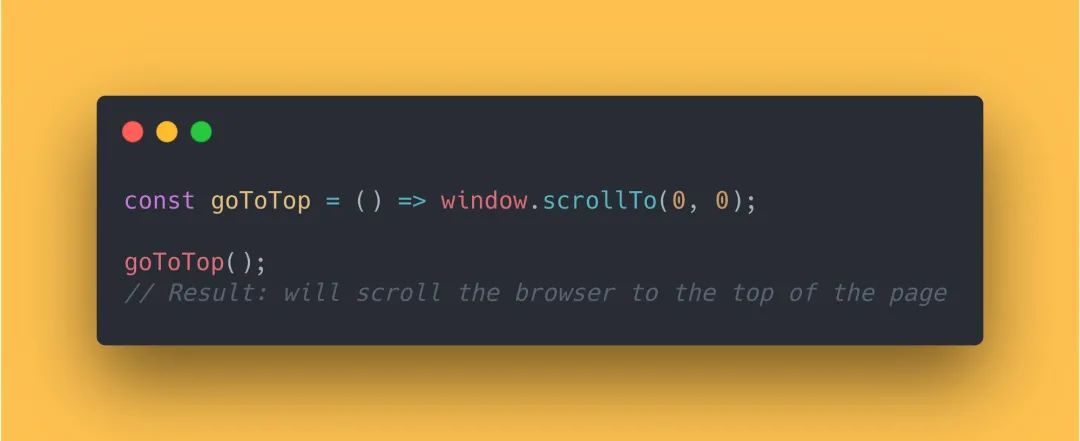
const goToTop = () => window.scrollTo(0, 0);
goToTop();
// Result: will scroll the browser to the top of the page
12. 獲取所有參數(shù)平均值
我們可以使用 reduce 方法來獲得函數(shù)參數(shù)的平均值。
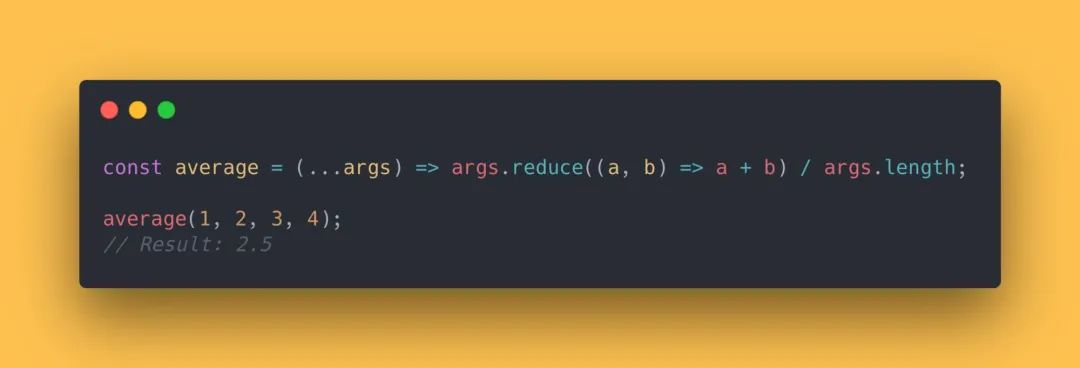
const average = (...args) => args.reduce((a, b) => a + b) / args.length;
average(1, 2, 3, 4);
// Result: 2.5
13. 轉(zhuǎn)換華氏度/攝氏度。(這個應(yīng)該很少在國內(nèi)用到吧)
處理溫度有時會讓人感到困惑。這 2 個功能將幫助你將華氏溫度轉(zhuǎn)換為攝氏溫度,反之亦然。
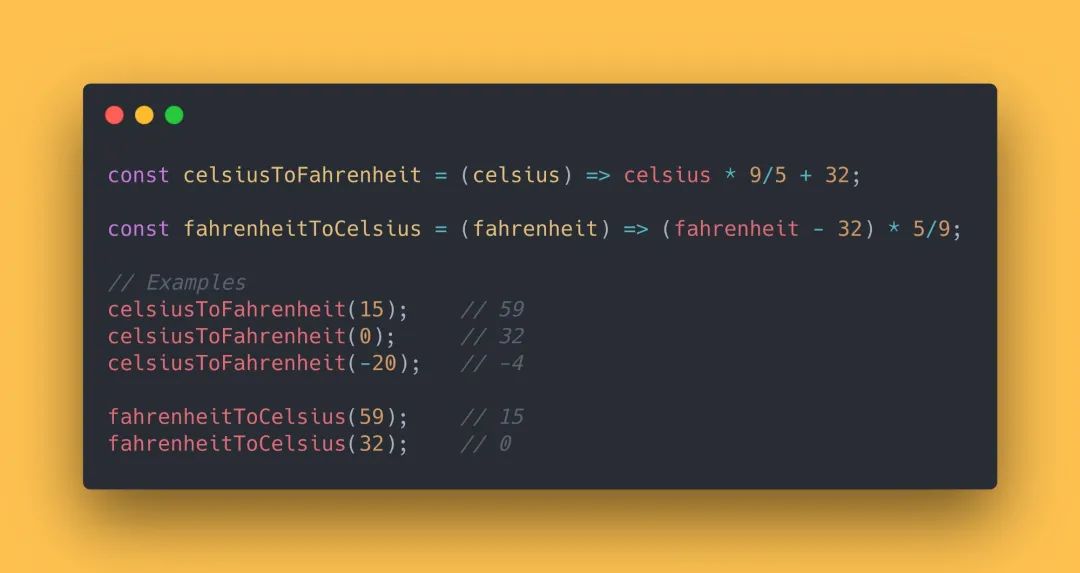
const celsiusToFahrenheit = (celsius) => celsius * 9/5 + 32;
const fahrenheitToCelsius = (fahrenheit) => (fahrenheit - 32) * 5/9;
// Examples
celsiusToFahrenheit(15);    // 59
celsiusToFahrenheit(0);     // 32
celsiusToFahrenheit(-20);   // -4
fahrenheitToCelsius(59);    // 15
fahrenheitToCelsius(32); // 0原文鏈接:https://medium.com/dailyjs/13-javascript-one-liners-thatll-make-you-look-like-a-pro-29a27b6f51cb