
開源Redis可視化客戶端工具,用過的人都說好看又好用!

自從Redis面世以來,作為一個(gè)開源的高性能的key-value型數(shù)據(jù)庫,很大程度的對(duì)關(guān)系型數(shù)據(jù)庫起到很好的補(bǔ)充作用。
Redis實(shí)現(xiàn)簡單,功能齊全,已經(jīng)成為了業(yè)界最常用的組件之一。為了更方便的使用,衍生出一系列的可視化工具,像是redis desktop manager、medis、fastoredis、redis clent等等等等,各花各草入各眼,每個(gè)人都有自己喜歡的風(fēng)格,但是往往這些工具可能在界面UI方面還是有待提高,有些甚至還要收費(fèi)。
今天小編就想和大家分享一款帥氣、好看同時(shí)功能強(qiáng)大的開源Redis客戶端工具,或許就能成為你喜歡的那朵花那棵草。
AnotherRedisDesktopManager
一款,更快、更好、更穩(wěn)定的redis桌面管理客戶端工具,與Linux、Windows和Mac三大平臺(tái)完美兼容。
小編先給大家演示下其頁面風(fēng)格,喜歡暗黑風(fēng)格的小伙伴一定喜歡不已,整體頁面簡潔而不失嚴(yán)謹(jǐn)。
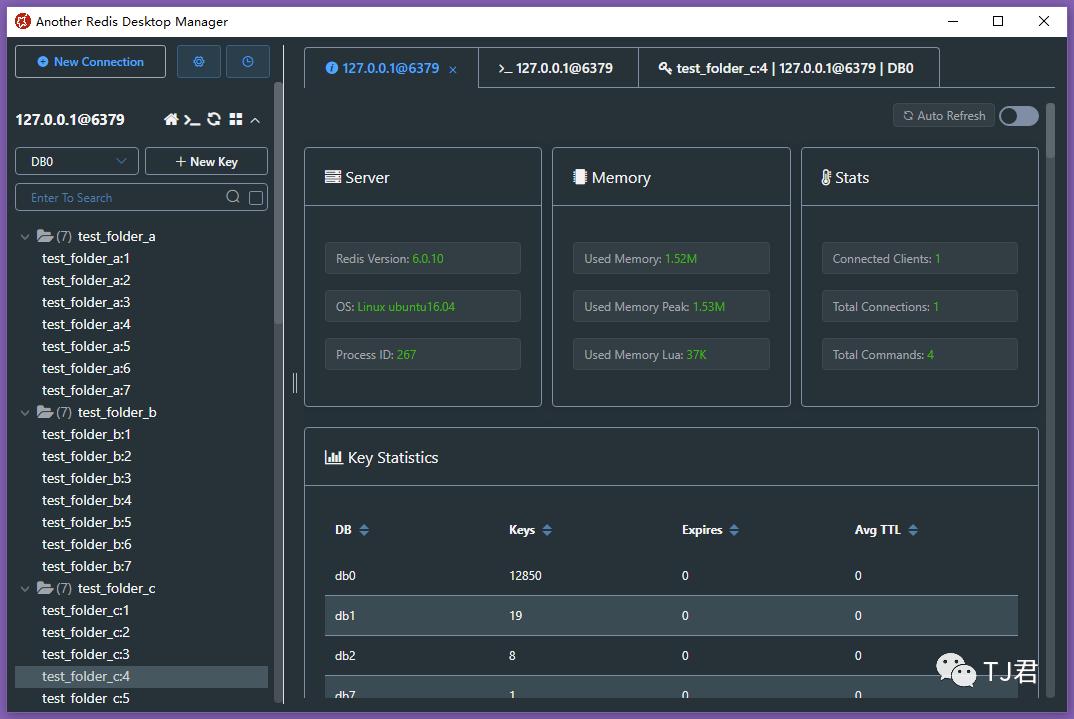
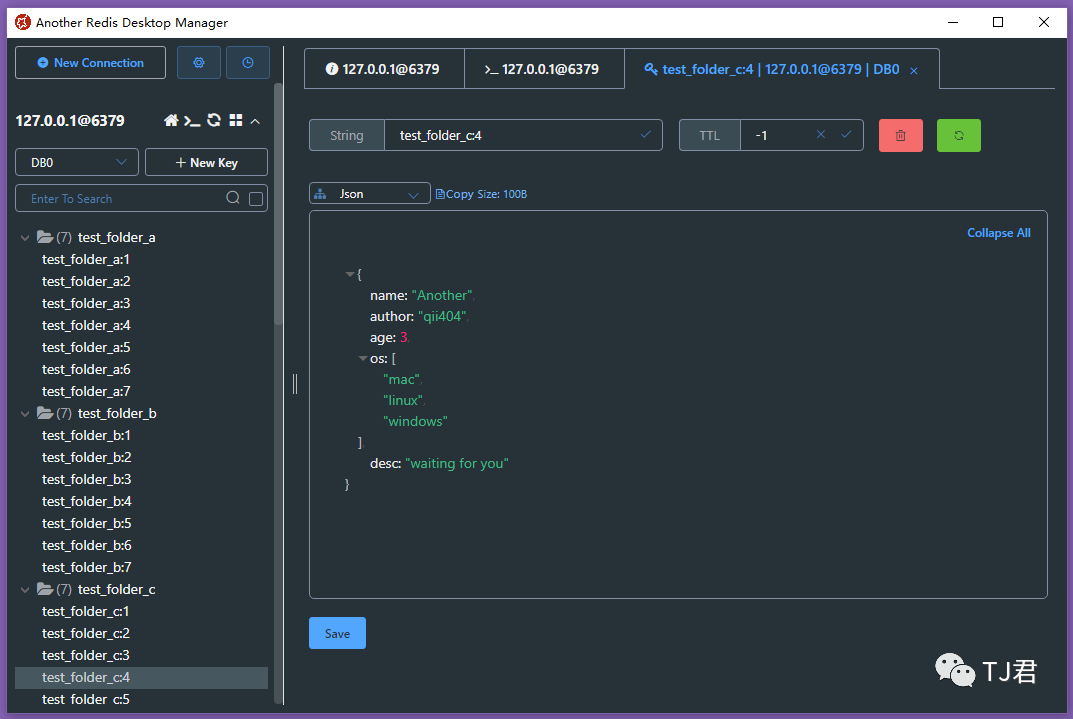
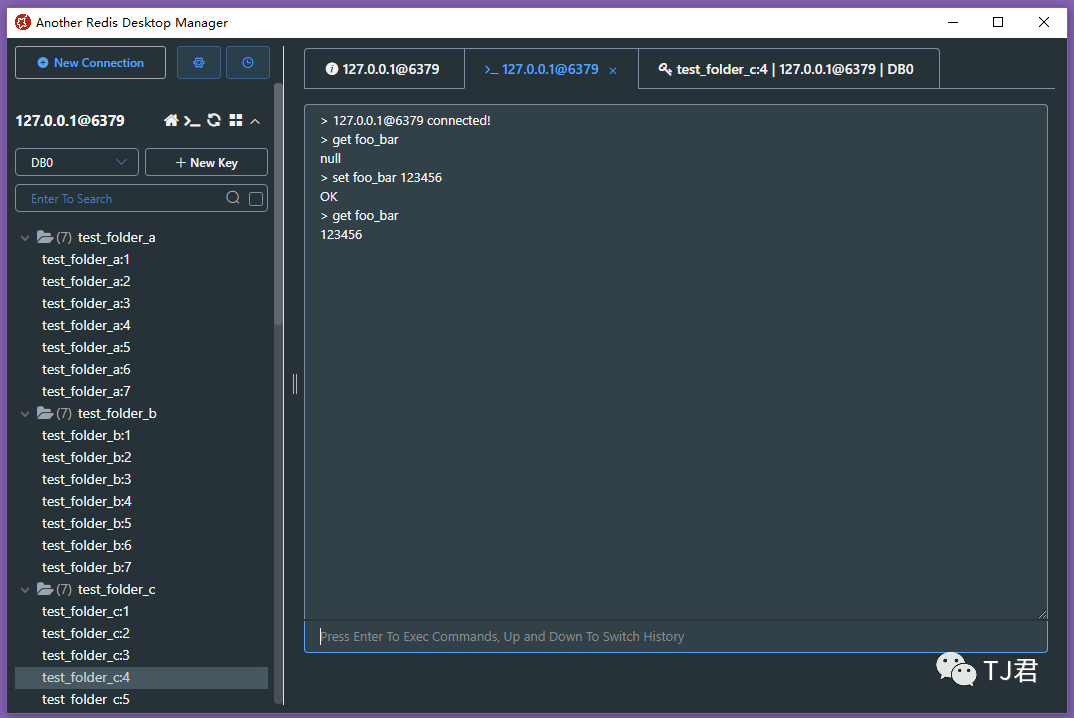
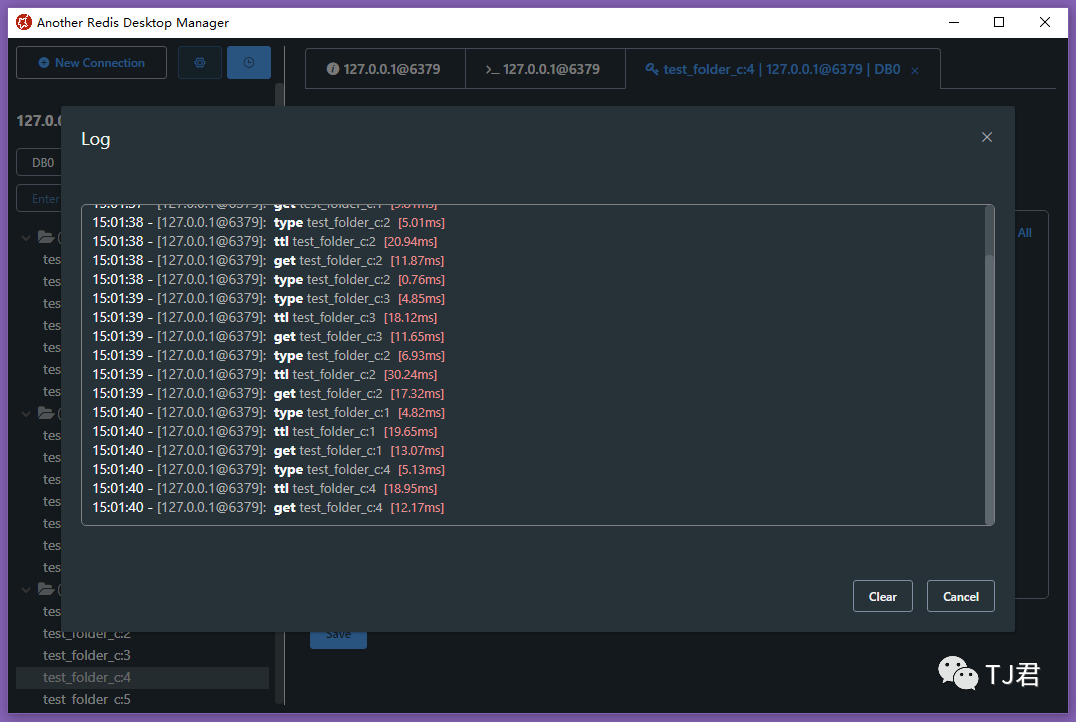
難能可貴的是,作者一直在更新完善工具的各種功能,基本不上1-2個(gè)月就會(huì)有一次更新,如果遇上作者勤快的時(shí)候一個(gè)月就更新多次。
我們看下光今年以來更新的新內(nèi)容有哪些:
2021-08-30: 支持執(zhí)行日志、添加熱鍵 2021-08-16: 支持自定義格式化程序視圖 2021-06-30: 支持Sentinel 2021-06-24: 支持ACL 2021-05-03: 支持流和Cli命令提示 2021-02-28: 支持連接顏色標(biāo)記和搜索歷史記錄 2021-02-03: 支持批量選中及批量刪除、Msgpack查看器
那各個(gè)平臺(tái)如何使用這個(gè)工具呢?
很簡單,如果是Linux 或者 Mac平臺(tái),只需要clone倉庫地址到本地,然后:
# install dependencies
npm install

# if download electron failed during installing, use this command
# ELECTRON_MIRROR="https://npm.taobao.org/mirrors/electron/" npm install

# serve with hot reload at localhost:9988
npm start


# after the previous step is completed to 100%, open another tab, build up a desktop client
npm run electron
不過linux用戶要注意,會(huì)有一些常見問題,解決方法如下:
# if error like this
../src/FontManagerLinux.cc:1:35: fatal error: fontconfig/fontconfig.h: No such file or directory

# then try this
sudo apt install libfontconfig1-dev
對(duì)于windows用戶,也是先clone倉庫地址到本地,然后:
# install build tools for the first time, just execute once
npm install -g windows-build-tools

# install dependencies, 32-bit or 64-bit all use win32
npm install --platform=win32

# if download electron failed during installing, use this command
# npm config set ELECTRON_MIRROR http://npm.taobao.org/mirrors/electron/
# npm install --platform=win32

# serve with hot reload at localhost:9988
npm start


# after the previous step is completed to 100%, open another tab, build up a desktop client
npm run electron
最后Build Package就可以使用了
# prepare before package
npm run pack:prepare

# build package on respective platforms
# on windows build 64bit package
npm run pack:win
# on windows build 32bit package
npm run pack:win32

# on mac
npm run pack:mac

# on linux
npm run pack:linux
如果一直沒有特別稱手的Redis工具,不妨來試試這款A(yù)notherRedisDesktopManager,或許能讓你滿意,或許能讓你加快效率,或許...沒那么多或許啦,先試試看吧:
點(diǎn)擊下方卡片,關(guān)注公眾號(hào)“TJ君”
回復(fù)“Redis”,獲取工具地址