
換掉VMware?輕量級虛擬機,橫空出世!
大家好,我是小編。
Multipass
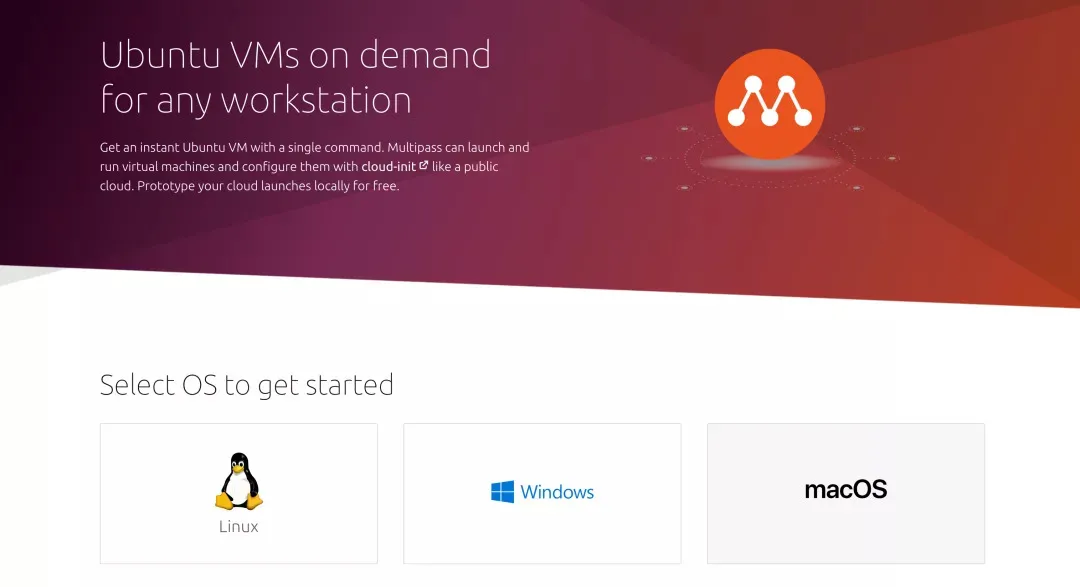
開始使用
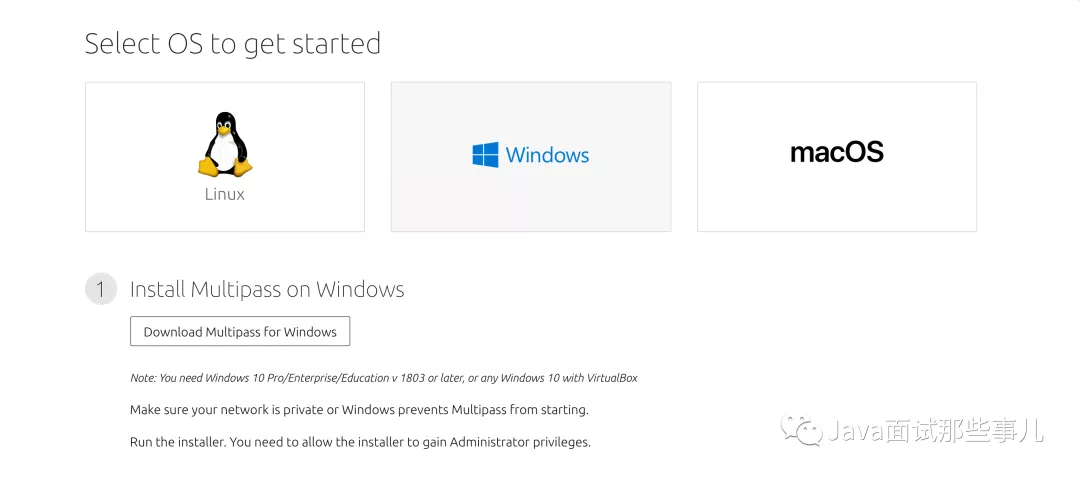
$ multipass version
創(chuàng)建Ubuntu虛擬機
$ multipass find
Image                       Aliases           Version          Description
snapcraft:core18                              20201111         Snapcraft builder for Core 18
snapcraft:core20                              20201111         Snapcraft builder for Core 20
core                        core16            20200818         Ubuntu Core 16
core18                                        20200812         Ubuntu Core 18
16.04                       xenial            20210128         Ubuntu 16.04 LTS
18.04                       bionic            20210129         Ubuntu 18.04 LTS
20.04                       focal,lts         20210223         Ubuntu 20.04 LTS
20.10                       groovy            20210209         Ubuntu 20.10
appliance:adguard-home                        20200812         Ubuntu AdGuard Home Appliance
appliance:mosquitto                           20200812         Ubuntu Mosquitto Appliance
appliance:nextcloud                           20200812         Ubuntu Nextcloud Appliance
appliance:openhab                             20200812         Ubuntu openHAB Home Appliance
appliance:plexmediaserver                     20200812         Ubuntu Plex Media Server Appliance
$ multipass launch --name dg
Launched: dg
$ multipass exec dg -- lsb_release -d
Description:    Ubuntu 18.04.4 LTS
操作虛擬機
Name                 State             IPv4             Image
dg                   Running           192.168.24.5     Ubuntu 18.04 LTS
$ multipass info --all

Name:           dg
State:          Running
IPv4:           192.168.24.5
Release:        Ubuntu 18.04.4 LTS
Image hash:     fe3030933742 (Ubuntu 18.04 LTS)
Load:           0.00 0.00 0.00
Disk usage:     1.5G out of 4.7G
Memory usage:   112.1M out of 985.7M
$ multipass shell dg
# 暫停
$ multipass stop dg
# 啟動
$ multipass start dg
# 刪除
$ multipass delete dg
# 釋放
$ multipass purge dg
$ multipass launch --name ubuntu --cloud-init config.yaml
#cloud-config

runcmd:
 - curl -sL https://deb.nodesource.com/setup_12.x | sudo -E bash -
 - sudo apt-get install -y nodejs
 - wget https://releases.leanapp.cn/leancloud/lean-cli/releases/download/v0.21.0/lean-cli-x64.deb
 - sudo dpkg -i lean-cli-x64.deb
總結(jié)
相關(guān)鏈接
怎么接私活?這個渠道你100%有用!請收藏!
喜歡文章,點個在看


評論
圖片
表情