
端午了,我用 Python 畫(huà)了一盤(pán)粽子!
↑?關(guān)注 + 星標(biāo)?,每天學(xué)Python新技能
后臺(tái)回復(fù)【大禮包】送你Python自學(xué)大禮包
今天是端午節(jié)了,用 Python 畫(huà)一盤(pán)粽子送給大家,用到的 Python 庫(kù)還是大家比較熟悉的 turtle,在這里祝大家端午安康。
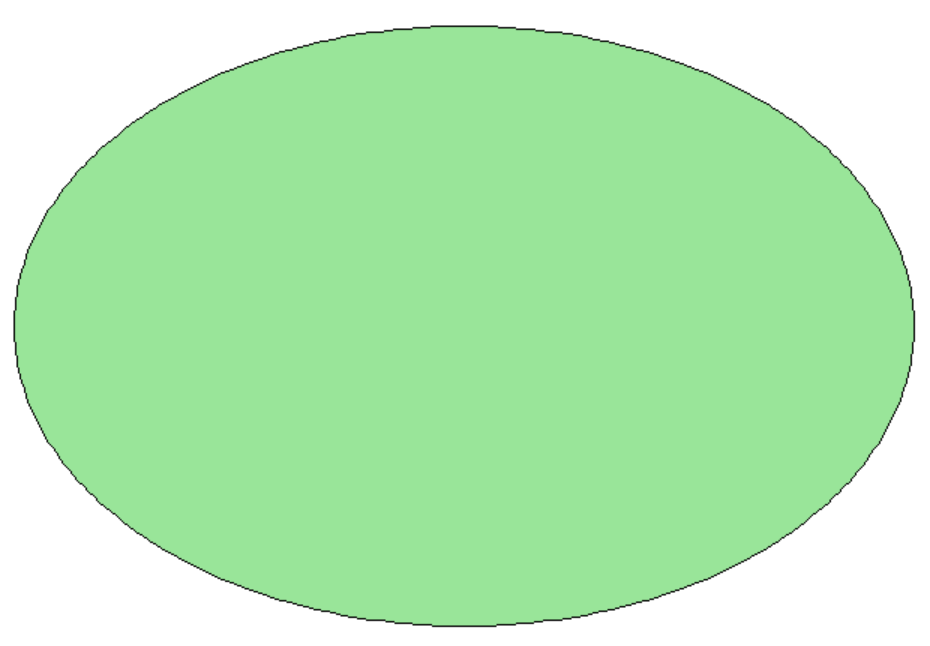
首先,我們來(lái)畫(huà)一個(gè)盤(pán)子,代碼實(shí)現(xiàn)如下:
minAngle?=?(2?*?math.pi?/?360)?*?angle?/?steps
rotateAngle?=?rotateAngle?/?360?*?2?*?math.pi
penup()?#?起筆
setpos(b?*?math.sin(rotateAngle),?-b?*?math.cos(rotateAngle))
pendown()?#?落筆
for?i?in?range(steps):
?nextPoint?=?[a?*?math.sin((i?+?1)?*?minAngle),?-b?*?math.cos((i?+?1)?*?minAngle)]
?nextPoint?=?[nextPoint[0]?*?math.cos(rotateAngle)?-?nextPoint[1]?*?math.sin(rotateAngle),
?????nextPoint[0]?*?math.sin(rotateAngle)?+?nextPoint[1]?*?math.cos(rotateAngle)]
?setpos(nextPoint)
看一下效果:
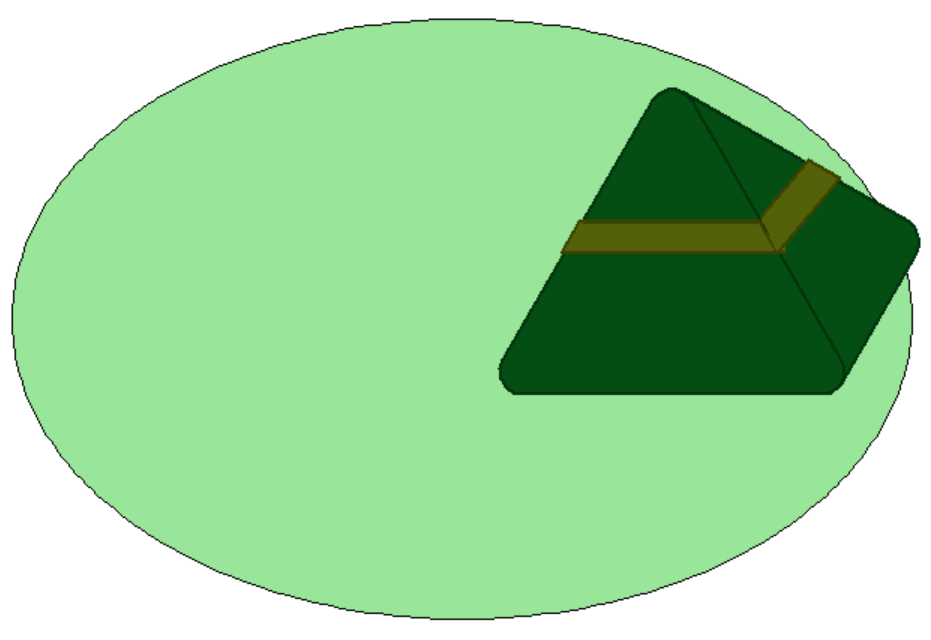
接著,我們?cè)賮?lái)畫(huà)粽子,代碼實(shí)現(xiàn)如下:
pensize(2)?#?畫(huà)筆寬度
pencolor(2,?51,?12)?#?畫(huà)筆顏色
fillcolor(4,?77,?19)?#?填充色
begin_fill()
fd(200)?#?向前
circle(15,?120)?#畫(huà)圓弧
fd(200)
circle(15,?120)
fd(200)
circle(15,?120)
fd(200)
circle(15,?60)
fd(100)
circle(15,?90)
fd(173)
circle(1,?90)
end_fill()
penup()
fd(100)
right(60)
back(105)
a?=?pos()
pendown()
color(60,?67,?0)
fillcolor(85,?97,?9)
begin_fill()
fd(120)
goto(a)
penup()
back(15)
left(90)
fd(20)
right(90)
pendown()
fd(150)
right(120)
fd(24)
right(60)
fd(120)
right(60)
fd(24)
end_fill()
begin_fill()
left(110)
fd(65)
left(100)
fd(24)
left(80)
fd(50)
end_fill()
看一下效果:
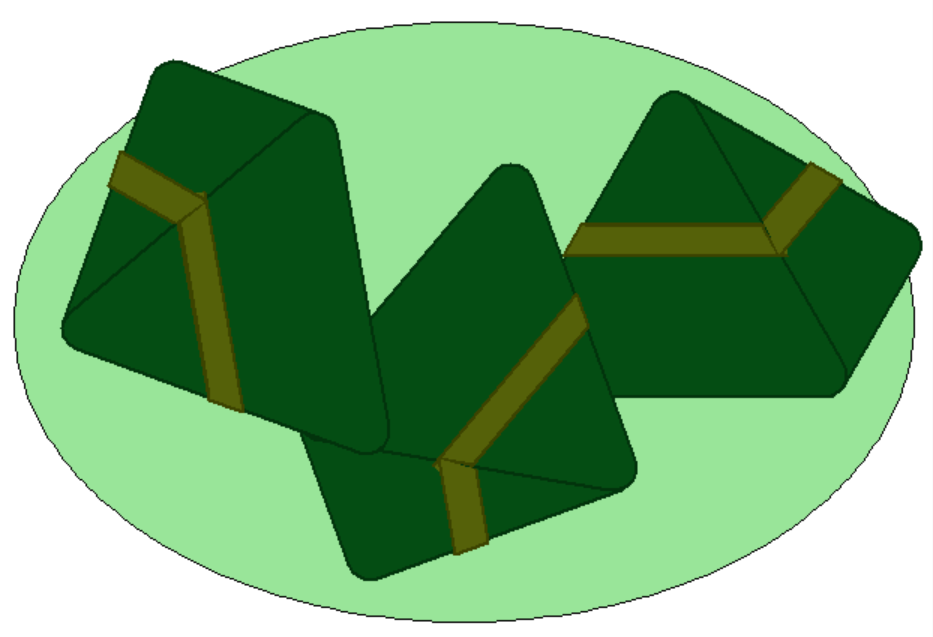
一個(gè)盤(pán)子放一個(gè)粽子感覺(jué)太少了,這樣我們?cè)偌觾蓚€(gè),看一下效果:
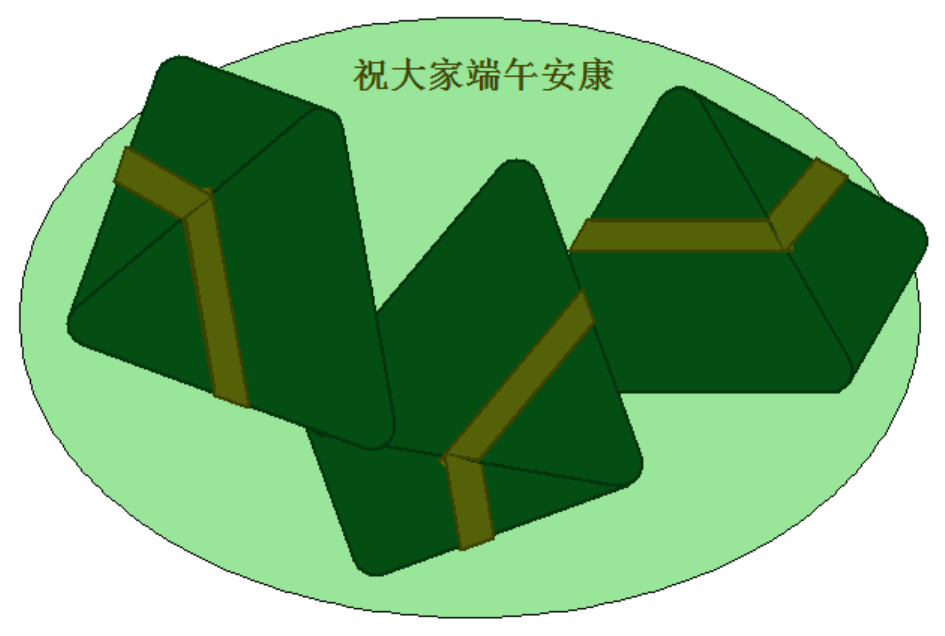
最后,我們?cè)偬砑右幌挛淖郑a實(shí)現(xiàn)如下:
write("祝大家端午安康",?move=False,?align="center",?font=("Comic?Sans",?18,?"bold"))
看一下最終效果:
下方公眾號(hào)(非本號(hào))后臺(tái)回復(fù):「端午粽子」,即可獲取本文完整代碼。


評(píng)論
圖片
表情