
探索M1: 安裝iOS版本微信/微信讀書

文章內(nèi)容部分精簡自 https://mp.weixin.qq.com/s/TFIcfJjlYU3_nqRC-pPqIA 并補(bǔ)充了開發(fā)者角度的思考
玩耍
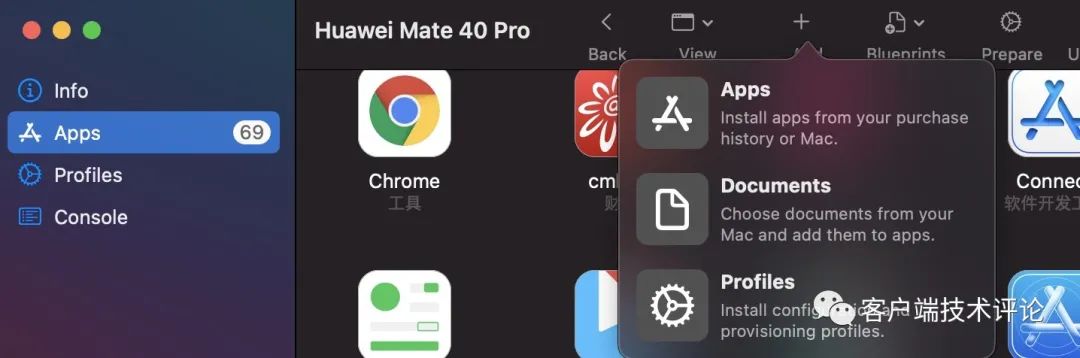
Apple Configurator 2 點(diǎn)擊添加,搜索微信,直到下圖“先不要點(diǎn)擊”。
如果覺得步驟麻煩,可以改用iMazing軟件,能更方便的導(dǎo)出ipa文件。

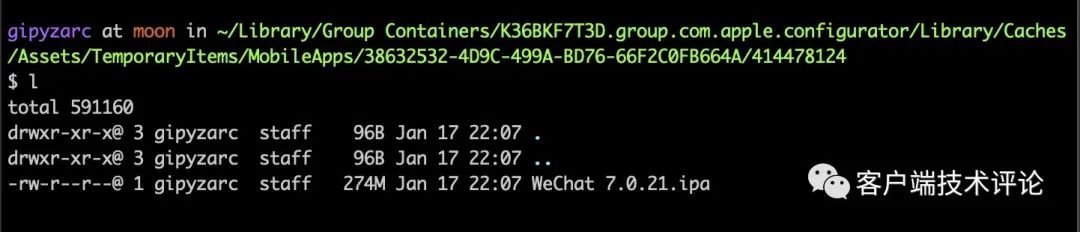
執(zhí)行下面的命令復(fù)制出ipa文件。
cp ~/Library/Group\ Containers/K36BKF7T3D.group.com.apple.configurator/Library/Caches/Assets/TemporaryItems/**/*.ipa ~/Downloads
就是從下載的臨時(shí)文件夾內(nèi)復(fù)制出來
直接打開ipa
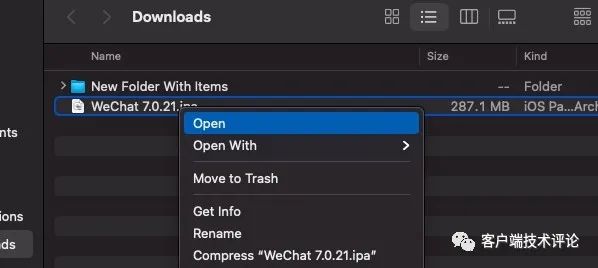
由于電腦上已經(jīng)安裝Mac版本微信,剛才的ipa自動(dòng)重命名為WeChat 2.app了。

此時(shí)還不能打開,執(zhí)行以下命令:
sudo xattr -rd com.apple.quarantine /Applications/WeChat\ 2.app

打開
雙擊WeChat 2.app即可打開。
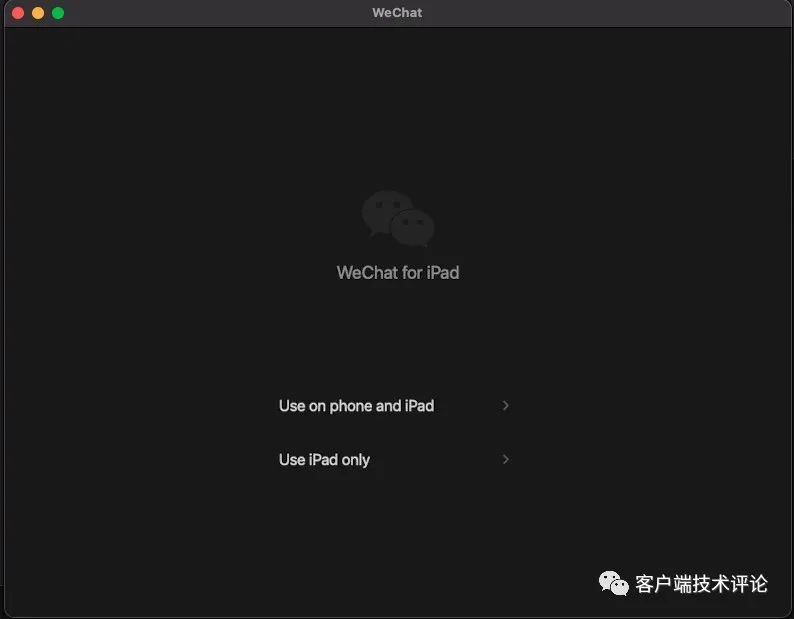
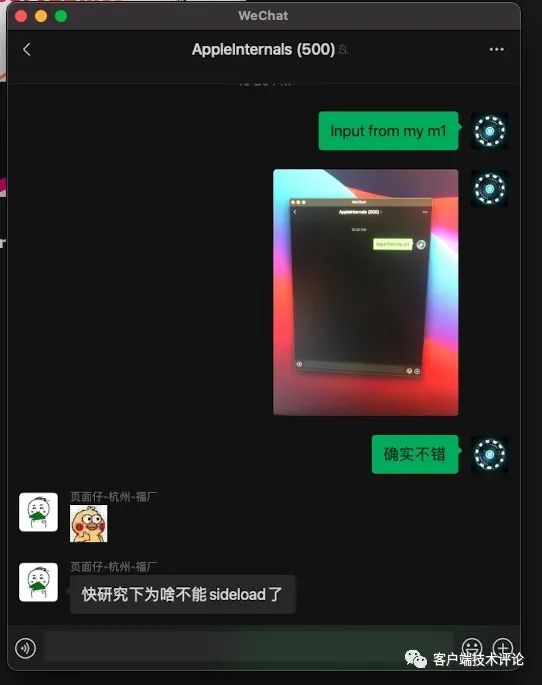
輸入框竟然還可以直接粘貼macOS的屏幕截圖。
微信讀書
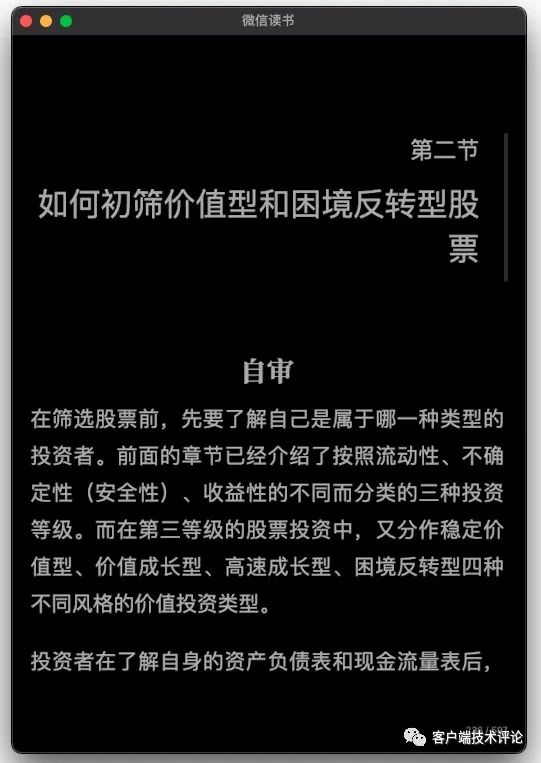
右鍵菜單還支持。可見蘋果考慮的夠細(xì)致。

原理
首先CPU架構(gòu)的一致,是一切的前提。其次是蘋果官方的支持。
com.apple.quarantine 是什么?
File Quarantine is a new feature in Leopard designed to protect users from trojan horse attacks. It allows applications which download file content from the Internet to place files in “quarantine” to indicate that the file could be from an untrustworthy source. An application quarantines a file simply by assigning values to one or more quarantine properties which preserve information about when and where the file come from.
When the Launch Services API is used to open a quarantined file and the file appears to be an application, script, or other executable file type, Launch Services will display an alert to confirm the user understands the file is some kind of application.
參考:
https://developer.apple.com/library/archive/releasenotes/Carbon/RN-LaunchServices/index.html
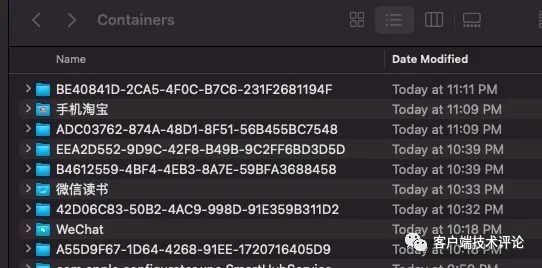
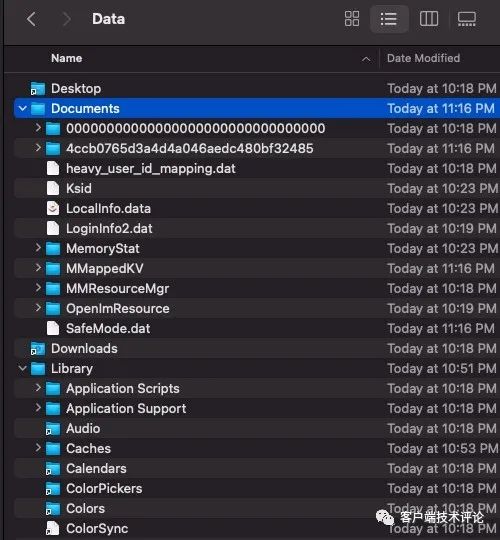
沙盒在哪里?
~/Library/Container
蘋果就這點(diǎn)考慮的不夠健全。本來iOS不越獄情況下是看不了沙盒的。這macOS倒是主動(dòng)打開了大門。
判斷運(yùn)行在Mac上?

https://stackoverflow.com/questions/65042788/how-to-detect-if-an-ios-app-is-running-on-an-m1-mac https://developer.apple.com/documentation/apple_silicon/running_your_ios_apps_on_macos
只能簡單判斷下,后續(xù)各種AntiXXX自然就會(huì)有了。
總結(jié)
看來M1的Mac,還有挺多玩法。
由于沒找到相關(guān)專門的交流群,最后創(chuàng)建了一個(gè)M1交流群,歡迎加群:https://t.me/applem1talk (可點(diǎn)擊查看原文跳轉(zhuǎn),需要fq)