
GCanvas移動端跨平臺渲染引擎
GCanvas 是由淘寶開發(fā)的針對移動設備的跨平臺渲染引擎。 它使用 C ++ 編寫,基于 OpenGL ES,可為 Javascript 運行時提供高性能的 2D / WebGL 渲染。它也具有類似瀏覽器的畫布 API ,因此使用起來非常方便和靈活,尤其適用于 Web 開發(fā)人員。
GCanvas 支持 Android 4.0+(API 14)和 iOS 8.0+ 。支持 Weex 和 ReactNative 等混合框架。 它還可以利用大多數(shù)設備上的硬件加速,使得開發(fā)者可以使用 Javascript 以非常高的幀率繪制場景。
Demo
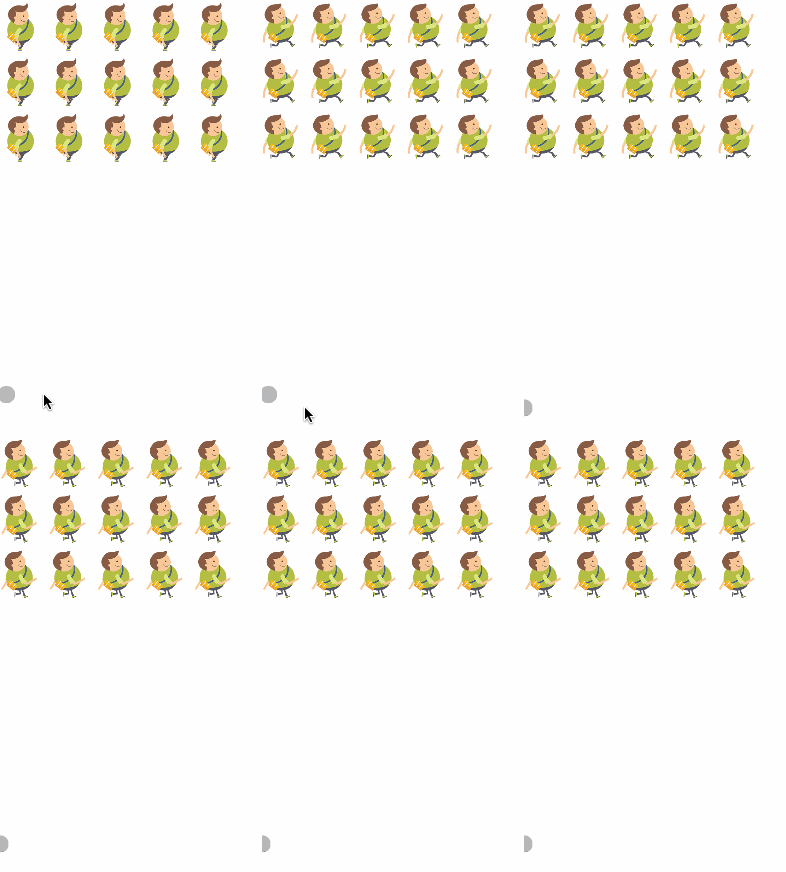
<template>
  <div>
    <gcanvas v-if="isWeex" ref="canvas_holder" v-bind:style="{width:width,height:height,backgroundColor:'rgba(255,255,255,1)'}"></gcanvas>
    <canvas v-if="!isWeex" ref="canvas_holder" v-bind:style="{width:width+'px',height:height+'px',backgroundColor:'rgba(255,255,255,1)'}"></canvas>
  </div>
</template>

<script>
const isWeex = typeof callNative === "function";

const dom = weex.requireModule("dom");
import { enable, WeexBridge, Image as GImage } from "gcanvas.js";
let EnvImage = isWeex ? GImage : Image;

function run(canvas, { requestAnimationFrame }) {
    var img = new EnvImage();
    let cxt = canvas.getContext('2d');
    img.onload = function(){
      cxt.drawImage(img, 0, 0, img.width, img.height);
    }
    img.src = 'https://c1.staticflickr.com/3/2388/5800134409_83345951ed_b.jpg';
}

export default {
  data() {
    return {
      isWeex,
      width: 750,
      height: 980
    };
  },

  mounted: function() {

    const start = () => {

      var ref = this.$refs.canvas_holder;

      var size = isWeex
        ? {
            width: parseInt(this.width),
            height: parseInt(this.height)
          }
        : {
            width: parseInt(ref.clientWidth),
            height: parseInt(ref.clientHeight)
          };

      if (isWeex) {
        ref = enable(ref, { debug: true, bridge: WeexBridge });
      }

      ref.width = size.width;
      ref.height = size.height;

      run(ref, {
        requestAnimationFrame: isWeex ? setTimeout : requestAnimationFrame
      });
    };

    setTimeout(function(){
      dom.getComponentRect("viewport", e => {
      this.height = e.size.height;

      this.isReady = true;

      setTimeout(start, 1000);
    })
    }, 50);
  }
};
</script>評論
圖片
表情