
atom-project-managerProject manager for the Atom editor
Project Manager




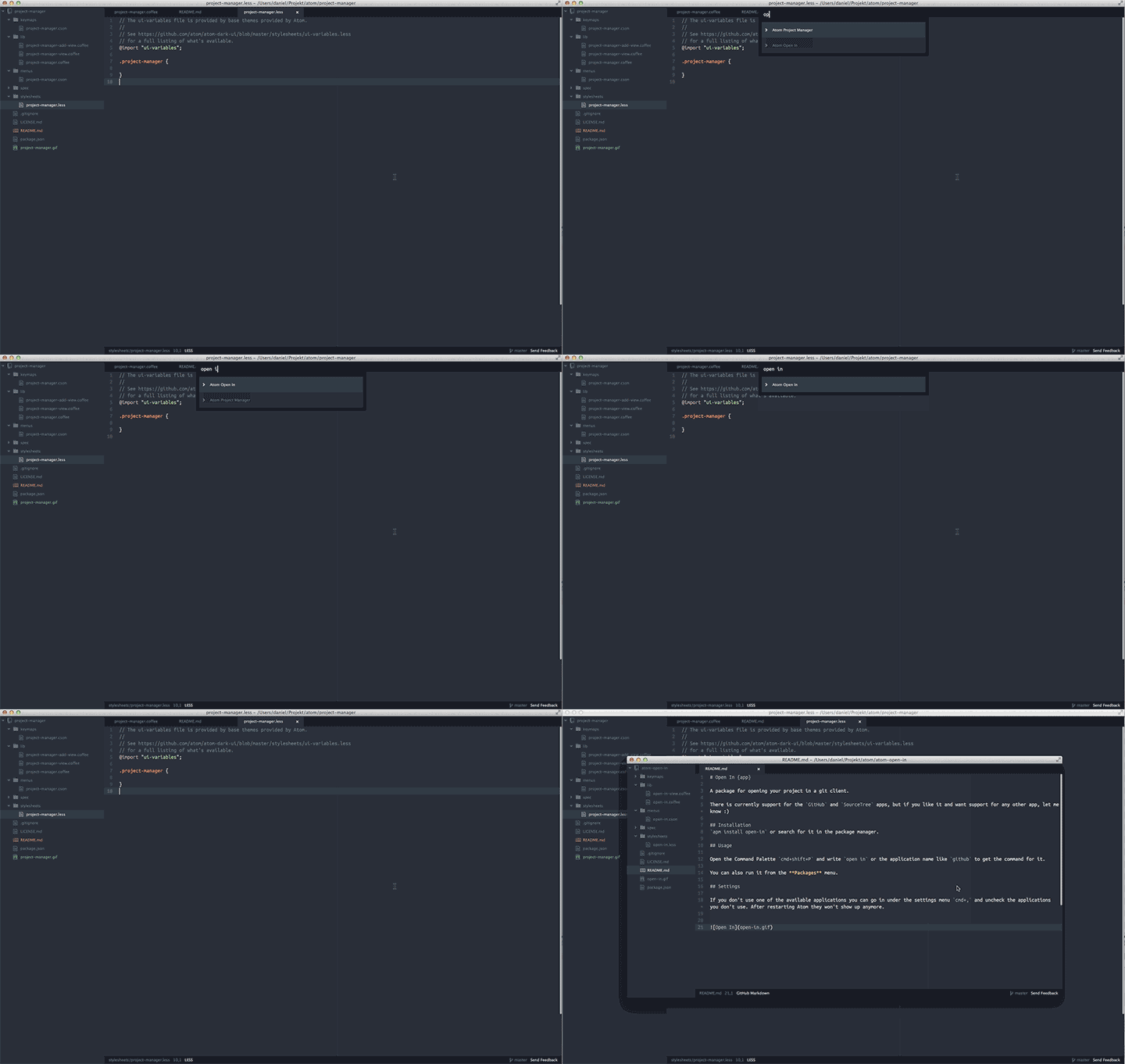
Get easy access to all your projects and manage them with project specific settings and options.
Install
$ apm install project-manager
You can also open Atom and go to Preferences > Install and search for project-manager
Use
List Projects
ctrl-cmd-p (mac) / alt-shift-P (win & linux) or Project Manager: List Projects in the Command Palette.
Projects can be filtered by title, group and template by typing group: atom which would give all projects with the atom group.
Save Project
Project Manager: Save Project in the Command Palette and write the title you want to save the project as.
Edit Project
Project Manager: Edit Project will open a page where you can edit the current project. It currently only supports certain fields.
Edit Projects
All projects are saved in a .cson file which you can easily reach by searching for Project Manager: Edit Projects in the Command Palette.
Project Settings
| setting | Type | Description | Default |
|---|---|---|---|
title |
string |
Projects title. Used in the projects list | '' |
paths |
array |
The folders that will open in the tree view. First path is the main one that counts as the project. | [] |
settings |
Object |
Enables you to set project specific settings. Everything that goes in the config.cson file can go here. It also supports scoped settings. |
{} |
icon |
string |
Icon that shows in the projects list. It's class-based so can either be a class already provided by Atom like icon-squirrel or a class of your own. You can find a list of all icons on octicons.github.com. |
'icon-chevron-right' |
devMode |
boolean |
true if project should open in dev mode. Look here for more info. |
false |
group |
string |
Adds a group to the projects list that can be used to group and filter projects | null |
template |
string |
If you add a project in the projects.cson file without paths it will count as a template. This way you can easily share settings between projects |
null |
Local settings file
All these settings can be added to a project.cson file in the root folder of the project. It follows the below example, but without the array.
Example
[
  {
    title: 'Project Manager'
    group: 'Atom'
    paths: [
      '/path/to/project-manager'
    ]
    devMode: true
    settings:
      'editor.tabLength': 4
      'editor.showInvisibles': true
  }
]
Provider
If you want to use the projects available through the Project Manager you can use the provided methods.
function consumeProjectManager({ getProjects, getProject, saveProject, openProject } => {
  /**
   * Get an array containing all projects.
   * The callback will be run each time a project is added.
   * Returns a Disposable.
   */
  disposables.add( getProjects(projects => {
    // Do something with the projects.
  }));

  /**
   * Get the currently active project.
   * The callback will be run whenever the active project changes.
   * Returns a Disposable.
   */
  disposables.add( getProject(project => {
    if (project) {
      // We have an active project.
    } else {
      // Project is either not loaded yet, or there is no project saved.
    }
  }));

  /**
   * Can take either a project recieved from getProjects/getProject or
   * just an object with the props for a new project.
   */
  saveProject(project);

  /**
   * Will open the project.
   * `openInSameWindow` should be true if the project should open up in the
   * current window.
   */
  openProject(project, openInSameWindow);
});
Contribute
If you would like to contribute to the project manager, be it new features or bugs, please do the following:
- Fork the repository
- Create a new topic branch off the master branch that describe what it does
- Commit and push the branch
- Make a pull request describing what you have done
- Now it will hopefully get merged :)
All PR's should:
- Pass the eslint linter
- Add a test when it makes sense, which should be most of the time