
一文總結Python數(shù)字圖像處理基礎知識與前沿應用
點擊下面卡片關注,”AI算法與圖像處理”
最新CV成果,火速送達
了解圖像實際上是什么
圖像處理幫助
-
改進我們存儲的數(shù)字信息。 -
使圖像處理自動化。 -
更好的圖像優(yōu)化,實現(xiàn)高效的存儲和傳輸。
圖像處理用途
1. 圖像校正、銳化和分辨率校正
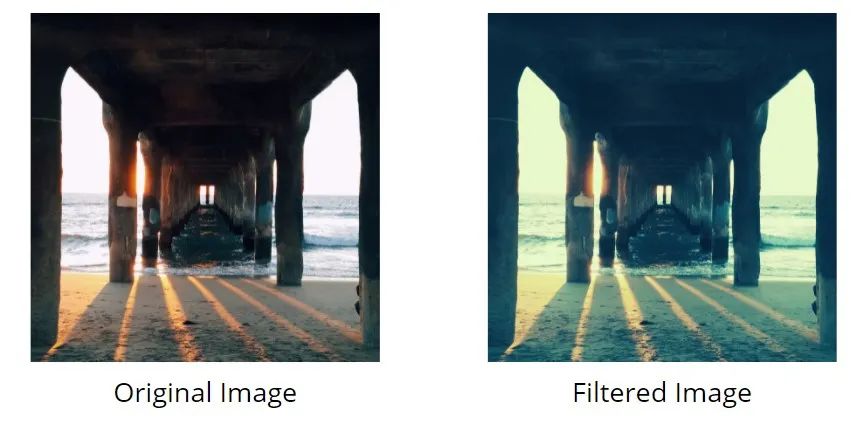
2. 編輯應用程序和社交媒體的過濾器
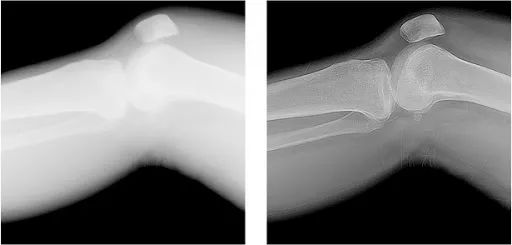
3. 醫(yī)療技術
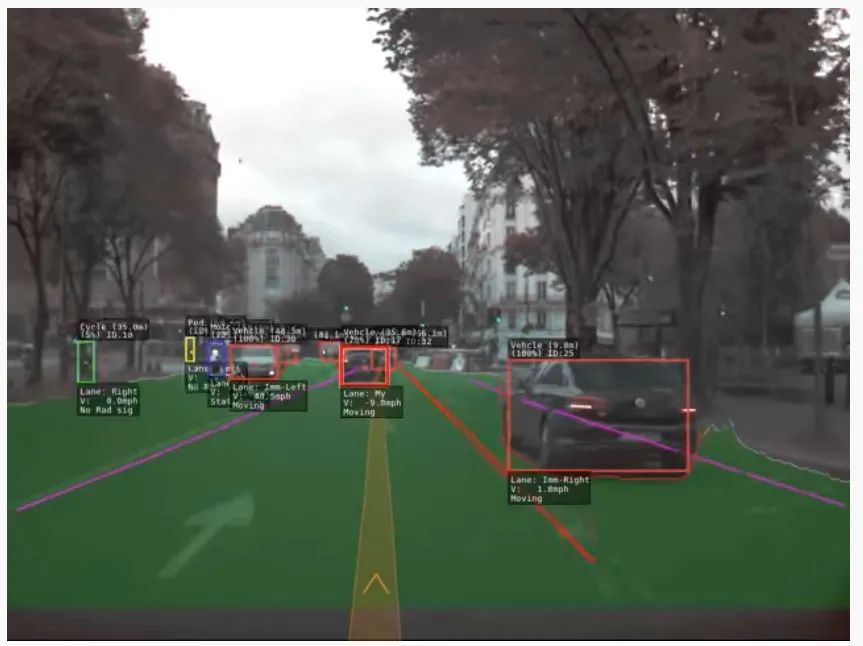
4. 計算機/機器視覺
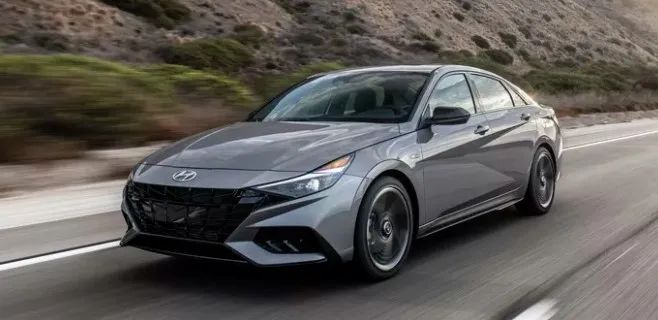
5. 模式識別
6. 視頻處理
Python 圖像處理入門
安裝
pip install pillow
    import matplotlib.image as img
import matplotlib.pyplot as plt
import numpy as np
%matplotlib inline
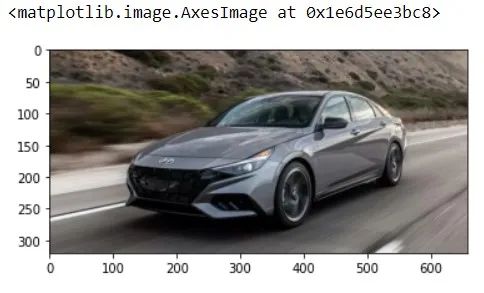
    # reading jpg image
img = img.imread('image1.jpg')
plt.imshow(img)
    # modifying the shape of the image
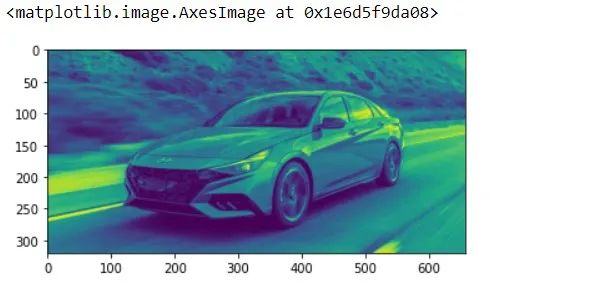
lum1 = img[:, :, 0]
plt.imshow(lum1)
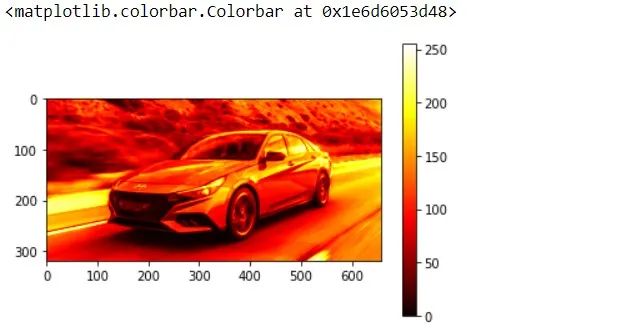
    plt.imshow(lum1, cmap ='hot')
plt.colorbar()
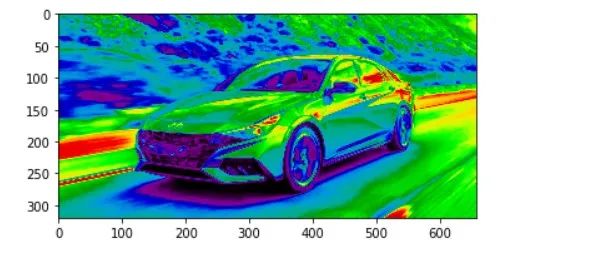
    imgplot = plt.imshow(lum1)
imgplot.set_cmap('nipy_spectral')
    #data type of lum1

print(type(lum1))
print(lum1)
len(lum1)
len(lum1[300])
from PIL import Image

    img2 = Image.open('people.jpg')
plt.imshow(img2)
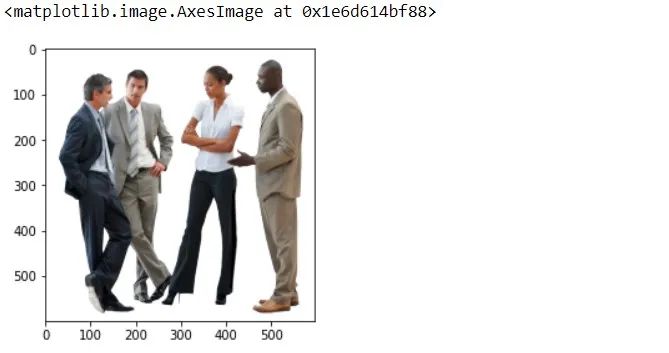
    img2.thumbnail((50, 50), Image.ANTIALIAS)  # resizes image in-place
imgplot = plt.imshow(img2)
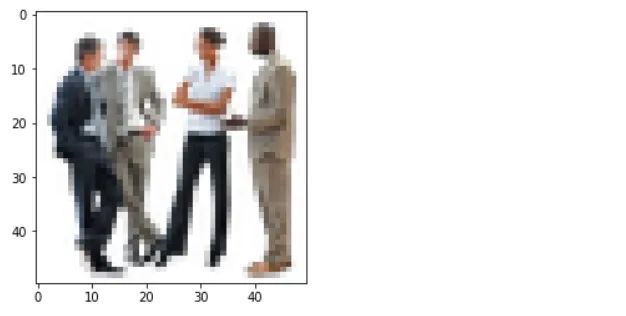
imgplot1 = plt.imshow(img2, interpolation="nearest")
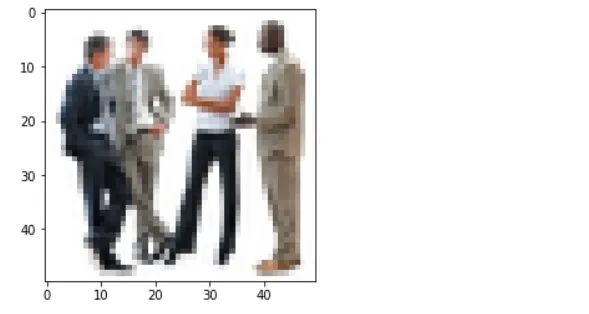
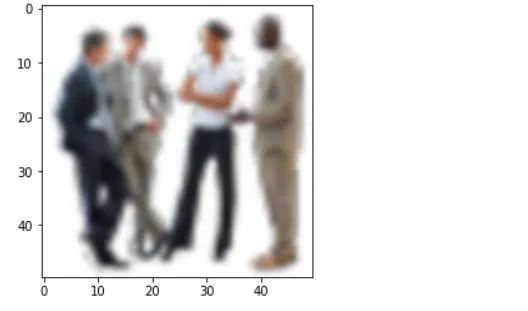
imgplot2 = plt.imshow(img2, interpolation="bicubic")
    #some more interesting stuff
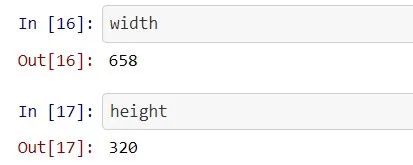
file='image1.jpg'
with Image.open(file) as image:
    width, height = image.size
#Image width, height is be obtained
    #Relative Path
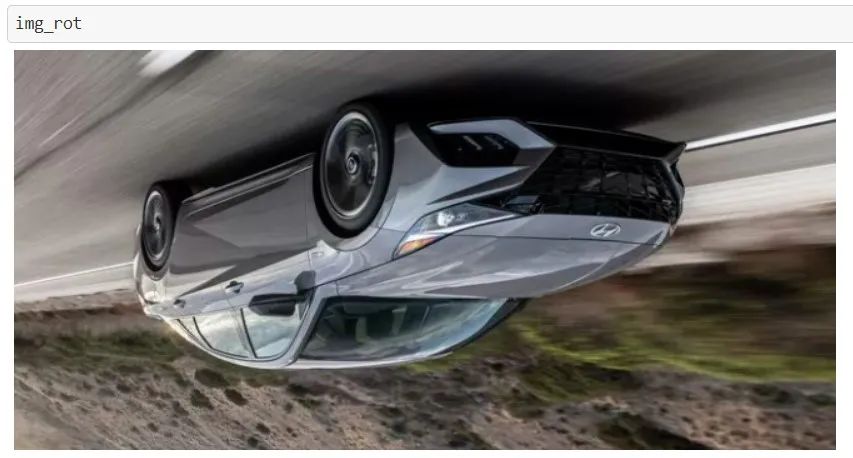
img3 = Image.open("image1.jpg")
#Angle given
img_rot= img3.rotate(180)
#Saved in the same relative location
img_rot.save("rotated_picture.jpg")
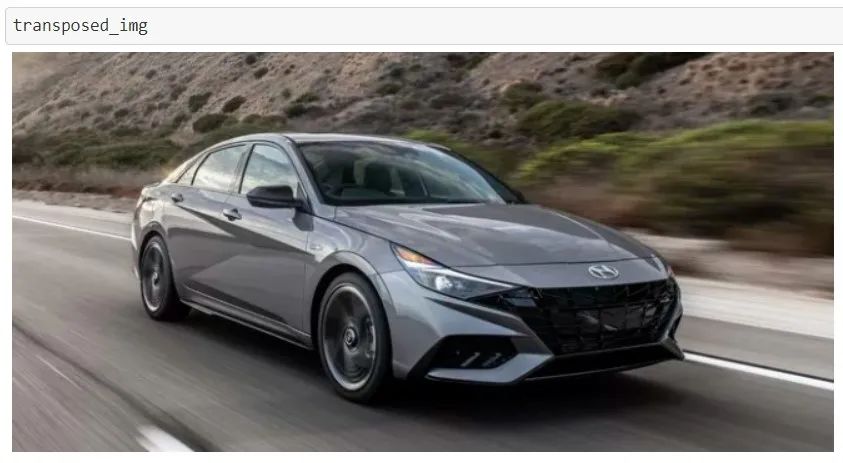
    #transposing image
transposed_img = img3.transpose(Image.FLIP_LEFT_RIGHT)
#Saved in the same relative location
transposed_img.save("transposed_img.jpg")
尾注
       個人微信(如果沒有備注不拉群!)


       請注明:地區(qū)+學校/企業(yè)+研究方向+昵稱


下載1:何愷明頂會分享
在「AI算法與圖像處理」公眾號后臺回復:何愷明,即可下載。總共有6份PDF,涉及 ResNet、Mask RCNN等經(jīng)典工作的總結分析
下載2:終身受益的編程指南:Google編程風格指南
在「AI算法與圖像處理」公眾號后臺回復:c++,即可下載。歷經(jīng)十年考驗,最權威的編程規(guī)范!


     下載3 CVPR2021


     在「AI算法與圖像處理」公眾號后臺回復:CVPR,即可下載1467篇CVPR 2020論文 和 CVPR 2021 最新論文


          點亮 ,告訴大家你也在看

評論
圖片
表情