
解決tableView長截圖顯示不全問題
轉(zhuǎn)自:掘金 早睡早起up
https://juejin.cn/post/6943896363126145031
前言
記錄一下這個(gè)問題解決的思路,原本以為這是一個(gè)比較簡單的實(shí)現(xiàn)過程,但是我還是太年輕了,哭死!!!總結(jié)一下:遇到困難要多百度自查,要獨(dú)立思考。
問題
問題描述:
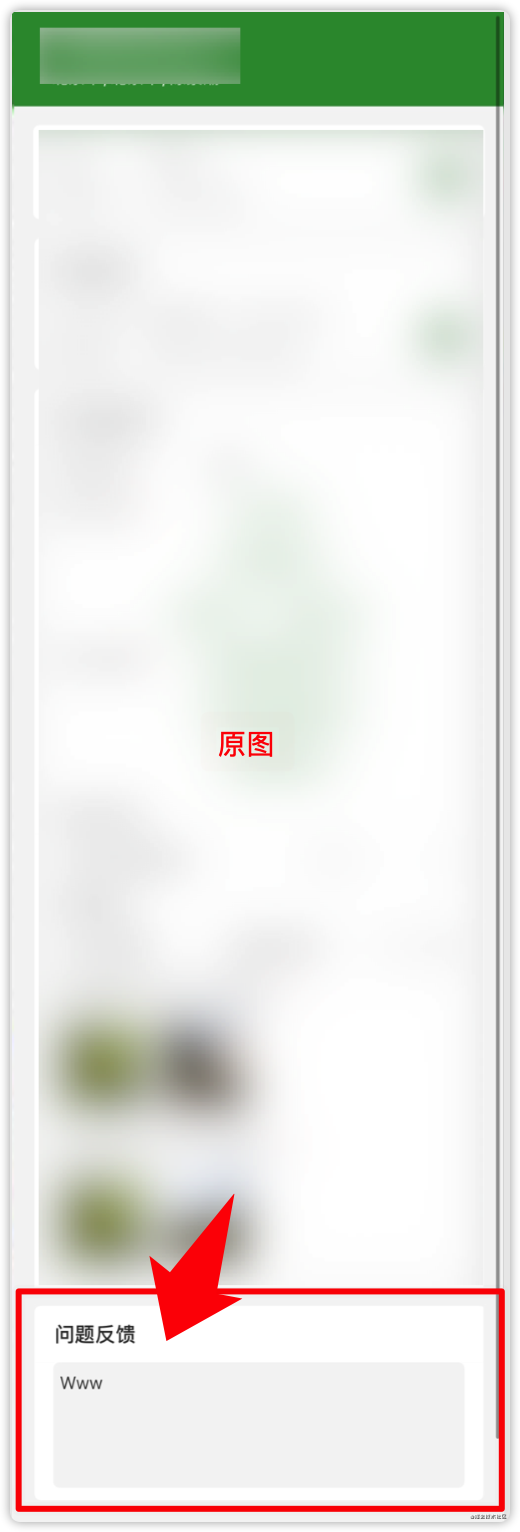
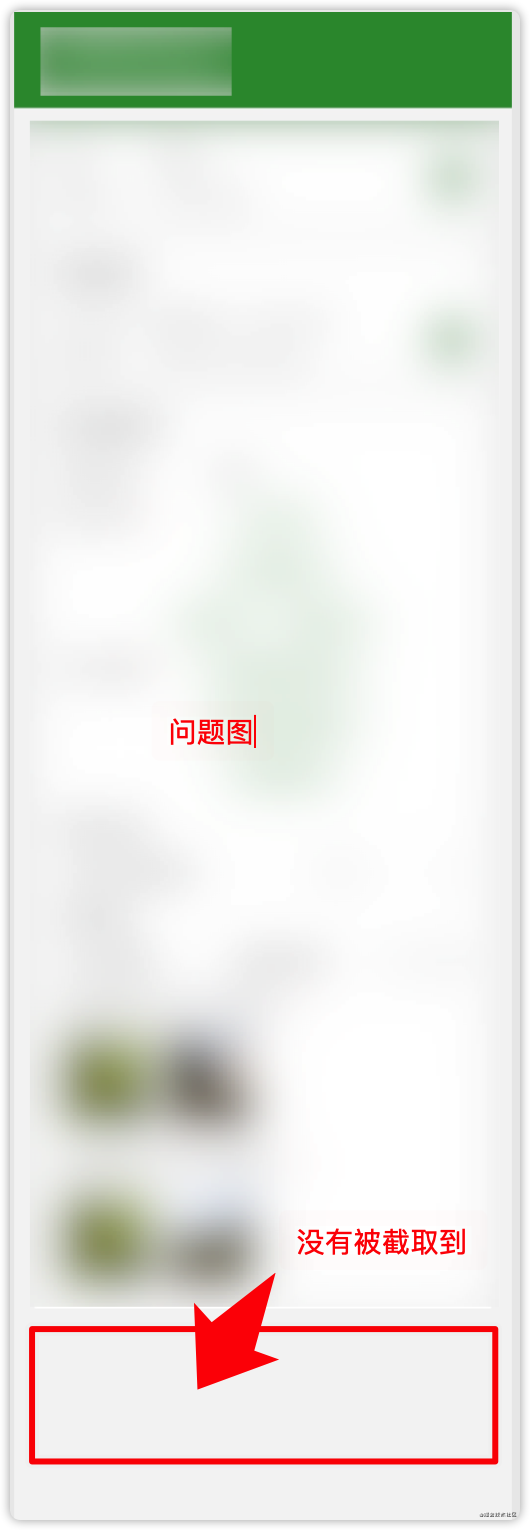
截取UITableView所有內(nèi)容并生成長圖片時(shí),出現(xiàn)未加載的cell沒被截取到。
問題原因:
因?yàn)門ableViewCell復(fù)用問題,當(dāng)截圖時(shí)未被截取到的cell并未被加載。
解決
解決思路:
既然cell未被加載,那我們應(yīng)該先讓tableView整個(gè)全部加載出來再對其進(jìn)行截圖操作,所以我先創(chuàng)建了一個(gè)scrollView,確定好顯示的內(nèi)容高度,這個(gè)高度就是tableView的內(nèi)容高度,這樣的話高度是確定了,然后我們再對scrollView進(jìn)行截取內(nèi)容操作就可以了。
代碼:
獲取tableView內(nèi)容截圖,直接調(diào)用即可。
func getTableViewScreenshot(tableView: UITableView,whereView: UIView) -> UIImage?{
    // 創(chuàng)建一個(gè)scrollView
    let scrollView = UIScrollView()
    // 設(shè)置顏色
    scrollView.backgroundColor = UIColor.white
    // 設(shè)置位置
    scrollView.frame = whereView.bounds
    // 設(shè)置滾動(dòng)位置
    scrollView.contentSize = CGSize(width: screenWidth, height: tableView.contentSize.height)
    // 將tableView加載到視圖中
    scrollView.addSubview(tableView)
    // 設(shè)置位置
    tableView.snp.makeConstraints { (make) in
        make.top.left.right.equalTo(scrollView)
        make.width.equalTo(screenWidth)
        make.height.equalTo(tableView.contentSize.height)
    }
    /// 添加到指定視圖
    whereView.addSubview(scrollView)
    /// 截圖
    let image = snapshotScreen(scrollView: scrollView)
    /// 移除scrollView
    scrollView.removeFromSuperview()
    return image
}
以下為截圖方法
func snapshotScreen(scrollView: UIScrollView) -> UIImage?{
    if UIScreen.main.responds(to: #selector(getter: UIScreen.scale)) {
        UIGraphicsBeginImageContextWithOptions(scrollView.contentSize, false, UIScreen.main.scale)
    } else {
        UIGraphicsBeginImageContext(scrollView.contentSize)
    }

    let savedContentOffset = scrollView.contentOffset
    let savedFrame = scrollView.frame
    let contentSize = scrollView.contentSize
    let oldBounds = scrollView.layer.bounds

    if #available(iOS 13, *) {
        //iOS 13 系統(tǒng)截屏需要改變tableview 的bounds
        scrollView.layer.bounds = CGRect(x: oldBounds.origin.x, y: oldBounds.origin.y, width: contentSize.width, height: contentSize.height)
    }
    //偏移量歸零
    scrollView.contentOffset = CGPoint.zero
    //frame變?yōu)閏ontentSize
    scrollView.frame = CGRect(x: 0, y: 0, width: scrollView.contentSize.width, height: scrollView.contentSize.height)

    //截圖
    if let context = UIGraphicsGetCurrentContext() {
        scrollView.layer.render(in: context)
    }
    if #available(iOS 13, *) {
        scrollView.layer.bounds = oldBounds
    }
    let image = UIGraphicsGetImageFromCurrentImageContext()
    UIGraphicsEndImageContext()
    //還原frame 和 偏移量
    scrollView.contentOffset = savedContentOffset
    scrollView.frame = savedFrame
    return image
}
轉(zhuǎn)自:掘金 早睡早起up
https://juejin.cn/post/6943896363126145031
-End-
最近有一些小伙伴,讓我?guī)兔φ乙恍?nbsp;面試題 資料,于是我翻遍了收藏的 5T 資料后,匯總整理出來,可以說是程序員面試必備!所有資料都整理到網(wǎng)盤了,歡迎下載!
面試題】即可獲取
 好文分享給更多人↓↓
評論
圖片
表情