
利用Python做一個小姐姐詞云跳舞視頻
一、前言
大家好,歡迎來到 Crossin的編程教室 !
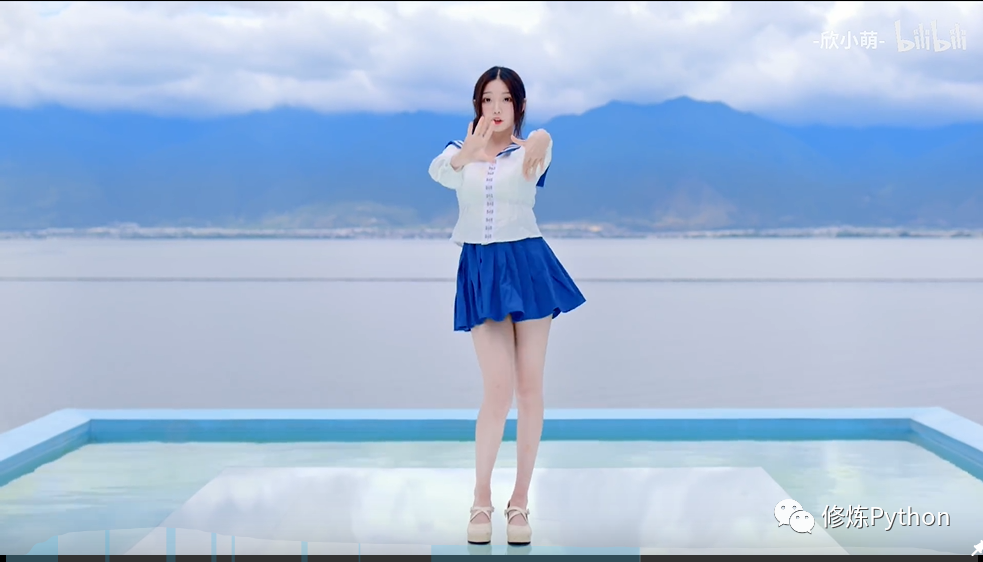
B站上會跳舞的漂亮小姐姐真的好多好多。今天我們來帶大家看一個不一樣的效果:利用視頻中的彈幕文字來制作一個漂亮小姐姐詞云跳舞視頻,一起來看看吧。
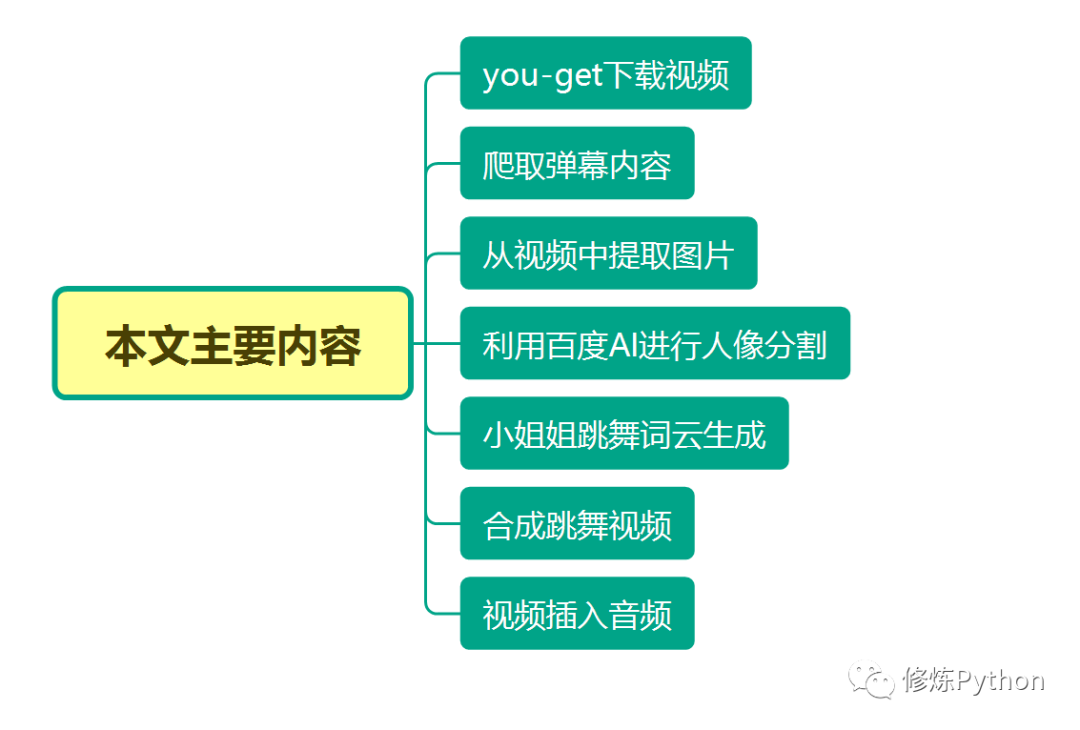
二、實現(xiàn)思路
1. you-get下載視頻
pip install you-get -i http://pypi.douban.com/simple --trusted-host pypi.douban.com視頻鏈接:
https://www.bilibili.com/video/BV1rD4y1Q7jc?from=search&seid=10634574434789745619
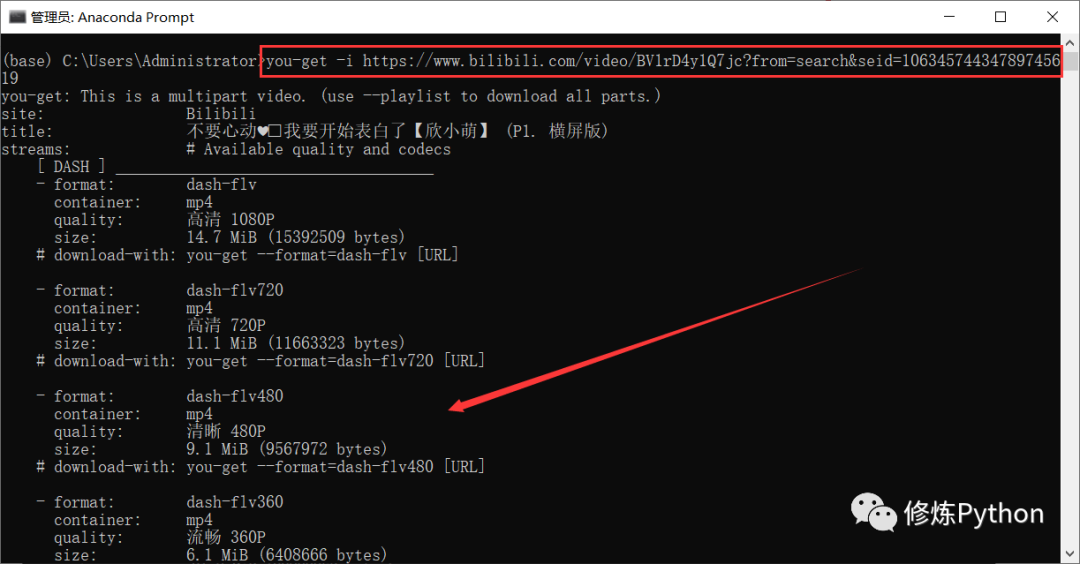
you-get -i https://www.bilibili.com/video/BV1rD4y1Q7jc?from=search&seid=10634574434789745619
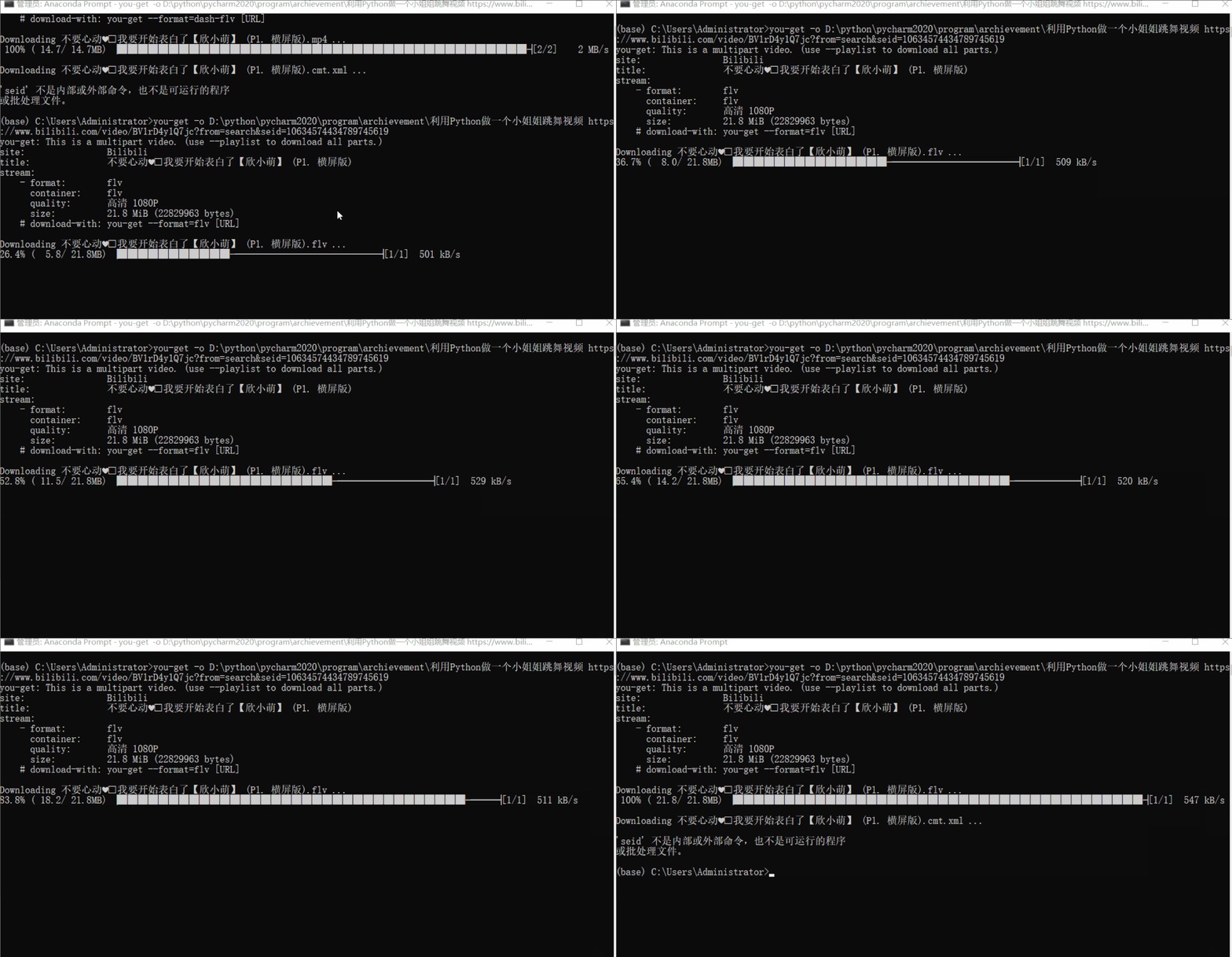
you-get -o 本地保存路徑 視頻鏈接
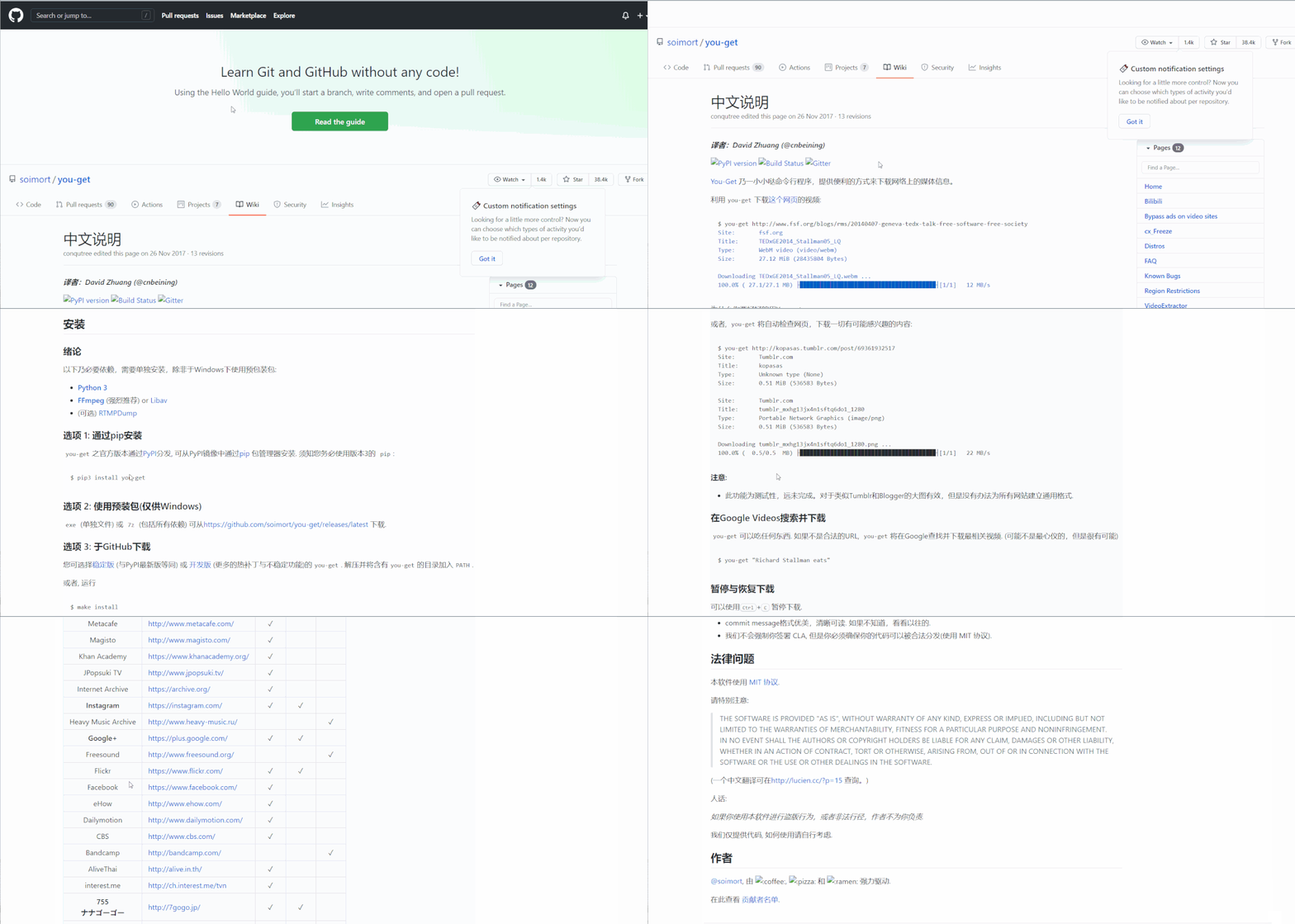
更多關(guān)于 you-get 的詳細(xì)使用,可以參考官方文檔:
2. 爬取彈幕內(nèi)容
寫 python 爬蟲,解析網(wǎng)頁、提取彈幕數(shù)據(jù)保存到txt,注意構(gòu)造 URL 參數(shù)和偽裝請求頭。
import requests
import pandas as pd
import re
import time
import random
from concurrent.futures import ThreadPoolExecutor
import datetime
from fake_useragent import UserAgent

# 隨機(jī)產(chǎn)生請求頭
ua = UserAgent(verify_ssl=False, path='fake_useragent.json')
start_time = datetime.datetime.now()
爬取彈幕數(shù)據(jù)
def  Grab_barrage(date):
    # 偽裝請求頭
    headers = {
        "sec-fetch-dest": "empty",
        "sec-fetch-mode": "cors",
        "sec-fetch-site": "same-site",
        "accept-encoding": "gzip",
        "origin": "https://www.bilibili.com",
        "referer": "https://www.bilibili.com/video/BV1rD4y1Q7jc?from=search&seid=10634574434789745619",
        "user-agent": ua.random,
        "cookie": "_uuid=0EBFC9C8-19C3-66CC-4C2B-6A5D8003261093748infoc; buvid3=4169BA78-DEBD-44E2-9780-B790212CCE76155837infoc; sid=ae7q4ujj; rpdid=|(JJmlY|YukR0J'ulmumY~u~m; LIVE_BUVID=AUTO4315952457375679; CURRENT_QUALITY=80; blackside_state=1; CURRENT_FNVAL=80; PVID=1; fingerprint3=89f3acebeacc72a0a25afa9c05f6d87c; fingerprint=2c691e81ffde16dfbb39b8f6d20eb5f0; fingerprint_s=99dc5d2a438924de14f663d6a4cf9cc8; buivd_fp=4169BA78-DEBD-44E2-9780-B790212CCE76155837infoc; bp_video_offset_501048197=472333401972842834; buvid_fp=4169BA78-DEBD-44E2-9780-B790212CCE76155837infoc; buvid_fp_plain=0AE6F247-D84F-48C7-87A8-F8F35A578544184985infoc; bfe_id=1e33d9ad1cb29251013800c68af42315; DedeUserID=501048197; DedeUserID__ckMd5=1d04317f8f8f1021; SESSDATA=2ae431c2%2C1625306326%2Ca312a*11; bili_jct=d4edec1bd2ab84e0eb453adb3971b19a"
    }
    # 構(gòu)造url訪問   需要用到的參數(shù)  爬取指定日期的彈幕
    params = {
        'type': 1,
        'oid': '206344228',
        'date': date
    }
    # 發(fā)送請求  獲取響應(yīng)
    response = requests.get(url, params=params, headers=headers)
    # print(response.encoding)   重新設(shè)置編碼
    response.encoding = 'utf-8'
    # print(response.text)
    # 正則匹配提取數(shù)據(jù)  轉(zhuǎn)成集合去除重復(fù)彈幕
    comment = set(re.findall('<d p=".*?">(.*?)</d>', response.text))
    # 將每條彈幕數(shù)據(jù)寫入txt
    with open('bullet.txt', 'a+') as f:
        for con in comment:
            f.write(con + '\n')
            print(con)
    time.sleep(random.randint(1, 3))   # 休眠
def main():
    # 開多線程爬取   提高爬取效率
    with ThreadPoolExecutor(max_workers=4) as executor:
        executor.map(Grab_barrage, date_list)
    # 計算所用時間
    delta = (datetime.datetime.now() - start_time).total_seconds()
    print(f'用時:{delta}s  -----------> 彈幕數(shù)據(jù)成功保存到本地txt')
if __name__ == '__main__':
    # 目標(biāo)url
    url = "https://api.bilibili.com/x/v2/dm/history"
    start = '20201201'
    end = '20210128'
    # 生成時間序列
    date_list = [x for x in pd.date_range(start, end).strftime('%Y-%m-%d')]
    print(date_list)
    count = 0
    # 調(diào)用主函數(shù)
    main()
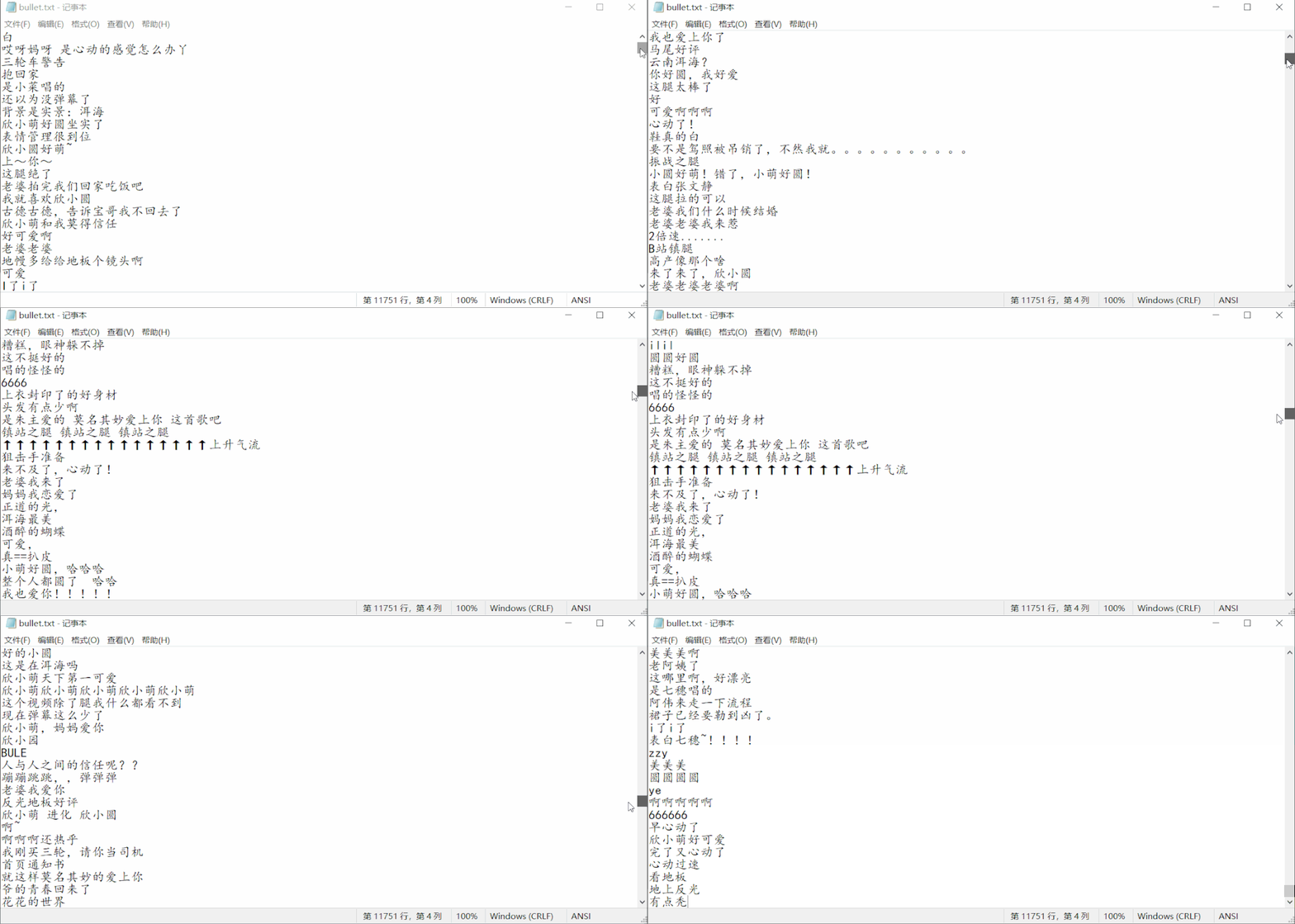
結(jié)果如下: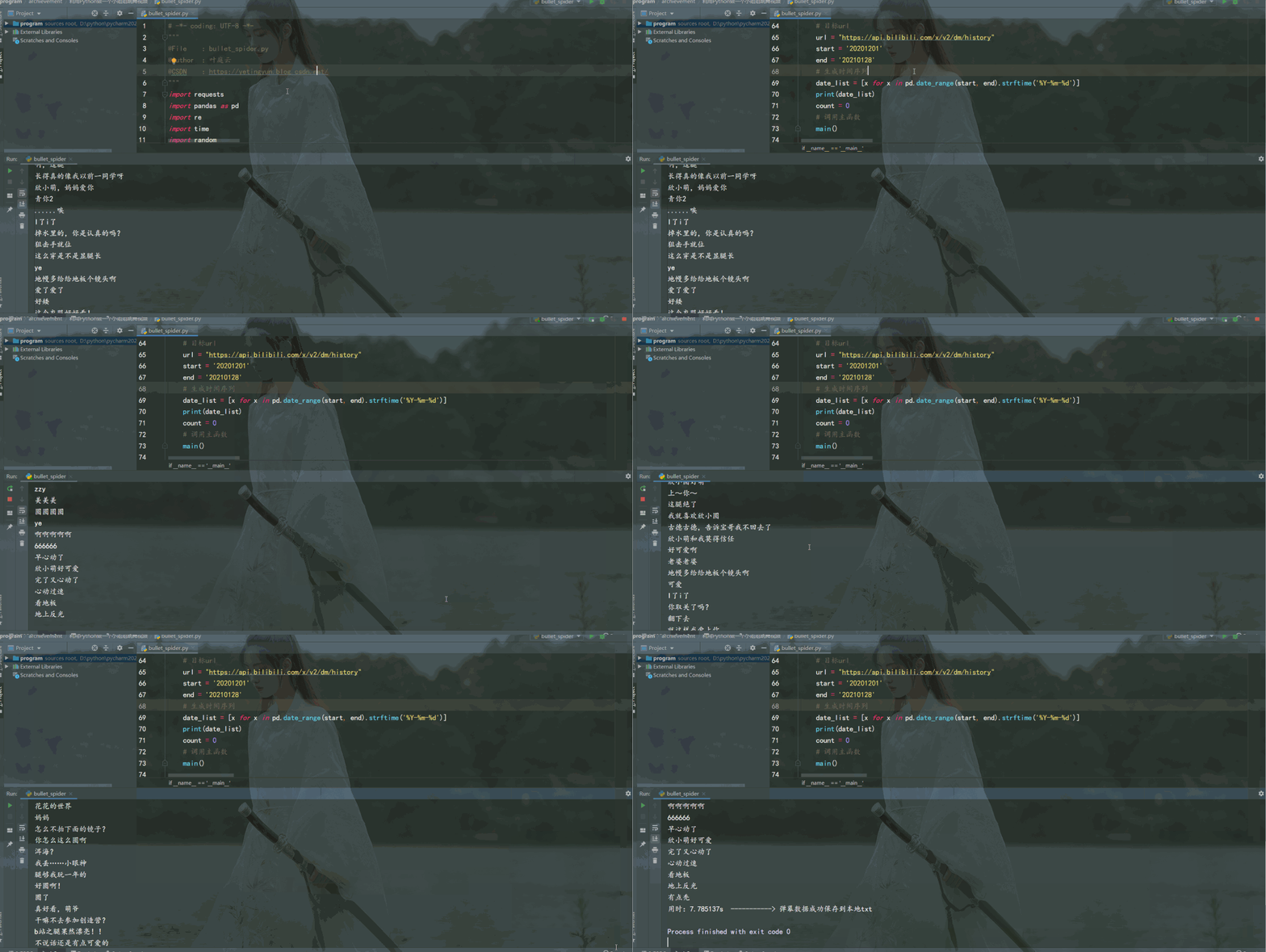
3. 從視頻中提取圖片
import cv2

# ============================ 視頻處理 分割成一幀幀圖片 =======================================
cap = cv2.VideoCapture(r"beauty.flv")
num = 1
while True:
    # 逐幀讀取視頻  按順序保存到本地文件夾
    ret, frame = cap.read()
    if ret:
        if 88 <= num < 888:
            cv2.imwrite(f"./pictures/img_{num}.jpg", frame)   # 保存一幀幀的圖片
            print(f'========== 已成功保存第{num}張圖片 ==========')
        num += 1
    else:
        break
cap.release()   # 釋放資源
結(jié)果如下: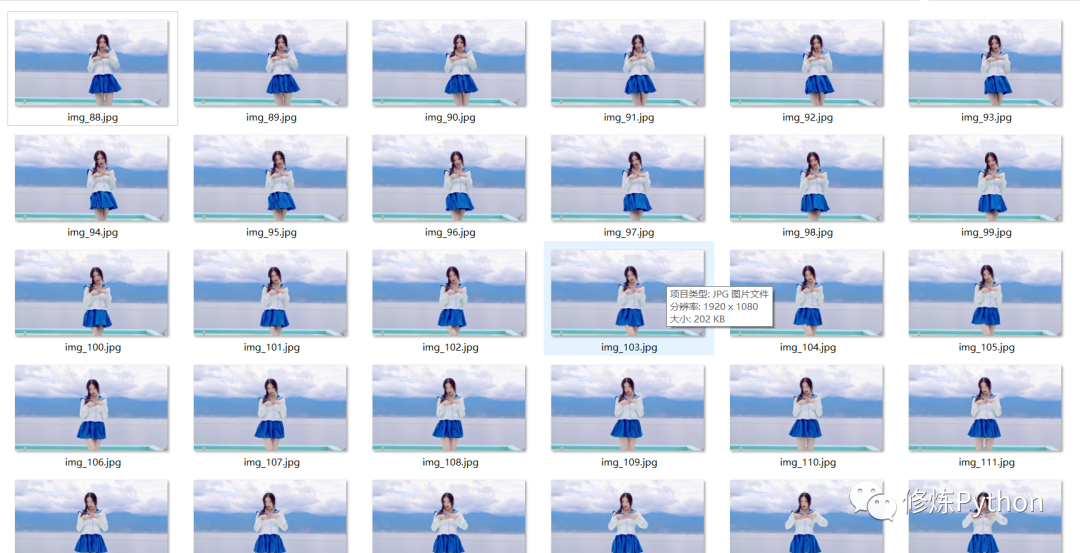
4. 利用百度AI進(jìn)行人像分割
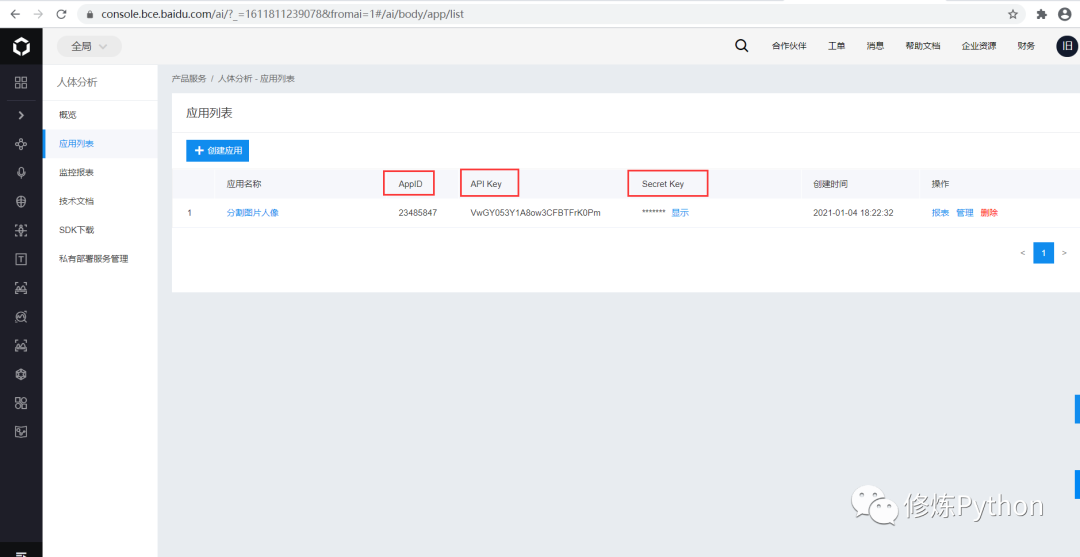 查看人像分割的Python SDK 文檔,熟悉它的基本使用。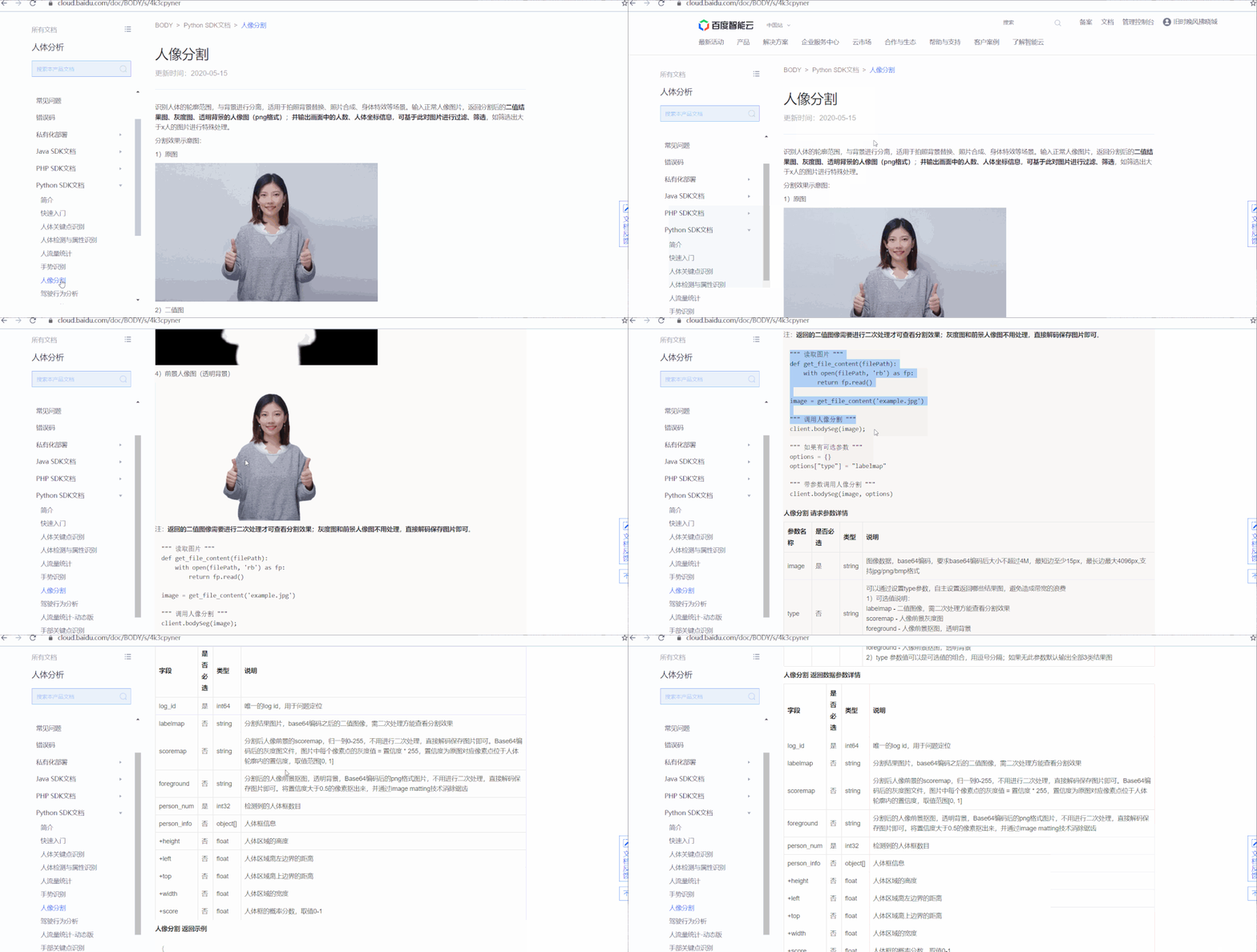
# -*- coding: UTF-8 -*-
"""
@File    :人像分割.py
@Author  :葉庭云
@CSDN    :https://yetingyun.blog.csdn.net/
@百度AI  :https://ai.baidu.com/tech/body/seg
"""
import cv2
import base64
import numpy as np
import os
from aip import AipBodyAnalysis
import time
import random

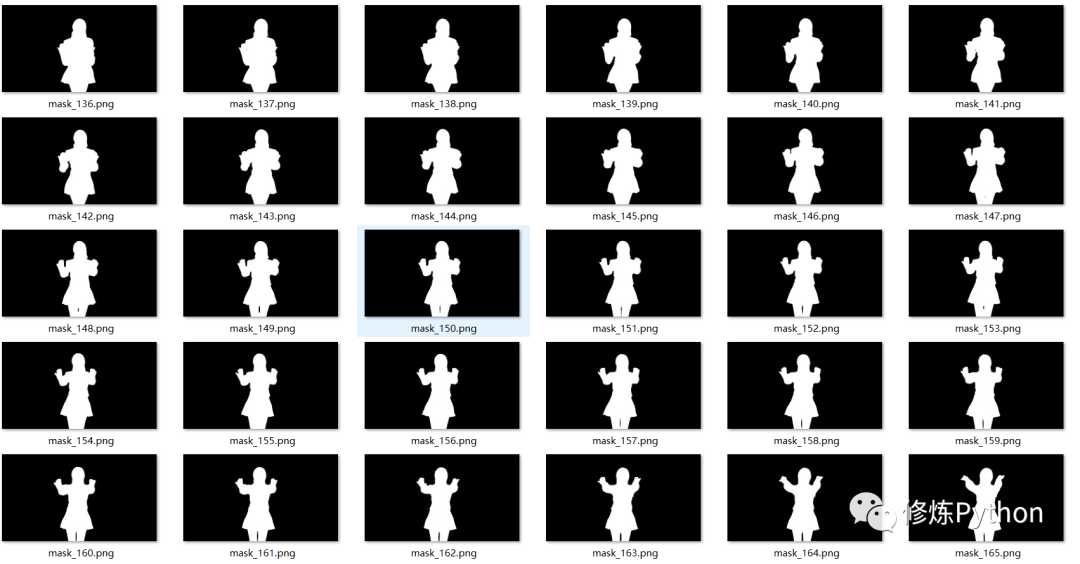
# 利用百度AI的人像分割服務(wù) 轉(zhuǎn)化為二值圖  有小姐姐身影的蒙版
# 百度云中已創(chuàng)建應(yīng)用的  APP_ID API_KEY SECRET_KEY
APP_ID = '23485847'
API_KEY = 'VwGY053Y1A8ow3CFBTFrK0Pm'
SECRET_KEY = '**********************************'

client = AipBodyAnalysis(APP_ID, API_KEY, SECRET_KEY)
# 保存圖像分割后的路徑
path = './mask_img/'

# os.listdir  列出保存到圖片名稱
img_files = os.listdir('./pictures')
print(img_files)
for num in range(88, len(img_files) + 1):
    # 按順序構(gòu)造出圖片路徑
    img = f'./pictures/img_{num}.jpg'
    img1 = cv2.imread(img)
    height, width, _ = img1.shape
    # print(height, width)
    # 二進(jìn)制方式讀取圖片
    with open(img, 'rb') as fp:
        img_info = fp.read()

    # 設(shè)置只返回前景   也就是分割出來的人像
    seg_res = client.bodySeg(img_info)
    labelmap = base64.b64decode(seg_res['labelmap'])
    nparr = np.frombuffer(labelmap, np.uint8)
    labelimg = cv2.imdecode(nparr, 1)
    labelimg = cv2.resize(labelimg, (width, height), interpolation=cv2.INTER_NEAREST)
    new_img = np.where(labelimg == 1, 255, labelimg)
    mask_name = path + 'mask_{}.png'.format(num)
    # 保存分割出來的人像
    cv2.imwrite(mask_name, new_img)
    print(f'======== 第{num}張圖像分割完成 ========')
    time.sleep(random.randint(1,2))
5. 小姐姐跳舞詞云生成
# -*- coding: UTF-8 -*-
"""
@File    :詞云.py
@Author  :葉庭云
@CSDN    :https://yetingyun.blog.csdn.net/
"""
from wordcloud import WordCloud
import collections
import jieba
import re
from PIL import Image
import matplotlib.pyplot as plt
import numpy as np


# 讀取數(shù)據(jù)
with open('bullet.txt') as f:
    data = f.read()

# 文本預(yù)處理  去除一些無用的字符   只提取出中文出來
new_data = re.findall('[\u4e00-\u9fa5]+', data, re.S)
new_data = "/".join(new_data)

# 文本分詞
seg_list_exact = jieba.cut(new_data, cut_all=True)

result_list = []
with open('stop_words.txt', encoding='utf-8') as f:
    con = f.read().split('\n')
    stop_words = set()
    for i in con:
        stop_words.add(i)

for word in seg_list_exact:
    # 設(shè)置停用詞并去除單個詞
    if word not in stop_words and len(word) > 1:
        result_list.append(word)

# 篩選后統(tǒng)計詞頻
word_counts = collections.Counter(result_list)
path = './wordcloud/'

for num in range(88, 888):
    img = f'./mask_img/mask_{num}'
    # 獲取蒙版圖片
    mask_ = 255 - np.array(Image.open(img))
    # 繪制詞云
    plt.figure(figsize=(8, 5), dpi=200)
    my_cloud = WordCloud(
        background_color='black',  # 設(shè)置背景顏色  默認(rèn)是black
        mask=mask_,      # 自定義蒙版
        mode='RGBA',
        max_words=500,
        font_path='simhei.ttf',   # 設(shè)置字體  顯示中文
    ).generate_from_frequencies(word_counts)

    # 顯示生成的詞云圖片
    plt.imshow(my_cloud)
    # 顯示設(shè)置詞云圖中無坐標(biāo)軸
    plt.axis('off')
    word_cloud_name = path + 'wordcloud_{}.png'.format(num)
    my_cloud.to_file(word_cloud_name)    # 保存詞云圖片
    print(f'======== 第{num}張詞云圖生成 ========')
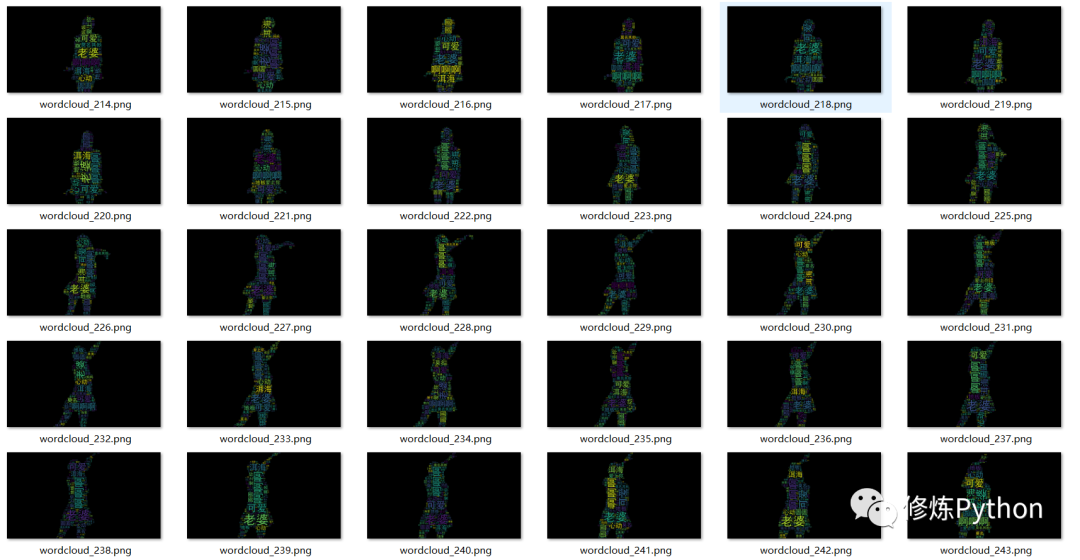
結(jié)果如下:
6. 合成跳舞視頻
# -*- coding: UTF-8 -*-
"""
@File    :生成視頻.py
@Author  :葉庭云
@CSDN    :https://yetingyun.blog.csdn.net/
"""
import cv2
import os

# 輸出視頻的保存路徑
video_dir = 'result.mp4'
# 幀率
fps = 30
# 圖片尺寸
img_size = (1920, 1080)

fourcc = cv2.VideoWriter_fourcc('M', 'P', '4', 'V')  # opencv3.0 mp4會有警告但可以播放
videoWriter = cv2.VideoWriter(video_dir, fourcc, fps, img_size)
img_files = os.listdir('./wordcloud')

for i in range(88, 888):
    img_path = './wordcloud/' + 'wordcloud_{}.png'.format(i)
    frame = cv2.imread(img_path)
    frame = cv2.resize(frame, img_size)   # 生成視頻   圖片尺寸和設(shè)定尺寸相同
    videoWriter.write(frame)      # 寫進(jìn)視頻里
    print(f'======== 按照視頻順序第{i}張圖片合進(jìn)視頻 ========')

videoWriter.release()   # 釋放資源
效果如下: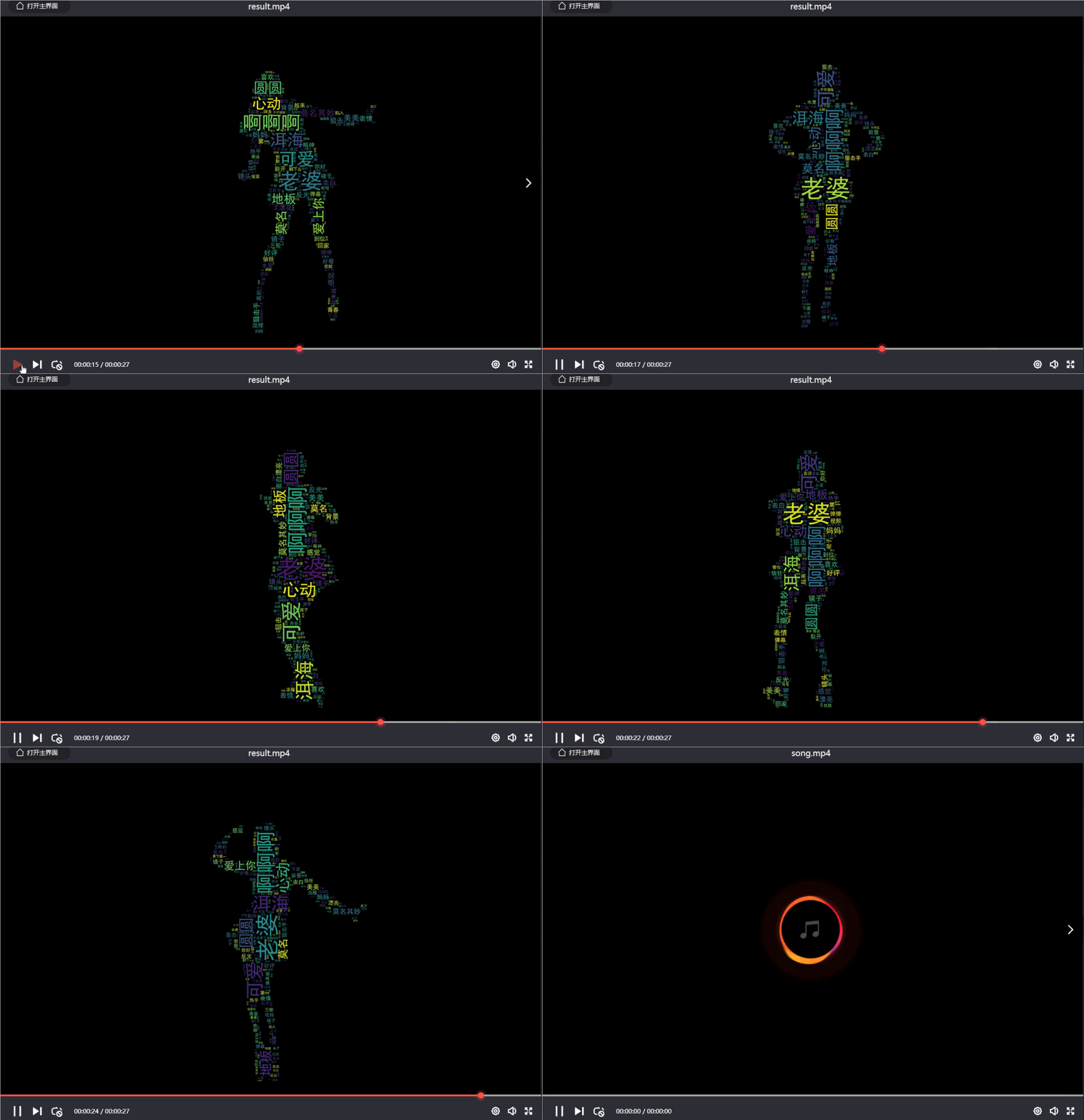
7. 視頻插入音頻
漂亮小姐姐跳舞那么好看,再加上自己喜歡的背景音樂,豈不美哉。
# -*- coding: UTF-8 -*-
"""
@File    :插入音頻.py
@Author  :葉庭云
@CSDN    :https://yetingyun.blog.csdn.net/
"""
import moviepy.editor as mpy

# 讀取詞云視頻
my_clip = mpy.VideoFileClip('result.mp4')
# 截取背景音樂
audio_background = mpy.AudioFileClip('song.mp4').subclip(17, 44)
audio_background.write_audiofile('vmt.mp3')
# 視頻中插入音頻
final_clip = my_clip.set_audio(audio_background)
# 保存為最終的視頻   動聽的音樂!漂亮小姐姐詞云跳舞視頻!
final_clip.write_videofile('final_video.mp4')
_往期文章推薦_
評論
圖片
表情