
使用 OpenCV 在圖像上添加水印
點(diǎn)擊下方“AI算法與圖像處理”,一起進(jìn)步!
重磅干貨,第一時(shí)間送達(dá)
易于使用:初學(xué)者和專家都可以使用 OpenCV 來(lái)保護(hù)他們的知識(shí)產(chǎn)權(quán)或數(shù)字創(chuàng)作。通過(guò)幾行免費(fèi)可用的代碼,你可以確保沒(méi)有人可以訪問(wèn)你的照片、視頻或其他數(shù)字可用內(nèi)容。 用途廣泛:OpenCV 用于通過(guò) Python 代碼使用像素操作為照片廣告視頻創(chuàng)建水印。你還可以將水印嵌入到你的內(nèi)容深處,這樣它就不會(huì)破壞你的內(nèi)容的可見(jiàn)性。這樣,你的作品就可以使用自己的私人水印輕松識(shí)別。
什么是 OpenCV?
使用 OpenCV

使用文本創(chuàng)建水印 使用圖像創(chuàng)建水印 定義透明函數(shù) 導(dǎo)入 PIL 函數(shù) 調(diào)整文本位置以適合你的內(nèi)容 定義添加圖像的函數(shù)

步驟1:導(dǎo)入和加載所需的庫(kù)。
import?cv2
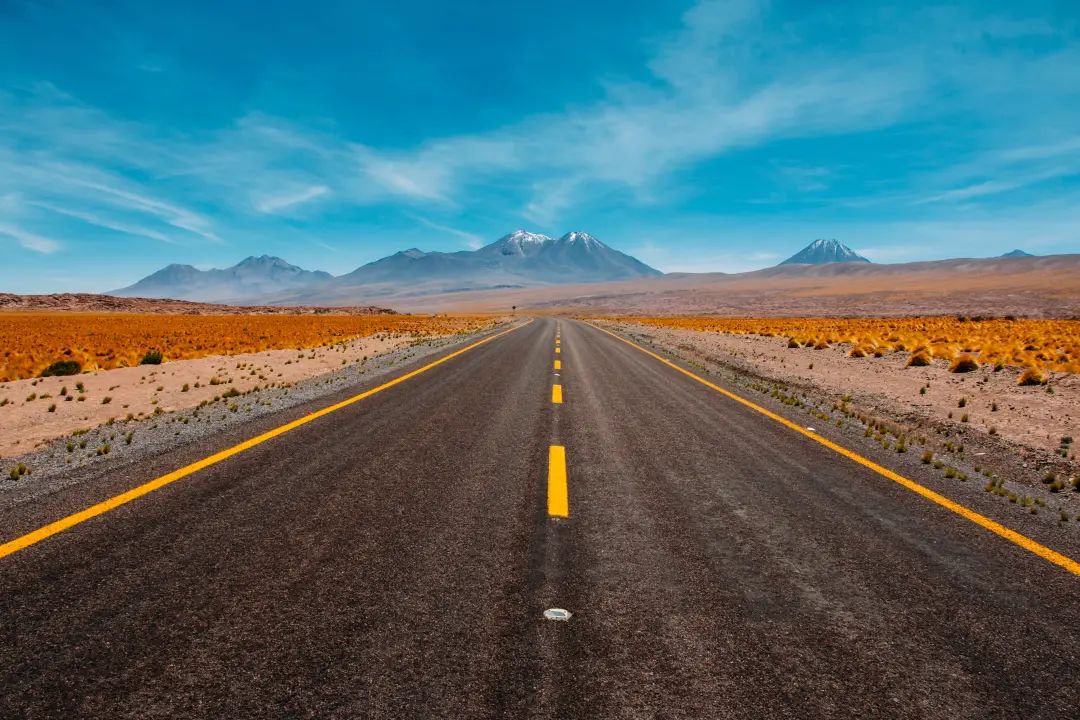
img?=?cv2.imread('diego-jimenez-A-NVHPka9Rk-unsplash.JPG')
watermark?=?cv2.imread("Watermark.JPG")
步驟 2:縮放圖像
percent_of_scaling?=?20
new_width?=?int(img.shape[1]?*?percent_of_scaling/100)
new_height?=?int(img.shape[0]?*?percent_of_scaling/100)
new_dim?=?(new_width,?new_height)
resized_img?=?cv2.resize(img,?new_dim,?interpolation=cv2.INTER_AREA)

wm_scale?=?40
wm_width?=?int(watermark.shape[1]?*?wm_scale/100)
wm_height?=?int(watermark.shape[0]?*?wm_scale/100)
wm_dim?=?(wm_width,?wm_height)
步驟3:編寫(xiě)代碼以創(chuàng)建水印
resized_wm?=?cv2.resize(watermark,?wm_dim,?interpolation=cv2.INTER_AREA)
步驟 4:顯示輸出的驅(qū)動(dòng)程序代碼函數(shù)
h_img,?w_img,?_?=?resized_img.shape
center_y?=?int(h_img/2)
center_x?=?int(w_img/2)
h_wm,?w_wm,?_?=?resized_wm.shape
top_y?=?center_y?-?int(h_wm/2)
left_x?=?center_x?-?int(w_wm/2)
bottom_y?=?top_y?+?h_wm
right_x?=?left_x?+?w_wm

roi?=?resized_img[top_y:bottom_y,?left_x:right_x]
result?=?cv2.addWeighted(roi,?1,?resized_wm,?0.3,?0)
resized_img[top_y:bottom_y,?left_x:right_x]?=?result

filename?=?'Watermakred_Image.jpg'
cv2.imwrite(filename,?resized_img)
cv2.imshow("Resized?Input?Image",?resized_img)
cv2.waitKey(0)
cv2.destroyAllWindows()
編譯完整代碼
import?cv2

img?=?cv2.imread('diego-jimenez-A-NVHPka9Rk-unsplash.JPG')

watermark?=?cv2.imread("Watermark.JPG")


percent_of_scaling?=?20

new_width?=?int(img.shape[1]?*?percent_of_scaling/100)

new_height?=?int(img.shape[0]?*?percent_of_scaling/100)

new_dim?=?(new_width,?new_height)

resized_img?=?cv2.resize(img,?new_dim,?interpolation=cv2.INTER_AREA)


wm_scale?=?40

wm_width?=?int(watermark.shape[1]?*?wm_scale/100)

wm_height?=?int(watermark.shape[0]?*?wm_scale/100)

wm_dim?=?(wm_width,?wm_height)


resized_wm?=?cv2.resize(watermark,?wm_dim,?interpolation=cv2.INTER_AREA)


h_img,?w_img,?_?=?resized_img.shape

center_y?=?int(h_img/2)

center_x?=?int(w_img/2)

h_wm,?w_wm,?_?=?resized_wm.shape

top_y?=?center_y?-?int(h_wm/2)

left_x?=?center_x?-?int(w_wm/2)

bottom_y?=?top_y?+?h_wm

right_x?=?left_x?+?w_wm


roi?=?resized_img[top_y:bottom_y,?left_x:right_x]

result?=?cv2.addWeighted(roi,?1,?resized_wm,?0.3,?0)

resized_img[top_y:bottom_y,?left_x:right_x]?=?result


filename?=?'Watermakred_Image.jpg'

cv2.imwrite(filename,?resized_img)

cv2.imshow("Resized?Input?Image",?resized_img)

cv2.waitKey(0)

cv2.destroyAllWindows()
輸出

尾注
交流群
歡迎加入公眾號(hào)讀者群一起和同行交流,目前有美顏、三維視覺(jué)、計(jì)算攝影、檢測(cè)、分割、識(shí)別、醫(yī)學(xué)影像、GAN、算法競(jìng)賽等微信群
個(gè)人微信(如果沒(méi)有備注不拉群!) 請(qǐng)注明:地區(qū)+學(xué)校/企業(yè)+研究方向+昵稱
下載1:何愷明頂會(huì)分享
在「AI算法與圖像處理」公眾號(hào)后臺(tái)回復(fù):何愷明,即可下載。總共有6份PDF,涉及 ResNet、Mask RCNN等經(jīng)典工作的總結(jié)分析
下載2:終身受益的編程指南:Google編程風(fēng)格指南
在「AI算法與圖像處理」公眾號(hào)后臺(tái)回復(fù):c++,即可下載。歷經(jīng)十年考驗(yàn),最權(quán)威的編程規(guī)范!
下載3 CVPR2021 在「AI算法與圖像處理」公眾號(hào)后臺(tái)回復(fù):CVPR,即可下載1467篇CVPR?2020論文 和 CVPR 2021 最新論文

評(píng)論
圖片
表情