
gin框架的幾種熱加載方法,你值得擁有
前言
今天給大介紹幾種熱加載的方法,大大提高我們的開發(fā)效率。
本文的所有項(xiàng)目效果演示都是基于gin_jwt_swagger開源項(xiàng)目,項(xiàng)目地址:https://github.com/asong2020/Golang_Dream/tree/master/Gin/gin_jwt_swagger。歡迎Star與使用。
什么是熱加載
如果你是一名python開發(fā)者,應(yīng)該很熟悉這個(gè)。我們在Flask或者Django框架下開發(fā)都是支持實(shí)時(shí)加載的,當(dāng)我們對代碼進(jìn)行修改時(shí),程序能夠自動重新加載并執(zhí)行,這在我們開發(fā)中是非常便利的,可以快速進(jìn)行代碼測試,省去了每次手動重新編譯。
如果你是一名JAVA開發(fā)者,不僅會聽過熱加載,熱部署會跟著一塊出現(xiàn)。熱部署一般是指容器(支持多應(yīng)用)不重啟,單獨(dú)啟動單個(gè)應(yīng)用。熱加載一般指重啟應(yīng)用(JVM),單獨(dú)重新更新某個(gè)類或者配置文件。
知道了什么是熱加載了,想在項(xiàng)目開發(fā)中使用,該怎么做呢?下面就來介紹幾種方法,想用哪個(gè)就用哪個(gè),就是這么豪橫。哼!!!
1. Air
github地址:https://github.com/cosmtrek/air Star:1.8k
它具有以下特性:
彩色日志輸出
自定義構(gòu)建或二進(jìn)制命令
支持忽略子目錄
啟動后支持監(jiān)聽新目錄
更好的構(gòu)建過程
安裝
1$ go get -u github.com/cosmtrek/air
使用
為了我們能夠好的使用命令行操作,我們需要把alias air='~/.air'加到你的.bashrc或.zshrc中,根據(jù)你的系統(tǒng)進(jìn)行選擇,因?yàn)槲沂莔ac,所以我將alias air='~/.air'加到了vim ~/.zshrc中了。
然后命令下執(zhí)行如下操作
 1# 1. 進(jìn)入你自己的項(xiàng)目目錄
 2$ cd /your_project
 3# 2. 查找你的項(xiàng)目中是否存在 `.air.conf` 配置文件
 4$ air -c .air.conf
 5# 3. 沒有則創(chuàng)建一個(gè)
 6$ touch .air.conf
 7# 4. 復(fù)制下面示例 `air.conf.example`到你的 `.air.conf`
 8
 9# 5. 啟動熱加載
10$ air
11# 6. 啟動熱加載 帶打印log
12$ air -d
air.conf.example示例
參考:傳送門
 1root = "."
 2tmp_dir = "tmp"
 3
 4[build]
 5# Just plain old shell command. You could use `make` as well.
 6cmd = "go build -o ./tmp/main ."
 7# Binary file yields from `cmd`.
 8bin = "tmp/main"
 9# Customize binary.
10full_bin = "APP_ENV=dev APP_USER=air ./tmp/main"
11# Watch these filename extensions.
12include_ext = ["go", "tpl", "tmpl", "html"]
13# Ignore these filename extensions or directories.
14exclude_dir = ["assets", "tmp", "vendor", "frontend/node_modules"]
15# Watch these directories if you specified.
16include_dir = []
17# Exclude files.
18exclude_file = []
19# This log file places in your tmp_dir.
20log = "air.log"
21# It's not necessary to trigger build each time file changes if it's too frequent.
22delay = 1000 # ms
23# Stop running old binary when build errors occur.
24stop_on_error = true
25# Send Interrupt signal before killing process (windows does not support this feature)
26send_interrupt = false
27# Delay after sending Interrupt signal
28kill_delay = 500 # ms
29
30[log]
31# Show log time
32time = false
33
34[color]
35# Customize each part's color. If no color found, use the raw app log.
36main = "magenta"
37watcher = "cyan"
38build = "yellow"
39runner = "green"
40
41[misc]
42# Delete tmp directory on exit
43clean_on_exit = true
44
效果演示
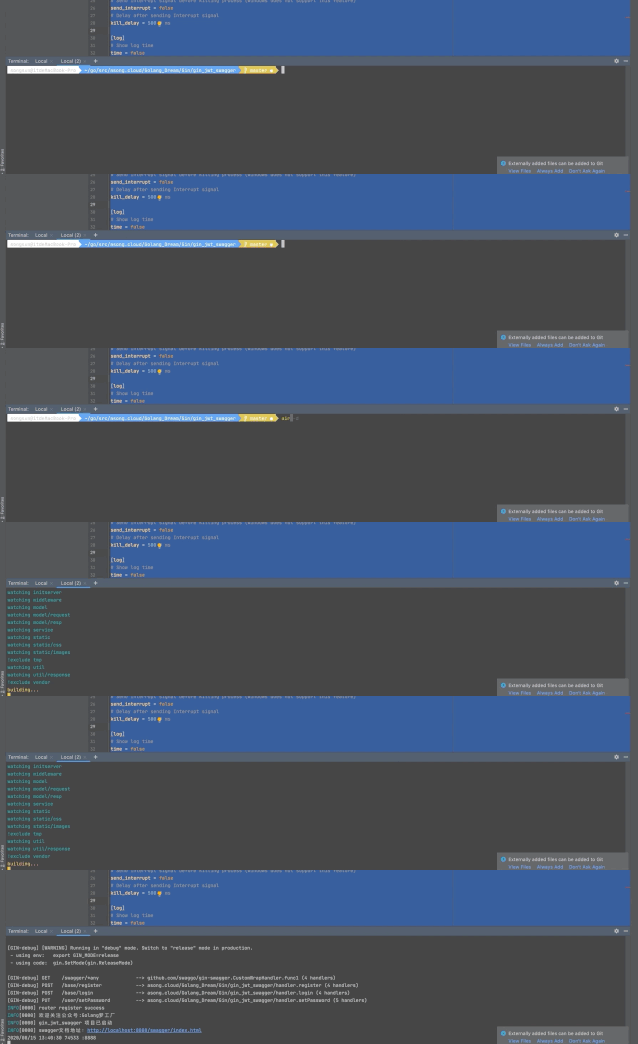
2. Fresh
github地址:https://github.com/gravityblast/fresh Star:2.8K
Fresh是一個(gè)命令行工具,每次保存Go或模版文件時(shí),該工具都會生成或重新啟動Web應(yīng)用程序。Fresh將監(jiān)視文件事件,并且每次創(chuàng)建/修改/刪除文件時(shí),F(xiàn)resh都會生成并重新啟動應(yīng)用程序。如果go build返回錯(cuò)誤,它會將記錄在tmp文件夾中。
安裝
1$ go get github.com/pilu/fresh
使用
1# 進(jìn)入你的項(xiàng)目目錄
2$ cd /your_project
3# 啟動
4$ fresh
效果演示
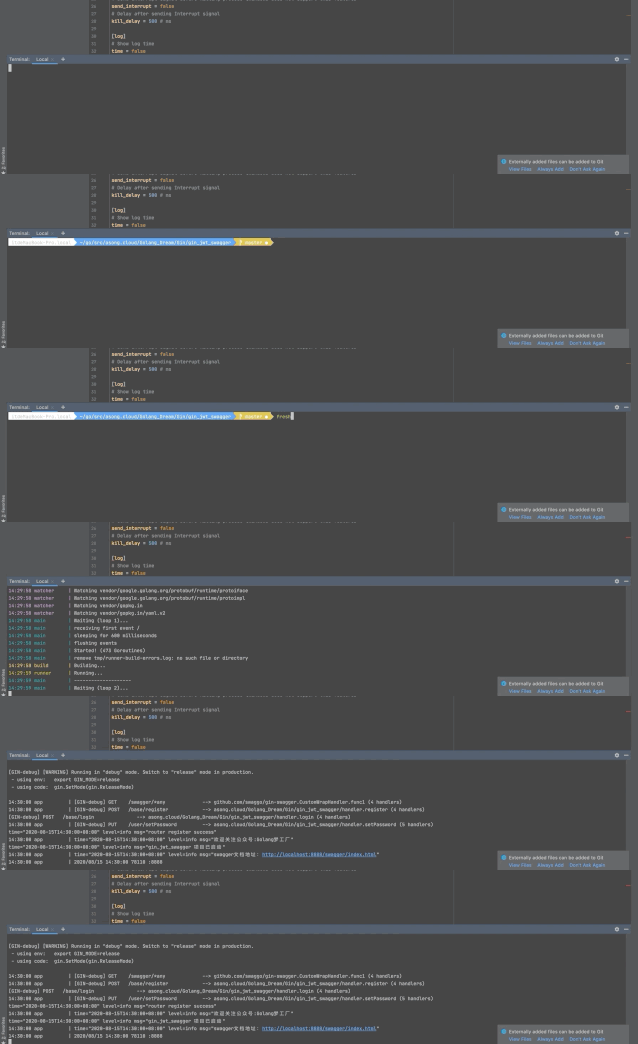
3. bee
github地址:https://github.com/beego/bee Satr:1.1K
bee是beego框架的熱編譯工具,同樣可以對GIN框架進(jìn)行熱編譯,使用起來很方便,功能也有很多,這里就不展開了,喜歡的可以去看文檔,解鎖更多玩法。
安裝
1# To install bee use the go get command:
2$ go get github.com/beego/bee
3# If you already have bee installed, updating bee is simple:
4$ go get -u github.com/beego/bee
5# Then you can add bee binary to PATH environment variable in your ~/.bashrc or ~/.bash_profile file:
6$ export PATH=$PATH:<your_main_gopath>/bin
使用
1# 進(jìn)入你的項(xiàng)目目錄,注意:使用bee 項(xiàng)目必須要在GOPATH目錄下
2$ cd /your_project
3# 運(yùn)行程序
4$ bee run
效果演示
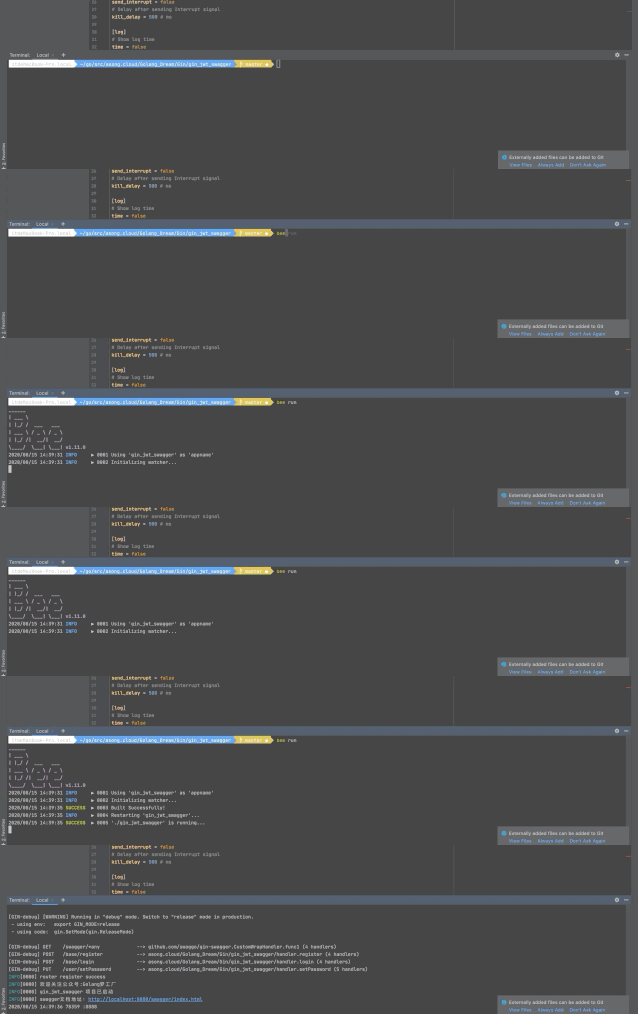
4. gowatch
github地址:https://github.com/silenceper/gowatch Star
Go程序熱編譯工具,通過監(jiān)聽當(dāng)前目錄下的相關(guān)文件變動,進(jìn)行實(shí)時(shí)編譯。
安裝
1$ go get github.com/silenceper/gowatch
使用
安裝完成后可以直接使用gowatch命令,命令行參數(shù)如下:
-o : 非必須,指定build的目標(biāo)文件路徑
-p : 非必須,指定需要build的package(也可以是單個(gè)文件)
-args: 非必須,指定程序運(yùn)行時(shí)參數(shù),例如:-args='-host=:8080,-name=demo'
-v: 非必須,顯示gowatch版本信息
1$ gowatch -o ./bin/demo -p ./cmd/demo
gowatch可以修改配置文件gowatch.yml
大部分情況下,不需要更改配置,直接執(zhí)行gowatch命令就能滿足的大部分的需要,但是也提供了一些配置用于自定義,在執(zhí)行目錄下創(chuàng)建gowatch.yml文件:
 1# gowatch.yml 配置示例
 2
 3# 當(dāng)前目錄執(zhí)行下生成的可執(zhí)行文件的名字,默認(rèn)是當(dāng)前目錄名
 4appname: "test"
 5# 指定編譯后的目標(biāo)文件目錄
 6output: /bin/demo
 7# 需要追加監(jiān)聽的文件名后綴,默認(rèn)只有'.go'文件
 8watch_exts:
 9    - .yml
10# 需要監(jiān)聽的目錄,默認(rèn)只有當(dāng)前目錄
11watch_paths:
12    - ../pk
13# 在執(zhí)行命令時(shí),需要增加的其他參數(shù)
14cmd_args:
15    - arg1=val1
16# 在構(gòu)建命令時(shí),需要增加的其他參數(shù)
17build_args:
18    - -race
19# 需要增加環(huán)境變量,默認(rèn)已加載當(dāng)前環(huán)境變量
20envs:
21    - a=b
22# 是否監(jiān)聽 ‘vendor’ 文件夾下的文件改變
23vendor_watch: false
24# 不需要監(jiān)聽的目錄名字
25excluded_paths:
26    - path
27# main 包路徑,也可以是單個(gè)文件,多個(gè)文件使用逗號分隔
28build_pkg: ""
29# build tags
30build_tags: ""
31
32# 是否禁止自動運(yùn)行
33disable_run: false
項(xiàng)目演示
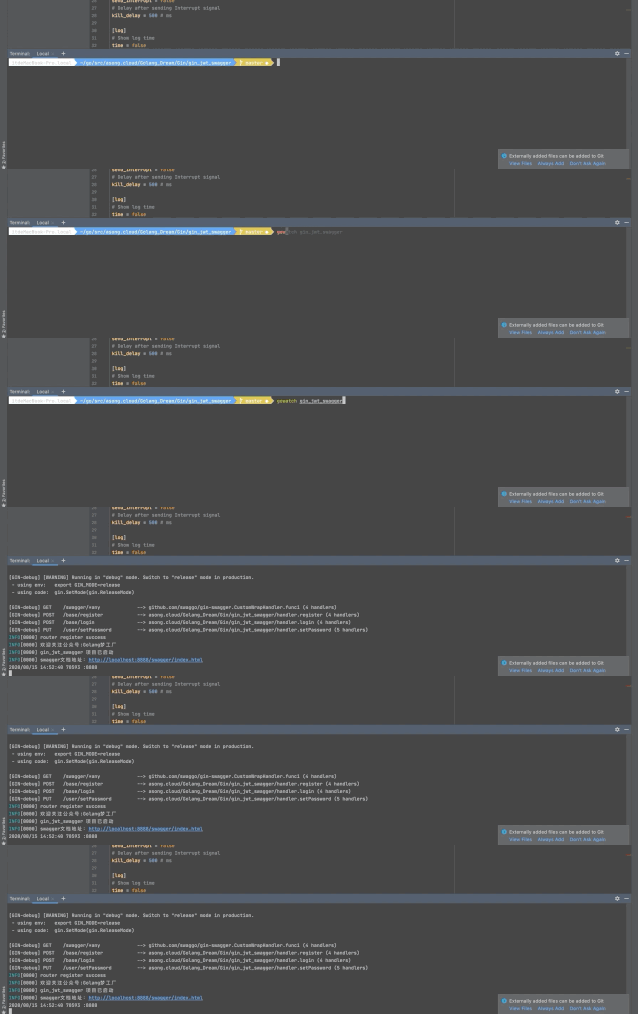
5. gin
github地址:https://github.com/codegangsta/gin Star:3.4K
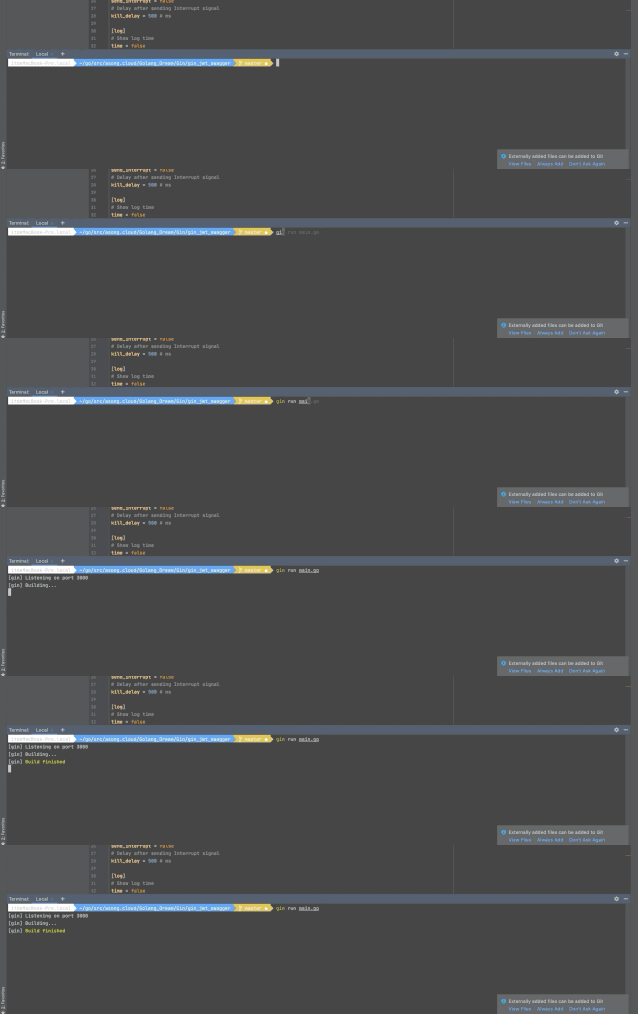
gin是用于實(shí)時(shí)重新加載Go Web應(yīng)用程序的簡單命令行實(shí)用程序。只需gin在您的應(yīng)用程序目錄中運(yùn)行,您的網(wǎng)絡(luò)應(yīng)用程序?qū)?gin作為代理提供。gin檢測到更改后,將自動重新編譯您的代碼。您的應(yīng)用在下次收到HTTP請求時(shí)將重新啟動。
gin 堅(jiān)持“沉默就是黃金”的原則,因此,只有在出現(xiàn)編譯器錯(cuò)誤或在錯(cuò)誤發(fā)生后成功進(jìn)行編譯時(shí),它才會抱怨。
安裝
1$ go get github.com/codegangsta/gin
2# Then verify that gin was installed correctly:
3$ gin -h
使用
1$ gin run main.go
Options:
 1 --laddr value, -l value       listening address for the proxy server
 2   --port value, -p value        port for the proxy server (default: 3000)
 3   --appPort value, -a value     port for the Go web server (default: 3001)
 4   --bin value, -b value         name of generated binary file (default: "gin-bin")
 5   --path value, -t value        Path to watch files from (default: ".")
 6   --build value, -d value       Path to build files from (defaults to same value as --path)
 7   --excludeDir value, -x value  Relative directories to exclude
 8   --immediate, -i               run the server immediately after it's built
 9   --all                         reloads whenever any file changes, as opposed to reloading only on .go file change
10   --godep, -g                   use godep when building
11   --buildArgs value             Additional go build arguments
12   --certFile value              TLS Certificate
13   --keyFile value               TLS Certificate Key
14   --logPrefix value             Setup custom log prefix
15   --notifications               enable desktop notifications
16   --help, -h                    show help
17   --version, -v                 print the version
項(xiàng)目演示
6. realize
github地址:https://github.com/oxequa/realize Star:3.8K
realize是Golang的實(shí)時(shí)重載和任務(wù)運(yùn)行器。它主要功能如下:
高性能實(shí)時(shí)刷新。
同時(shí)管理多個(gè)項(xiàng)目。
通過自定義擴(kuò)展名和路徑觀看。
支持所有Go命令。
在不同的Go版本之間切換。
項(xiàng)目的自定義環(huán)境變量。
在文件更改前后或全局執(zhí)行自定義命令。
將日志和錯(cuò)誤導(dǎo)出到外部文件。
分步項(xiàng)目初始化。
重新設(shè)計(jì)的面板,顯示構(gòu)建錯(cuò)誤,控制臺輸出和警告。
安裝
1$ go get github.com/oxequa/realize
我直接這么安裝失敗了,出現(xiàn)了錯(cuò)誤,我的GO版本是1.14,所以使用如下方式安裝成功:
1$ GO111MODULE=off go get github.com/oxequa/realize
使用
1# 首先進(jìn)行初始化 默認(rèn)配置即可
2$ realize init
3# 執(zhí)行項(xiàng)目
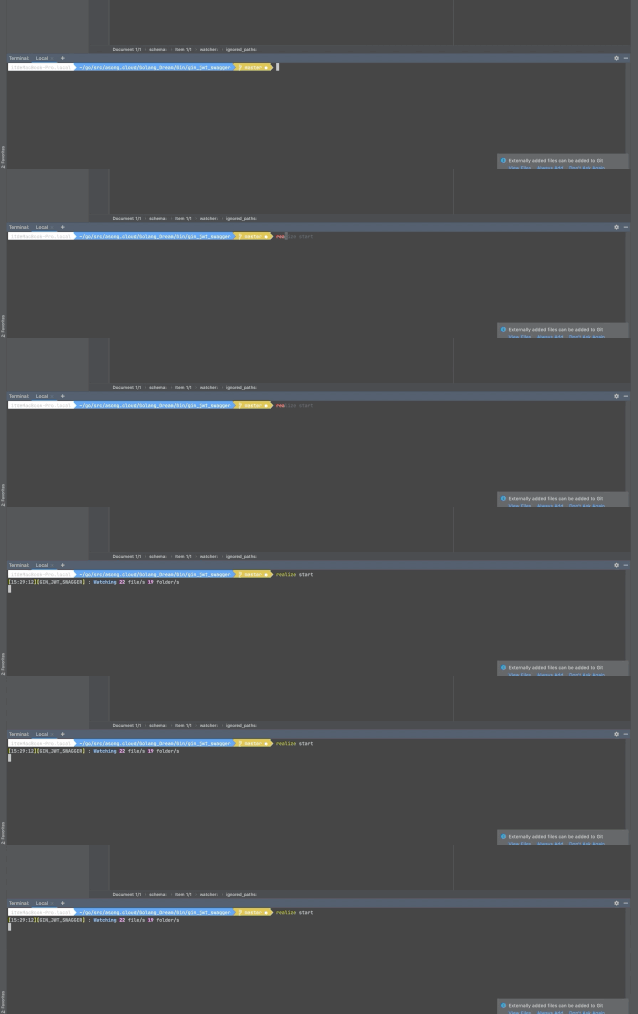
4$ realize start
5# 添加命令
6$ realize add
7# 刪除命令
8$ realize init
Options:
 1--name="name"               -> Run by name on existing configuration
 2--path="realize/server"     -> Custom Path (if not specified takes the working directory name)
 3--generate                  -> Enable go generate
 4--fmt                       -> Enable go fmt
 5--test                      -> Enable go test
 6--vet                       -> Enable go vet
 7--install                   -> Enable go install
 8--build                     -> Enable go build
 9--run                       -> Enable go run
10--server                    -> Enable the web server
11--open                      -> Open web ui in default browser
12--no-config                 -> Ignore an existing config / skip the creation of a new one
Examples:
1$ realize start
2$ realize start --path="mypath"
3$ realize start --name="realize" --build
4$ realize start --path="realize" --run --no-config
5$ realize start --install --test --fmt --no-config
6$ realize start --path="/Users/username/go/src/github.com/oxequa/realize-examples/coin/"
realize 使用方法比較多,感興趣的可以去官方文檔學(xué)習(xí)。
項(xiàng)目演示
總結(jié)
好啦,這一篇文章到此就結(jié)束啦。總結(jié)了6種熱加載的方法,每一種都有各自的特點(diǎn),根據(jù)喜歡的喜好,選擇一款唄,大大提高我們的開發(fā)效率呦!!!