
用Python自動生成數(shù)據(jù)分析報告
你好,我是林驥。
很多時候,我們需要做一些重復性的工作,比如說,每個月制作類似的數(shù)據(jù)分析報告,整個框架是基本固定的,此時,我們可以采用 Python 來自動生成數(shù)據(jù)分析報告,把更多的時間和精力用在分析上面,而不是調(diào)整報告的格式。
python-pptx 是一個能夠自動創(chuàng)建和更新 PPT 文件的 Python 庫,可以用來自動生成數(shù)據(jù)分析報告。
下面,我以自己的個人數(shù)據(jù)為例,用 python-pptx 制作一個簡略版的數(shù)據(jù)分析報告,供你參考。


下面是具體制作的步驟和方法。
首先,如果你還沒有安裝 python-pptx,那么請在命令行輸入:
pip?install?python-pptx
其次,利用 matplotlib 等繪圖工具,生成數(shù)據(jù)分析報告中用到的圖表,統(tǒng)一保存到 pic 文件夾中。
然后,建立一個 PPT 模板文件,預先定義好母版,設置相應的布局版式等,把文件命名為「模板.pptx」。
接下來,在 Jupyter Lab 環(huán)境中運行以下代碼:
#?導入庫
from?pptx?import?Presentation
from?pptx.util?import?Inches,?Pt
from?pptx.dml.color?import?RGBColor

#?模板下載?https://github.com/linjiwx/mp
prs?=?Presentation('模板.pptx')

#?添加幻燈片首頁
slide_layout0?=?prs.slide_layouts[0]
slide?=?prs.slides.add_slide(slide_layout0)

#?設置標題和副標題文本
title?=?slide.shapes.title
subtitle?=?slide.placeholders[10]
title.text?=?'2020年9月林驥的數(shù)據(jù)分析報告'
subtitle.text?=?'2020-10-08'

#?添加幻燈片,正文模塊,根據(jù)實際需求選擇布局版式

#?*************1.?主要分析結論*****************
slide_layout1?=?prs.slide_layouts[1]
slide1?=?prs.slides.add_slide(slide_layout1)

#?添加標題
title?=?slide1.placeholders[10]
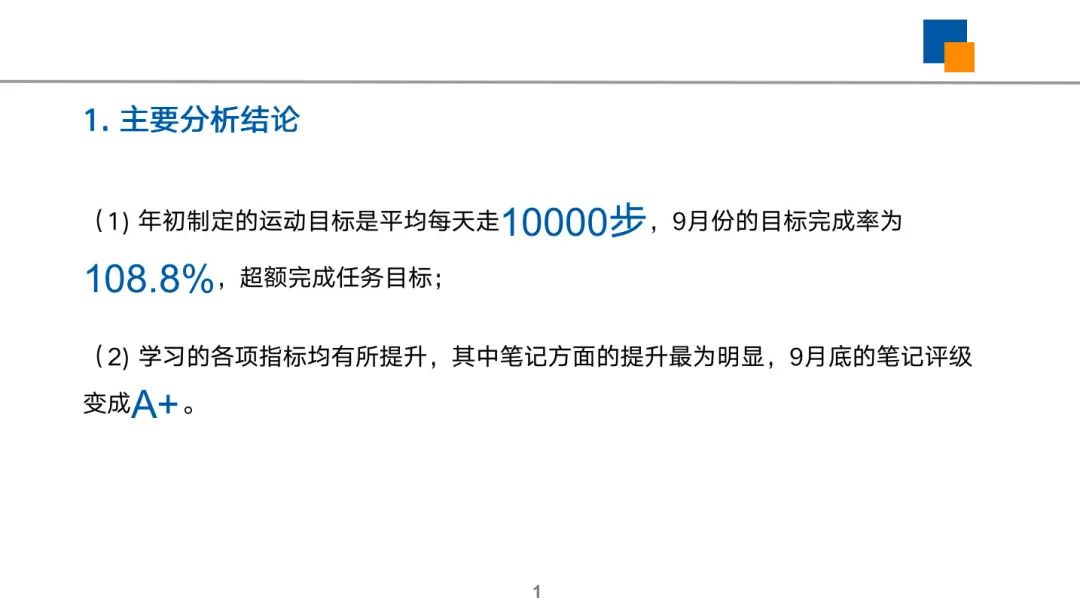
title.text?=?"1.?主要分析結論"

#?添加正文內(nèi)容
content?=?slide1.placeholders[11]
ft?=?content.text_frame
ft.clear()
p?=?ft.paragraphs[0]
run?=?p.add_run()
run.text?=?'(1)?年初制定的運動目標是平均每天走'

#?重點強調(diào)的內(nèi)容
run?=?p.add_run()
run.text?=?'10000步'
font?=?run.font
font.name?=?'Arial'
font.size?=?Pt(26)
font.color.rgb?=?RGBColor(0,?88,?159)

#?繼續(xù)添加其他內(nèi)容
run?=?p.add_run()
run.text?=?',9月份的目標完成率為'

#?重點強調(diào)的內(nèi)容
run?=?p.add_run()
run.text?=?'108.8%'
font?=?run.font
font.name?=?'Arial'
font.size?=?Pt(26)
font.color.rgb?=?RGBColor(0,?88,?159)

#?繼續(xù)添加其他內(nèi)容
run?=?p.add_run()
run.text?=?''',超額完成任務目標;

(2)?學習的各項指標均有所提升,其中筆記方面的提升最為明顯,9月底的筆記評級變成'''

#?重點強調(diào)的內(nèi)容
run?=?p.add_run()
run.text?=?'A+'
font?=?run.font
font.name?=?'Arial'
font.size?=?Pt(26)
font.color.rgb?=?RGBColor(0,?88,?159)

#?繼續(xù)添加其他內(nèi)容
run?=?p.add_run()
run.text?=?'。'

#?***************2.?目標完成情況******************
#?添加幻燈片
slide_layout2?=?prs.slide_layouts[3]
slide2?=?prs.slides.add_slide(slide_layout2)
#?添加正文模塊標題
title=?slide2.placeholders[10]
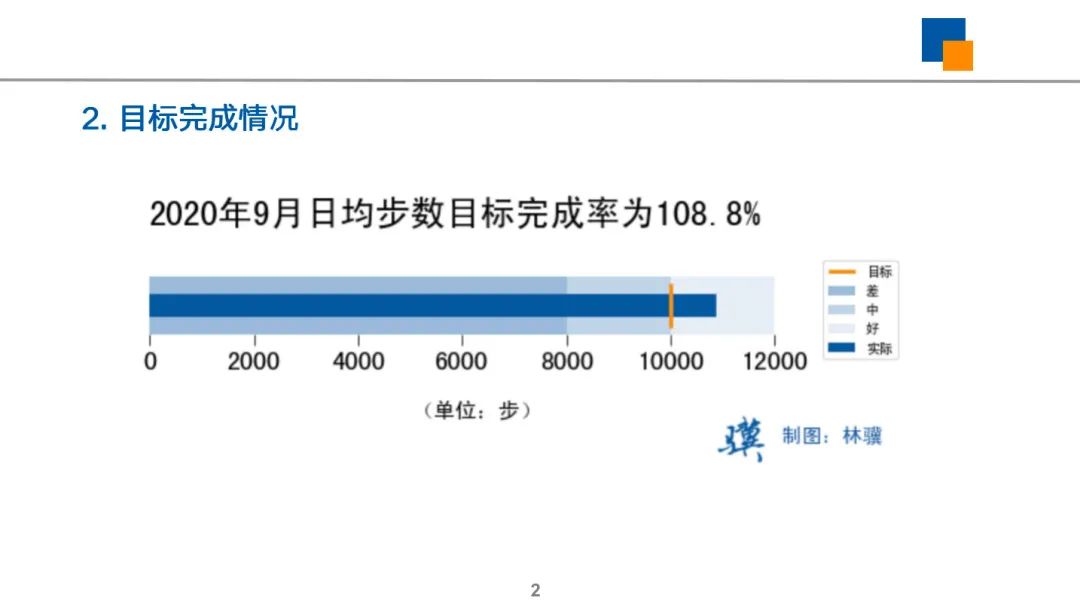
title.text?=?"2.?目標完成情況"
#?插入圖片?https://github.com/linjiwx/mp
img_path='./pic/2.?目標完成情況.jpg'
picture_placeholder?=?slide2.placeholders[11]
placeholder_picture?=?picture_placeholder.insert_picture(img_path)
#?添加描述內(nèi)容
content=?slide2.placeholders[12]
content.text?=?'?'

#?***************3.?關鍵指標變化******************
#?添加幻燈片
slide_layout3?=?prs.slide_layouts[6]
slide3?=?prs.slides.add_slide(slide_layout3)
#?添加正文模塊標題
title=?slide3.placeholders[10]
title.text?=?"3.?關鍵指標變化"
#?插入圖片對象,主圖
img_path='./pic/3.?關鍵指標變化.jpg'
picture_placeholder?=?slide3.placeholders[11]
placeholder_picture?=?picture_placeholder.insert_picture(img_path)
#?添加描述內(nèi)容
content=?slide3.placeholders[12]
content.text?=?'''與年初相比,
各項指標均有所提升,
其中筆記的提升最多,
9月底的筆記評級變成A+。
'''

#?***************4.?變化原因分析******************
#?添加幻燈片
slide_layout4?=?prs.slide_layouts[1]
slide4?=?prs.slides.add_slide(slide_layout4)

#?添加正文模塊標題
title=?slide4.placeholders[10]
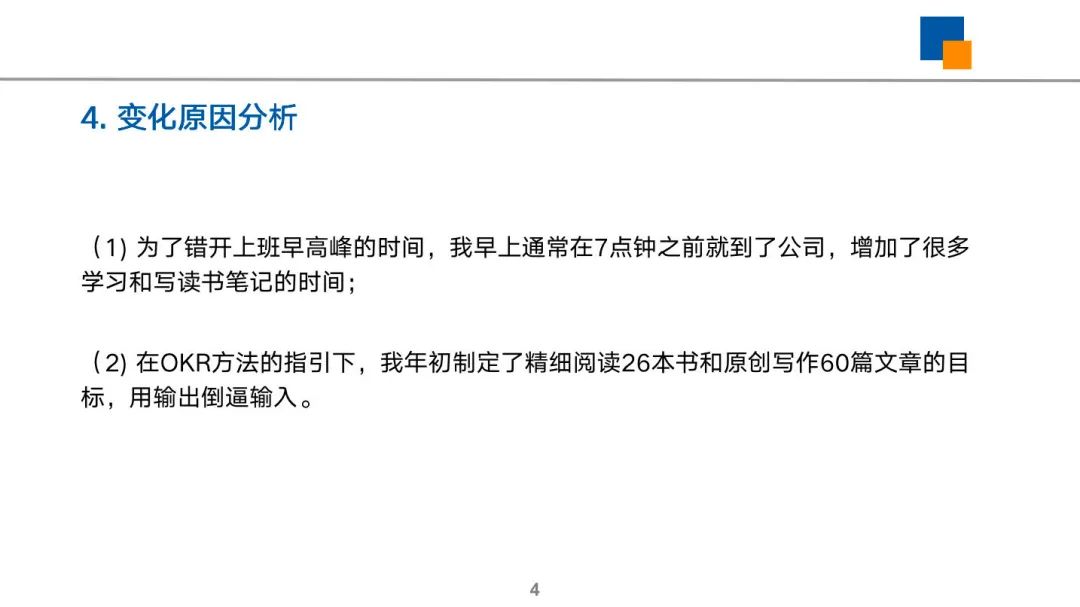
title.text?=?"4.?變化原因分析"

#?添加描述內(nèi)容
content=?slide4.placeholders[11]
content.text?=?'''
(1)?為了錯開上班早高峰的時間,我早上通常在7點鐘之前就到了公司,增加了很多學習和寫讀書筆記的時間;

(2)?在OKR方法的指引下,我年初制定了精細閱讀26本書和原創(chuàng)寫作60篇文章的目標,用輸出倒逼輸入。
'''

#?*************5.?建議改善措施*****************
slide_layout5?=?prs.slide_layouts[1]
slide5?=?prs.slides.add_slide(slide_layout5)

#?添加正文模塊標題
title=?slide5.placeholders[10]
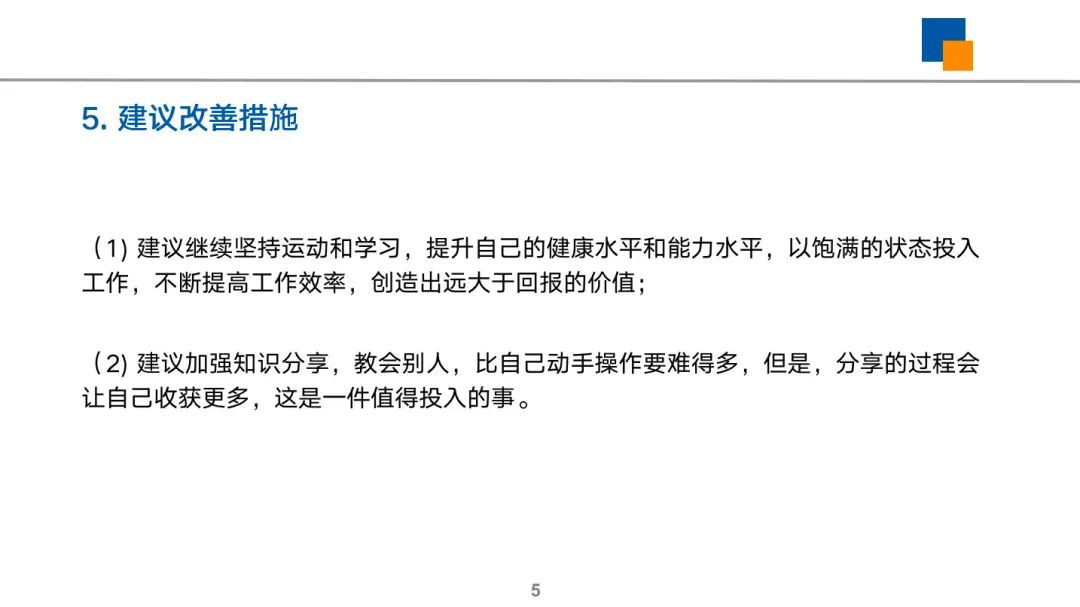
title.text?=?"5.?建議改善措施"

#?添加內(nèi)容
content=?slide5.placeholders[11]
content.text?=?'''
(1)?建議繼續(xù)堅持運動和學習,提升自己的健康水平和能力水平,以飽滿的狀態(tài)投入工作,不斷提高工作效率,創(chuàng)造出遠大于回報的價值;

(2)?建議加強知識分享,教會別人,比自己動手操作要難得多,但是,分享的過程會讓自己收獲更多,這是一件值得投入的事。
'''

#?***************6.?封底******************
#?添加幻燈片
slide_layout2?=?prs.slide_layouts[3]
slide2?=?prs.slides.add_slide(slide_layout2)
#?添加正文模塊標題
title=?slide2.placeholders[10]
title.text?=?'6.?感謝您的關注'
#?插入圖片對象,主圖
img_path='./pic/林驥.png'
picture_placeholder?=?slide2.placeholders[11]
placeholder_picture?=?picture_placeholder.insert_picture(img_path)
#?添加描述內(nèi)容
content=?slide2.placeholders[12]
content.text?=?'用數(shù)據(jù)化解難題,讓分析更加有效。'

prs.save('2020年9月林驥的數(shù)據(jù)分析報告.pptx')

print("報告已生成,請打開PPT文件查看。")
打開自動生成的 PPT 文件,就可以看到完整的數(shù)據(jù)分析報告結果。
往期推薦
長按下方的二維碼,關注林驥的公眾號,更多干貨早知道。
點擊左下角的閱讀原文,進入星球后,篩選文件主題,可以免費下載更多數(shù)據(jù)分析報告。
評論
圖片
表情