
基于 TDD 模式編寫 Vue 評論組件(上):數(shù)據(jù)綁定和列表渲染
上篇教程學(xué)院君給大家演示了 Vue 組件測試套件(Vue Test Utils + Mocha + jsdom + Expect)的引入和基本使用,今天,我們結(jié)合這套組件通過測試驅(qū)動開發(fā)(Test-Driven Development,簡稱 TDD)模式來編寫一個 Vue 單文件組件。
前面在組件實戰(zhàn)中我們已經(jīng)基于 Laravel + Vue 組件開發(fā)出了一個簡單的博客應(yīng)用,但是這個博客缺乏與讀者之間的交流和互動,我們可以給它加上評論功能來彌補(bǔ)這個不足:
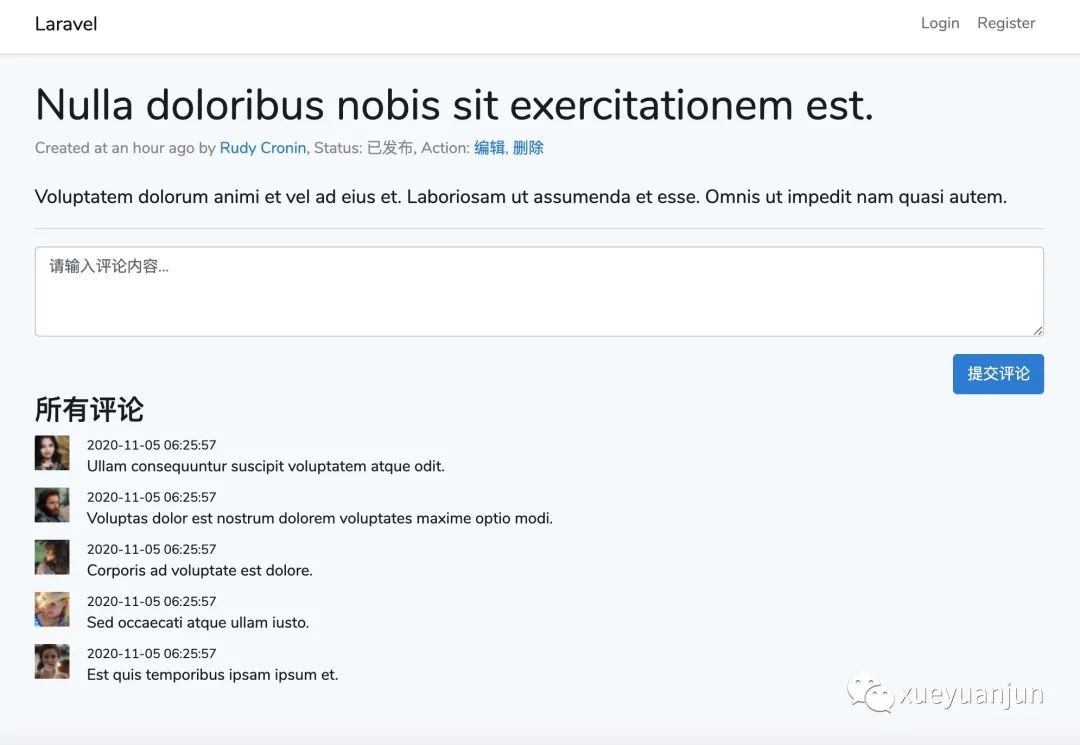
下面我們基于 TDD 模式來開發(fā)這個評論組件。
第一步:創(chuàng)建組件和表單控件
所謂測試驅(qū)動開發(fā)就是根據(jù)需求先編寫不同場景的測試用例,然后再編寫可以通過這些測試用例的代碼,最終交付出一個質(zhì)量可靠的系統(tǒng)。這個開發(fā)過程通過測試推動,這是一種敏捷開發(fā)模式。
以本功能為例,我們先在 tests/JavaScript 目錄下新建一個 comment.spec.js 文件用于測試評論組件,然后編寫該組件的第一個測試用例代碼如下:
import { mount} from "@vue/test-utils";
import CommentComponent from '../../resources/js/components/CommentComponent.vue';

describe('CommentComponent.vue', () => {
    it('include comment form with textarea and placeholder', function () {
        let wrapper = mount(CommentComponent);

        expect(wrapper.find('form').exists()).toBe(true);
        expect(wrapper.find('textarea').exists()).toBe(true);
        expect(wrapper.find('textarea').attributes('placeholder')).toMatch('請輸入評論內(nèi)容...');
    });
});
此時運行 npm run test 會測試失敗:
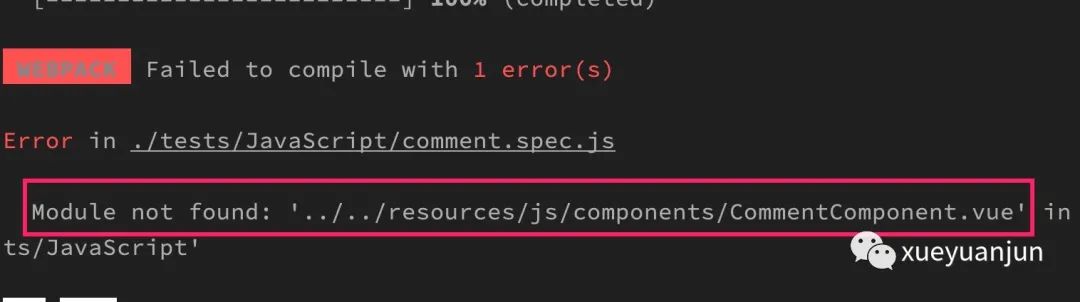
提示沒有 CommentComponent 組件,我們在 resources/js/components 目錄下創(chuàng)建這個 Vue 組件,并添加一個包含文本框的表單元素:
<style scoped>

</style>

<template>
    <form>
        <div class="form-group">
            <textarea class="form-control" name="content" rows="3" placeholder="請輸入評論內(nèi)容..."></textarea>
        </div>
    </form>
</template>

<script>
export default {}
</script>
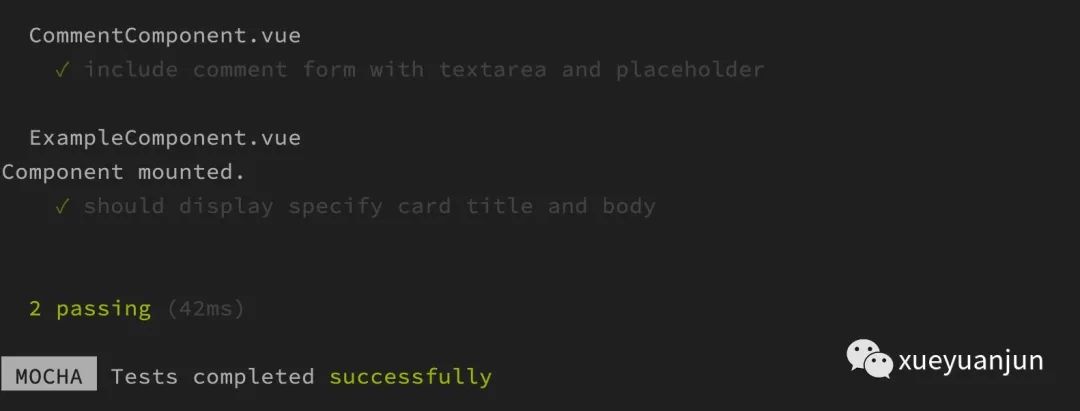
再次運行測試,就可以看到第一個測試用例通過了:
自動運行測試
當(dāng)然,每次修改測試用例代碼后都要手動運行 npm run test 很麻煩,我們可以在 package.json 中配置一個 watch-test 命令,每次前端代碼調(diào)整后自動運行 npm run test:
"scripts": {
    ...
    "test": "cross-env NODE_ENV=development mochapack --webpack-config webpack.config.js --require tests/JavaScript/setup.js tests/JavaScript/**/*.spec.js",
    "watch-test": "npm run test -- --watch"
},
在終端執(zhí)行 npm run watch-test 開啟自動運行測試。
第二步:表單提交按鈕
我們接下來在 comment.spec.js 中編寫第二個測試用例 —— 為表單添加一個提交按鈕:
describe('CommentComponent.vue', () => {
    ...

    it('include submit btn', function () {
        let wrapper = mount(CommentComponent);

        expect(wrapper.find('button[type=submit]').exists()).toBe(true);
        expect(wrapper.find('button[type=submit]').text()).toMatch('提交評論');
    });
});
現(xiàn)在可以在終端窗口中看到測試已經(jīng)自動運行了,當(dāng)然,現(xiàn)在測試是不同過的:
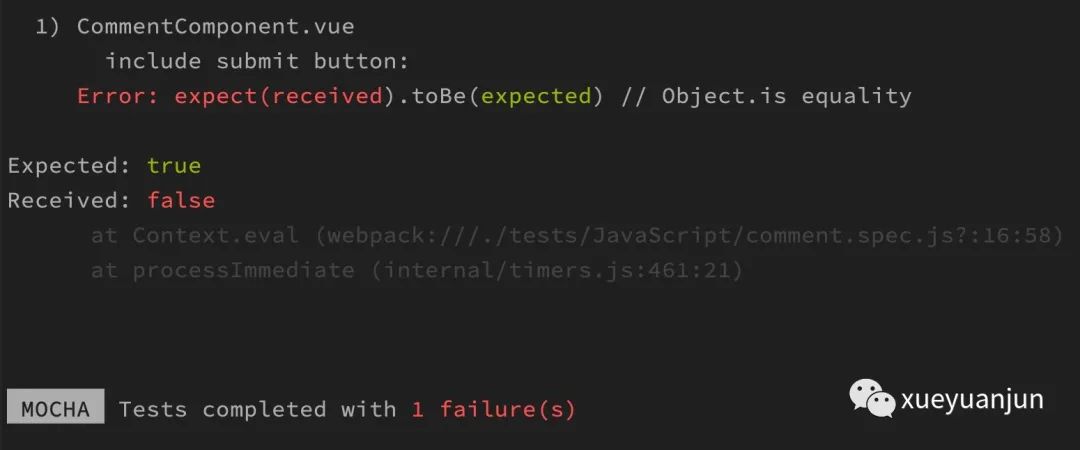
因為 CommentComponent 組件還沒有包含提交按鈕,我們編輯這個組件文件添加提交按鈕:
<template>
    <form>
        <div class="form-group">
            <textarea class="form-control" name="content" rows="3" placeholder="請輸入評論內(nèi)容..."></textarea>
        </div>
        <div class="text-right">
            <button type="submit" class="btn btn-primary">提交評論</button>
        </div>
    </form>
</template>
自動測試運行通過:
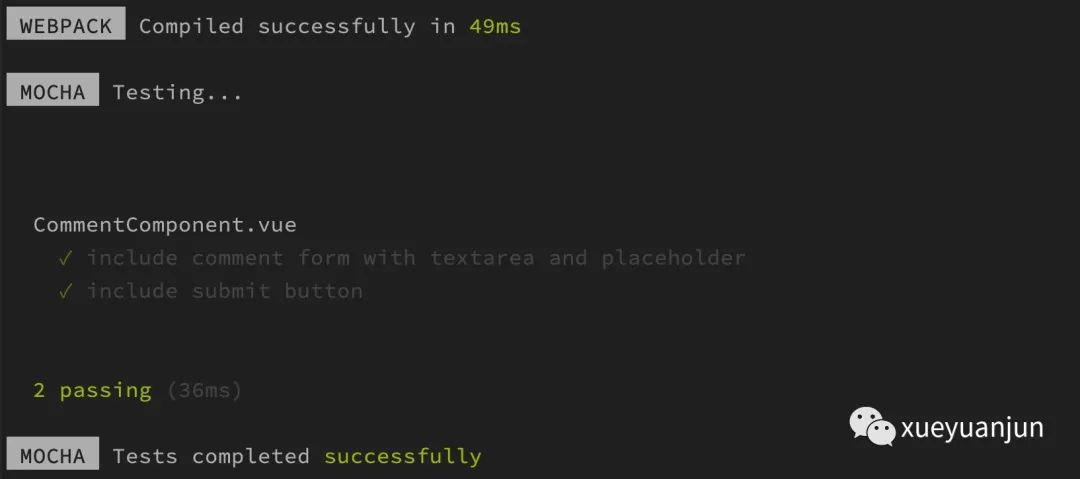
這樣我們就已經(jīng)完成了評論功能表單模板代碼的編寫。
重構(gòu)測試用例
同一個組件的測試用例代碼通常都在同一個文件中,每次編寫一個新的測試用例都要重復(fù)掛載組件很低效,我們可以像在 PHPUnit 測試類中定義 setUp 方法那樣,在同一個組件的測試用例組中定義一個 beforeEach 方法,該方法會在 CommentComponent 組件每個測試用例運行之前執(zhí)行,我們可以將該組件的掛載工作放到這個方法中實現(xiàn),這樣一來,我們就可以直接在每個測試用例中通過 wrapper 變量來引用掛載實例了:
describe('CommentComponent.vue', () => {
    let wrapper;

    beforeEach(() => {
        wrapper = mount(CommentComponent);
    })

    it('include comment form with textarea and placeholder', function () {
        expect(wrapper.find('form').exists()).toBe(true);
        expect(wrapper.find('textarea').exists()).toBe(true);
        expect(wrapper.find('textarea').attributes('placeholder')).toMatch('請輸入評論內(nèi)容...');
    })

    it('include submit button', function () {
        expect(wrapper.find('button[type=submit]').exists()).toBe(true);
        expect(wrapper.find('button[type=submit]').text()).toMatch('提交評論');
    })
});
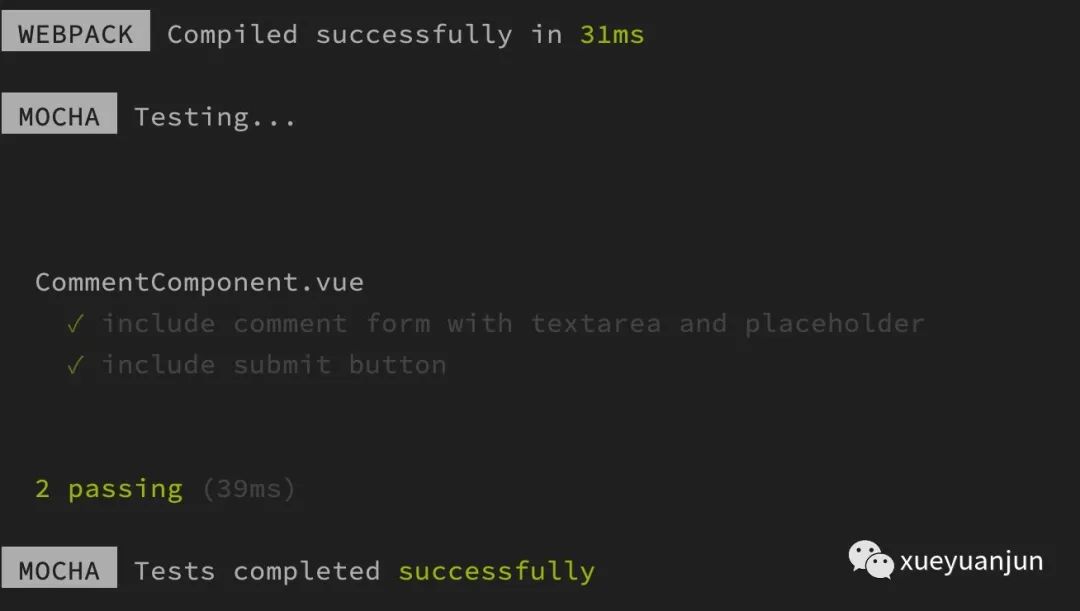
代碼瞬間干凈了許多。修改完成會自動運行回歸測試,測試通過,表明此時重構(gòu)沒有引入bug:
第三步:輸入評論內(nèi)容與數(shù)據(jù)綁定
現(xiàn)在已經(jīng)具備完整的表單控件了,是時候填寫表單并提交了。在 comment.spec.js 中編寫第三個測試用例 —— 輸入評論內(nèi)容,并將其與 Vue 模型屬性建立數(shù)據(jù)綁定,以便執(zhí)行后續(xù)操作:
it('typed comment will sync with model data ', function () {
    // Given
    let comment = '大家好,我是學(xué)院君。';
    wrapper.find('textarea[name=content]').element.value = comment;

    // When
    wrapper.find('textarea[name=content]').trigger('input');

    // Then
    expect(wrapper.vm.comment).toBe(comment);
});
這個時候,我們就可以編寫純正 BDD 風(fēng)格的測試用例了:
Given:初始化資源 —— 輸入評論內(nèi)容;
When:觸發(fā) textarea 元素的
input事件;Then:斷言 Vue 模型屬性
comment是否和輸入的評論內(nèi)容一致。
注:相關(guān)的 Wrapper 語法明細(xì)可以參考 Vue 測試套件官方文檔了解。
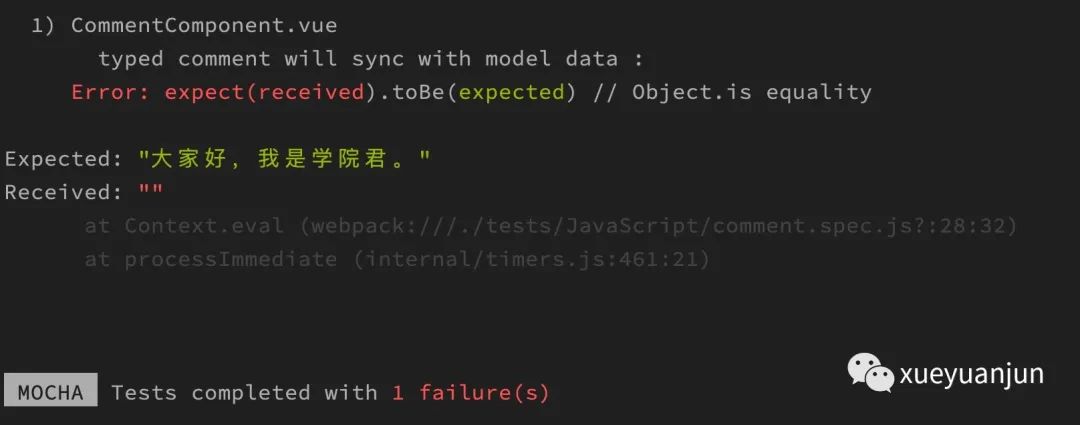
這個時候測試用例不通過,因為現(xiàn)在還沒有定義 comment 模型屬性,textarea 表單輸入控件也沒有與之建立對應(yīng)的數(shù)據(jù)綁定:
打開 CommentComponent 組件,編寫對應(yīng)的實現(xiàn)代碼如下:
<template>
    <form>
        <div class="form-group">
            <textarea v-model="comment" class="form-control" name="content" rows="3" placeholder="請輸入評論內(nèi)容..."></textarea>
        </div>
        <div class="text-right">
            <button type="submit" class="btn btn-primary">提交評論</button>
        </div>
    </form>
</template>

<script>
export default {
    data() {
        return {
            comment: '',
            comments: []
        }
    }
}
</script>
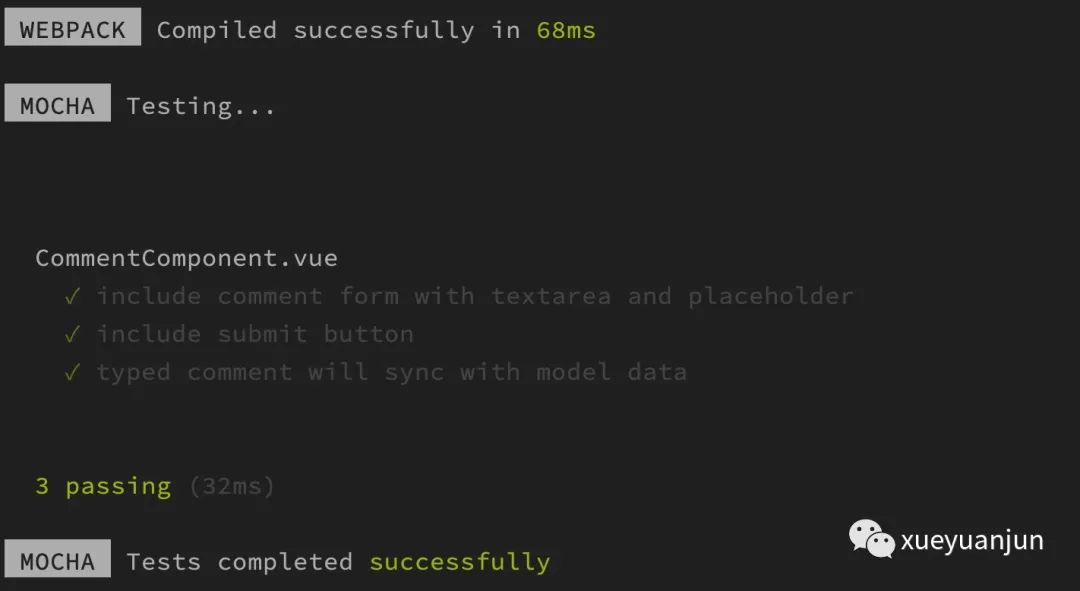
第三個測試用例運行通過:
第四步:提交評論并進(jìn)行列表渲染
編寫好評論內(nèi)容之后還要提交才能保存和渲染,我們在 comment.spec.js 中編寫第四個測試用例來測試這個業(yè)務(wù)場景,這一步是目前最復(fù)雜的:
it('click submit button will render comment in comments list', function () {
    // Given
    expect(wrapper.find('ul.comments').isVisible()).toBe(false);
    let comment = '大家好,我是學(xué)院君。';
    wrapper.find('textarea[name=content]').element.value = comment;
    wrapper.find('textarea[name=content]').trigger('input');

    // When
    wrapper.find('button[type=submit]').trigger('submit');

    // Then
    expect(wrapper.vm.comments.length).toBe(1);
    expect(wrapper.vm.comments[0]).toBe(comment);
    wrapper.vm.$nextTick(() => {
        // 需要將這兩個斷言放到 Vue.nextTick 中執(zhí)行,因為它們需要在 DOM 刷新之后才會生效
        expect(wrapper.find('ul.comments').isVisible()).toBe(true);
        expect(wrapper.find('ul.comments').html()).toContain(comment);
    })
});
我們還是通過 Given-When-Then 三步進(jìn)行拆分:
Given:開始的時候評論列表為空,我們通過 textarea 表單元素編寫評論內(nèi)容;
When:編寫好了之后點擊提交按鈕,觸發(fā)
submit事件;Then:提交之后會觸發(fā)監(jiān)聽
submit事件的函數(shù),更新組件模型屬性,將當(dāng)前評論內(nèi)容插入到評論列表,并清空評論框,然后在 Vue.nextTick 回調(diào)中斷言評論列表是否出現(xiàn)并包含剛剛提交的內(nèi)容。
這里為什么要在 Vue.nextTick(wrapper.vm 對應(yīng)的就是 Vue 實例) 閉包中執(zhí)行斷言代碼呢,馬上會揭曉。
由于評論組件還沒有實現(xiàn)對應(yīng)的業(yè)務(wù)代碼,所以此時測試用例不通過:
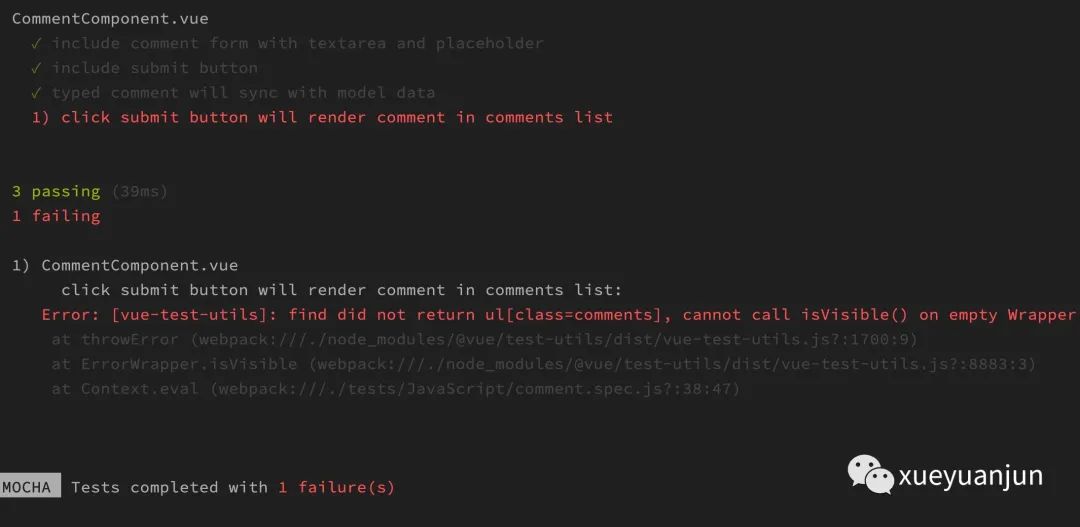
打開評論組件 CommentComponent.vue,添加評論渲染列表、submit 事件函數(shù)等業(yè)務(wù)代碼如下:
<style scoped>

</style>

<template>
    <div>
        <form @submit.prevent="addNewComment">
            <div class="form-group">
                <textarea v-model="comment" class="form-control" name="content" rows="3" placeholder="請輸入評論內(nèi)容..."></textarea>
            </div>
            <div class="text-right">
                <button type="submit" class="btn btn-primary">提交評論</button>
            </div>
        </form>
        <h3>所有評論</h3>
        <ul class="comments" v-show="comments.length > 0">
            <li v-for="(content, index) in comments" :key="index" v-text="content"></li>
        </ul>
    </div>
</template>

<script>
export default {
    data() {
        return {
            comment: '',
            comments: []
        }
    },
    methods: {
        addNewComment() {
            this.comments.push(this.comment);
            this.comment = '';
        }
    }
}
</script>
測試用例運行通過,表明業(yè)務(wù)代碼可以正常工作:
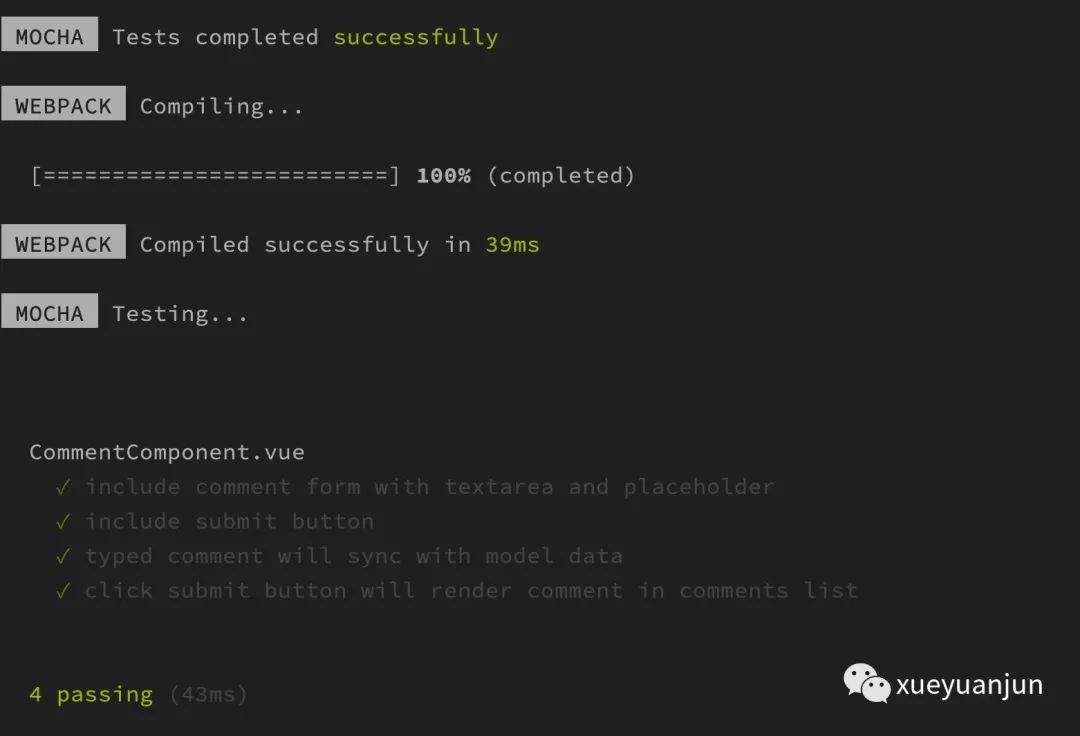
Vue.nextTick 回調(diào)
這里,我們來簡單說說為什么要在 Vue.nextTick 回調(diào)函數(shù)中執(zhí)行評論列表渲染相關(guān)的斷言,這是因為 Vue 組件中,并不是模型數(shù)據(jù)一變更,頁面 DOM 就跟著更新渲染,底層有自己的更新策略,而 Vue.nextTick 的作用就是在下次 DOM 更新結(jié)束之后執(zhí)行延遲回調(diào),也就是我們上面編寫的斷言代碼,這樣一來,就可以保證在 DOM 更新之后斷言評論列表,否則就會出現(xiàn)列表未更新,測試用例運行不通過的狀況。
小結(jié)
至此,我們已經(jīng)初步完成單文件評論組件的前端業(yè)務(wù)功能,接下來,我們需要將其嵌入到文章詳情頁中,并調(diào)用后端接口存儲評論數(shù)據(jù),那么父子組件之前的通信(props、emit)以及前后端接口調(diào)用該如何編寫測試用例呢?學(xué)院君將在下篇教程給大家揭曉。
本系列教程首發(fā)在Laravel學(xué)院(laravelacademy.org),你可以點擊頁面左下角閱讀原文鏈接查看最新更新的教程。