
水波圖實現(xiàn)原理
(給前端大學加星標,提升前端技能.)
作者:止戰(zhàn)之殤
https://juejin.im/post/6844903640537235470
在項目中自己使用 Canvas 實現(xiàn)了一下水波圖,在這里給大家分享一下它的實現(xiàn)原理。一開始看到波浪,可能不知道從何入手,我們來看看波浪的特征就會有靈感了。
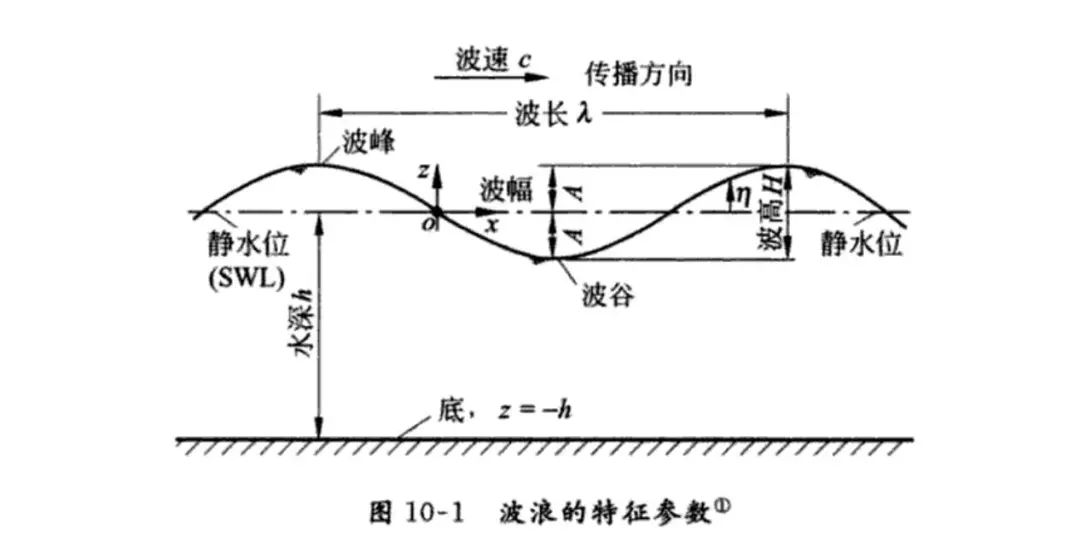
沒錯,有人肯定會想到,就是 正余弦曲線!對于波陡很小的波動,一般選擇正弦或余弦的曲線來表示波形,這是最簡單而又最接近實際波形的表述。這里我選擇了正弦曲線來實現(xiàn)。
在講實現(xiàn)思路之前,我們來回憶一下正弦曲線的基礎。
正弦曲線
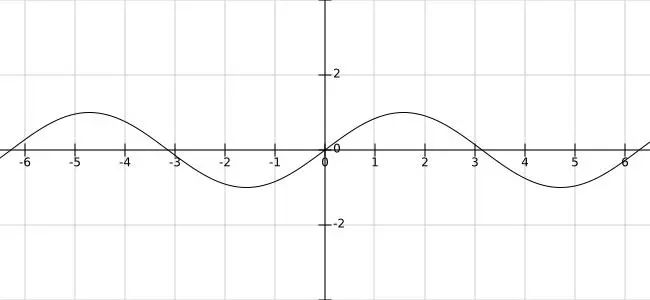
正弦曲線公式:y = A sin(Bx + C) + D
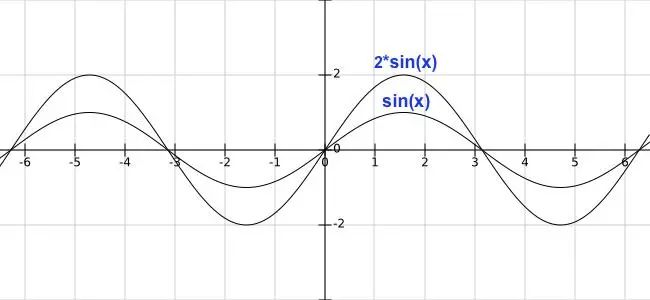
振幅是 A,A 值越大,曲線更陡峭:
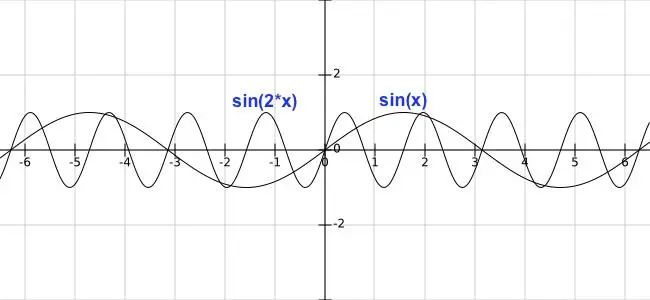
周期是 2π/B,B 值大于 1 時,B 值越大,周期越短,B 值小于 1 大于 0 時,周期變長:
相移是 ?C/B,在 B 不變的情況,C 為正值時,曲線向左移動,C 為負值時,曲線向右移動:
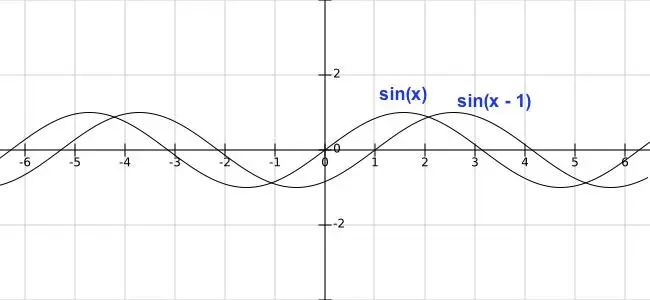
垂直位移是 D,控制曲線上下移動:
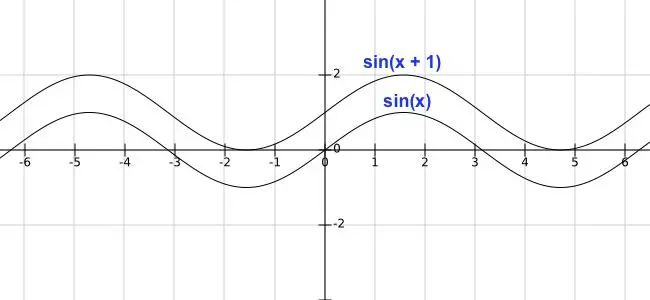
實現(xiàn)思路
了解了正弦曲線的一些屬性,我們可以把這些屬性來控制波浪,
振幅:控制波浪的高度
周期:控制波浪的寬度
相移:控制波浪的水平移動
垂直位移:控制水位的高度
動畫效果的實現(xiàn)主要是利用相移,通過不斷水平移動曲線,產(chǎn)出波浪移動的感覺,然后可以繪制多條曲線,曲線之間通過控制屬性(高度、寬度、移動速度),產(chǎn)生視覺差,就會有波浪起伏的感覺了。有了這些思路,我們來慢慢實現(xiàn)。
曲線繪制
初始化,定義 Canvas 的寬高:
componentDidMount() {
const self = this;
const canvas = this.refs.canvas;
canvas.height = 500;
canvas.width = 500;
this.canvas = canvas;
this.canvasWidth = canvas.width;
this.canvasHeight = canvas.height;
const ctx = canvas.getContext('2d');
this.drawSin(ctx);
}
render() {
return (
<div className="content page">
<canvas ref="canvas">canvas>
div>
);
}
根據(jù)定義波浪的參數(shù)配置,通過公式:y = 波浪高度 * sin(x * 波浪寬度 + 水平位移),來繪制正弦曲線:
drawSin(ctx) {
const points = [];
const canvasWidth = this.canvasWidth;
const canvasHeight = this.canvasHeight;
const startX = 0;
const waveWidth = 0.05; // 波浪寬度,數(shù)越小越寬
const waveHeight = 20; // 波浪高度,數(shù)越大越高
const xOffset = 0; // 水平位移
ctx.beginPath();
for (let x = startX; x < startX + canvasWidth; x += 20 / canvasWidth) {
const y = waveHeight * Math.sin((startX + x) * waveWidth + xOffset);
points.push([x, (canvasHeight / 2) + y]);
ctx.lineTo(x, (canvasHeight / 2) + y);
}
ctx.lineTo(canvasWidth, canvasHeight);
ctx.lineTo(startX, canvasHeight);
ctx.lineTo(points[0][0], points[0][1]);
ctx.stroke();
}
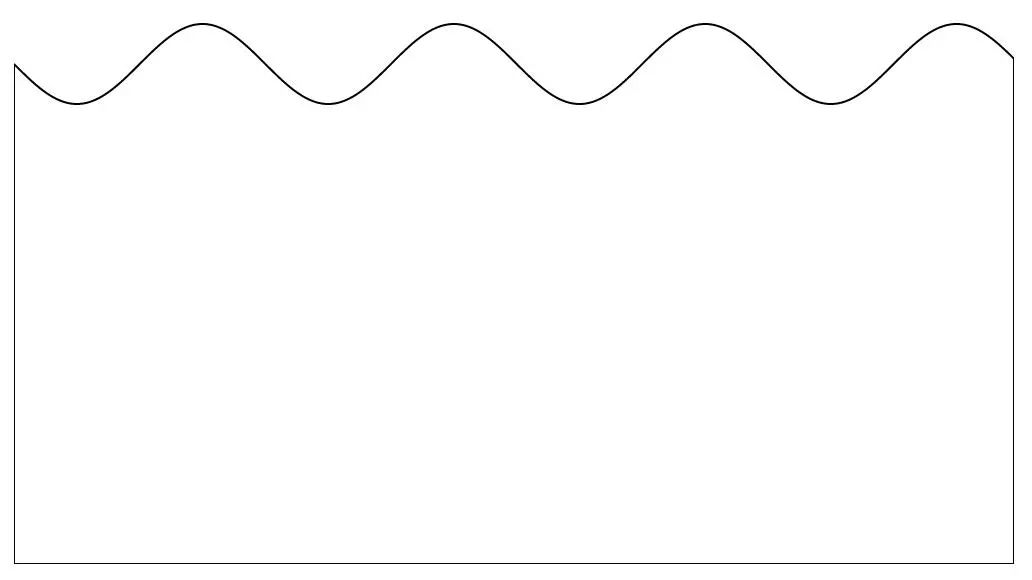
曲線繪制完,這時曲線是靜態(tài)的,如何讓它動起來?前面思路提到,可以通過不斷改變水平偏移(xOffset),讓曲線水平移動,即可產(chǎn)生動態(tài)的效果。
componentDidMount() {
...
this.xOffset = 0; // 初始偏移
this.speed = 0.1; // 偏移速度
requestAnimationFrame(this.draw.bind(this, canvas));
}
draw() {
const canvas = this.canvas;
const ctx = canvas.getContext('2d');
ctx.clearRect(0, 0, canvas.width, canvas.height);
// 曲線繪制
this.drawSin(ctx, this.xOffset);
this.xOffset += this.speed;
requestAnimationFrame(this.draw.bind(this));
}
drawSin(ctx, xOffset = 0) {
...
}
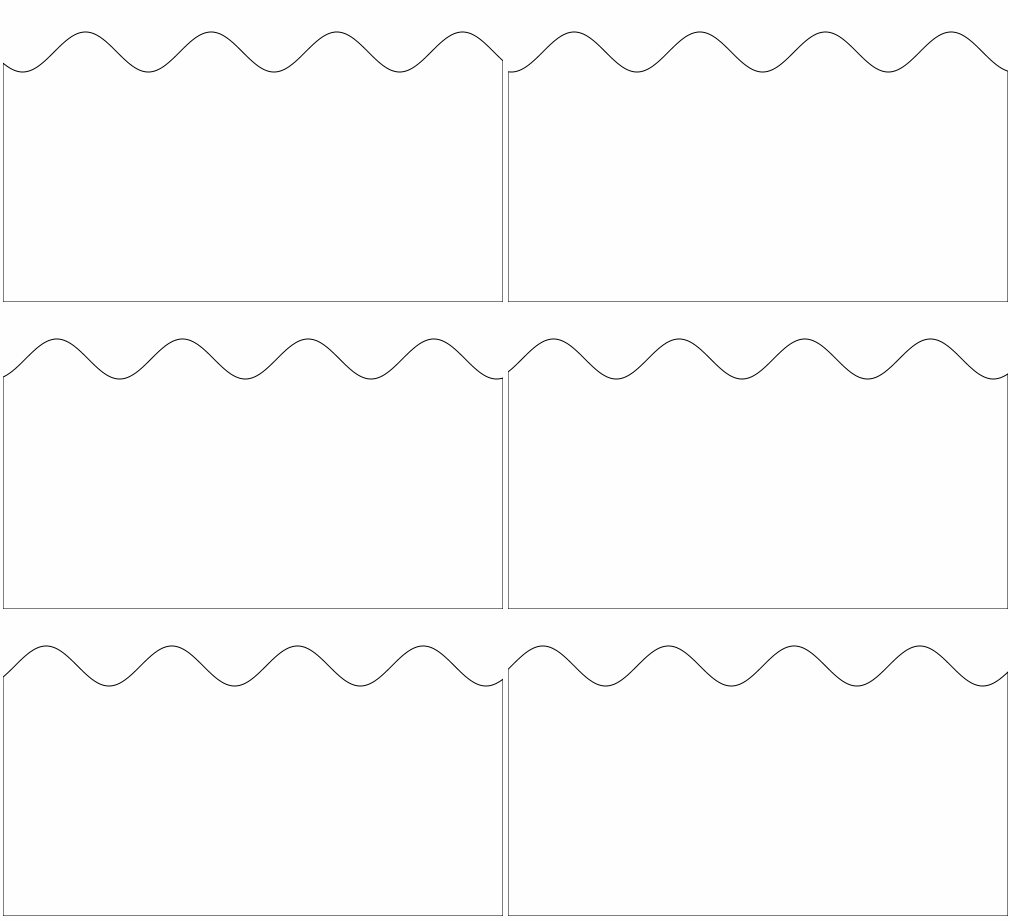
球型繪制
現(xiàn)在我們雛形已經(jīng)出來了,曲線和動態(tài)效果已經(jīng)實現(xiàn),上面可以看成是水裝在一個長方體上,如果讓水裝在一個球體上?
這里我們用到了 Canvas 的 clip() 方法來定義剪切區(qū)域,定義了剪切區(qū)域后,瀏覽器會將所有的繪圖操作都限制在本區(qū)域內(nèi)執(zhí)行,所以我們可以先畫一個圓,定義后面繪制的區(qū)域只能在這個圓的區(qū)域內(nèi),超出部分就不顯示,這樣就能形成浪在一個球體中的效果了。
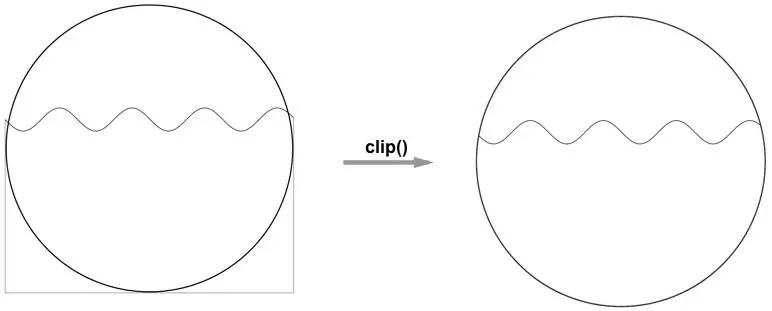
draw() {
...
if (!this.isDrawCircle) {
this.drawCircle(ctx);
}
this.drawSin(ctx, this.xOffset);
this.xOffset += this.speed;
requestAnimationFrame(this.draw.bind(this));
}
drawCircle(ctx) {
const r = this.canvasWidth / 2;
const lineWidth = 5;
const cR = r - (lineWidth);
ctx.lineWidth = lineWidth;
ctx.beginPath();
ctx.arc(r, r, cR, 0, 2 * Math.PI);
ctx.stroke();
ctx.clip();
this.isDrawCircle = true;
}
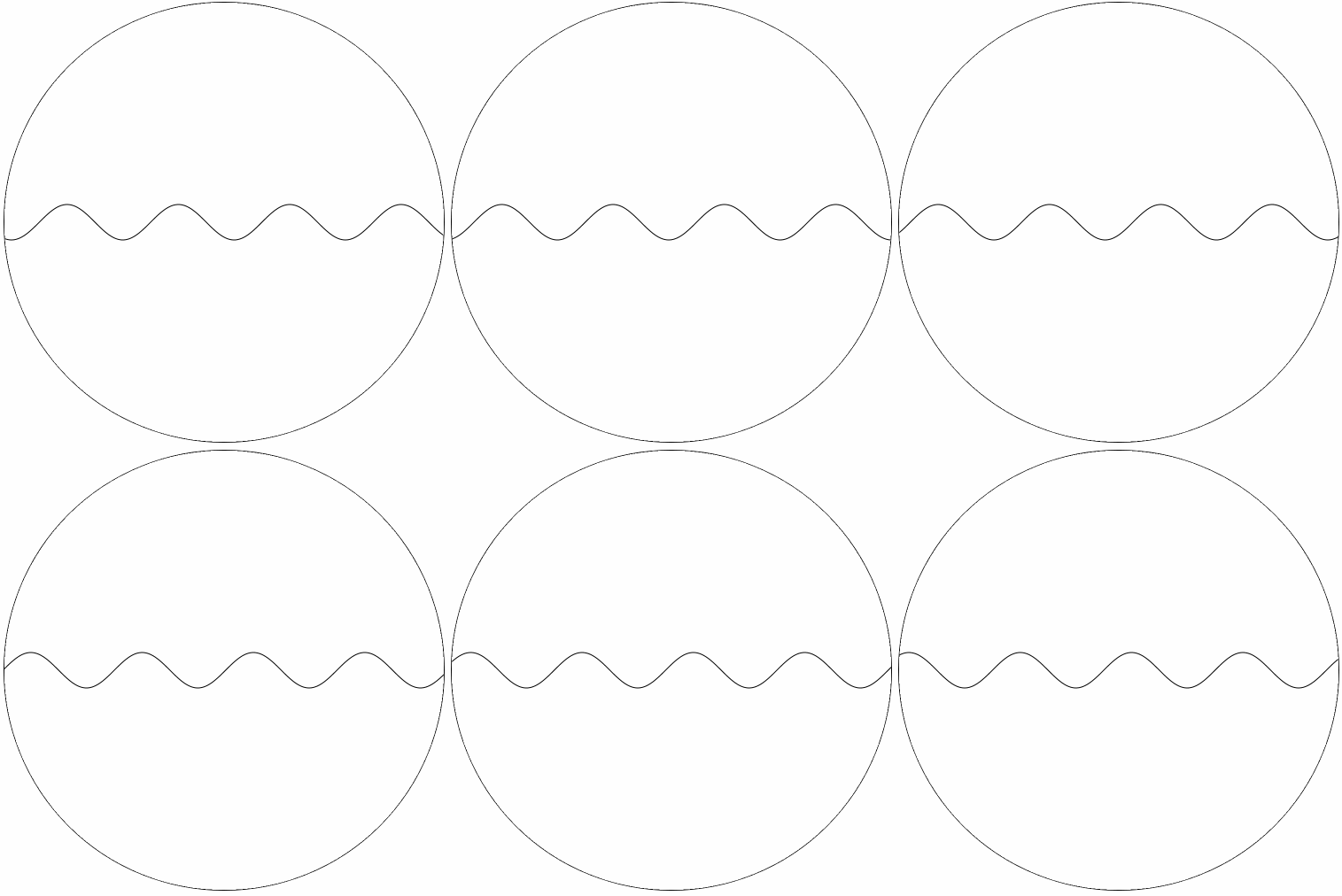
水位控制
是不是有點感覺了,目前還差一點,就是控制水位,也就是映射到數(shù)據(jù)的百分比。前面如果有留意的話,會發(fā)現(xiàn) 正弦曲線 y 坐標的計算,最后會加上 canvasHeight / 2 ,其實這里就是設置水位了。
我們來看看:y = A sin(Bx + C) + D,曲線的高度有 A 和 D 決定,A 控制波浪的高度,實際水位還是由 D 來控制。
水位的高度,在可視化上含義就是數(shù)據(jù)的百分比,假設目前的百分比80%,水位的高度就 canvasHeight * 0.8,映射到坐標系統(tǒng) y 的坐標就是 canvasHeight * (1 - 0.8)。(坐標原點在左上角)。在動畫效果上除了正弦曲線的水平移動,我們加上水位上升的動效:
componentDidMount() {
...
this.xOffset = 0;
this.speed = 0.1;
// 水位數(shù)值
this.rangeValue = 0.6;
// 初始水位
this.nowRange = 0;
requestAnimationFrame(this.draw.bind(this, canvas));
}
draw() {
...
this.drawSin(ctx, this.xOffset, this.nowRange);
this.xOffset += this.speed;
if (this.nowRange < this.rangeValue) {
this.nowRange += 0.01;
}
requestAnimationFrame(this.draw.bind(this));
}
drawCircle(ctx) {
...
}
drawSin(ctx, xOffset = 0, nowRange = 0) {
...
for (let x = startX; x < startX + canvasWidth; x += 20 / canvasWidth) {
const y = waveHeight * Math.sin((startX + x) * waveWidth + xOffset);
points.push([x, (1 - nowRange) * canvasHeight + y]);
ctx.lineTo(x, (1 - nowRange) * canvasHeight + y);
}
...
}
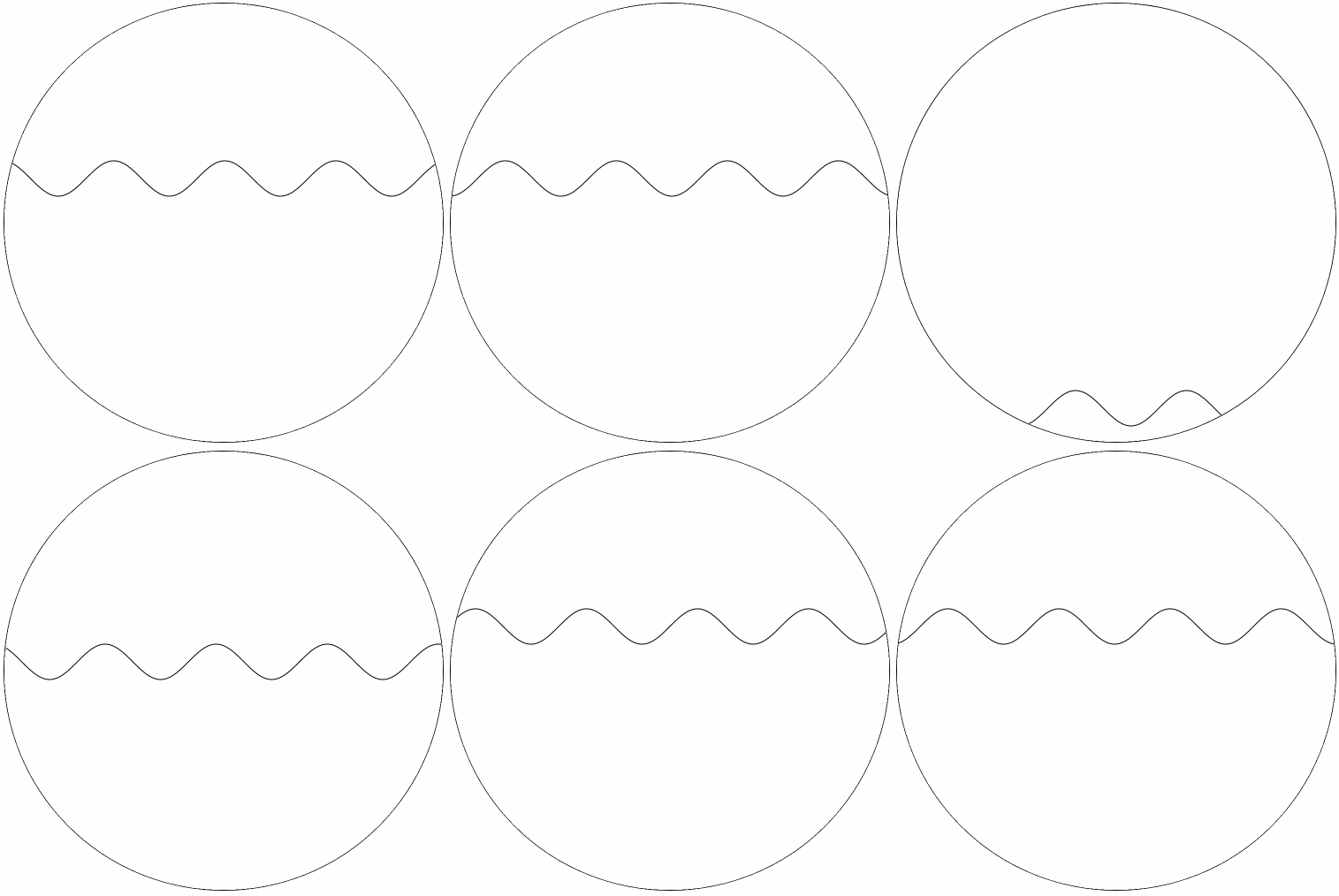
最終效果
最后我們加上顏色,再加多一條正弦曲線,就會有波浪起伏的感覺了。
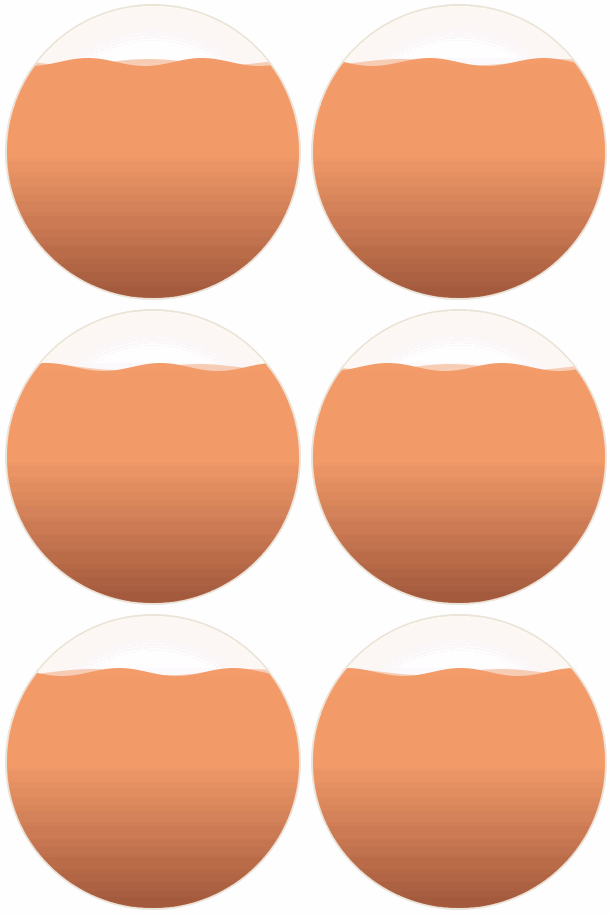
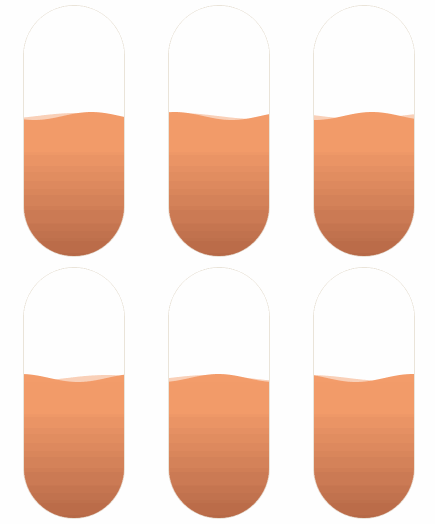
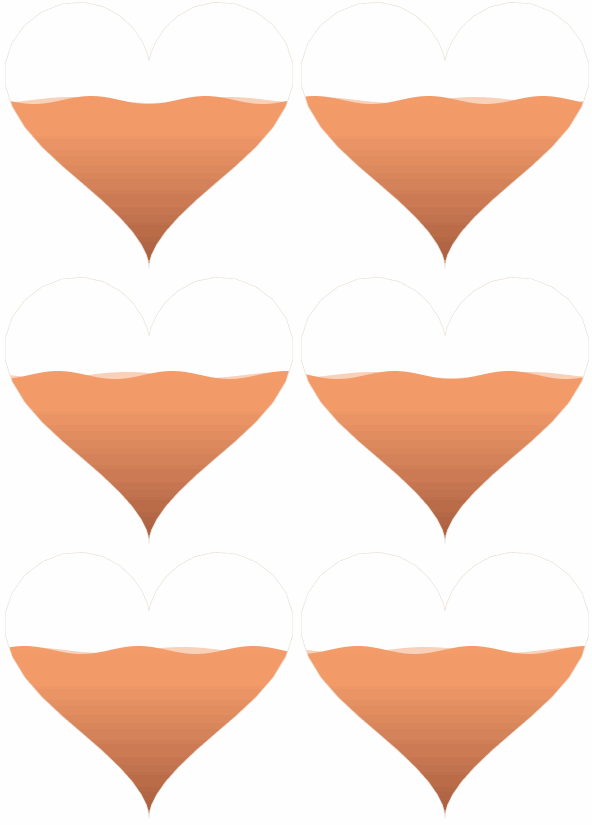
在上面球型繪制的時候,我們用到剪切區(qū)域的方法來實現(xiàn),有些人肯定會想到,這時我不用圓去裁切,而是用其他形狀,就可以創(chuàng)造出水在各種容器的效果了。

源代碼:https://github.com/beyondxgb/wave-demo
??愛心三連擊
點分享 點點贊 點在看


