
VS Code 必知必會的 20 個快捷鍵!

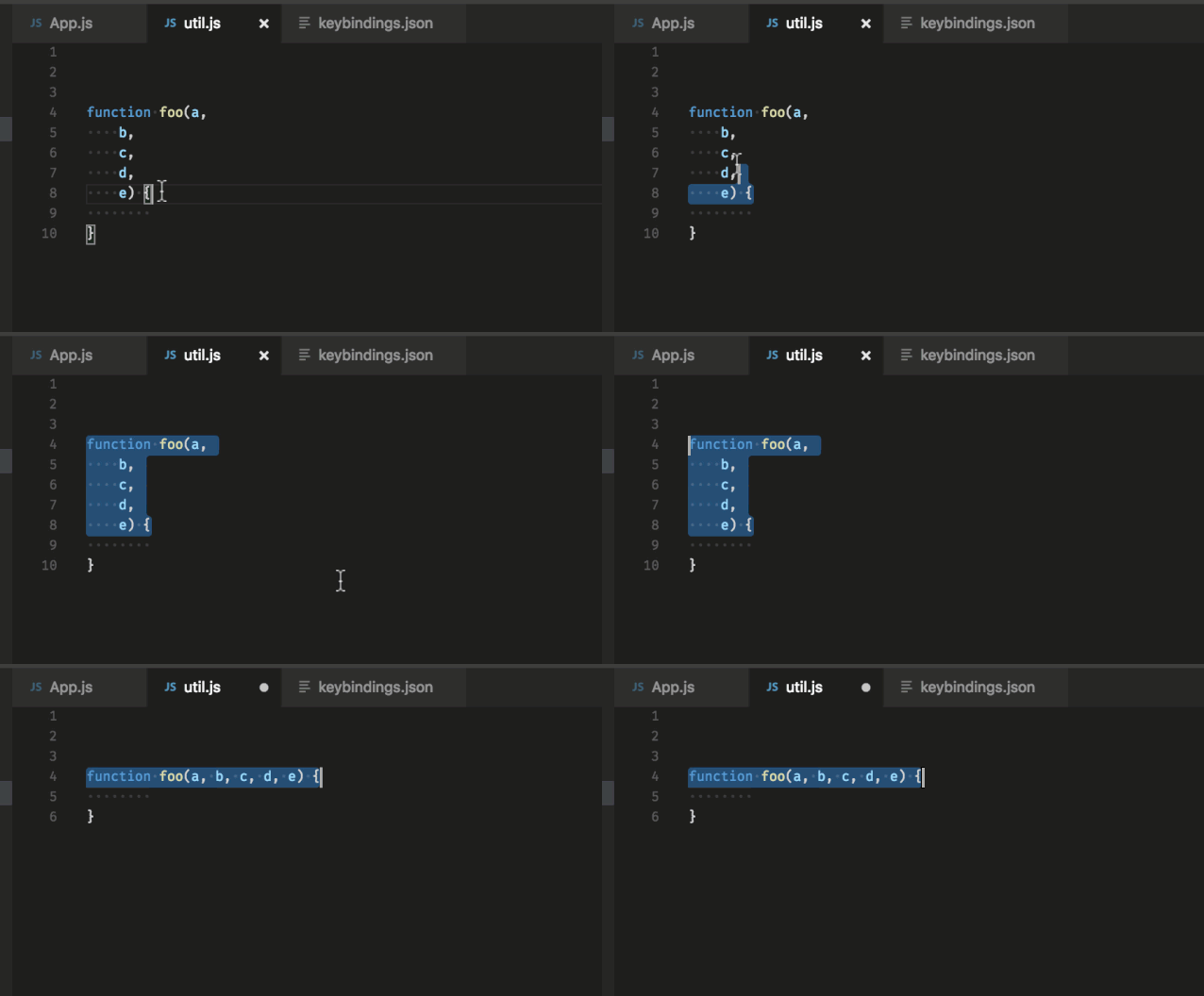
在 MAC 上:
Ctrl + J
在 Ubuntu/Windows 上:通過 File>Preferences>Keyboard shortcuts打開快捷鍵的設置,并且綁定editor.action.joinLines你自己的快捷鍵。
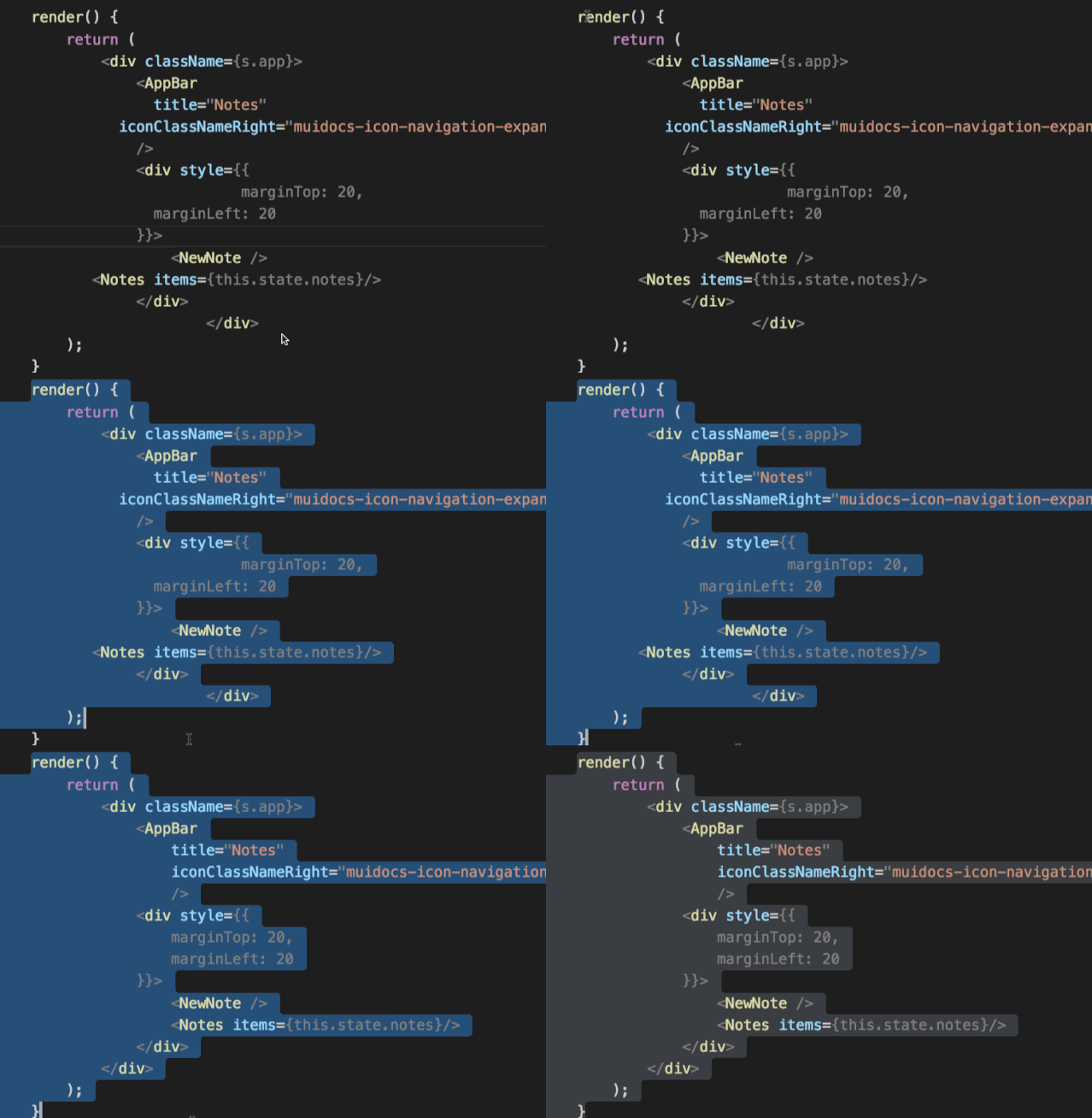
在 Windows 上:
Shift + Alt + F
在 Mac 上:
Shift + Option + F
在 Ubuntu 上:
Ctrl + Shift + I
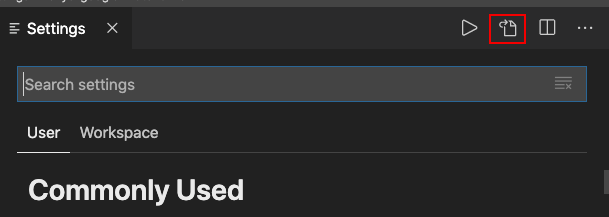
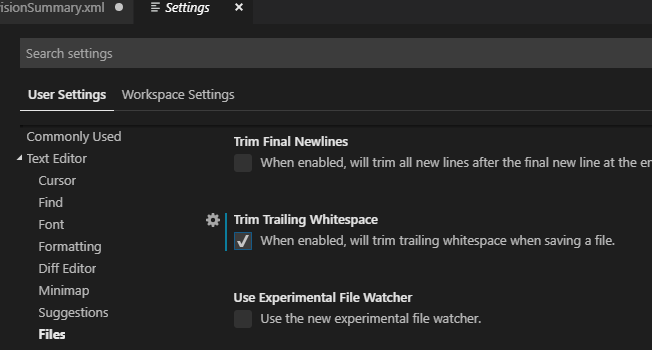
打開用戶設置頁面 (
Preferences>Settings>User TAB);
點擊右上角的圖標切換到代碼編輯模式;
添加
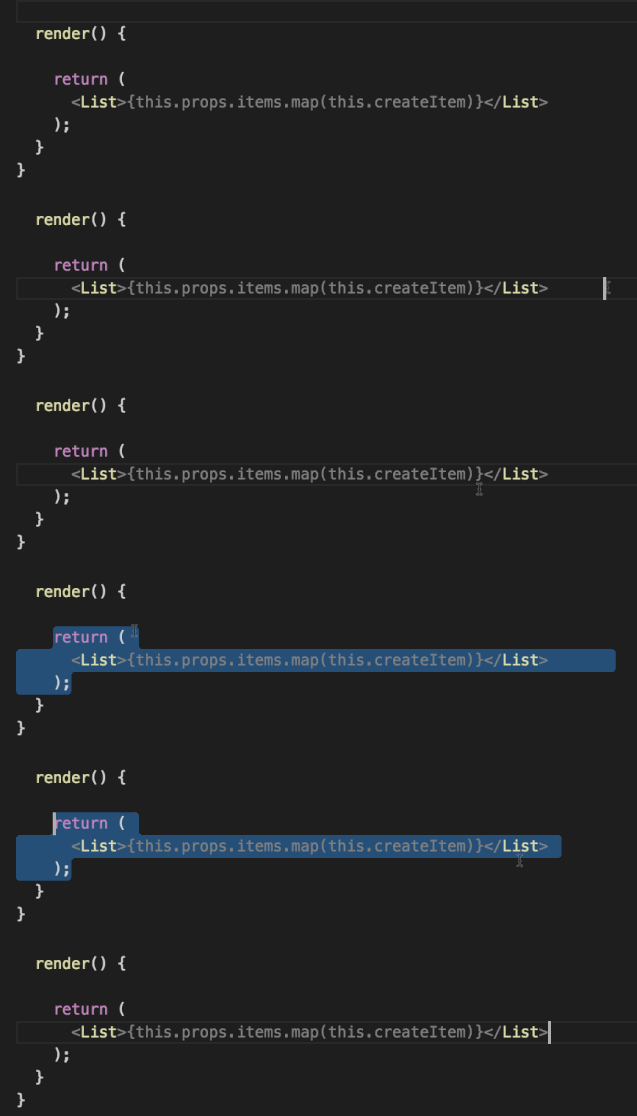
"files.trimTrailingWhitespace": true到設置文件中;保存你的設置文件。
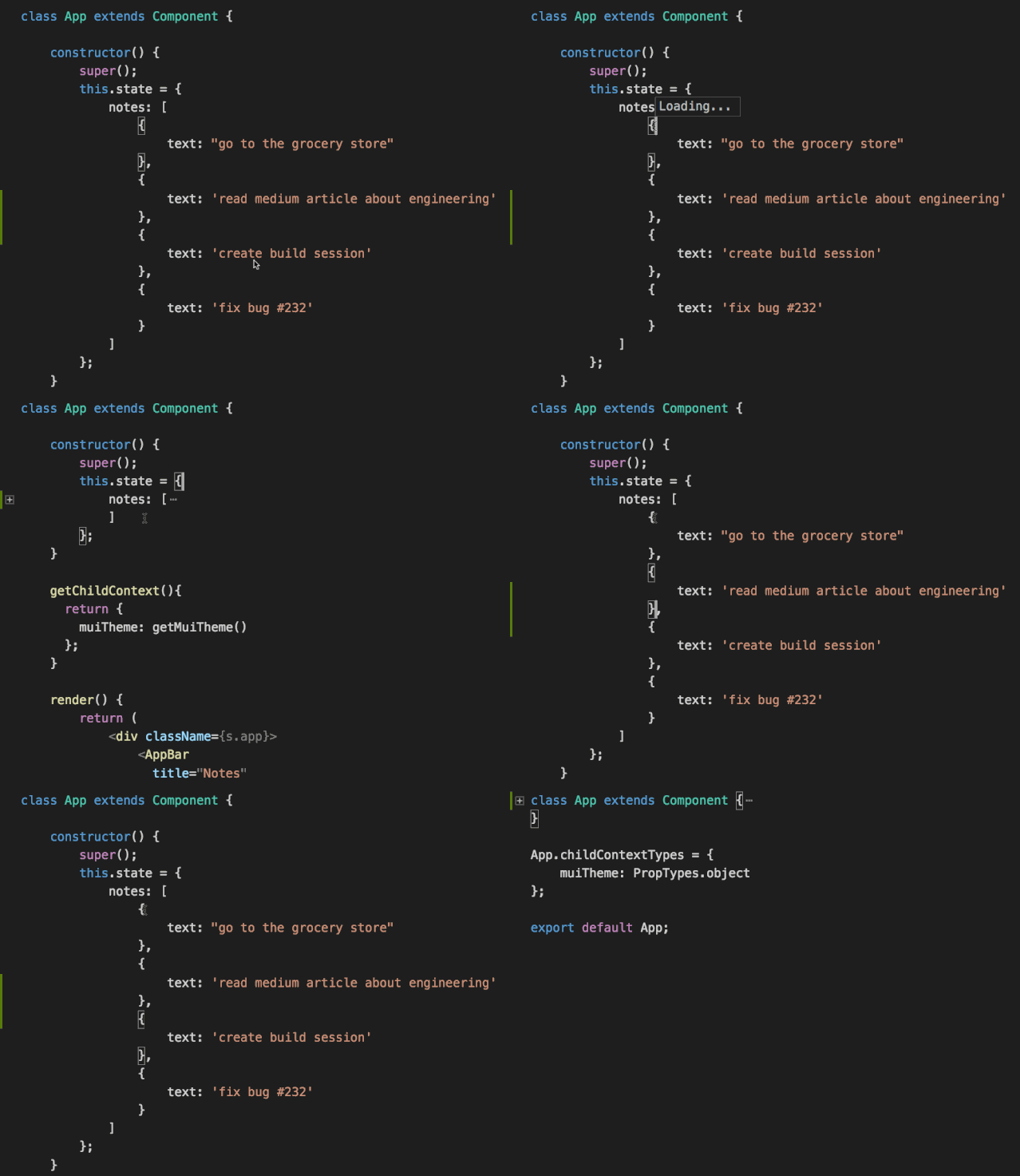
在 Windows/Ubuntu 上:
Ctrl + Shift + [
在 Mac 上:
Command+ Option + [
在 Windows/Ubuntu 上:
Ctrl + Shift + ]
在 Mac 上:
Command+ Option + ]
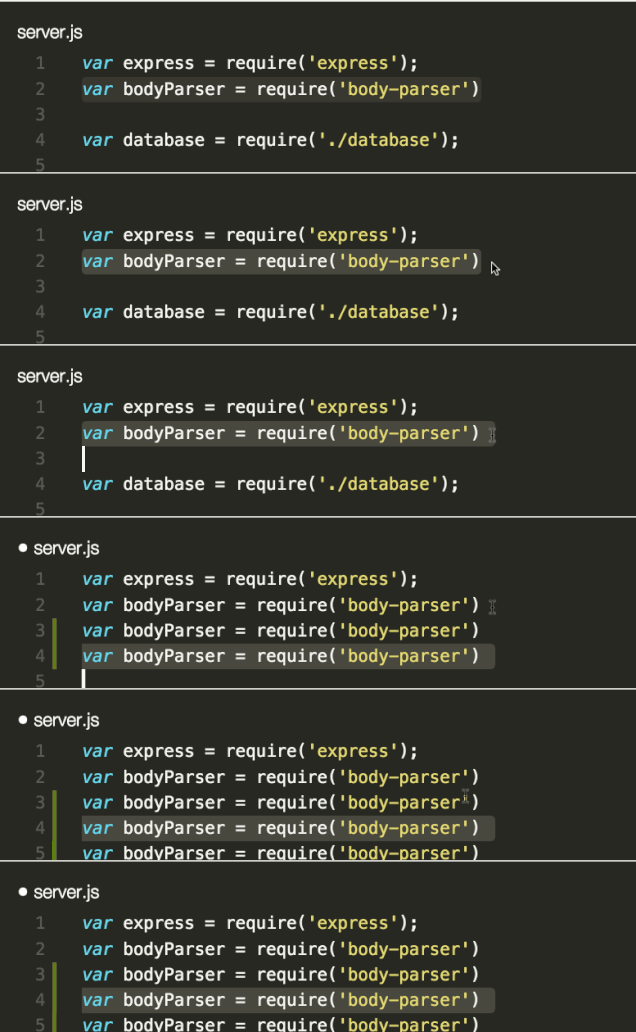
在 Windows 上:
Shift + Alt + Up/Down
在 Mac 上:
Shift + Option + Up/Down
在 Ubuntu 上:
Ctrl + Shift + Alt + Up/Down
File > Preferences > Keyboard Shortcuts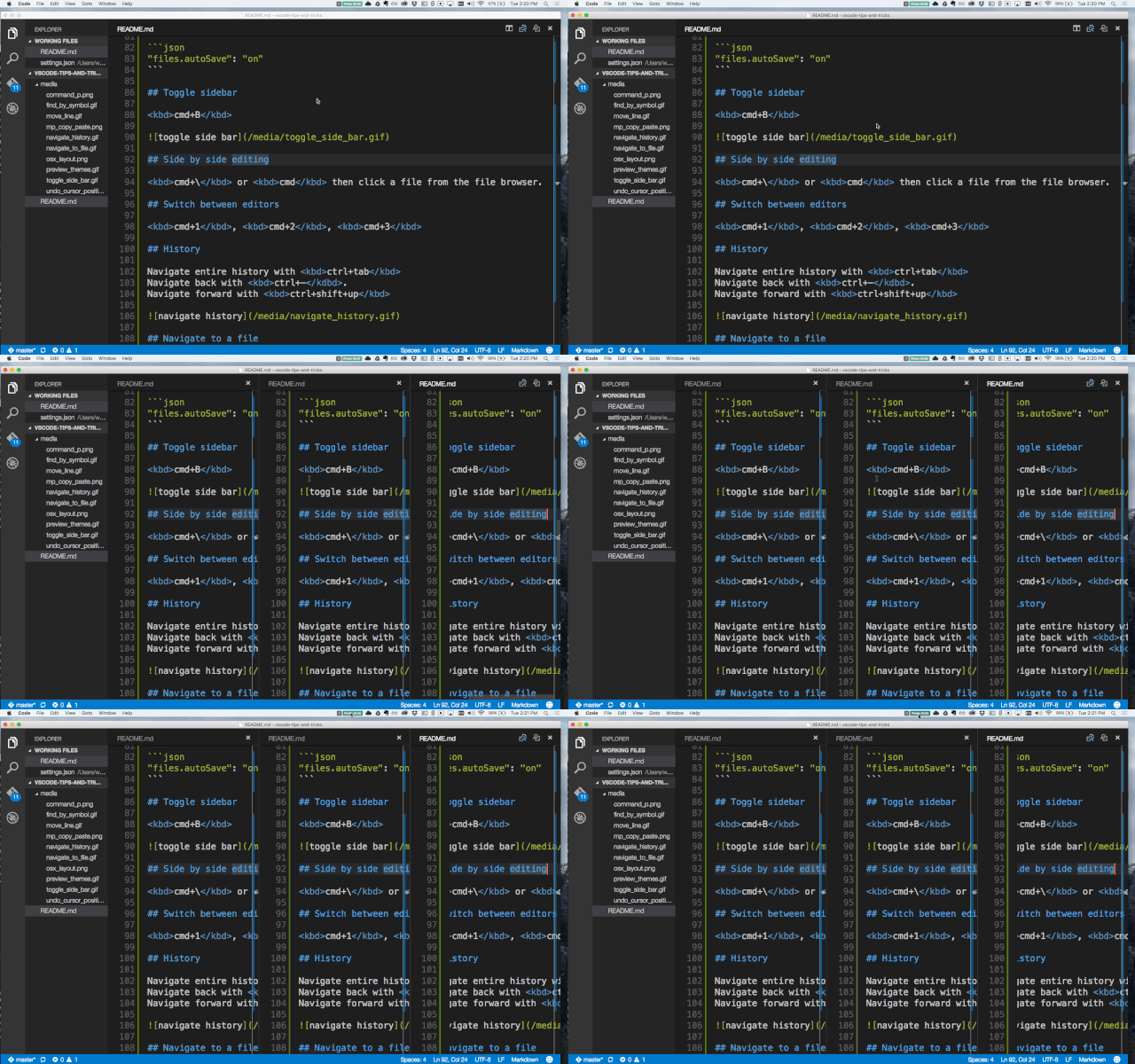
在 Windows 上:
Shift + Alt + \ or 2,3,4
在 Mac 上:
Command + \ or 2,3,4
在 Ubuntu 上:
Shift + Alt + \ or 2,3,4
123 也可以切換編輯器焦點。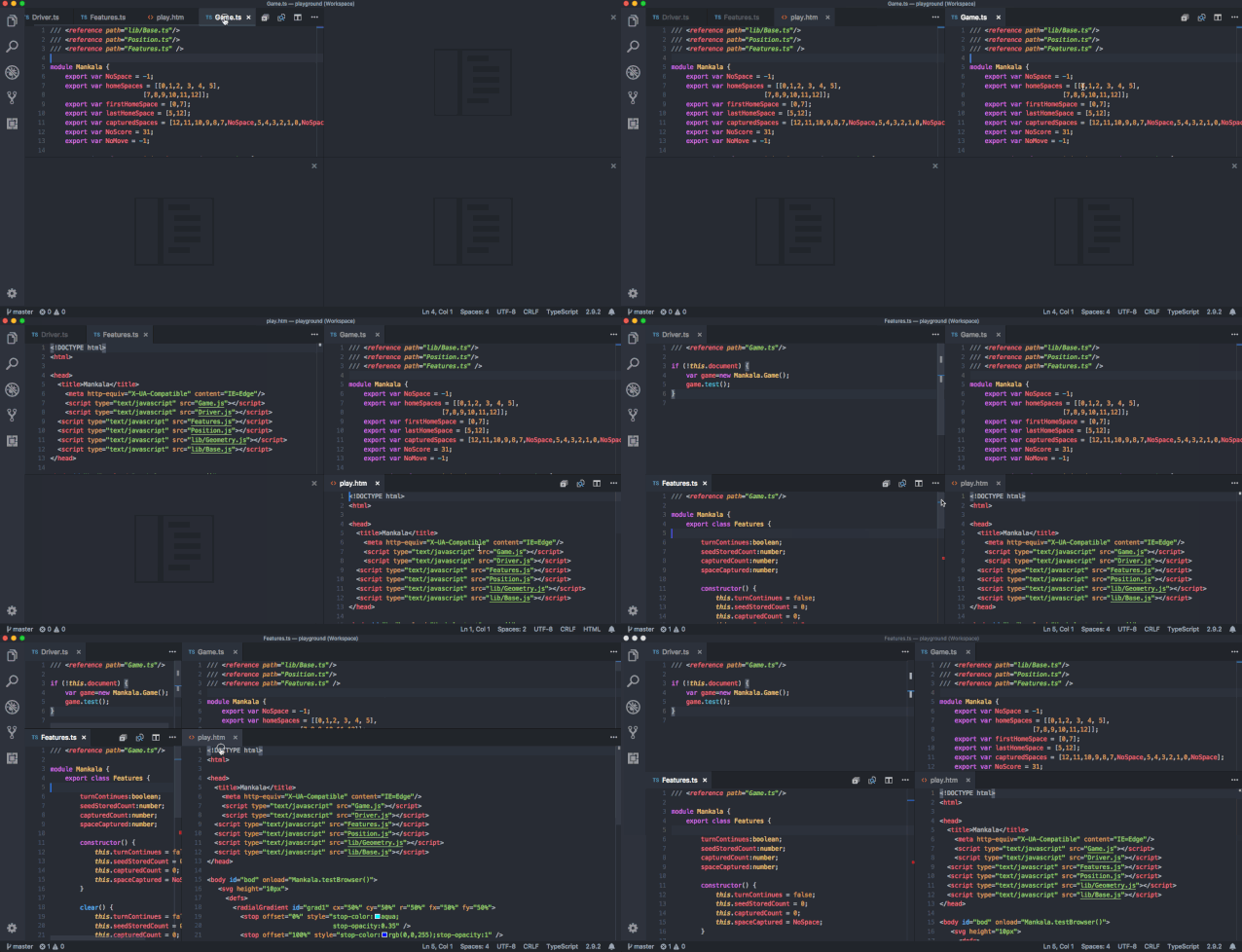
"workbench.editor.closeEmptyGroups": falseView > Edit Layout 的菜單中,也有預設的布局: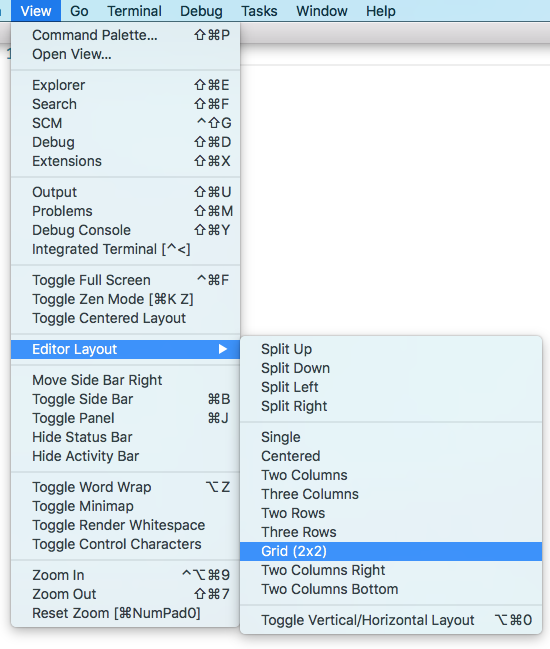
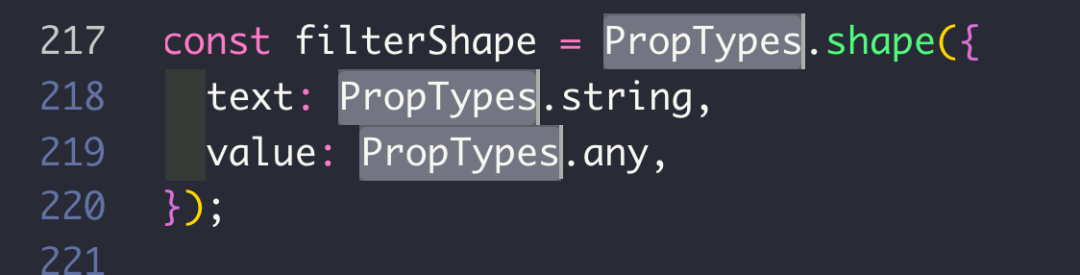
在 Windows 上:
Ctrl+ d
在 Mac 上:
Command + d
在 Ubuntu 上:
Ctrl+ d
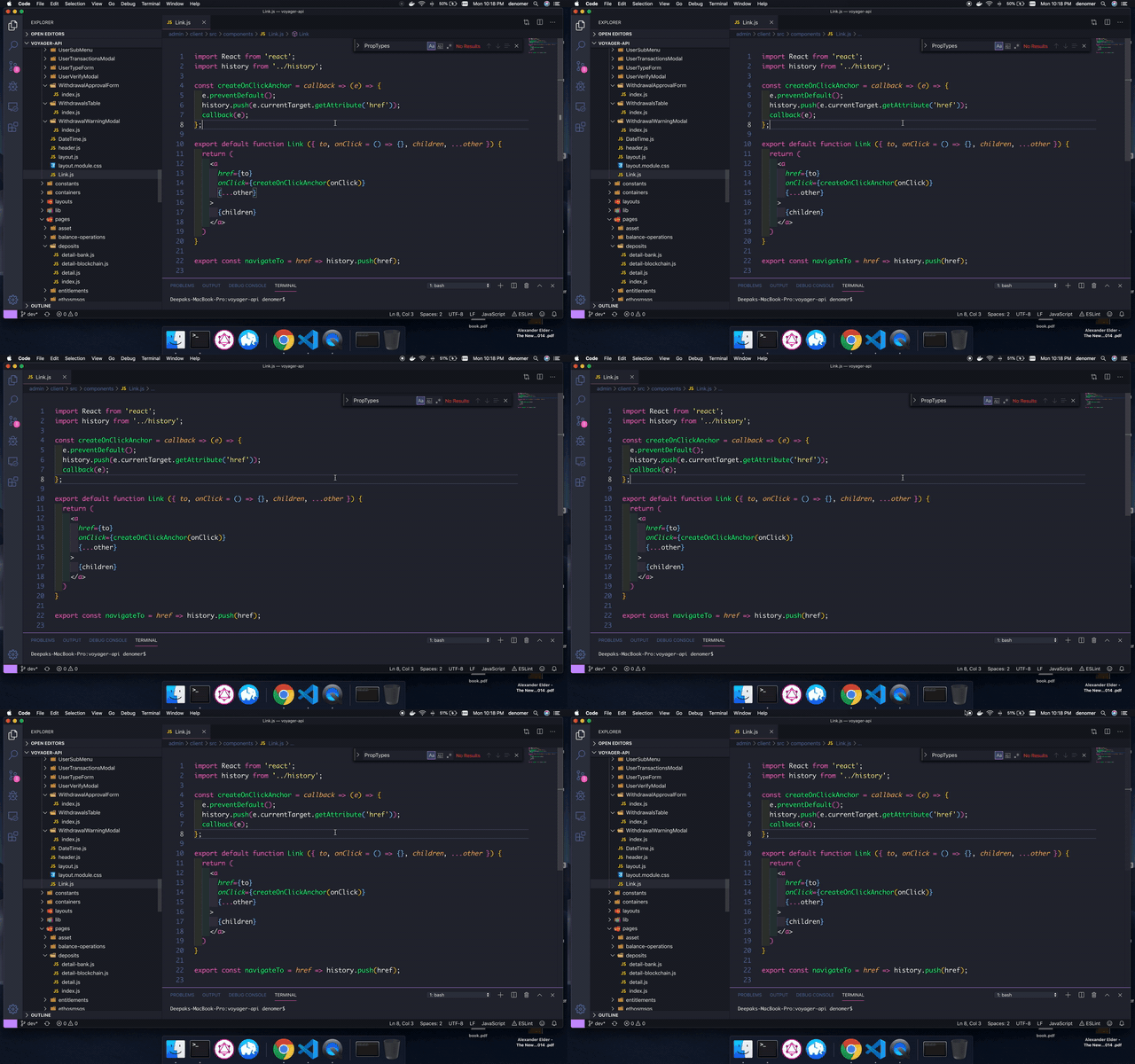
在 Windows 上:
Ctrl+ b
在 Mac 上:
Command + b
在 Ubuntu 上:
Ctrl+ b
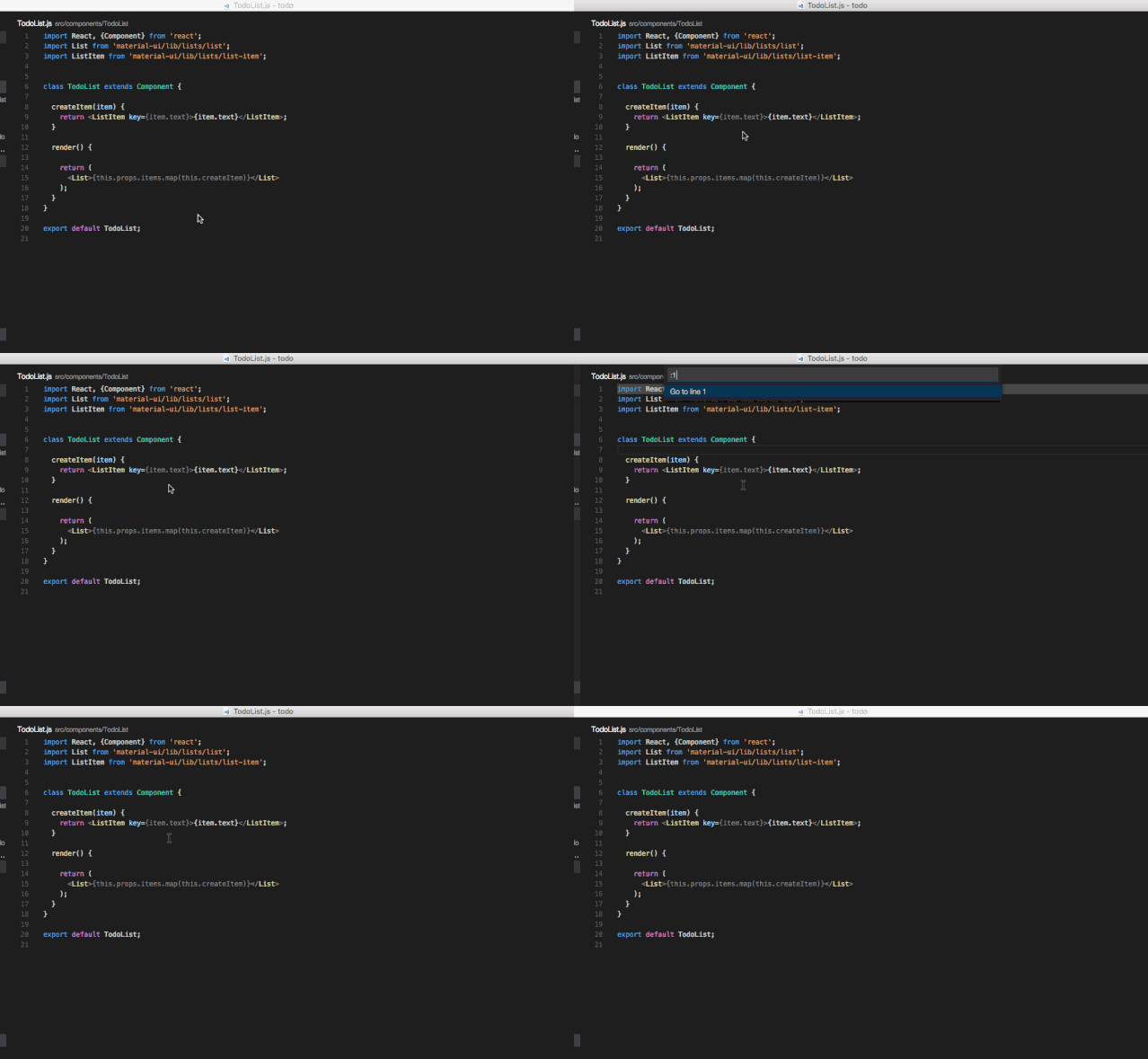
Ctrl + G ,然后輸入要跳轉(zhuǎn)的行號,當然,你也可以使用Ctrl + P,然后輸入:和要跳轉(zhuǎn)的行號。在 Windows 上:
Ctrl + g
在 Mac 上:
Ctrl + gorCtrl + p
在 Ubuntu 上:
Ctrl + g
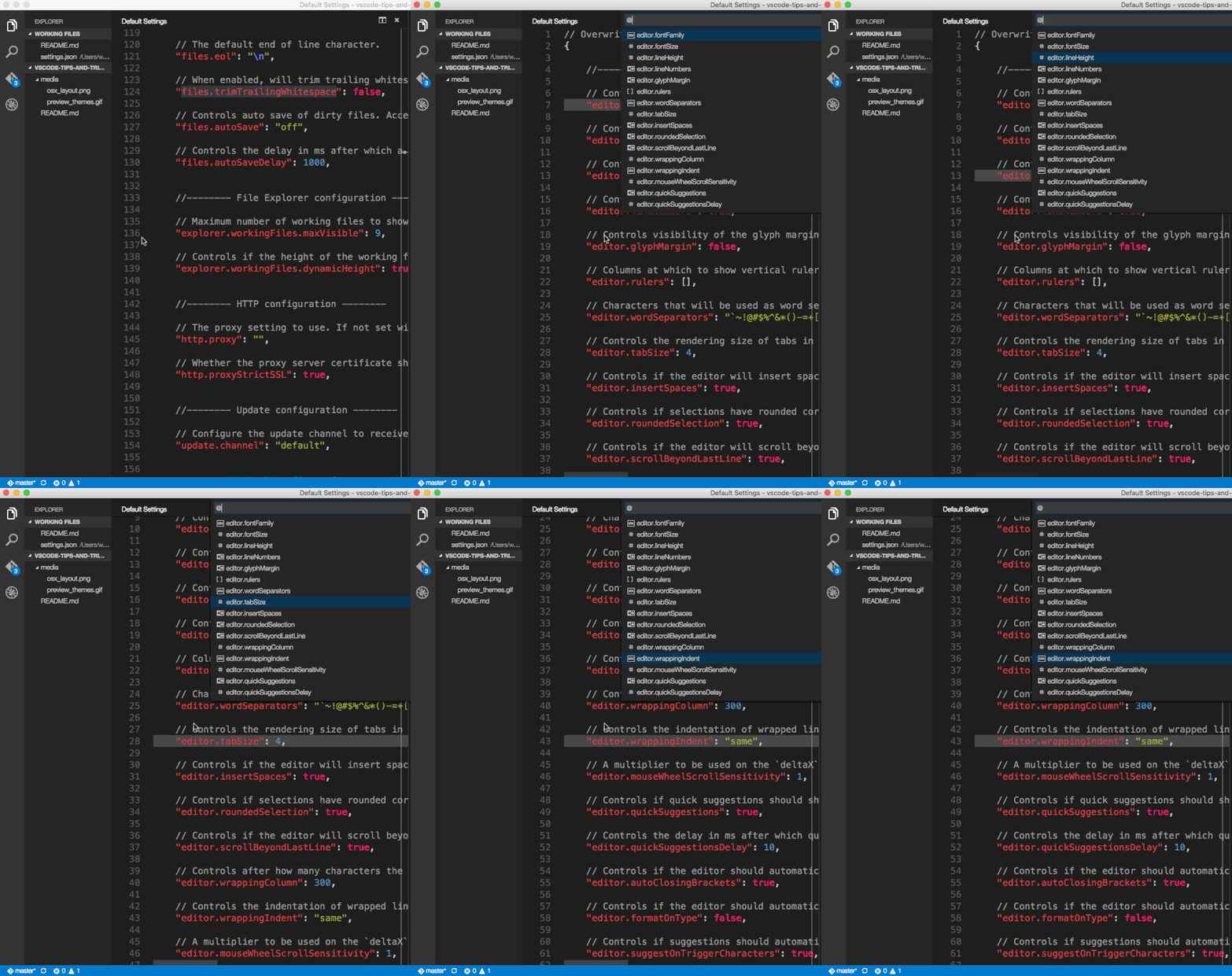
Ctrl + Shift + oCommand + Shift+ oCtrl + Shift + o@: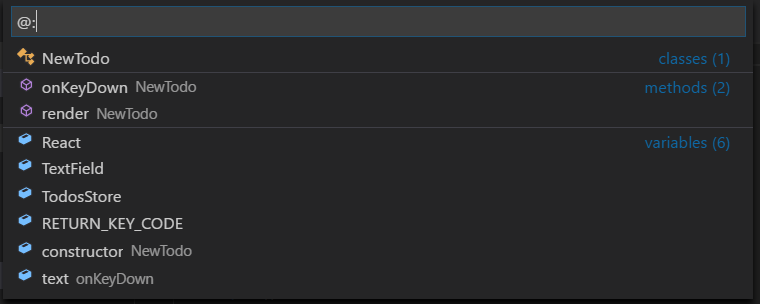
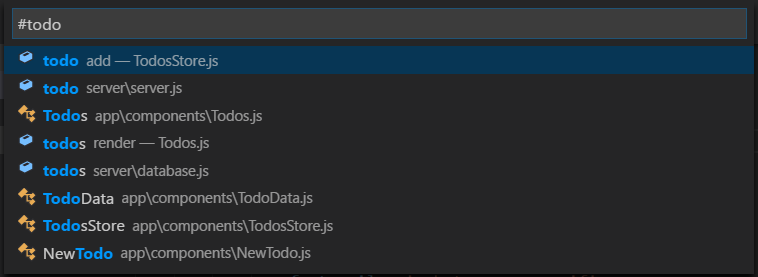
在 Windows 上:
Ctrl + t
在 Mac 上:
Command + t
在 Ubuntu 上:
Ctrl + t

在 Windows 上:
Ctrl + backspace
在 Mac 上:
Option + delete
在 Ubuntu 上:
Ctrl + backspace
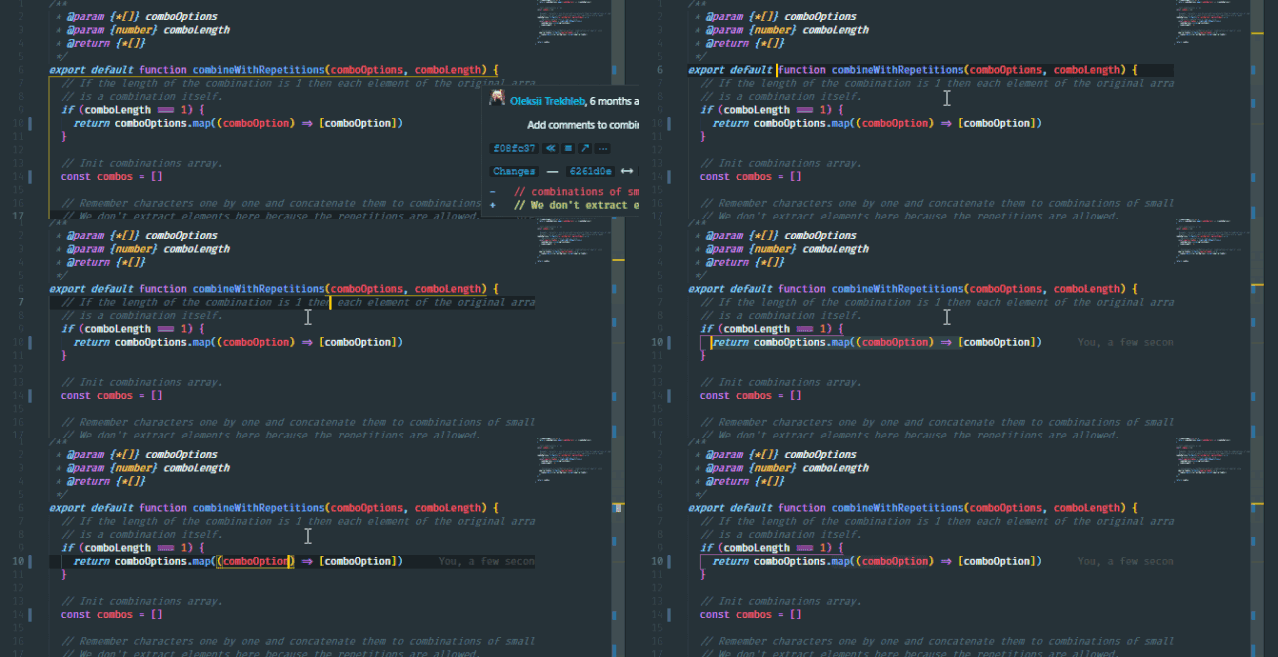
在 Windows 上:
Ctrl + Shift + 右鍵頭 / 左鍵頭
在 Mac 上:
Option + Shift + 右鍵頭 / 左鍵頭
在 Ubuntu 上:
Ctrl + Shift + 右鍵頭 / 左鍵頭
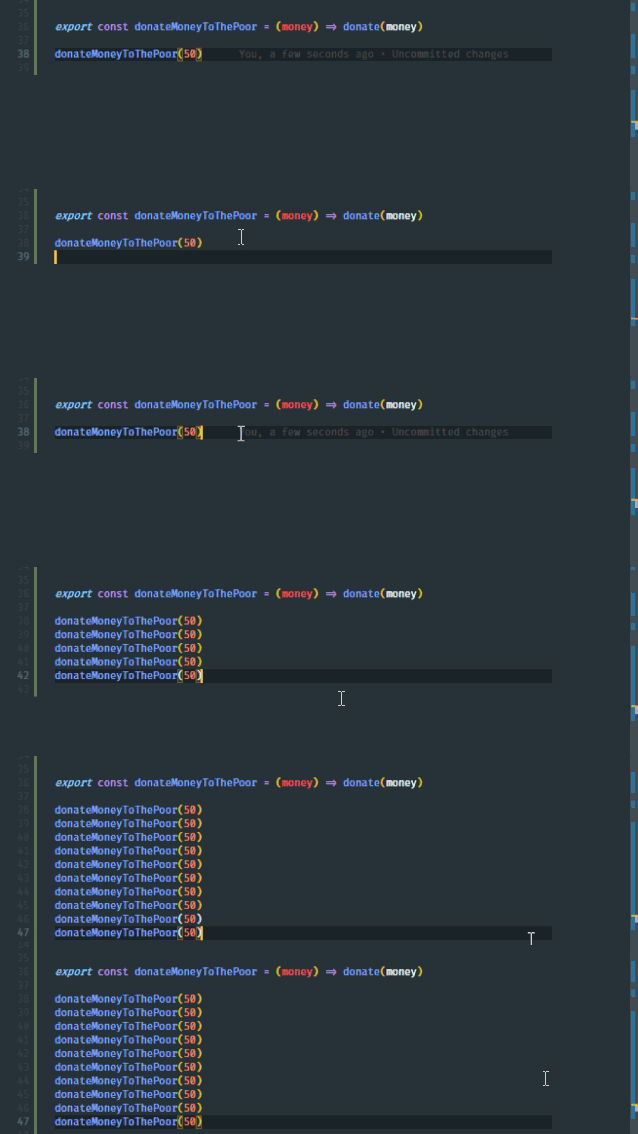
在 Windows 上:
Ctrl + Shift + d
在 Mac 上:
Command + Shift +d
在 Ubuntu 上:
Ctrl + Shift + d
在 Windows 上:
Ctrl + x
在 Mac 上:
Command + x
在 Ubuntu 上:
Ctrl + x
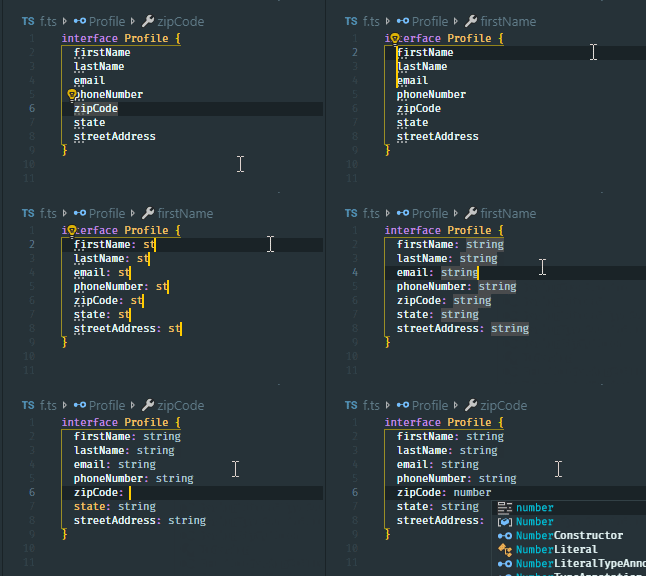
在 Windows 上:
Ctrl + Alt + Up/Down
在 Mac 上:
Command + Alt + Up / Down
在 Ubuntu 上:
Ctrl + Alt + Up / Down
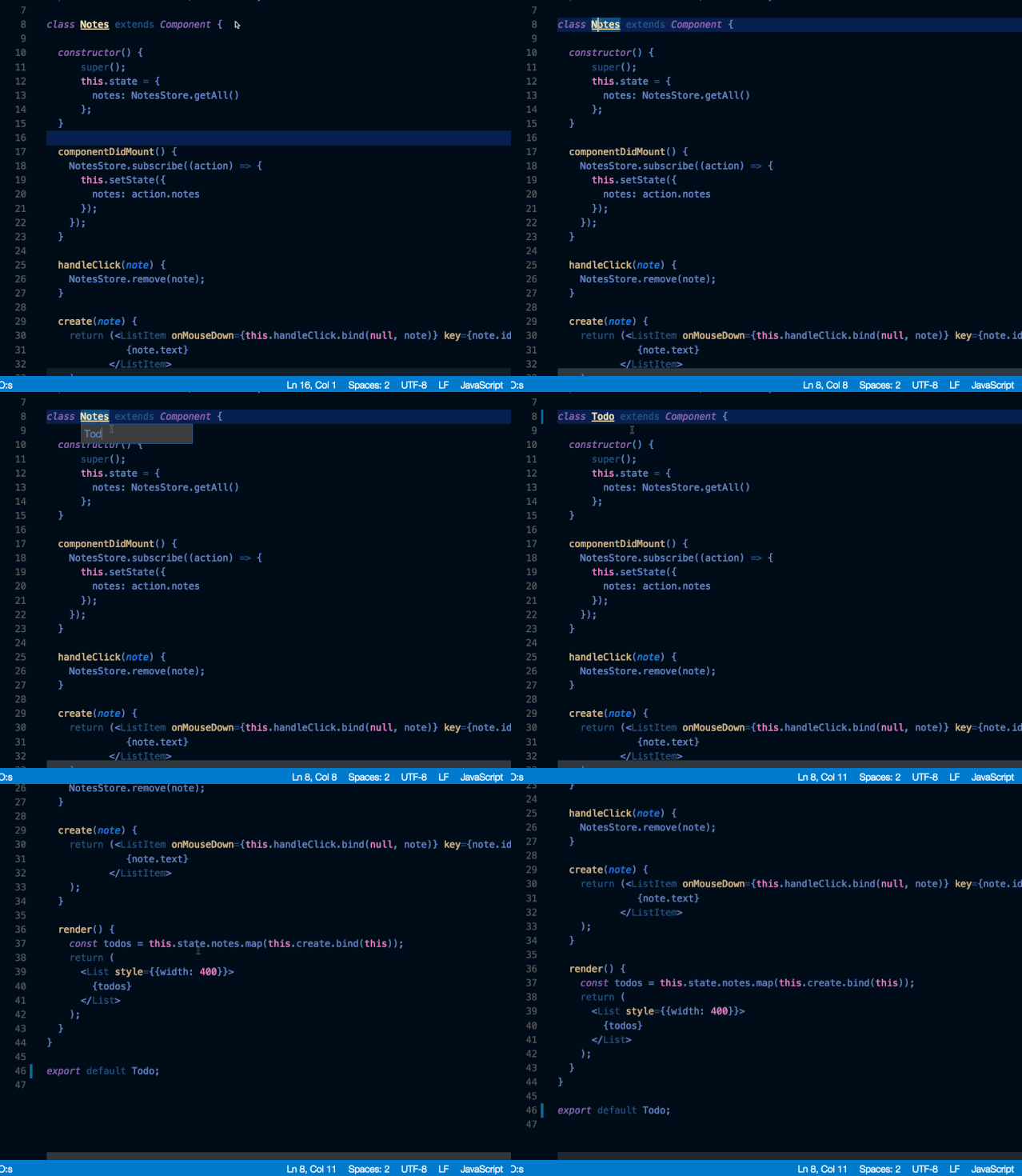
在 Windows 上:
F2
在 Mac 上:
F2
在 Ubuntu 上:
F2
F2,上下文中的引用都會被重命名。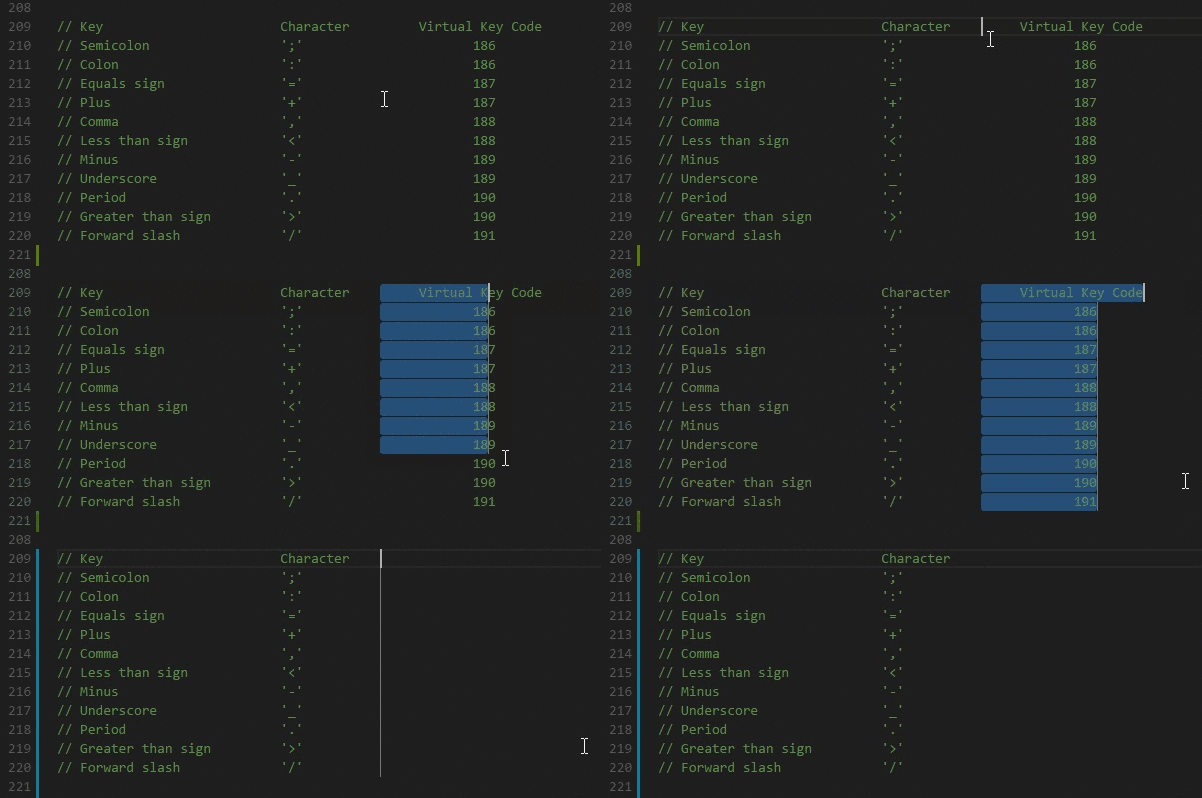
在 Windows 上:
Shift + Alt
在 Mac 上:
Shift + Option
在 Ubuntu 上:
Shift + Alt
在 Windows 上:
Ctrl + p
在 Mac 上:
Command + p
在 Ubuntu 上:
Ctrl + p

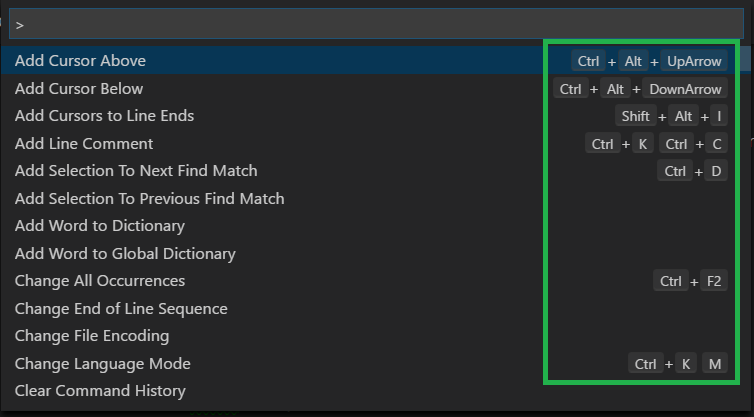
Linux:https://code.visualstudio.com/shortcuts/keyboard-shortcuts-linux.pdf
Window:https://code.visualstudio.com/shortcuts/keyboard-shortcuts-windows.pdf
macOS:https://code.visualstudio.com/shortcuts/keyboard-shortcuts-macos.pdf