
「React進階」 推薦 8 個很棒的 React 工具庫,強烈建議收藏~
俗話說的好 工欲善其事,必先利其器。筆者在開發(fā) React 項目的時候,總結出一些很不錯的 React 庫,可以提高開發(fā)效率,滿足業(yè)務需求,接下來將一一介紹它們。
UI組件庫 Ant Design
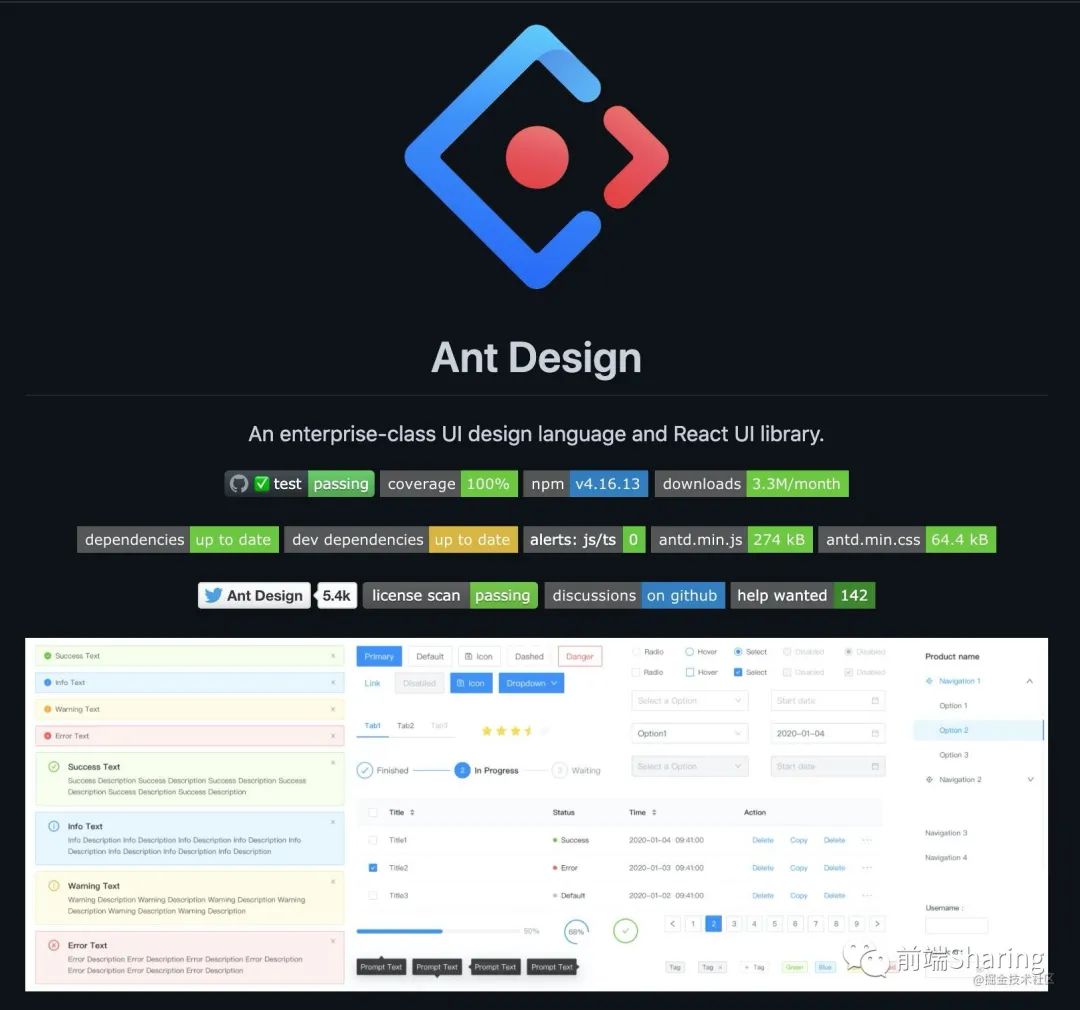
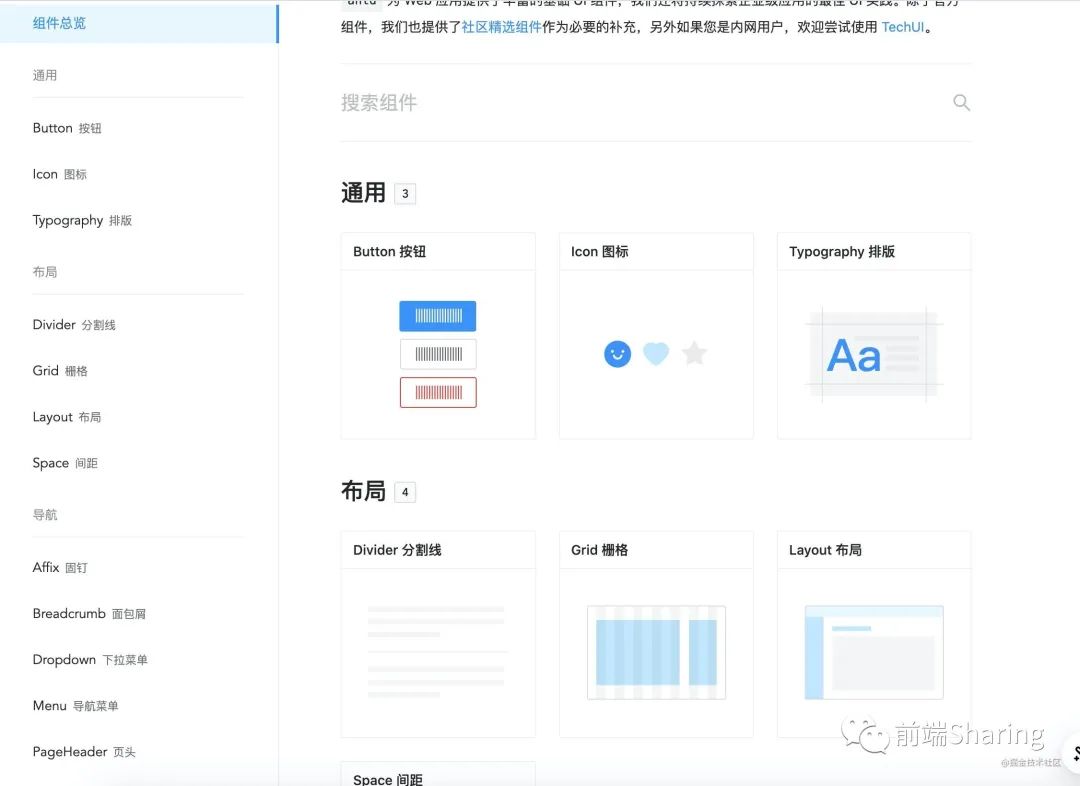
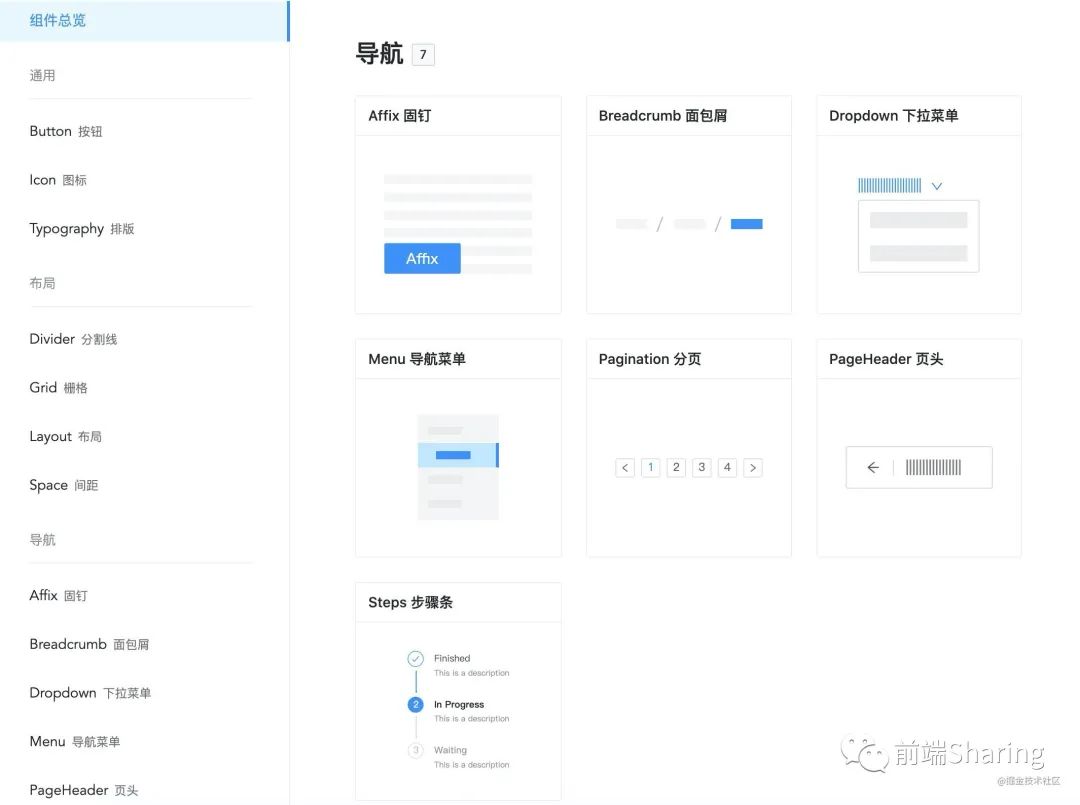
要說 React 最受歡迎的 UI 組件庫,那么我第一個想到的就是 Ant Design,Ant Design 提供了數十種常用的組件,比如 Button,Menu ,Table 等。
Ant Design不僅功能強大,還配置靈活,深受廣大 React 開發(fā)者的喜愛。而且在 github 上已經取得 74.6k+ 的 star

參考官網: https://ant.design/index-cn項目地址: https://github.com/ant-design/ant-design
富文本編輯器 braft-editor
braft-editor 是一個基于 draftjs 的 Web 富文本編輯器,適用于 React 框架,兼容主流現代瀏覽器。draft-js 是 facebook 開源的一個富文本編譯器,braft-editor 在 draft-js 基礎上進行了功能的拓展。
braft-editor 在 github 上得到了 4.2k+ 的 star。

項目地址: https://github.com/margox/braft-editor
我們看一下 braft-editor 的基本使用。
# Install using yarn
yarn add braft-editor
# Install using npm
npm install braft-editor --save
import BraftEditor from 'braft-editor'
import 'braft-editor/dist/index.css'

export default function BraftEditorDemo(){
   const [ editorState , setEditorState ] = useState(null)
   const handleEditorChange = ()=>{ /* 富文本  */

   }
   return <div className="box" >
       <BraftEditor
           onChange={handleEditorChange}
           value={editorState}
       />
   </div>
}
BraftEditor 用起來還是很方便的, 支持全屏,拖拽上傳 ,代碼塊 ,引用 等功能。

狀態(tài)管理工具 Dvajs
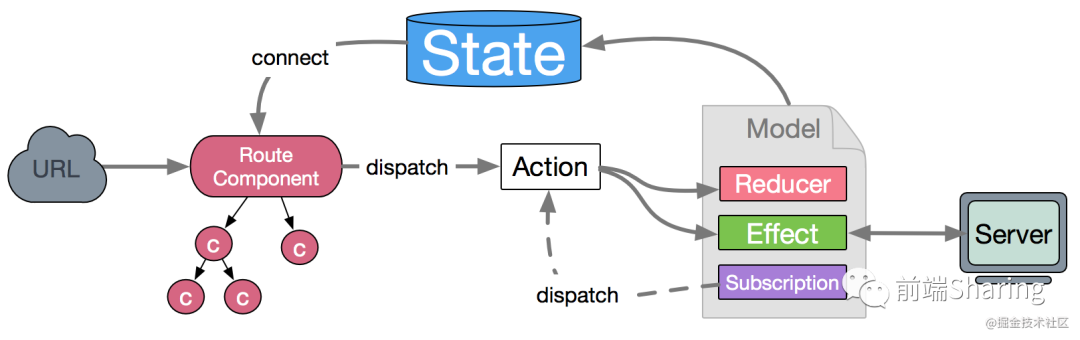
Dvajs 是基于 redux , react-redux ,redux-saga 的狀態(tài)管理工具,
在 dva 中,同步觸發(fā)的 reducers ,異步觸發(fā) effects 和訂閱監(jiān)聽的 subscriptions 構成了狀態(tài)管理組織模型。dvajs 在 github 目前獲得 15.8k+ star 。

原理圖:
參考官網: https://dvajs.com/項目地址: https://github.com/dvajs/dva
dvajs 上手也是十分簡單的。
拖拽庫 React dnd
React dnd 是 React 的一個推拽庫,用起來還是比較得心應手的。react-dnd 在 github 上得到了 16.4k+ 的 star。

參考官網: https://react-dnd.github.io/react-dnd/docs/overview項目地址: https://github.com/react-dnd/react-dnd
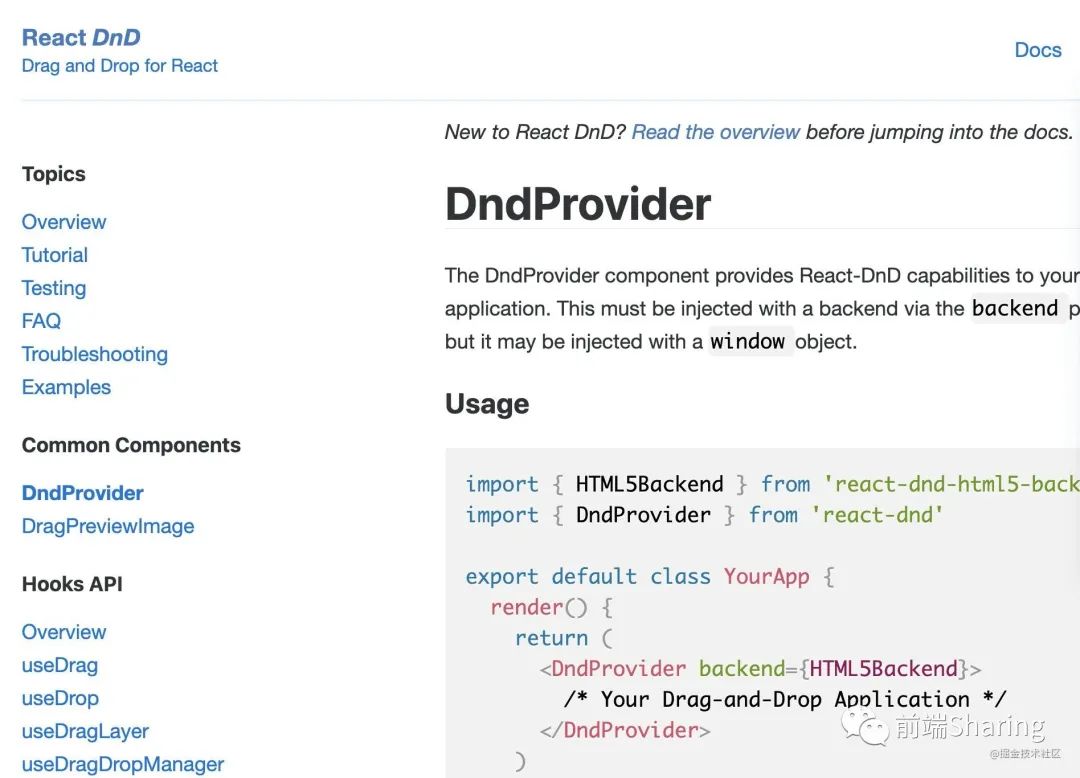
對于上手 react-dnd ,官網已經很詳細了,感興趣的同學,可以嘗試一下。
可視化圖表 echarts-for-react
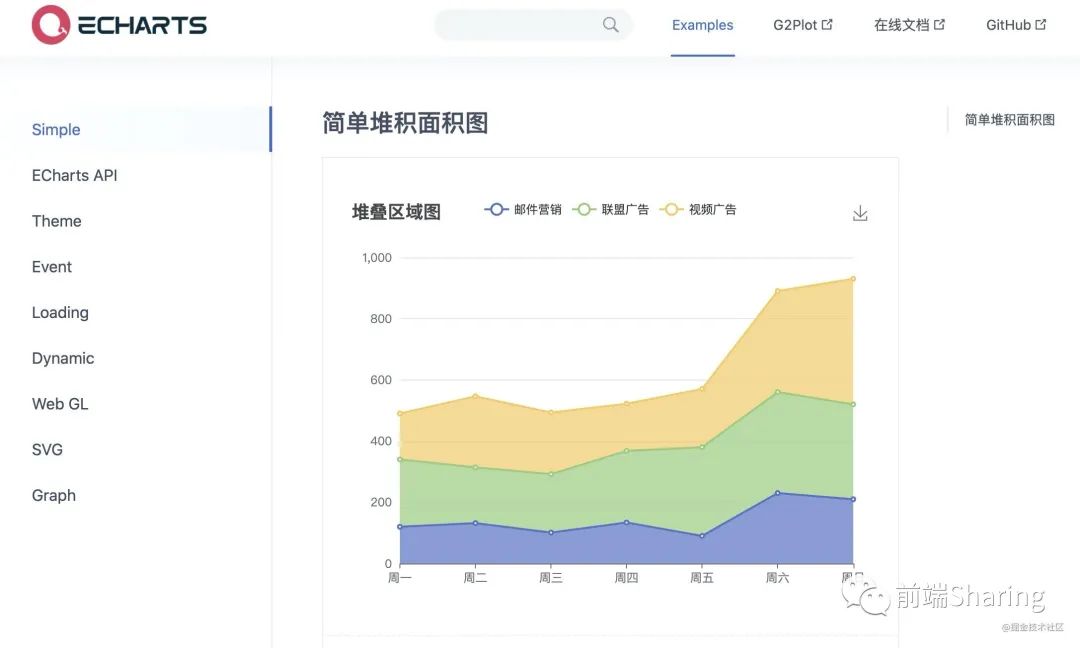
echarts-for-react 是使用 React 基于 echarts 封裝的圖表庫,能夠滿足基本的可視化圖表需求。把 echarts 的配置參數通過 React 組件的 props 形式進行傳遞配置。目前在 github 上獲得 3.3k+ star 。

參考官網: https://git.hust.cc/echarts-for-react/examples/simple項目地址: https://github.com/hustcc/echarts-for-react
快速上手:
npm install --save echarts-for-react
import React from 'react';
import ReactECharts from 'echarts-for-react';
// or var ReactECharts = require('echarts-for-react');

<ReactECharts
  option={this.getOption()}
  notMerge={true}
  lazyUpdate={true}
  theme={"theme_name"}
  onChartReady={this.onChartReadyCallback}
  onEvents={EventsDict}
  opts={}
/>
markdown 預覽器 react-markdown
如果想要讓 React 項目展示 md 格式的文檔結構,那么 react-markdown 是一個不錯的選擇。react-markdown 用法非常簡單。
我們來看一下 react-markdown ,目前 react-markdown 在 github 上共獲得 7.7k+ ??。

參考官網: http://remarkjs.github.io/react-markdown/項目地址: https://github.com/remarkjs/react-markdown
使用:
import React from 'react'
import ReactMarkdown from 'react-markdown'
import ReactDom from 'react-dom'
import remarkGfm from 'remark-gfm'

ReactDom.render(
  <ReactMarkdown remarkPlugins={[[remarkGfm, {singleTilde: false}]]}>
    This ~is not~ strikethrough, but ~~this is~~!
  </ReactMarkdown>,
  document.body
)
展示效果:

二維碼展示 qrcode.react
如果想在 React 項目中,使用鏈接生成二維碼,可以嘗試一下 qrcode.react,它在 github 上共獲得 2.6k+ ??。

項目地址: https://github.com/zpao/qrcode.react
上手:
import QRCode from 'qrcode.react'

export default function Index(){
    return <div>
          <QRCode fgColor={'pink'} size={100}  value="https://juejin.cn/user/2418581313687390" />
          <QRCode fgColor={'blue'} size={200} value="https://juejin.cn/user/2418581313687390" />
          <QRCode size={300} value="https://juejin.cn/user/2418581313687390" />
    </div>
}
效果:
緩存頁面 React-keepalive-router
這個插件是筆者開發(fā)的,主要是用于一些 React 中需要緩存頁面的需求,這里推廣一下,目前在 github 上獲得 519顆 ??。覺得不錯的同學可以賞個小星星 ??。

該插件基于react 16.8+ ,react-router 4+ 開發(fā)的 react 緩存組件,可以用于緩存頁面組件,類似 vue 的 keepalive 包裹 vue-router 的效果功能。
項目地址+參考文檔: https://github.com/GoodLuckAlien/react-keepalive-router
<KeepaliveRouterSwitch withoutRoute >
  <div>
     <Route path="/a" component={ComponentA}  />
     <Route path="/b" component={ComponentB}  />
     <KeepaliveRoute path={'/detail'} component={ Detail } />
  </div>
</KeepaliveRouterSwitch>
總結
今天給大家介紹一些不錯的 React 工具庫,希望看到的朋友可以嘗試著用起來。