
Tensorflow的妙用?
↑↑↑點擊上方藍字,回復資料,10個G的驚喜
向大家推薦一個 TensorFlow 工具———TensorFlow Hub,它包含各種預訓練模型的綜合代碼庫,這些模型稍作調(diào)整便可部署到任何設備上。只需幾行代碼即可重復使用經(jīng)過訓練的模型,例如 BERT 和 Faster R-CNN,實現(xiàn)這些些牛X的應用,簡直和把大象裝進冰箱一樣簡單。
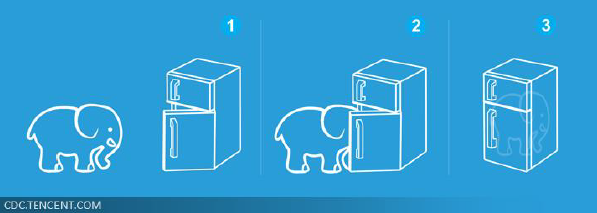
第一步:安裝 TensorFlow Hub
Tensorflow_hub 庫可與 ?TensorFlow 一起安裝(建議直接上TF2)
pip?install?"tensorflow>=2.0.0"
pip?install?--upgrade?tensorflow-hub
使用時
import?tensorflow?as?tf
import?tensorflow_hub?as?hub
第二步:從 TF Hub 下載模型
TensorFlow Hub 在 hub.tensorflow.google.cn 中提供了一個開放的訓練模型存儲庫。tensorflow_hub 庫可以從這個存儲庫和其他基于 HTTP 的機器學習模型存儲庫中加載模型。
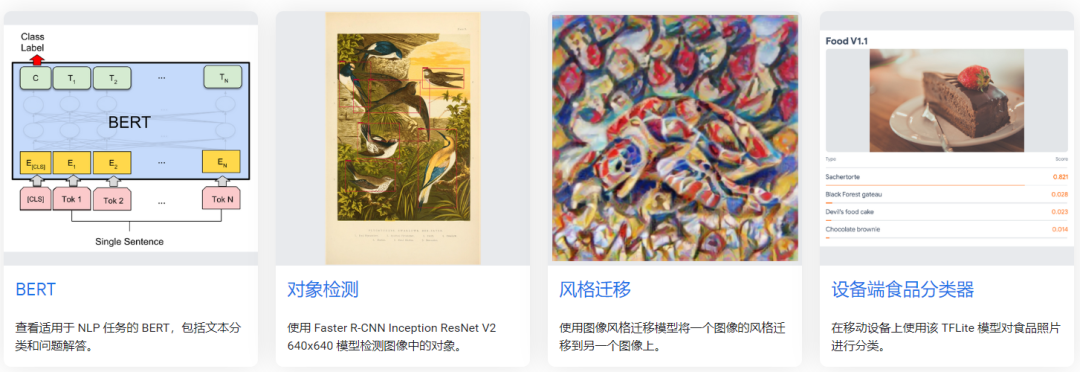
從 下載并解壓縮模型后,tensorflow_hub 庫會將這些模型緩存到文件系統(tǒng)上。下載位置默認為本地臨時目錄,但可以通過設置環(huán)境變量 TFHUB_CACHE_DIR(推薦)或傳遞命令行標記 --tfhub_cache_dir 進行自定義。
os.environ['TFHUB_CACHE_DIR']?=?'/home/user/workspace/tf_cache'
值得注意的是,TensorFlow Hub Module僅為我們提供了包含模型體系結構的圖形以及在某些數(shù)據(jù)集上訓練的權重。大多數(shù)模塊允許訪問模型的內(nèi)部層,可以根據(jù)不同的用例使用。但是,有些模塊不能精細調(diào)整。在開始開發(fā)之前,建議在TensorFlow Hub網(wǎng)站中查看有關該模塊的說明。
以目標檢測為例:打開網(wǎng)站,動幾下鼠標即可
https://hub.tensorflow.google.cn/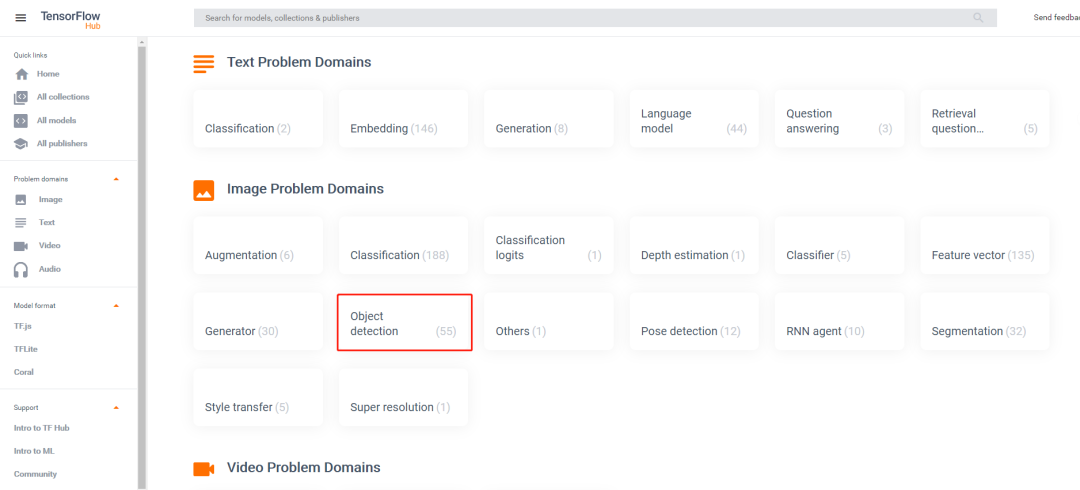
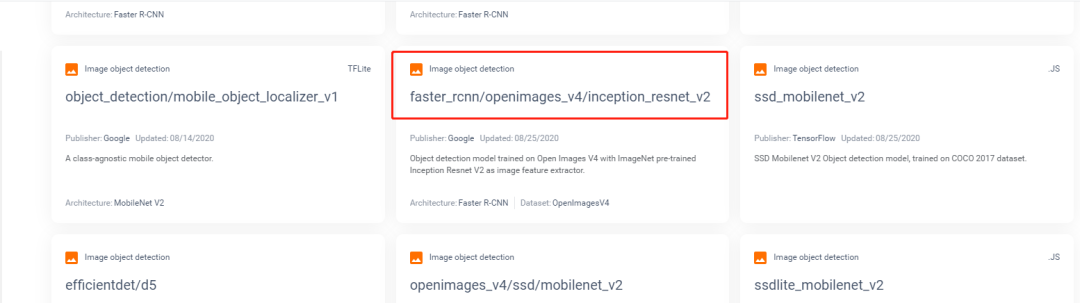
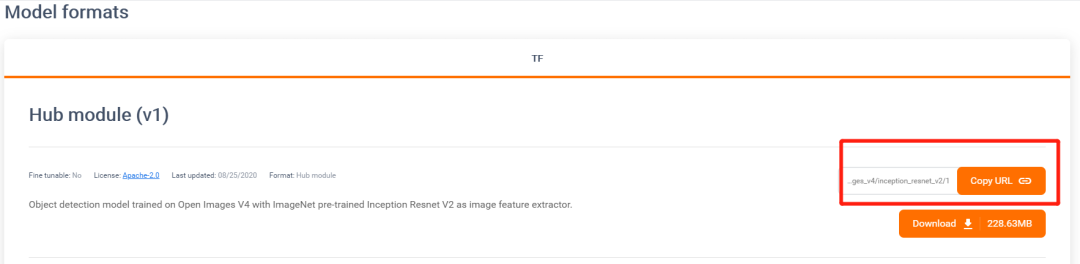
拿來直接用
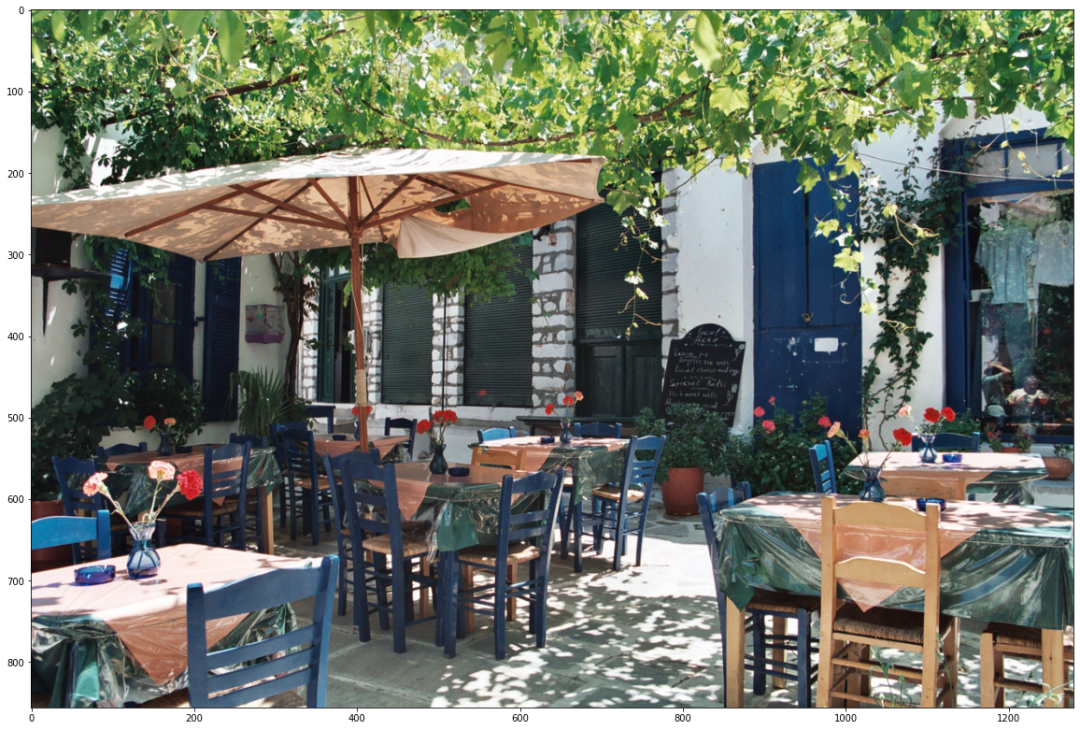
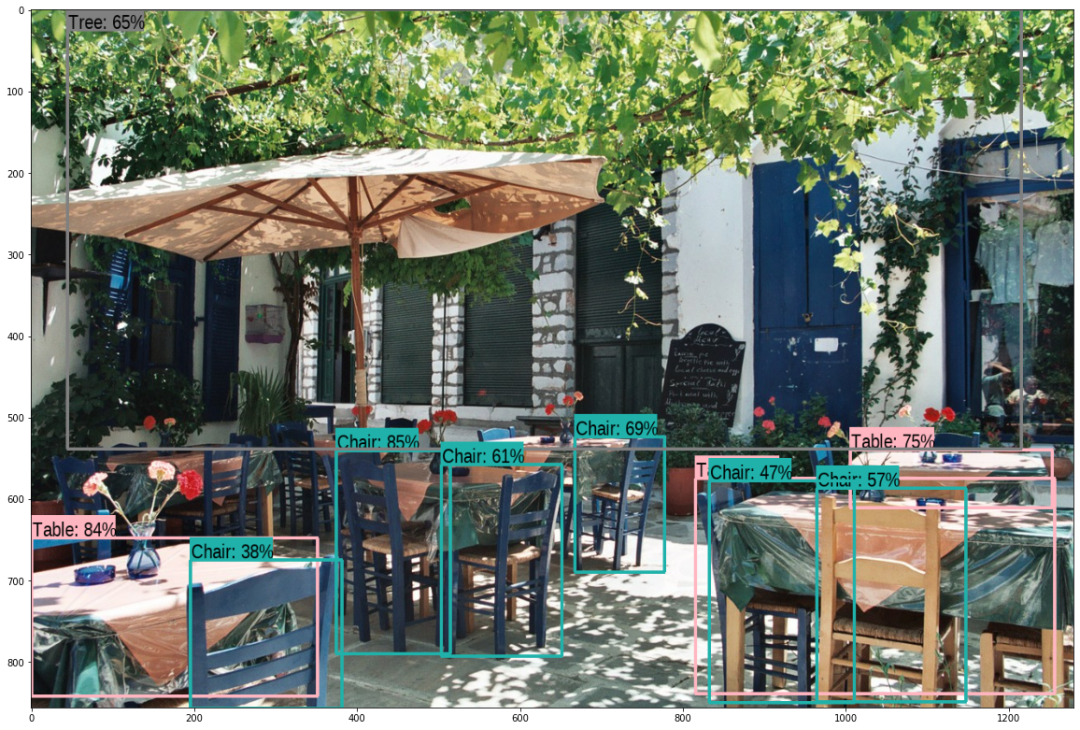
module_handle?=?"https://hub.tensorflow.google.cn/google/faster_rcnn/openimages_v4/inception_resnet_v2/1"?
detector?=?hub.load(module_handle).signatures['default']
def?load_img(path):
??img?=?tf.io.read_file(path)
??img?=?tf.image.decode_jpeg(img,?channels=3)
??return?img
def?run_detector(detector,?path):
??img?=?load_img(path)

??converted_img??=?tf.image.convert_image_dtype(img,?tf.float32)[tf.newaxis,?...]
??start_time?=?time.time()
??result?=?detector(converted_img)
??end_time?=?time.time()

??result?=?{key:value.numpy()?for?key,value?in?result.items()}

??print("Found?%d?objects."?%?len(result["detection_scores"]))
??print("Inference?time:?",?end_time-start_time)

??image_with_boxes?=?draw_boxes(
??????img.numpy(),?result["detection_boxes"],
??????result["detection_class_entities"],?result["detection_scores"])

??display_image(image_with_boxes)
run_detector(detector,?downloaded_image_path)
無需重復訓練,拿來即用!6不6?
推薦本書
推薦閱讀
(點擊標題可跳轉(zhuǎn)閱讀)
老鐵,三連支持一下,好嗎?↓↓↓
推薦閱讀
(點擊標題可跳轉(zhuǎn)閱讀)
老鐵,三連支持一下,好嗎?↓↓↓