<kbd id="afajh"><form id="afajh"></form></kbd>
<strong id="afajh"><dl id="afajh"></dl></strong>
    <del id="afajh"><form id="afajh"></form></del>
        1. <th id="afajh"><progress id="afajh"></progress></th>
          <b id="afajh"><abbr id="afajh"></abbr></b>
          <th id="afajh"><progress id="afajh"></progress></th>

          「HTML+CSS」自定義加載動畫【034】

          共 2893字,需瀏覽 6分鐘

           ·

          2021-05-09 11:18

          Part1效果展示

          Part2Demo代碼

          HTML

          <!DOCTYPE html>
          <html lang="en">
          <head>
              <meta charset="UTF-8">
              <meta http-equiv="X-UA-Compatible" content="IE=edge">
              <meta name="viewport" content="width=device-width, initial-scale=1.0">
              <link rel="stylesheet" href="style.css">
              <title>Document</title>
          </head>
          <body>
              <section><span></span></section>
          </body>
          </html>

          CSS

          htmlbody {
            margin0;
            height100%;
          }

          body {
            display: flex;
            justify-content: center;
            align-items: center;
            background#263238;
          }

          section {
            width650px;
            height300px;
            padding10px;
            position: relative;
            display: flex;
            align-items: center;
            justify-content: center;
            border2px solid red;
          }

          span {
            width96px;
            height96px;
            border4px solid white;
            border-radius50%;
            position: relative;
            display: flex;
            justify-content: center;
            align-items: center;
            animation: rotation 2s linear infinite;
          }

          span::after {
            content'';
            border42px solid;
            border-color: red transparent red transparent;
            border-radius50%;
          }

          @keyframes rotation {
            0% {
              transformrotate(0deg)
            }
            100% {
              transformrotate(360deg)
            }
          }

          Part3原理詳解

          步驟1

          使用span標簽,設(shè)置

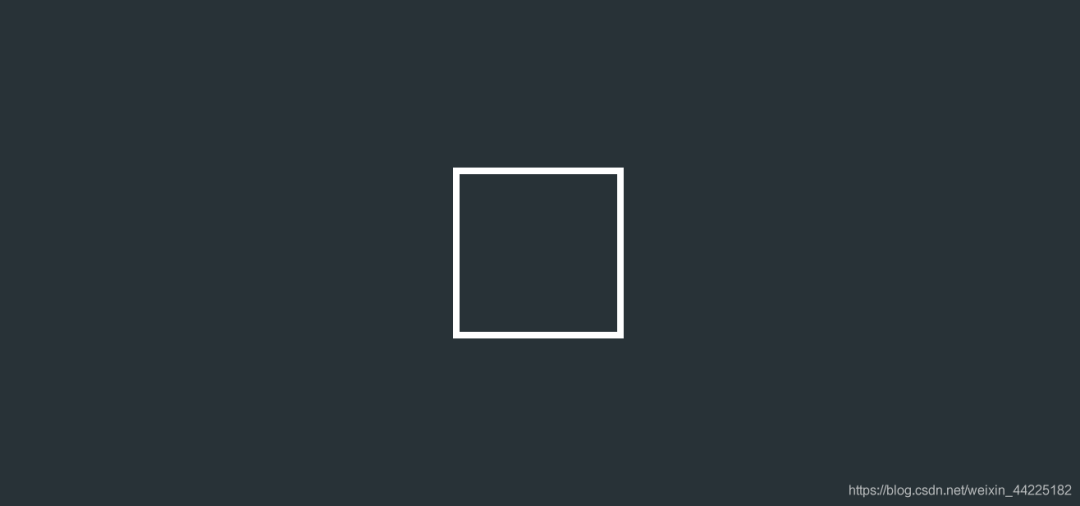
          • 寬度、高度均為96px
          • 邊框:4px 白色 solid

          效果圖如下

          步驟2

          將span標簽設(shè)置為flex布局

          • display:flex
          • 元素上下居中
          • 元素左右居中
           display: flex;
            justify-content: center;
            align-items: center;

          步驟3

          使用span::after偽類元素,設(shè)置為

          • 邊框:42px solid
          • 上/下邊框顏色:紅色
          • 上/下邊框顏色:透明
          border: 42px solid ;
            border-color: red transparent red transparent;

          效果圖如下

          注:此時span::after是位于span正中間的

          步驟4

          span、span::after圓角化

          border-radius: 50%;

          效果圖如下
          步驟5

          為span添加動畫

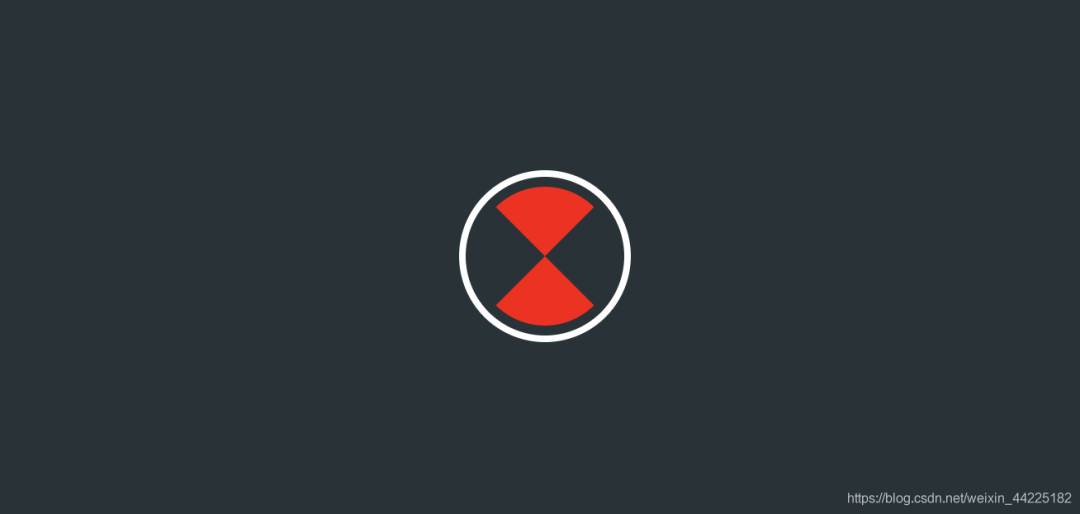
          • 順時針旋轉(zhuǎn)(0-360度) 2s 無限循環(huán)
          animation: rotation 2s linear infinite;
          @keyframes rotation {
            0% {
              transform: rotate(0deg)
            }
            100% {
              transform: rotate(360deg)
            }
          }

          效果圖如下

          Part4結(jié)語

          希望對您有所幫助

          如有錯誤歡迎小伙伴指正~

          我是 海轟?(?ˊ?ˋ)?

          如果您覺得寫得可以的話

          請點個贊吧

          謝謝支持??


          瀏覽 12
          點贊
          評論
          收藏
          分享

          手機掃一掃分享

          分享
          舉報
          評論
          圖片
          表情
          推薦
          點贊
          評論
          收藏
          分享

          手機掃一掃分享

          分享
          舉報
          <kbd id="afajh"><form id="afajh"></form></kbd>
          <strong id="afajh"><dl id="afajh"></dl></strong>
            <del id="afajh"><form id="afajh"></form></del>
                1. <th id="afajh"><progress id="afajh"></progress></th>
                  <b id="afajh"><abbr id="afajh"></abbr></b>
                  <th id="afajh"><progress id="afajh"></progress></th>
                  大鸡巴久久久久久久 | 欧美愤水视频 | 亚洲最大成人黄色网址 | 伊人av大香蕉 | 国产小黄片在线播放 |