
社區(qū)精選|前端實(shí)現(xiàn)圖片旋轉(zhuǎn)功能
今天小編為大家?guī)淼氖巧鐓^(qū)作者 linong 的文章,讓我們一起來學(xué)習(xí)前端實(shí)現(xiàn)圖片旋轉(zhuǎn)功能。
前兩天遇到一個小需求,需要將橫屏圖片轉(zhuǎn)為豎屏展示。整理一下相關(guān)內(nèi)容。
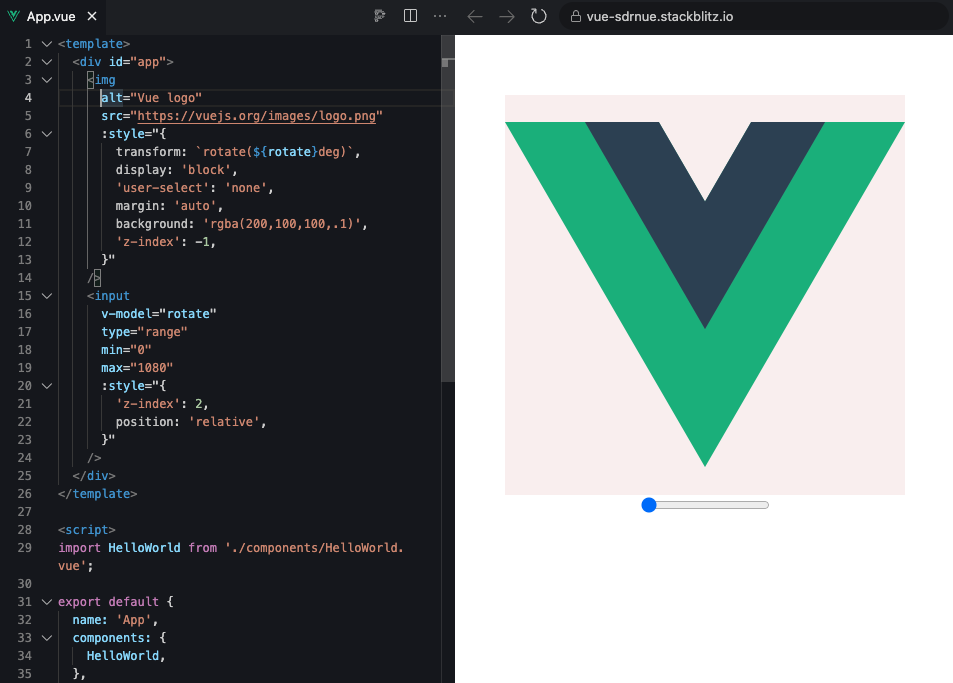
通過 css
transform rotate 來控制展示時顯示效果
一般是在圖片審核等場景,實(shí)現(xiàn)一個類似的功能。方便審核人員查看圖片
測試傳送門:https://stackblitz.com/edit/vue-sdrnue?file=src%2FApp.vue
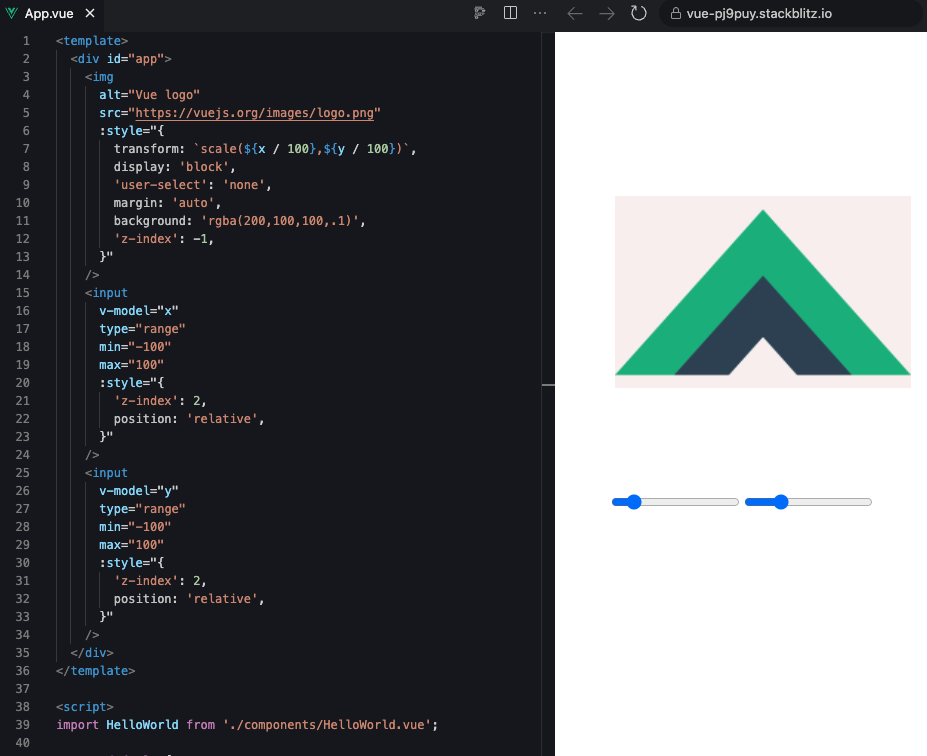
transform scale 來控制展示時顯示效果
通過 canvas 來控制展示是顯示效果
這種一般就是在生成的時候處理,落庫就是直接是豎屏圖片。
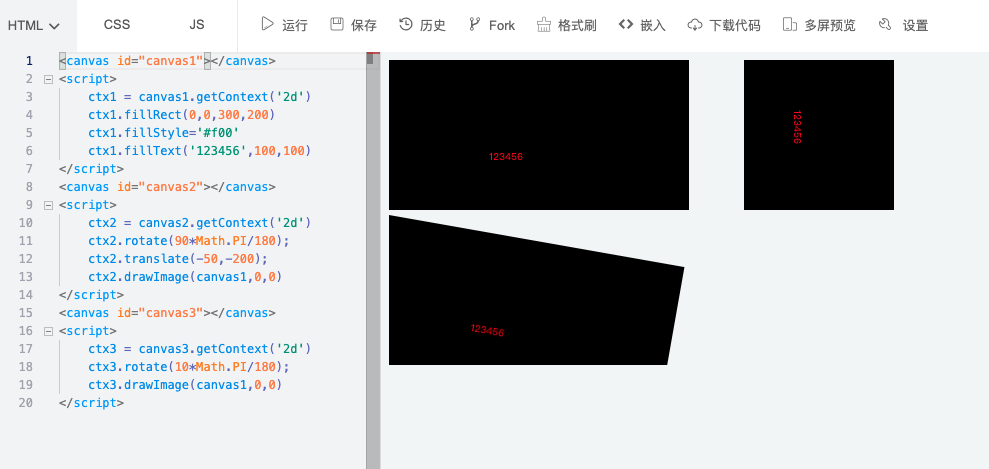
rotate 來實(shí)現(xiàn)旋轉(zhuǎn)效果
orientation = 0 // 0orientation = 3 // 180orientation = 8 // 270orientation = 6 // 90if (orientation === 6) {canvas4.width = canvas1.height;canvas4.height = canvas1.width;ctx4.rotate(Math.PI / 2);ctx4.drawImage(canvas1, 0, -canvas1.height);} else if (orientation === 3) {canvas4.width = canvas1.width;canvas4.height = canvas1.height;ctx4.rotate(Math.PI);ctx4.drawImage(canvas1, -canvas1.width, -canvas1.height);} else if (orientation === 8) {canvas4.width = canvas1.height;canvas4.height = canvas1.width;ctx4.rotate(-Math.PI / 2);ctx4.drawImage(canvas1, -canvas1.width, 0);} else {// 如果沒有旋轉(zhuǎn),直接繪制圖片canvas4.width = canvas1.width;canvas4.height = canvas1.height;ctx4.drawImage(canvas1, 0, 0);}
translate + rotate 來簡化旋轉(zhuǎn)
了解
CanvasRenderingContext2D.rotate()
CanvasRenderingContext2D.rotate() 給Canvas畫布添加旋轉(zhuǎn)矩陣,順時針方向,單位是弧度。默認(rèn)旋轉(zhuǎn)中心點(diǎn)是 Canvas 的左上角
(0, 0) 坐標(biāo)點(diǎn),如果希望改變旋轉(zhuǎn)中心點(diǎn),例如以Canvas 畫布的中心旋轉(zhuǎn),需要先使用 translate() 位移旋轉(zhuǎn)中心點(diǎn)。
<canvas id="canvas5"></canvas><script>var context = canvas5.getContext('2d');canvas5.width=canvas1.height;canvas5.height=canvas1.width;var width = canvas5.width;var height = canvas5.height;// 先位移坐標(biāo)到中心context.translate(width / 2, height / 2);// 旋轉(zhuǎn)90度context.rotate(90 * Math.PI / 180);// 此時按照旋轉(zhuǎn)后的尺寸// 把定位中心移動到左上角context.translate(-1 * height / 2, -1 * width / 2);// 繪制圖片context.drawImage(canvas1, 0, 0, height, width);// 坐標(biāo)系還原到初始context.setTransform(1, 0, 0, 1, 0, 0);</script>
通過 exif 來控制圖片方向
我們知道有個 exifjs 的庫可以讀取 exif 信息,這里我們使用另一個庫 piexifjs 來修改 exif 信息。
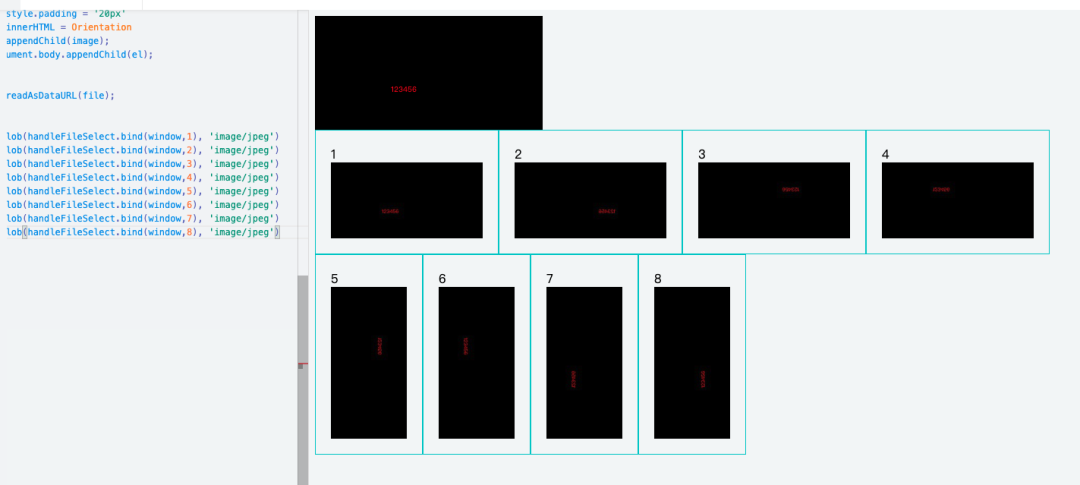
function handleFileSelect(Orientation = 1,file) {console.log('file', file)var zeroth = {};var exif = {};var gps = {};zeroth[piexif.ImageIFD.Make] = "Make";zeroth[piexif.ImageIFD.XResolution] = [777, 1];zeroth[piexif.ImageIFD.YResolution] = [777, 1];zeroth[piexif.ImageIFD.Software] = "Piexifjs";exif[piexif.ExifIFD.DateTimeOriginal] = "2010:10:10 10:10:10";exif[piexif.ExifIFD.LensMake] = "LensMake";exif[piexif.ExifIFD.Sharpness] = 777;exif[piexif.ExifIFD.LensSpecification] = [[1, 1], [1, 1], [1, 1], [1, 1]];gps[piexif.GPSIFD.GPSVersionID] = [7, 7, 7, 7];gps[piexif.GPSIFD.GPSDateStamp] = "1999:99:99 99:99:99";var exifObj = {"0th":zeroth, "Exif":exif, "GPS":gps};// 獲取當(dāng)前圖片的方向值(通常在 '0th' IFD 中)// 設(shè)置新的方向值,例如將方向設(shè)置為正常(1)exifObj['0th'][piexif.ImageIFD.Orientation] = Orientation;//正常// exifObj['0th'][piexif.ImageIFD.Orientation] = 2;//var exifStr = piexif.dump(exifObj);var reader = new FileReader();reader.onload = function(e) {var inserted = piexif.insert(exifStr, e.target.result);var image = new Image();image.src = inserted;// image.width = 200;var el = document.createElement('div');el.style.border='1px solid #0cc'el.style.padding = '20px'el.innerHTML = Orientationel.appendChild(image);document.body.appendChild(el);};reader.readAsDataURL(file);}canvas1.toBlob(handleFileSelect.bind(window,1), 'image/jpeg')canvas1.toBlob(handleFileSelect.bind(window,2), 'image/jpeg')canvas1.toBlob(handleFileSelect.bind(window,3), 'image/jpeg')canvas1.toBlob(handleFileSelect.bind(window,4), 'image/jpeg')canvas1.toBlob(handleFileSelect.bind(window,5), 'image/jpeg')canvas1.toBlob(handleFileSelect.bind(window,6), 'image/jpeg')canvas1.toBlob(handleFileSelect.bind(window,7), 'image/jpeg')canvas1.toBlob(handleFileSelect.bind(window,8), 'image/jpeg')
使用類庫實(shí)現(xiàn)
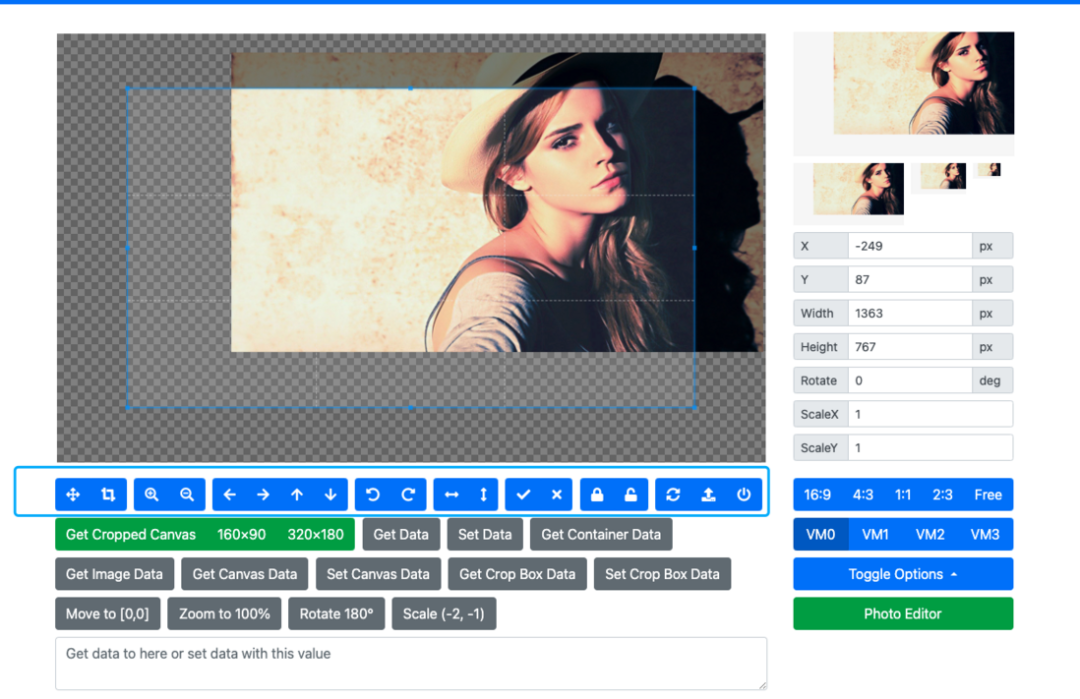
Cropper.js
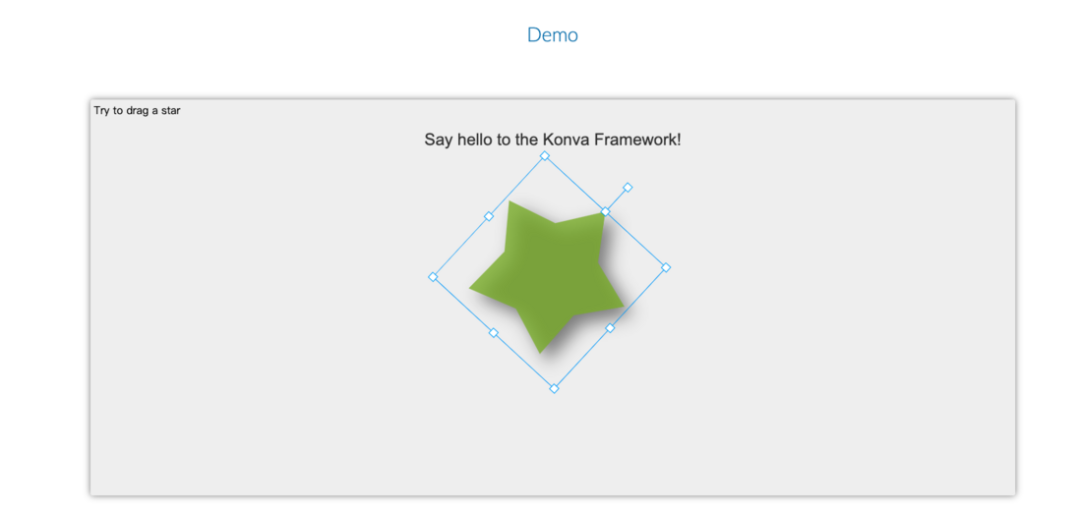
konvajs
react-image-magnify

openseadragon
https://openseadragon.github.io/#examples-and-features

panzoom
https://timmywil.com/panzoom/demo/

SmartPhoto
https://appleple.github.io/SmartPhoto/#group=animal&photo=camel

總結(jié)
如果只是顯示效果,可以通過 transform 修改 rotate,可以很快的實(shí)現(xiàn)效果
往期推薦
社區(qū)精選|原來 Canvas 也能直接繪制圓角矩形了

社區(qū)精選|裁剪的 3 種方式,CSS 如何隱藏移動端的滾動條?

寫給小白的地理信息的表示法:GeoJSON
評論
圖片
表情