
Android使用RecycleView實現(xiàn)跑馬燈和輪播圖效果
先看下效果圖:
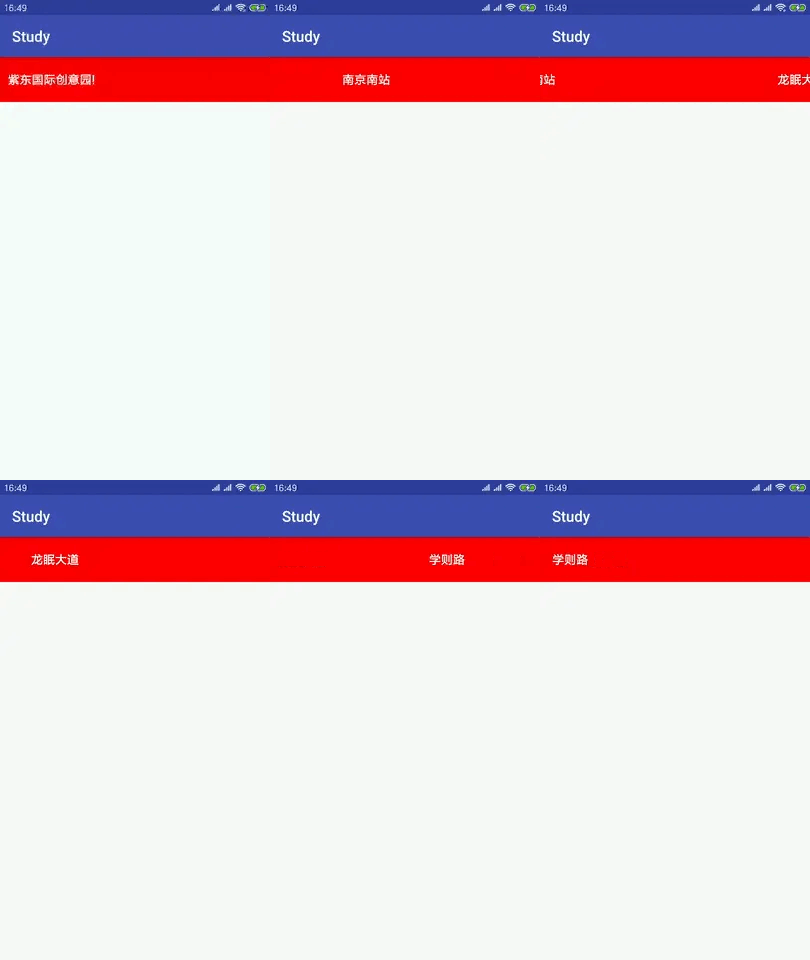
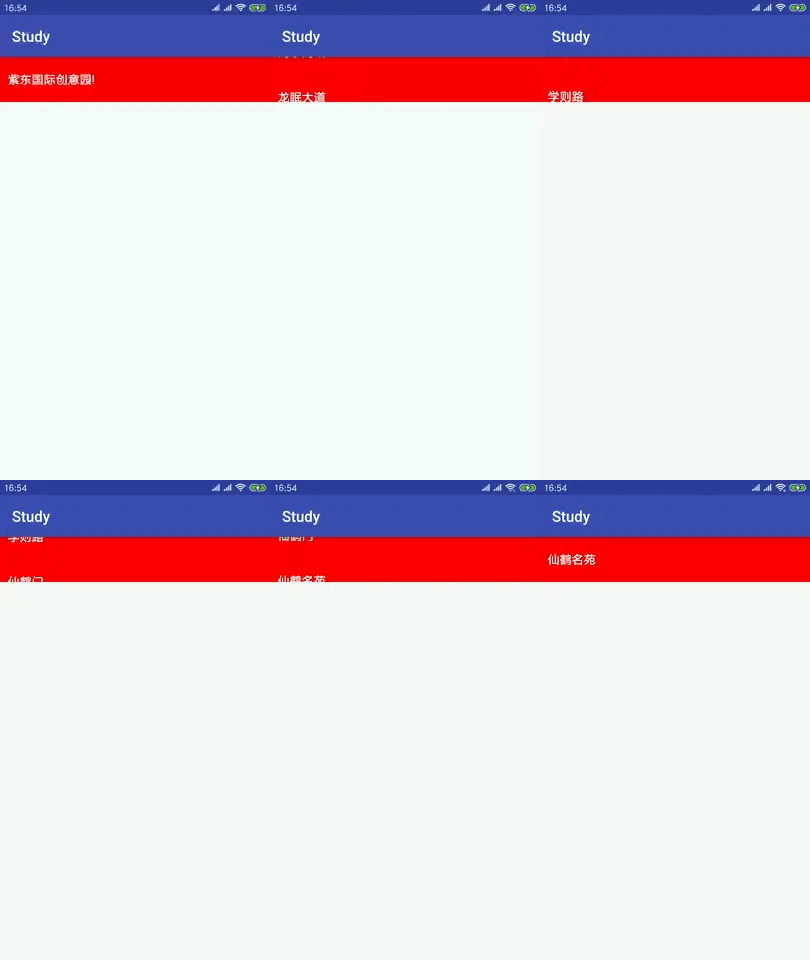

利用Recycleview實現(xiàn)這個效果最主要的一個方法就是這個方法
mSnapHelper = new LinearSnapHelper();mSnapHelper.attachToRecyclerView(mRecyclerView);
這個方法的作用是使得RecycelView像ViewPager一樣的效果,一次只能滑一頁,而且居中顯示。
然后利用Handler來實現(xiàn)無限輪播的效果,在Adapter中要注意
public int getItemCount() {return Integer.MAX_VALUE;}
Glide.with(mContext).load(mDatas.get(position % mDatas.size())).into(mImageView);getItemCount中返回一個無窮大達(dá)到無限錄播的效果,在填充數(shù)據(jù)時取余防止索引越界,然后自定義Layoutmanger
public class MyBannerManger extends LinearLayoutManager {private RecyclerView mRecyclerView;private final InterValHander mHander;private static final int INTERVAL = 3000;private boolean mIsLayoutComplete = false;private static int position = 1;private LinearSnapHelper mSnapHelper;public MyBannerManger(Context context, RecyclerView recyclerView) {super(context);setOrientation(HORIZONTAL);mRecyclerView = recyclerView;mHander = new InterValHander(this);mRecyclerView.setOnTouchListener(new View.OnTouchListener() {public boolean onTouch(View v, MotionEvent event) {if(event.getAction() == MotionEvent.ACTION_DOWN){mHander.removeCallbacksAndMessages(null);}else if(event.getAction() == MotionEvent.ACTION_UP){mHander.sendEmptyMessageDelayed(position,INTERVAL);}return false;}});}public void onAttachedToWindow(RecyclerView view) {super.onAttachedToWindow(view);mSnapHelper = new LinearSnapHelper();mSnapHelper.attachToRecyclerView(mRecyclerView);}public void onLayoutCompleted(RecyclerView.State state) {super.onLayoutCompleted(state);if (!mIsLayoutComplete) {mHander.sendEmptyMessageDelayed(position,INTERVAL);}mIsLayoutComplete = true;}private RecyclerView getRecyclerView(){return mRecyclerView;}static class InterValHander extends Handler {private WeakReference<MyBannerManger> mWeakReference;private MyBannerManger mBannerManger;public InterValHander(MyBannerManger myBannerManger) {mWeakReference = new WeakReference<>(myBannerManger);mBannerManger = myBannerManger;}public void handleMessage(Message msg) {LogUtils.LogE(msg.toString());mBannerManger.getRecyclerView().smoothScrollToPosition(position);sendEmptyMessageDelayed(0,INTERVAL);position++;}}public void smoothScrollToPosition(RecyclerView recyclerView, RecyclerView.State state, int position) {LogUtils.LogE("smoothScrollToPosition");LinearSmoothScroller smoothScroller =new LinearSmoothScroller(recyclerView.getContext()) {// 返回:滑過1px時經(jīng)歷的時間(ms)。protected float calculateSpeedPerPixel(DisplayMetrics displayMetrics) {float f = 150f / displayMetrics.densityDpi;LogUtils.LogE("F = "+f);return 0.5f;}};smoothScroller.setTargetPosition(position);startSmoothScroll(smoothScroller);}public void onScrollStateChanged(int state) {if(state == SCROLL_STATE_IDLE){position = getPosition(mSnapHelper.findSnapView(this))+1;}}
處理邏輯:
public class RActivity extends AppCompatActivity {private RecyclerView mRecyclerView;private String[] mStrings = {"南京南站","龍眠大道","學(xué)則路","仙鶴門","仙鶴名苑","紫東國際創(chuàng)意園!"};protected void onCreate( Bundle savedInstanceState) {super.onCreate(savedInstanceState);setContentView(R.layout.activity_r);mRecyclerView = findViewById(R.id.rv);List<String> list = Arrays.asList(Images.imageUrls);mRecyclerView.setLayoutManager(new MyBannerManger(this,mRecyclerView));RAdapter rAdapter = new RAdapter(this, list);mRecyclerView.setAdapter(rAdapter);}}
到這里就結(jié)束啦。
評論
圖片
表情