
實戰(zhàn):帶你用Python爬取抖音app視頻

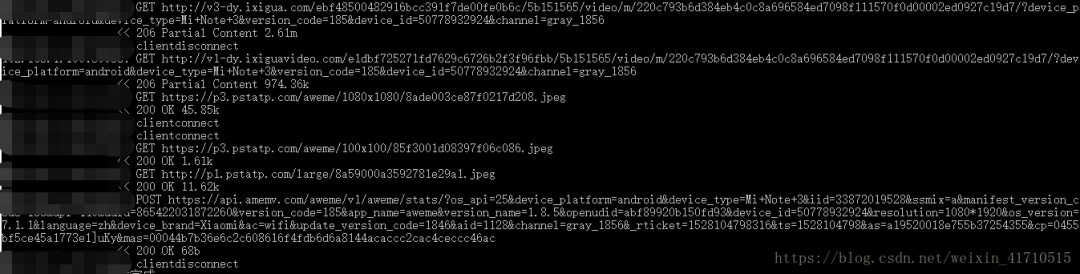
http://v1-dy.ixigua.com/;http://v3-dy.ixigua.com/;http://v9-dy.ixigua.com/import requests# 文件路徑path = 'D:/video/'num = 1788def response(flow):global num# 經(jīng)測試發(fā)現(xiàn)視頻url前綴主要是3個target_urls = ['http://v1-dy.ixigua.com/', 'http://v9-dy.ixigua.com/','http://v3-dy.ixigua.com/']for url in target_urls:# 過濾掉不需要的urlif flow.request.url.startswith(url):# 設置視頻名filename = path + str(num) + '.mp4'# 使用request獲取視頻url的內(nèi)容# stream=True作用是推遲下載響應體直到訪問Response.content屬性res = requests.get(flow.request.url, stream=True)# 將視頻寫入文件夾with open(filename, 'ab') as f:f.write(res.content)f.flush()print(filename + '下載完成')num += 1
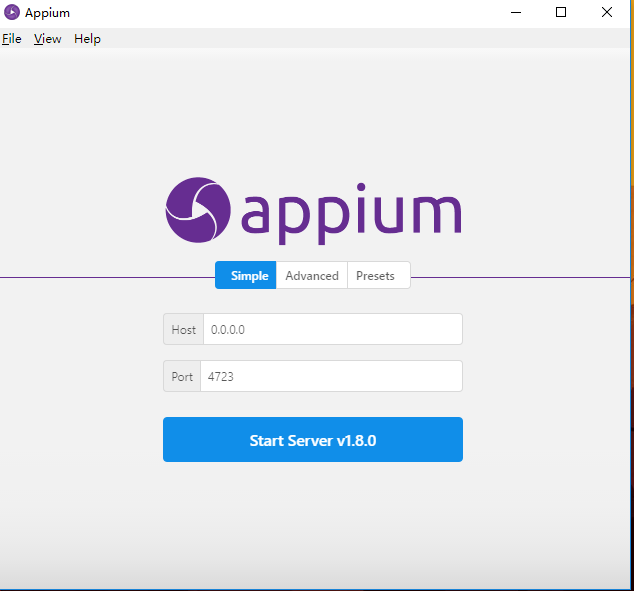
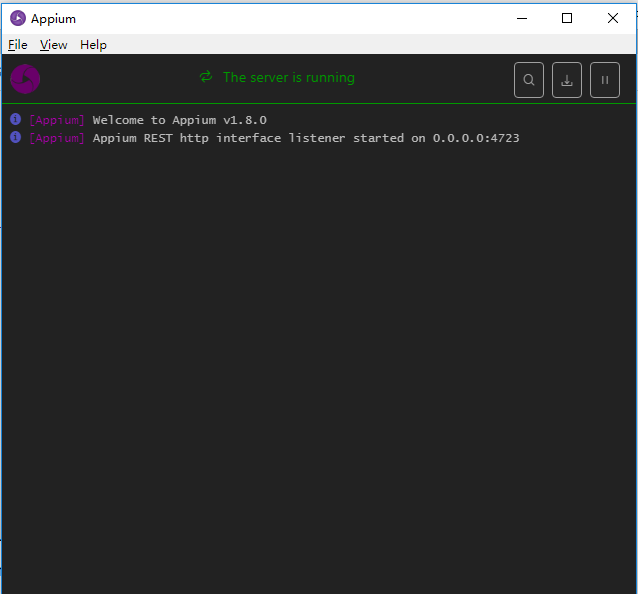

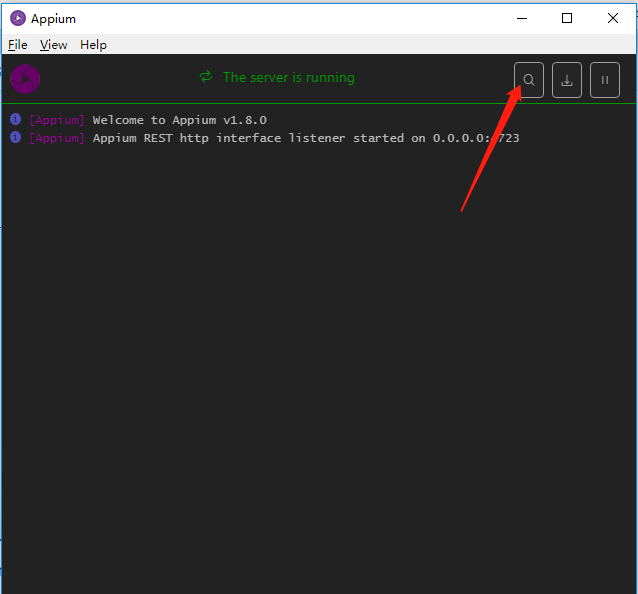
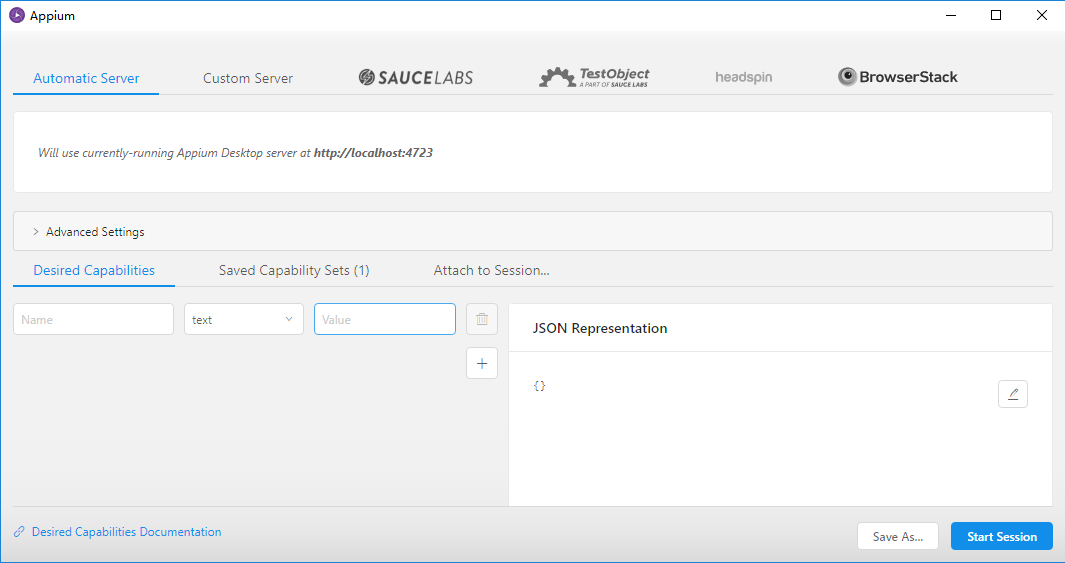
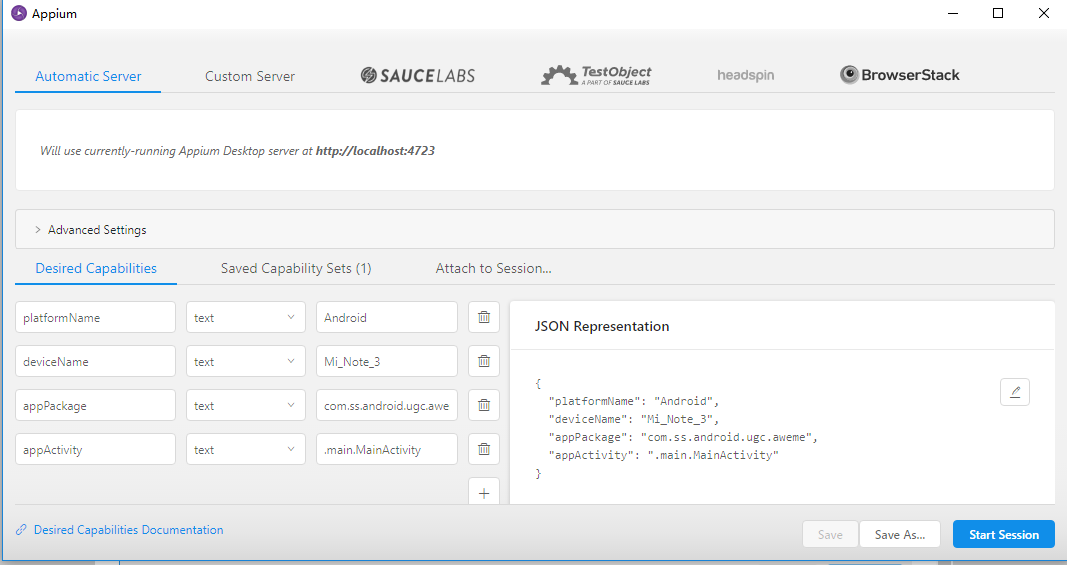
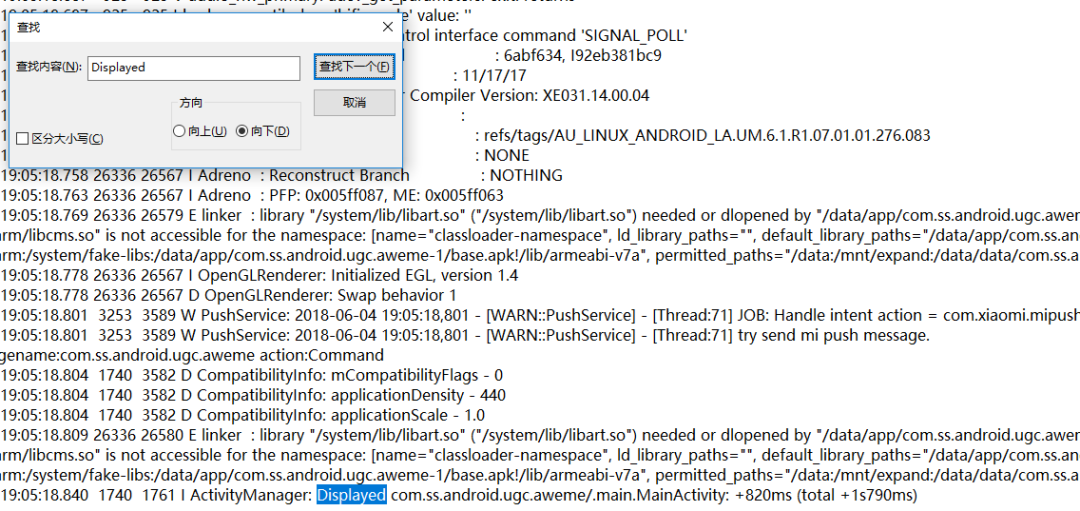
{"platformName": "Android","deviceName": "Mi_Note_3","appPackage": "com.ss.android.ugc.aweme","appActivity": ".main.MainActivity"}
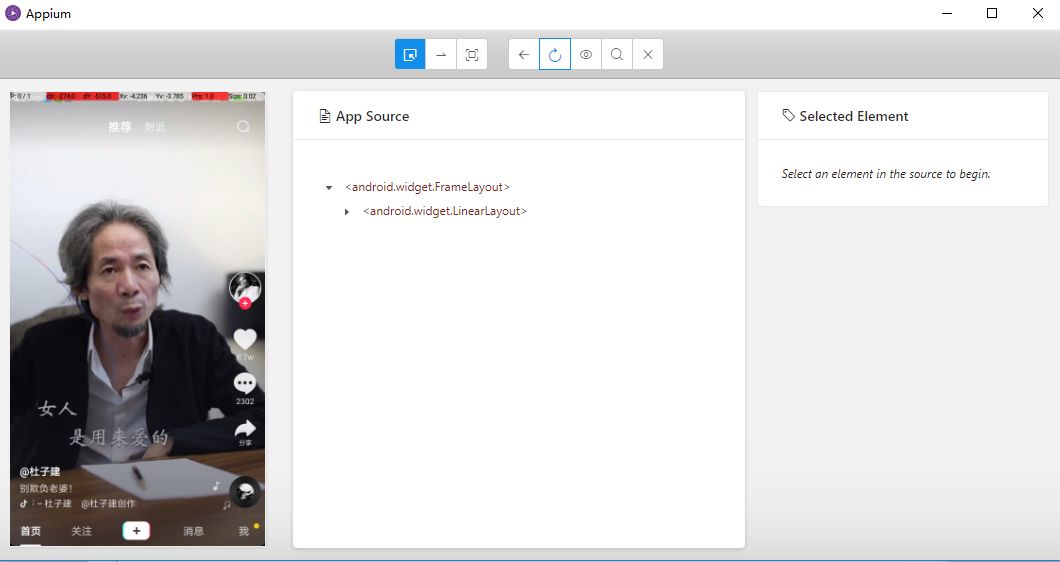
from appium import webdriverfrom time import sleepclass Action():def __init__(self):# 初始化配置,設置Desired Capabilities參數(shù)self.desired_caps = {"platformName": "Android","deviceName": "Mi_Note_3","appPackage": "com.ss.android.ugc.aweme","appActivity": ".main.MainActivity"}# 指定Appium Serverself.server = 'http://localhost:4723/wd/hub'# 新建一個Sessionself.driver = webdriver.Remote(self.server, self.desired_caps)# 設置滑動初始坐標和滑動距離self.start_x = 500self.start_y = 1500self.distance = 1300def comments(self):sleep(2)# app開啟之后點擊一次屏幕,確保頁面的展示self.driver.tap([(500, 1200)], 500)def scroll(self):# 無限滑動while True:# 模擬滑動self.driver.swipe(self.start_x, self.start_y, self.start_x,self.start_y-self.distance)# 設置延時等待sleep(2)def main(self):self.comments()self.scroll()if __name__ == '__main__':action = Action()action.main()
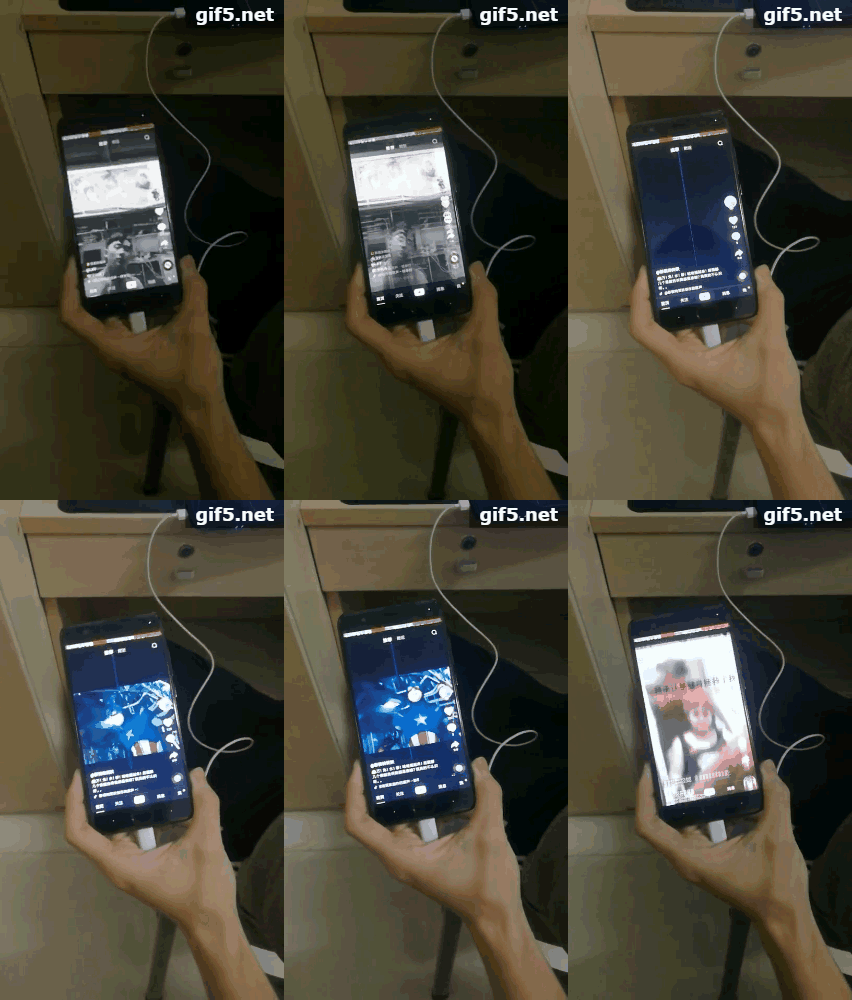
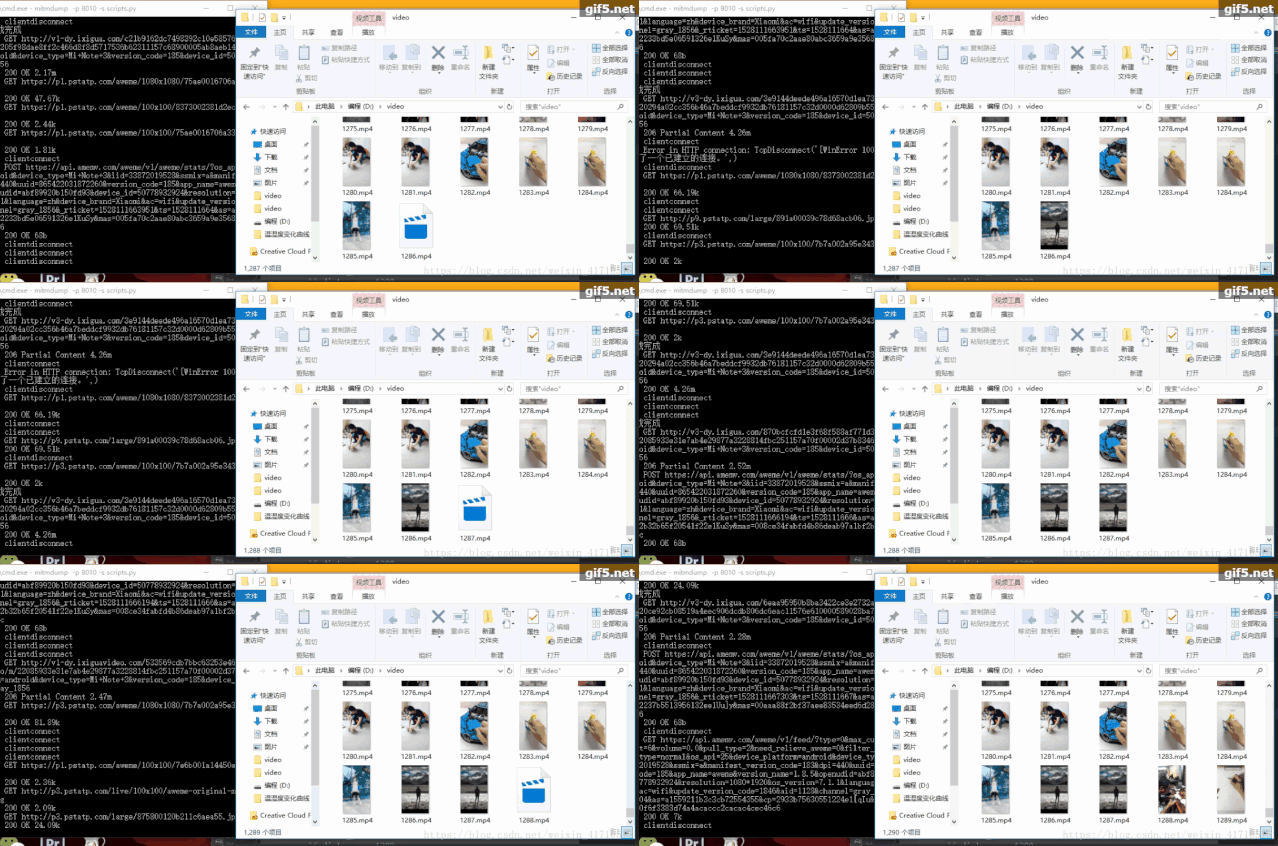
原文鏈接:https://urlify.cn/ANzAre
文章轉載:Python編程學習圈
(版權歸原作者所有,侵刪)
有收獲,點個在看?

評論
圖片
表情