
【CSS】767- 我寫炫酷 CSS 效果的常用套路

作者:alphardex鏈接:https://juejin.im/post/6881546676188741645
前言
前篇傳送門:https://juejin.im/post/6844904033405108232
其實大多數(shù)的技巧前篇都已經(jīng)講完了,本文算是具有補充性質(zhì)的番外篇吧0.0
3D 方塊
如何在 CSS 中創(chuàng)建立體的方塊呢?用以下的 SCSS mixin 即可
方塊的長度、高度、深度都可以通過 CSS 變量自由調(diào)節(jié)
@mixin cube($width, $height, $depth) {
  &__front {
    @include cube-front($width, $height, $depth);
  }
  &__back {
    @include cube-back($width, $height, $depth);
  }
  &__right {
    @include cube-right($width, $height, $depth);
  }
  &__left {
    @include cube-left($width, $height, $depth);
  }
  &__top {
    @include cube-top($width, $height, $depth);
  }
  &__bottom {
    @include cube-bottom($width, $height, $depth);
  }
  .face {
    position: absolute;
  }
}

@mixin cube-front($width, $height, $depth) {
  width: var($width);
  height: var($height);
  transform-origin: bottom left;
  transform: rotateX(-90deg) translateZ(calc(calc(var(#{$depth}) * 2) - var(#{$height})));
}

@mixin cube-back($width, $height, $depth) {
  width: var($width);
  height: var($height);
  transform-origin: top left;
  transform: rotateX(-90deg) rotateY(180deg) translateX(calc(var(#{$width}) * -1)) translateY(
      calc(var(#{$height}) * -1)
    );
}

@mixin cube-right($width, $height, $depth) {
  width: calc(var(#{$depth}) * 2);
  height: var($height);
  transform-origin: top left;
  transform: rotateY(90deg) rotateZ(-90deg) translateZ(var(#{$width})) translateX(calc(var(#{$depth}) * -2)) translateY(calc(var(
            #{$height}
          ) * -1));
}

@mixin cube-left($width, $height, $depth) {
  width: calc(var(#{$depth}) * 2);
  height: var($height);
  transform-origin: top left;
  transform: rotateY(-90deg) rotateZ(90deg) translateY(calc(var(#{$height}) * -1));
}

@mixin cube-top($width, $height, $depth) {
  width: var($width);
  height: calc(var(#{$depth}) * 2);
  transform-origin: top left;
  transform: translateZ(var($height));
}

@mixin cube-bottom($width, $height, $depth) {
  width: var($width);
  height: calc(var(#{$depth}) * 2);
  transform-origin: top left;
  transform: rotateY(180deg) translateX(calc(var(#{$width}) * -1));
}

.cube {
  --cube-width: 3rem;
  --cube-height: 3rem;
  --cube-depth: 1.5rem;

  @include cube(--cube-width, --cube-height, --cube-depth);
  width: 3rem;
  height: 3rem;
}
交錯旋轉(zhuǎn)
給多個方塊應(yīng)用交錯動畫會產(chǎn)生如下效果
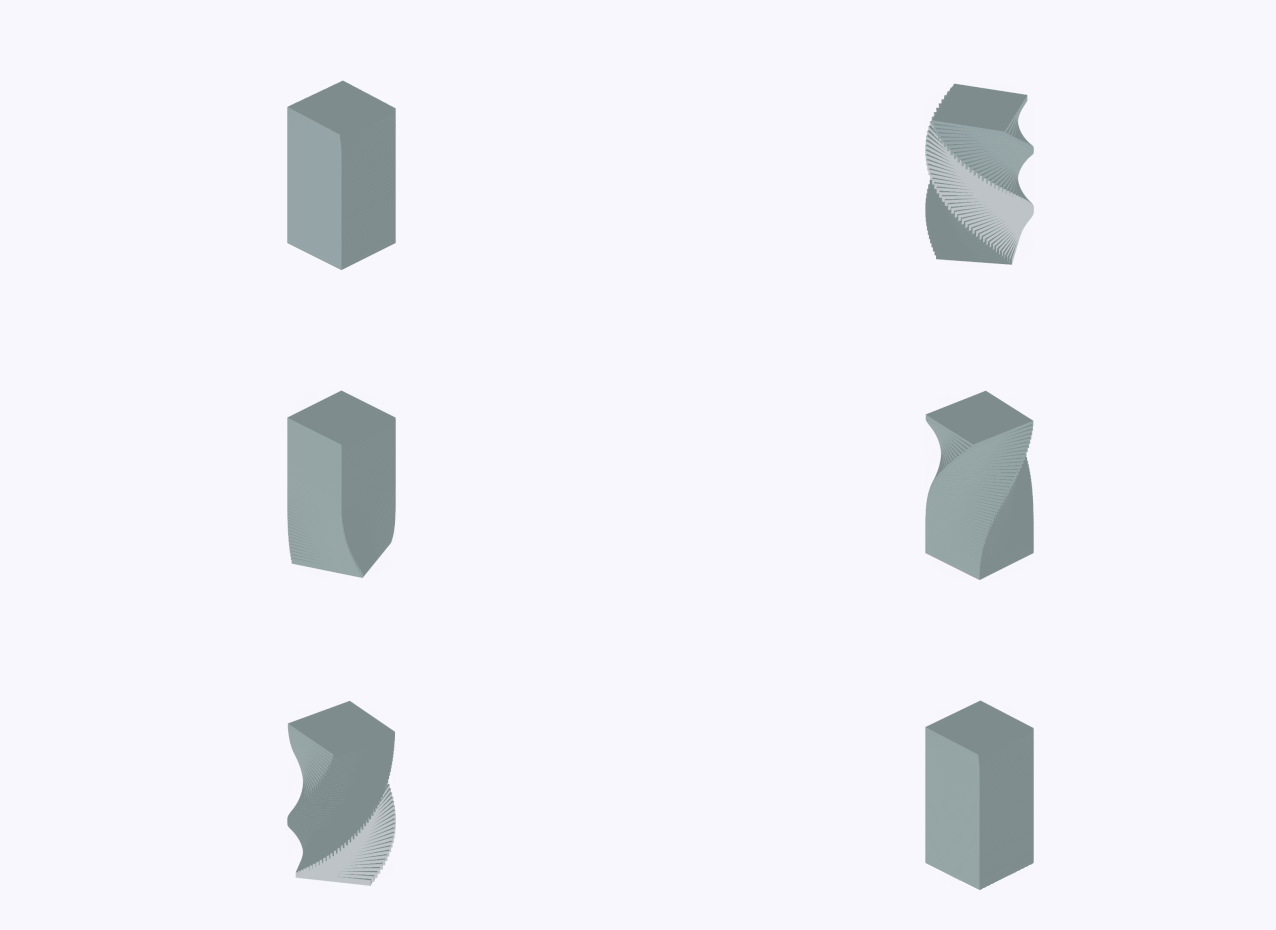
.spiral-tower {
  display: grid;
  grid-auto-flow: row;
  transform: rotateX(-30deg) rotateY(45deg);

  .cube {
    @for $i from 1 through 48 {
      &:nth-child(#{$i}) {
        animation-delay: 0.015s * ($i - 1);
      }
    }
  }
}

@keyframes spin {
  0%,
  15% {
    transform: rotateY(0);
  }

  85%,
  100% {
    transform: rotateY(1turn);
  }
}
本 demo 地址:Spiral Tower
伸縮長度
在 CSS 動畫中,我們無法直接使變量動起來(其實能動,但很生硬)
這時我們就得求助于 CSS Houdini,將變量聲明為長度單位類型即可,因為長度單位是可以動起來的
CSS.registerProperty({
??name:?"--cube-width",
??syntax:?"" ,
??initialValue:?0,
??inherits:?true,
});
CSS.registerProperty({
??name:?"--cube-height",
??syntax:?"" ,
??initialValue:?0,
??inherits:?true,
});
CSS.registerProperty({
??name:?"--cube-depth",
??syntax:?"" ,
??initialValue:?0,
??inherits:?true,
});
?
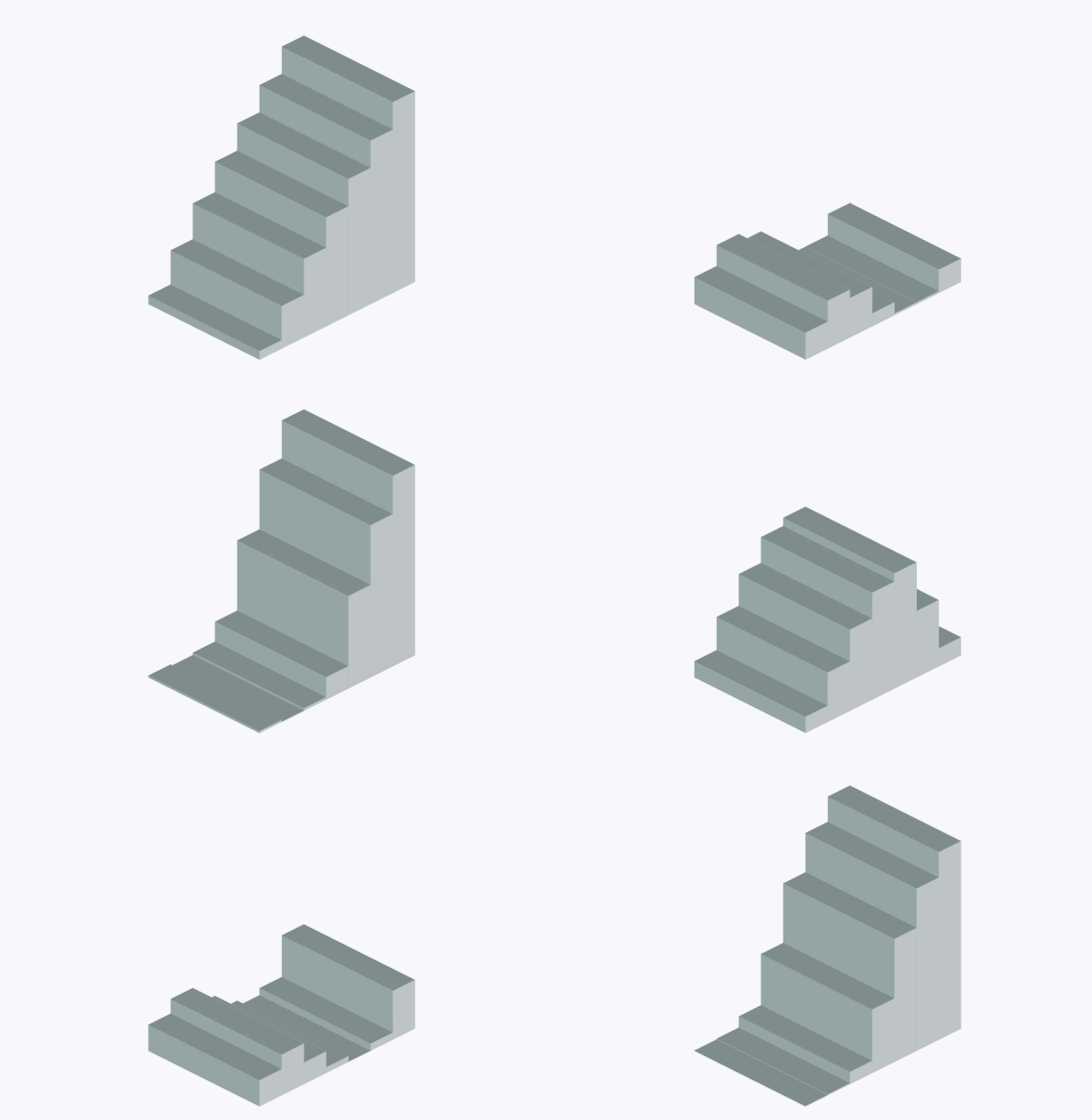 本 demo 地址:3D Stair Loading
文本分割
在上一篇我們提到了如何用 JS 來分割文本,本篇將介紹一種更簡潔的實現(xiàn)方法——gsap 的 SplitText 插件,利用它我們能用更少的代碼來實現(xiàn)下圖的效果
<div?class="staggered-land-in?font-bold?text-2xl">Fushigi?no?Monogataridiv>
?
const?t1?=?gsap.timeline();
const?staggeredLandInText?=?new?SplitText(".staggered-land-in",?{
??type:?"chars",
});
t1.from(staggeredLandInText.chars,?{
??duration:?0.8,
??opacity:?0,
??y:?"-20%",
??stagger:?0.05,
});
?
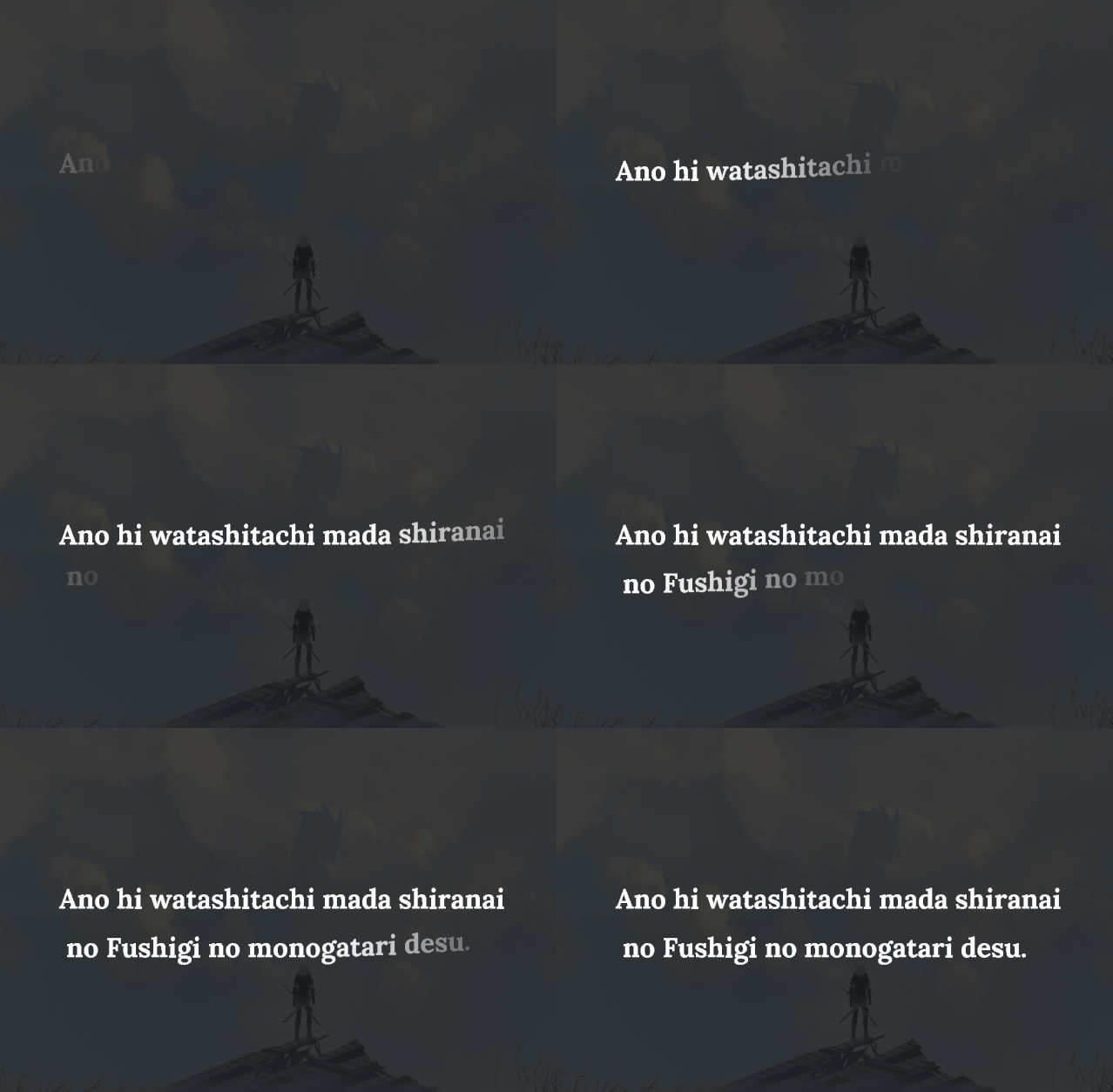
簡化版 demo 地址:SplitText Starterhttps://codepen.io/alphardex/pen/ZEWRBJp)
關(guān)鍵幀
簡單的動畫固然可以實現(xiàn),那么相對復(fù)雜一點的動畫呢?這時候還是要依靠強大的@keyframes 和 CSS 變量
注:盡管 gsap 目前也支持 keyframes,但是無法和交錯動畫結(jié)合起來,因此用@keyframes 作為替代方案
<div?class="staggered-scale-in?font-bold?text-6xl">Never?Never?Give?Updiv>
?
.scale-in-bounce?{
??animation:?scale-in-bounce?0.4s?both;
??animation-delay:?calc(0.1s?*?var(--i));
}

@keyframes?scale-in-bounce?{
??0%?{
????opacity:?0;
????transform:?scale(2);
??}

??40%?{
????opacity:?1;
????transform:?scale(0.8);
??}

??100%?{
????opacity:?1;
????transform:?scale(1);
??}
}
?
const?t1?=?gsap.timeline();
const?staggeredScaleInText?=?new?SplitText(".staggered-scale-in",?{
??type:?"chars",
});
const?staggeredScaleInChars?=?staggeredScaleInText.chars;
staggeredScaleInChars.forEach((item,?i)?=>?{
??item.style.setProperty("--i",?`${i}`);
});
t1.to(staggeredScaleInChars,?{
??className:?"scale-in-bounce",
});
?
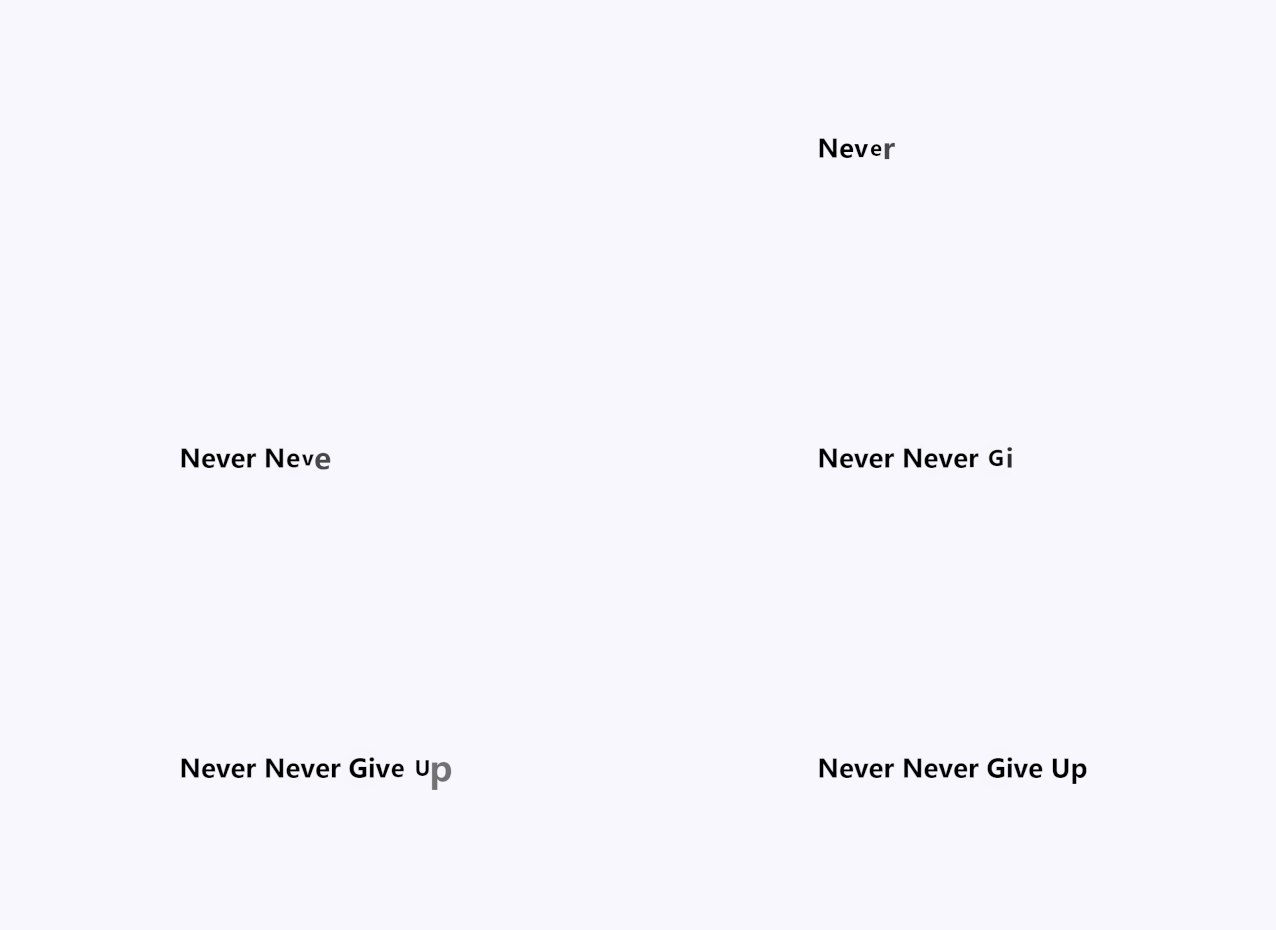
本 demo 地址:Staggered Scale In Text
SVG 濾鏡
CSS 的濾鏡其實都是 SVG 濾鏡的封裝版本,方便我們使用而已
SVG 濾鏡則更加靈活強大,以下是幾個常見的濾鏡使用場景
附在線調(diào)試 SVG 濾鏡的網(wǎng)站:SVG Filters
粘滯效果
<svg?width="0"?height="0"?class="absolute">
??<filter?id="goo">
????<feGaussianBlur?stdDeviation="10?10"?in="SourceGraphic"?result="blur"?/>
????<feColorMatrix
??????type="matrix"
??????values="1?0?0?0?0
????0?1?0?0?0
????0?0?1?0?0
????0?0?0?18?-7"
??????in="blur"
??????result="colormatrix"
????/>
????<feComposite?in="SourceGraphic"?in2="colormatrix"?operator="over"?result="composite"?/>
??filter>
svg>
?
.gooey?{
??filter:?url("#goo");
}
?
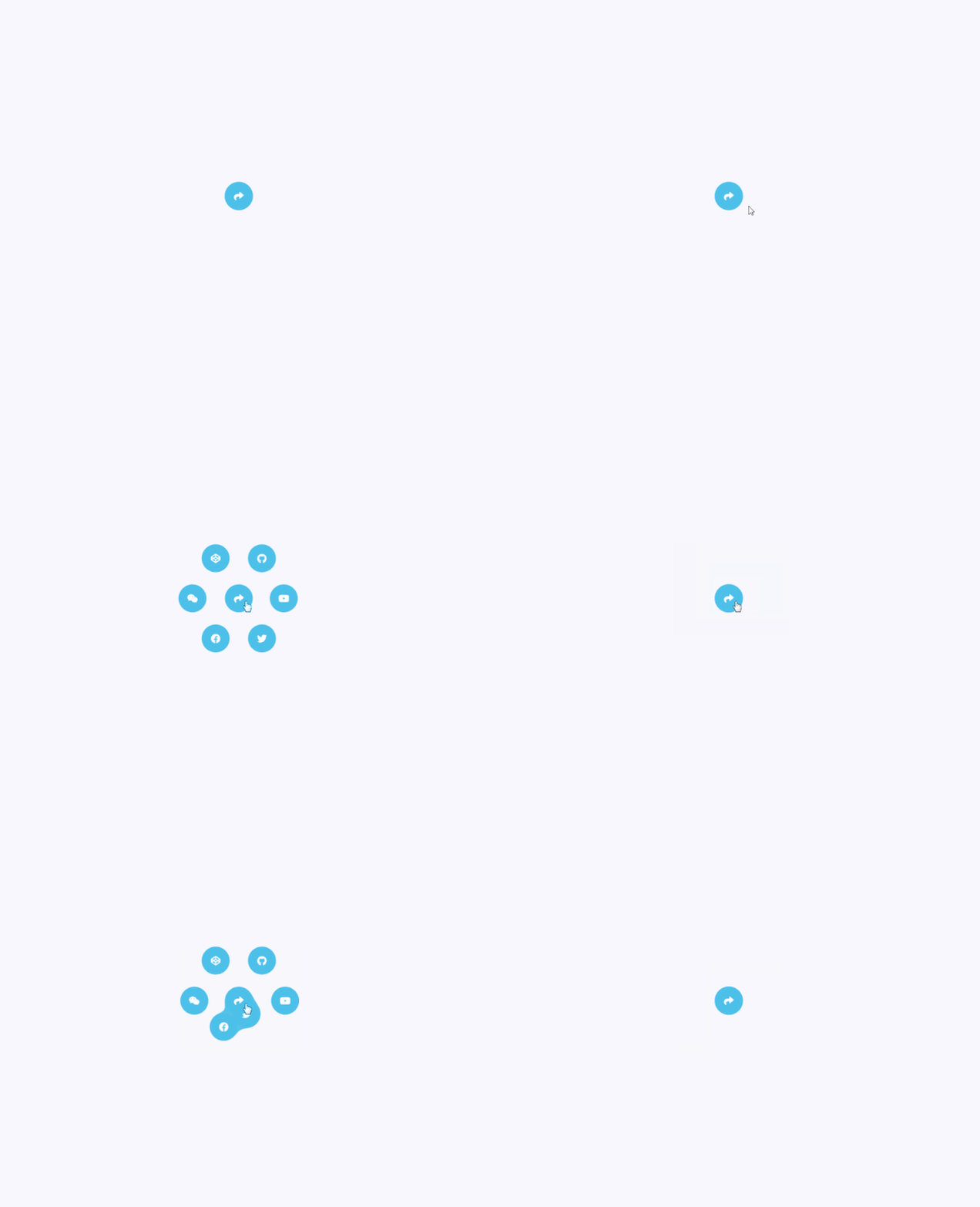
本 demo 地址:SVG Filter Gooey Menu
故障效果
<svg?width="0"?height="0"?class="absolute">
??<filter?id="glitch">
????<feTurbulence?type="fractalNoise"?baseFrequency="0.00001?0.000001"?numOctaves="1"?result="turbulence1">
??????<animate
????????attributeName="baseFrequency"
????????from="0.00001?0.000001"
????????to="0.00001?0.4"
????????dur="0.4s"
????????id="glitch1"
????????fill="freeze"
????????repeatCount="indefinite"
??????>animate>
??????<animate
????????attributeName="baseFrequency"
????????from="0.00001?0.4"
????????to="0.00001?0.2"
????????dur="0.2s"
????????begin="glitch1.end"
????????fill="freeze"
????????repeatCount="indefinite"
??????>animate>
????feTurbulence>
????<feDisplacementMap
??????in="SourceGraphic"
??????in2="turbulence1"
??????scale="30"
??????xChannelSelector="R"
??????yChannelSelector="G"
??????result="displacementMap"
????/>
??filter>
svg>
?
.glitch?{
??filter:?url("#glitch");
}
?
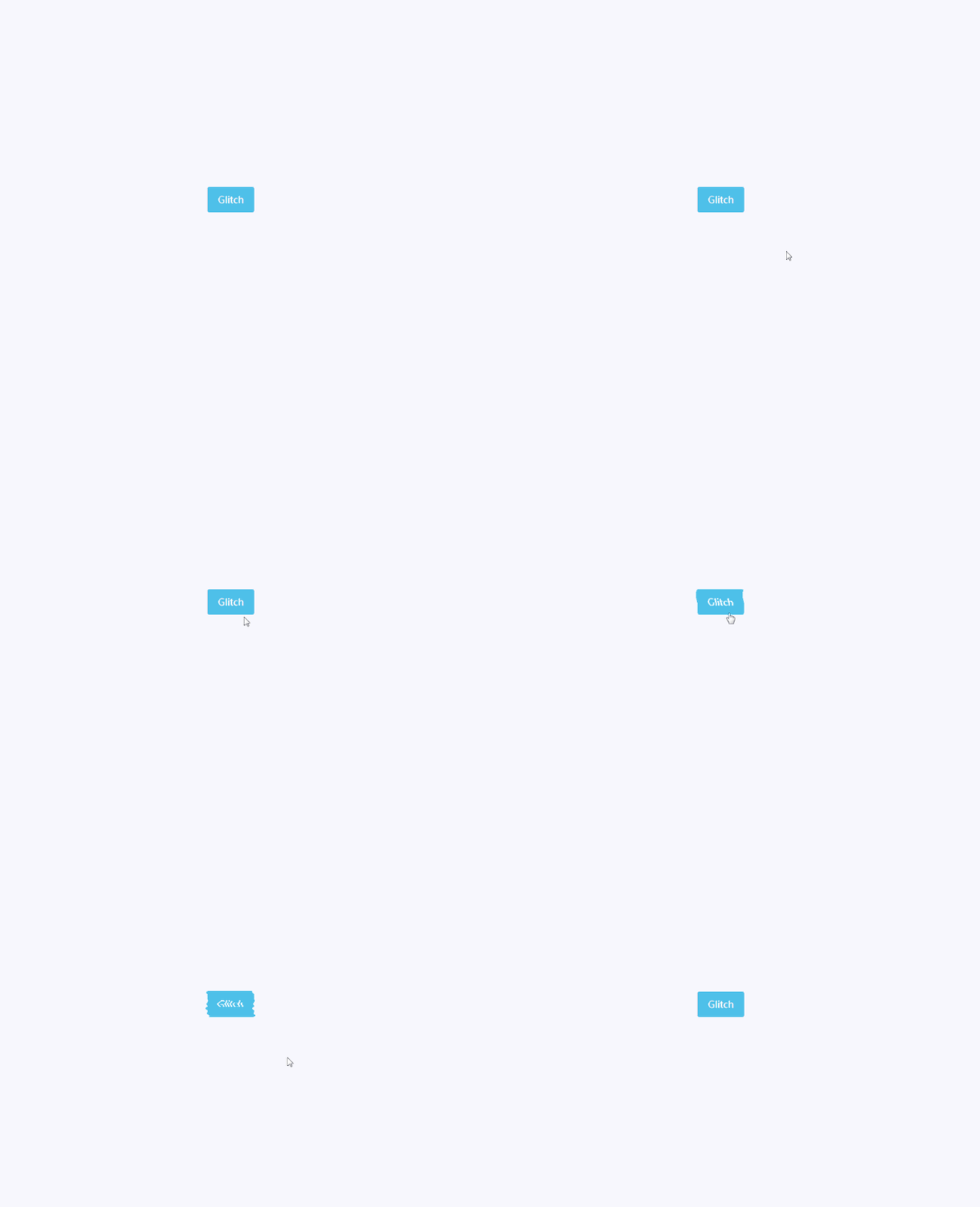
本 demo 地址:SVG Filter Glitch Button
動態(tài)模糊
CSS 濾鏡的 blur 是全方位模糊,而 SVG 濾鏡的 blur 可以控制單方向的模糊
<svg?width="0"?height="0"?class="absolute">
??<filter?id="motion-blur"?filterUnits="userSpaceOnUse">
????<feGaussianBlur?stdDeviation="100?0"?in="SourceGraphic"?result="blur">
??????<animate?dur="0.6s"?attributeName="stdDeviation"?from="100?0"?to="0?0"?fill="freeze">animate>
????feGaussianBlur>
??filter>
svg>
?
.motion-blur?{
??filter:?url("#motion-blur");
}
?
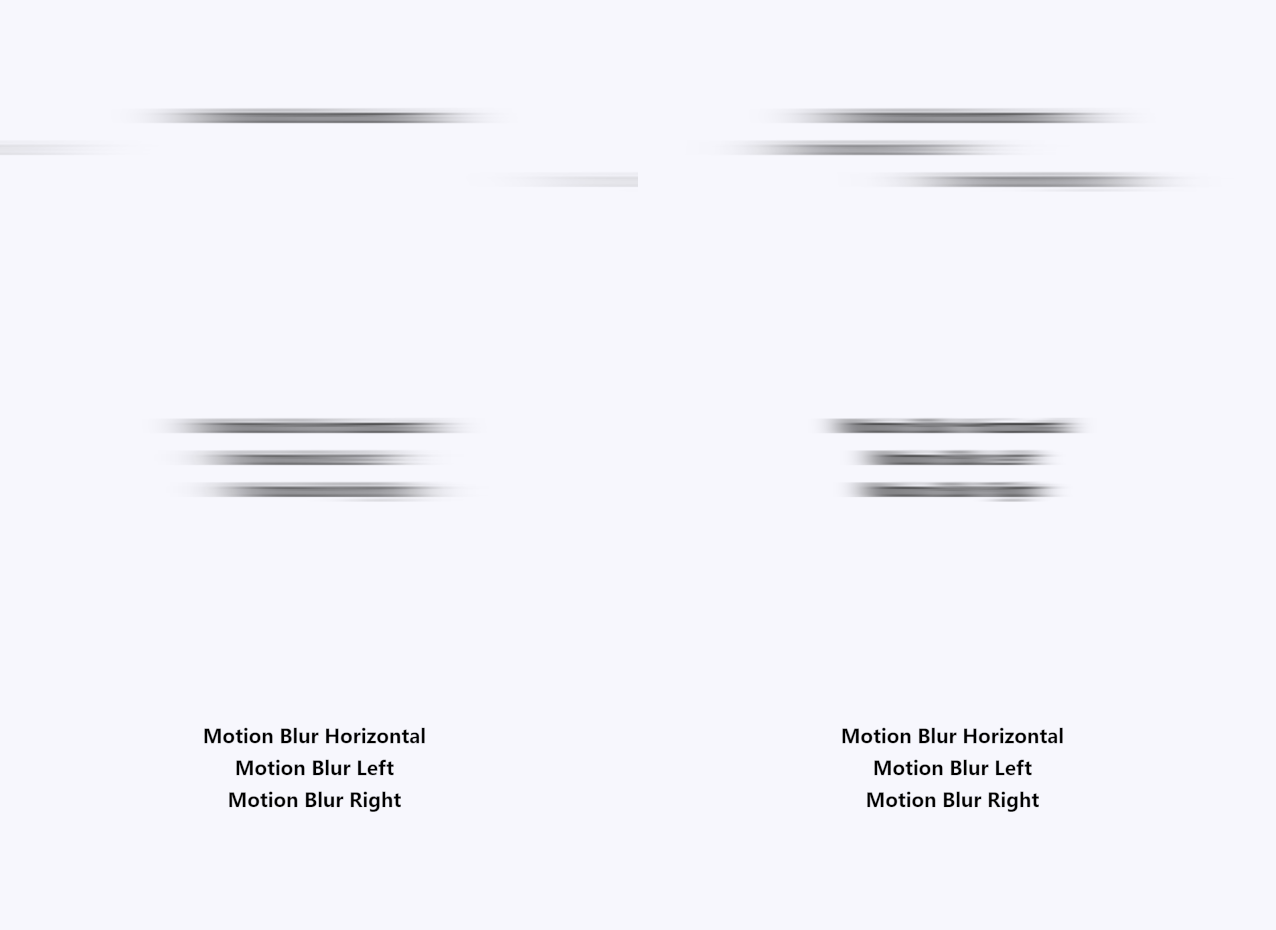
本 demo 地址:SVG Filter Motion Blur
mask 遮罩
有時候我們想做出一種過渡式的半透明效果,類似下圖這樣的
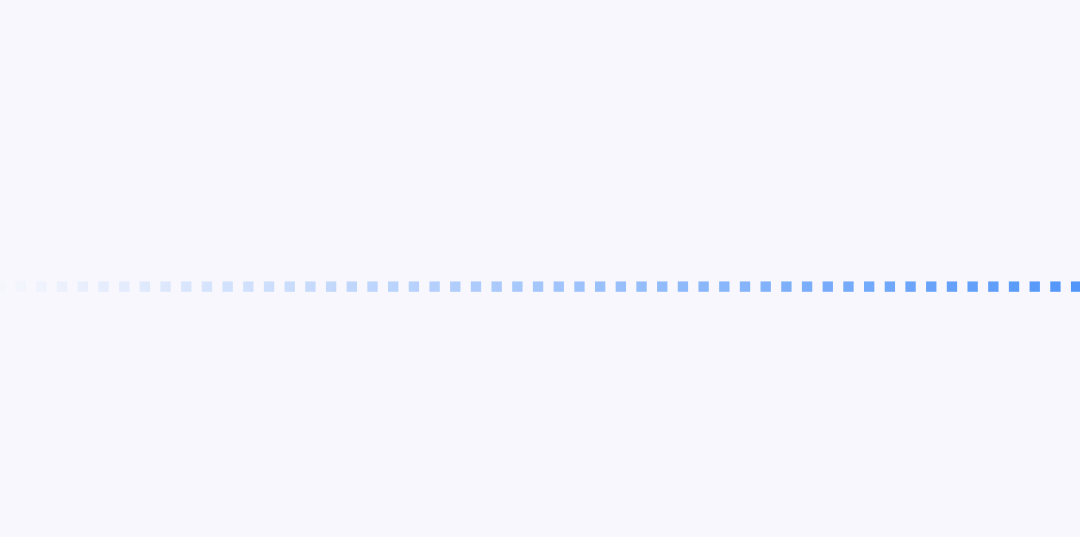
這時候就得借助 mask 屬性了,因為圖片與 mask 生成的漸變的 transparent 的重疊部分會變透明
.divider-grad-mask?{
??background:?linear-gradient(90deg,?var(--blue-color)?0?50%,?transparent?0?100%)?0?0?/?2rem?1rem;
??mask:?linear-gradient(-90deg,?black,?transparent);
}
?
demo 地址:Gradient Mask Divider
和 clip-path 結(jié)合也會相當(dāng)有意思,如下圖所示的加載特效
demo 地址:Mask Loader
CSS 變量
鼠標跟蹤
上篇提到了利用 Web Animations API 實現(xiàn)鼠標懸浮跟蹤的效果,但其實 CSS 變量也能實現(xiàn),而且更加簡潔高效
在 CSS 中定義 x 和 y 變量,然后在 JS 中監(jiān)聽鼠標移動事件并獲取鼠標坐標,更新對應(yīng)的 x 和 y 變量即可
:root?{
??--mouse-x:?0;
??--mouse-y:?0;
}

.target?{
??transform:?translate(var(--mouse-x),?var(--mouse-y));
}
?
let?mouseX?=?0;
let?mouseY?=?0;
let?x?=?0;
let?y?=?0;
let?offset?=?50;?//?center
let?windowWidth?=?window.innerWidth;
let?windowHeight?=?window.innerHeight;
const?percentage?=?(value,?total)?=>?(value?/?total)?*?100;

window.addEventListener("mousemove",?(e)?=>?{
??mouseX?=?e.clientX;
??mouseY?=?e.clientY;
??x?=?percentage(mouseX,?windowWidth)?-?offset;
??y?=?percentage(mouseY,?windowHeight)?-?offset;
??document.documentElement.style.setProperty("--mouse-x",?`${x}%`);
??document.documentElement.style.setProperty("--mouse-y",?`${y}%`);
});

window.addEventListener("resize",?()?=>?{
??windowWidth?=?window.innerWidth;
??windowHeight?=?window.innerHeight;
});
?

簡化版地址:Mousemove Starter
殘影效果
如果將鼠標跟蹤和交錯動畫結(jié)合起來,再加點模糊濾鏡,就能創(chuàng)作出帥氣的殘影效果

本 demo 地址:Motion Table - Delay
圖片分割
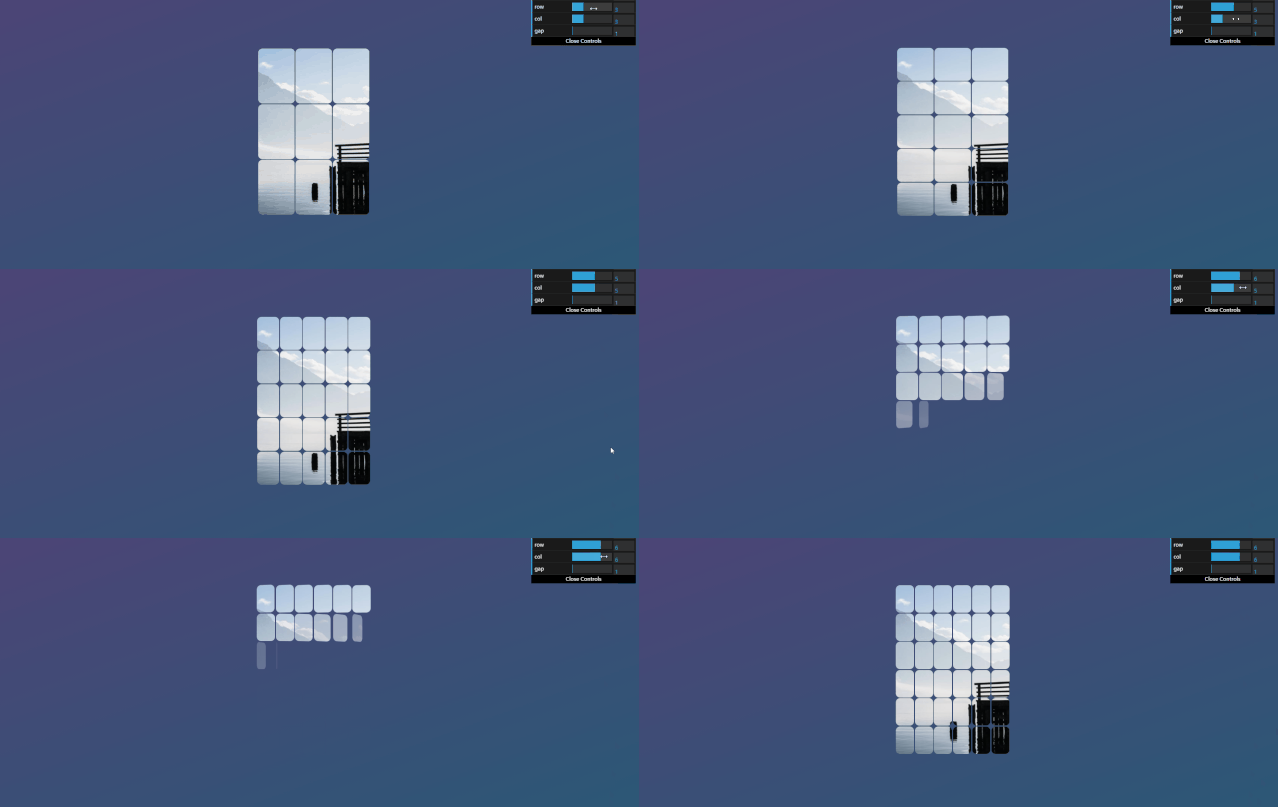
為了做出一個圖片碎片運動相關(guān)的動畫,或者是一個拼圖游戲,我們就要對一張圖片進行分割,且塊數(shù)、大小等都能隨意控制,這時CSS變量就能發(fā)揮它的用場了
.puzzle {
  --puzzle-width: 16rem;
  --puzzle-height: 24rem;
  --puzzle-row: 3;
  --puzzle-col: 4;
  --puzzle-gap: 1px;
  --puzzle-frag-width: calc(var(--puzzle-width) / var(--puzzle-col));
  --puzzle-frag-height: calc(var(--puzzle-height) / var(--puzzle-row));
  --puzzle-img: url(...);

  display: flex;
  flex-wrap: wrap;
  width: calc(var(--puzzle-width) + calc(var(--puzzle-col) * var(--puzzle-gap) * 2));
  height: calc(var(--puzzle-height) + calc(var(--puzzle-row) * var(--puzzle-gap) * 2));

  .fragment {
    --x-offset: calc(var(--x) * var(--puzzle-frag-width) * -1);
    --y-offset: calc(var(--y) * var(--puzzle-frag-height) * -1);

    width: var(--puzzle-frag-width);
    height: var(--puzzle-frag-height);
    margin: var(--puzzle-gap);
    background: var(--puzzle-img) var(--x-offset) var(--y-offset) / var(--puzzle-width) var(--puzzle-height) no-repeat;
  }
}
設(shè)定好分割的行列,根據(jù)行列來動態(tài)計算切片的大小 拼圖的總寬|高=拼圖寬|高+列|行數(shù) * 間隙 * 2 切片的顯示利用背景定位的xy軸偏移,偏移量的計算方式:x|y坐標 * 切片寬|高 * -1
在JS中,設(shè)定好變量值并動態(tài)生成切片的xy坐標,即可完成圖片的分割
class?Puzzle?{
??constructor(el,?width?=?16,?height?=?24,?row?=?3,?col?=?3,?gap?=?1)?{
????this.el?=?el;
????this.fragments?=?el.children;
????this.width?=?width;
????this.height?=?height;
????this.row?=?row;
????this.col?=?col;
????this.gap?=?gap;
??}

??create()?{
????this.ids?=?[...Array(this.row?*?this.col).keys()];
????const?puzzle?=?this.el;
????const?fragments?=?this.fragments;
????if?(fragments.length)?{
??????Array.from(fragments).forEach((item)?=>?item.remove());
????}
????puzzle.style.setProperty("--puzzle-width",?this.width?+?"rem");
????puzzle.style.setProperty("--puzzle-height",?this.height?+?"rem");
????puzzle.style.setProperty("--puzzle-row",?this.row);
????puzzle.style.setProperty("--puzzle-col",?this.col);
????puzzle.style.setProperty("--puzzle-gap",?this.gap?+?"px");
????for?(let?i?=?0;?i?this.row;?i++)?{
??????for?(let?j?=?0;?j?this.col;?j++)?{
????????const?fragment?=?document.createElement("div");
????????fragment.className?=?"fragment";
????????fragment.style.setProperty("--x",?j);
????????fragment.style.setProperty("--y",?i);
????????fragment.style.setProperty("--i",?j?+?i?*?this.col);
????????puzzle.appendChild(fragment);
??????}
????}
??}
}

const?puzzle?=?new?Puzzle(document.querySelector(".puzzle"));
?
本demo地址:Split Image With CSS Variable
復(fù)雜動畫
案例1
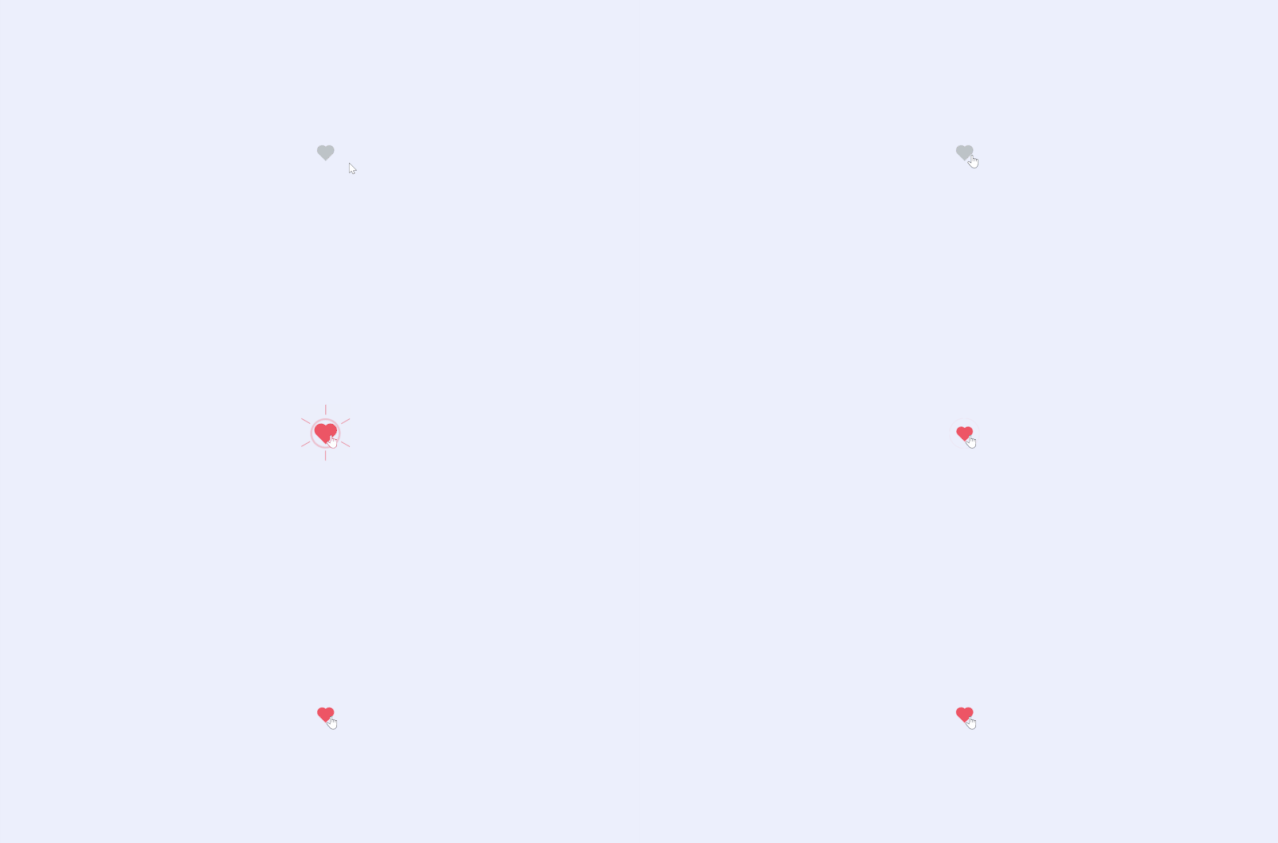
本demo地址:Elastic Love
案例2

本demo地址:Infinite Line Animation
案例3
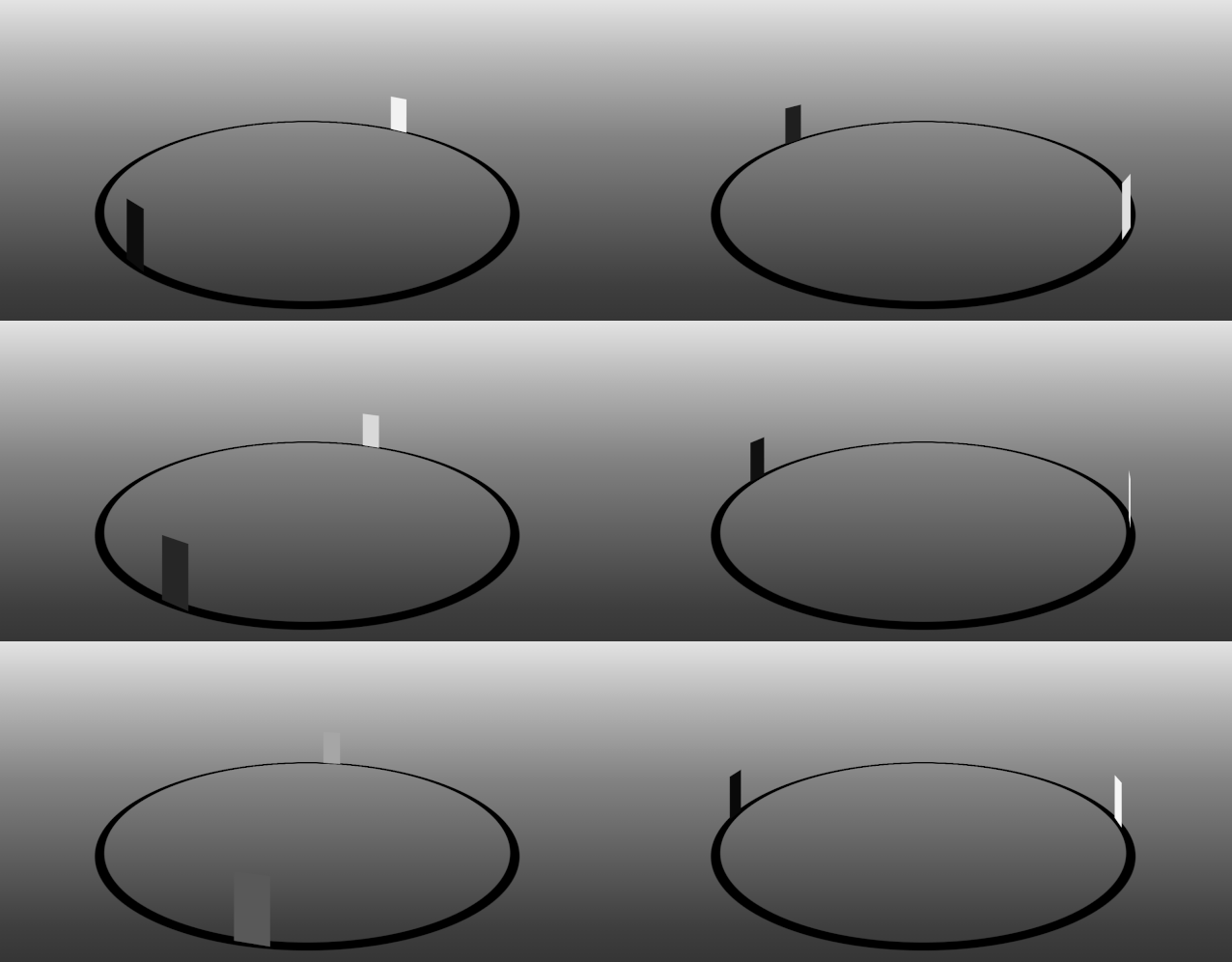
本demo地址:Orbit Reverse
案例4
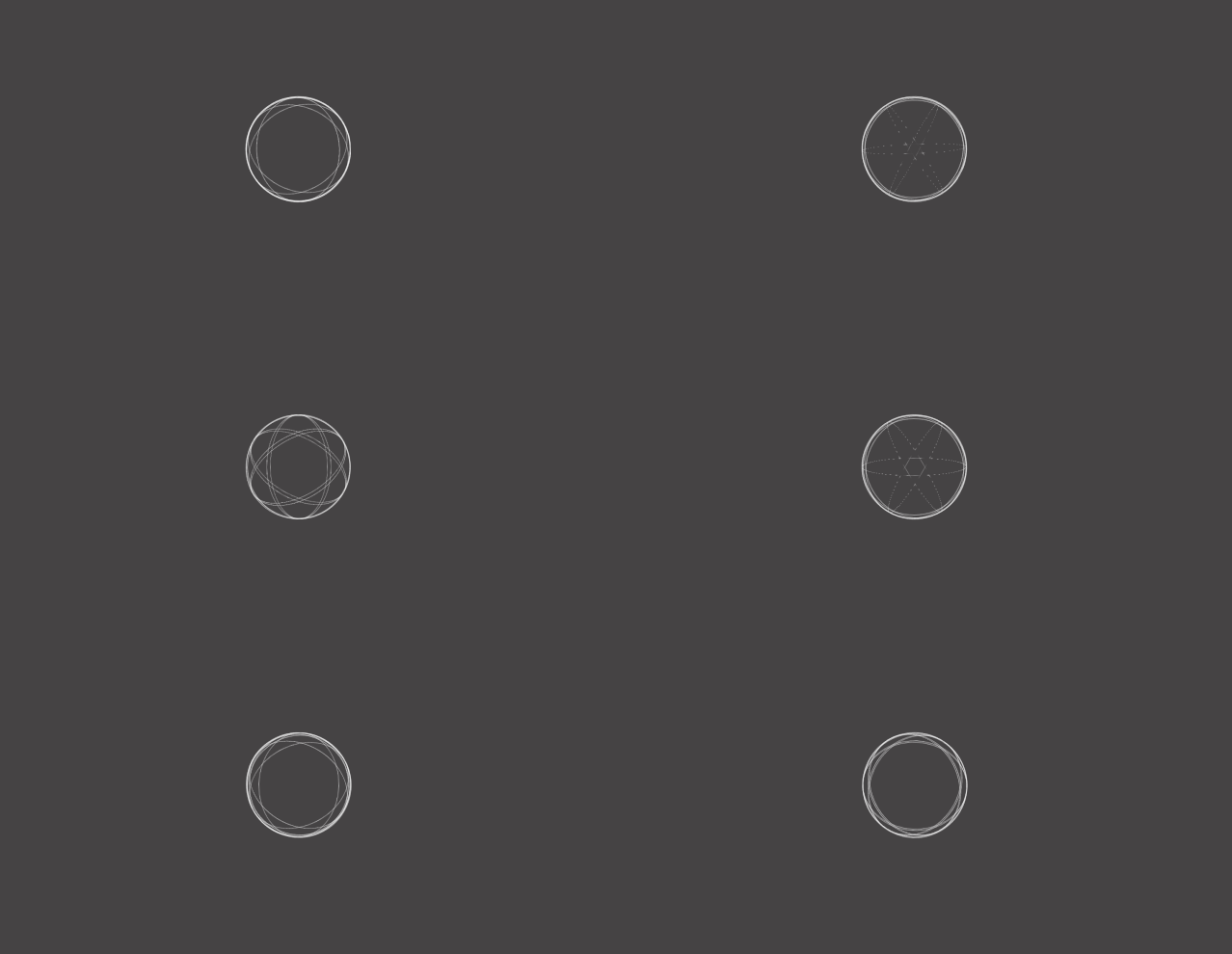
本demo地址:Motion Table - Solid Rotation
案例5
本demo地址:Motion Table - Symmetric Move
小結(jié)
以上幾個復(fù)雜的動畫或多或少都有以下的特征:
div很多,對布局的要求很高@keyframes很多,對動畫的要求很高有的動畫有較多的3d變換
案例5的教程已經(jīng)寫在之前的博文“畫物語——CSS動畫之美”里了,其余案例亦可以用此文提到的方法進行研究
筆者的CSS動畫作品全放在這個集合里了:CSS Animation Collection
彩蛋
螺旋階梯動畫(靈感來自灰色的果實OP)
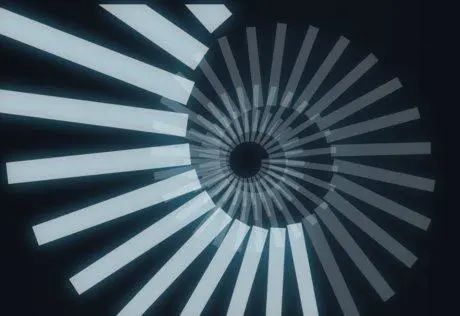
本demo地址:Spiral Stair Loading
?外鏈演示效果,請點擊閱讀原文查看
?

回復(fù)“加群”與大佬們一起交流學(xué)習(xí)~