【布局】483- 推薦 15 種水平垂直居中布局方案

https://juejin.im/post/5db706d5f265da4d31073959
我們在日常的開發(fā)中,經(jīng)常會遇到這樣一個問題,就是如何實現(xiàn)居中水平垂直居中對齊。并且在面試中也會出現(xiàn)這樣的問題,但是我們往往回答的不是很全部,而導(dǎo)致沒有得到面試加分。接下來我們通過不同的方式來實現(xiàn),讓我們成功破解這道面試。
1、定寬高
一、絕對定位和負magin值
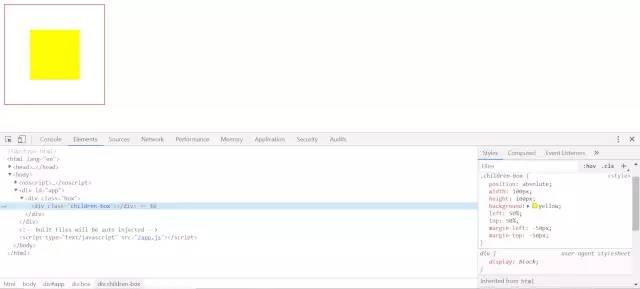
.box {width: 200px;height: 200px;border: 1px solid red;position: relative;}.children-box {position: absolute;width: 100px;height: 100px;background: yellow;left: 50%;top: 50%;margin-left: -50px;margin-top: -50px;}

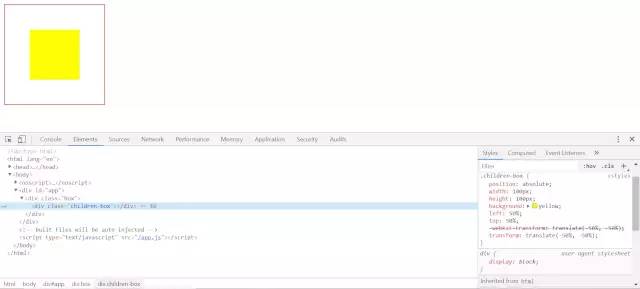
二、絕對定位 + transform
.box {width: 200px;height: 200px;border: 1px solid red;position: relative;}.children-box {position: absolute;width: 100px;height: 100px;background: yellow;left: 50%;top: 50%;transform: translate(-50%, -50%);}

三、絕對定位 + left/right/bottom/top + margin
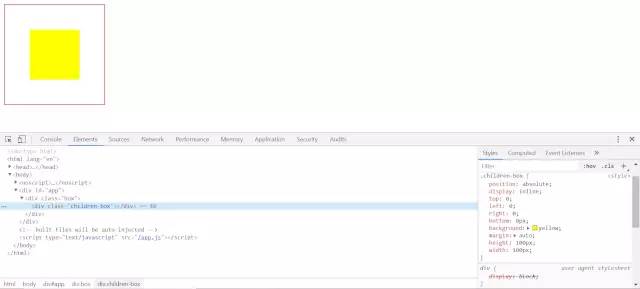
.box {width: 200px;height: 200px;border: 1px solid red;position: relative;}.children-box {position: absolute;display: inline;top: 0;left: 0;right: 0;bottom: 0px;background: yellow;margin: auto;height: 100px;width: 100px;}

四、flex布局
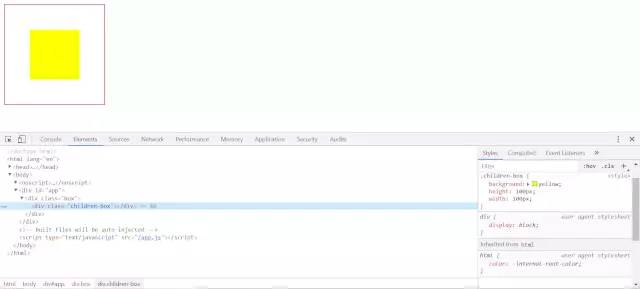
.box {width: 200px;height: 200px;border: 1px solid red;display: flex;justify-content: center;align-items: center;}.children-box {background: yellow;height: 100px;width: 100px;}

五、grid布局
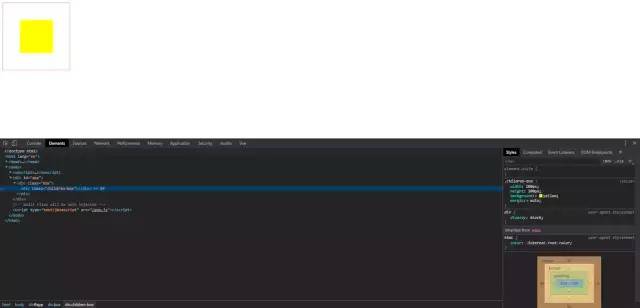
.box {width: 200px;height: 200px;border: 1px solid red;display: grid;}.children-box {width: 100px;height: 100px;background: yellow;margin: auto;}

六、table-cell + vertical-align + inline-block/margin: auto
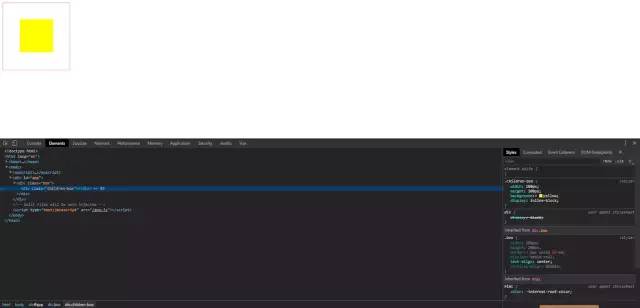
.box {width: 200px;height: 200px;border: 1px solid red;display: table-cell;text-align: center;vertical-align: middle;}.children-box {width: 100px;height: 100px;background: yellow;display: inline-block;// 可以換成margin: auto;}

2、不定寬高
一、絕對定位 + transform
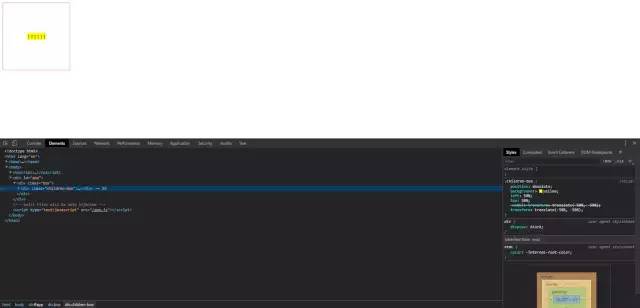
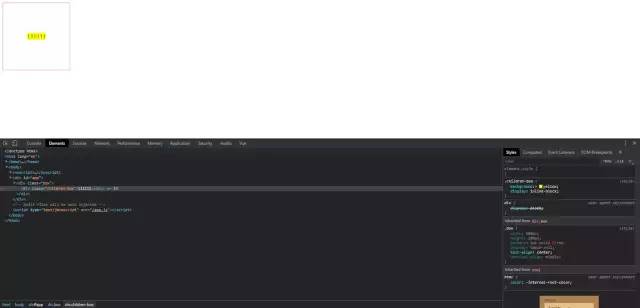
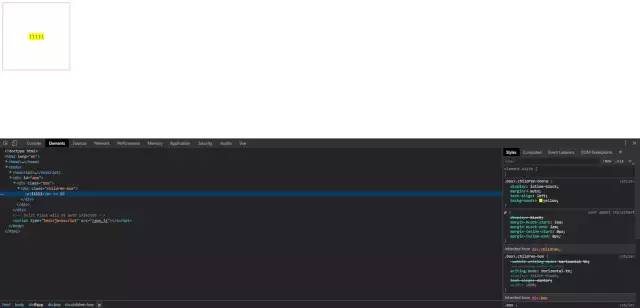
111111.box {width: 200px;height: 200px;border: 1px solid red;position: relative;}.children-box {position: absolute;background: yellow;left: 50%;top: 50%;transform: translate(-50%, -50%);}

二、table-cell
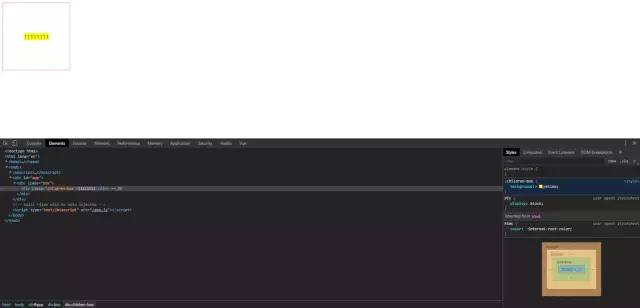
111111.box {width: 200px;height: 200px;border: 1px solid red;display: table-cell;text-align: center;vertical-align: middle;}.children-box {background: yellow;display: inline-block;}

三、flex布局
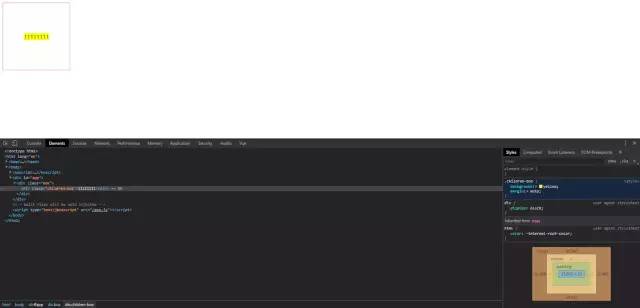
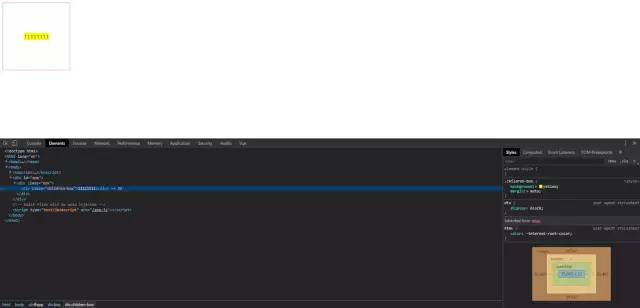
11111111.box {width: 200px;height: 200px;border: 1px solid red;display: flex;justify-content: center;align-items: center;}.children-box {background: yellow;}

四、flex變異布局
11111111.box {width: 200px;height: 200px;border: 1px solid red;display: flex;}.children-box {background: yellow;margin: auto;}

五、grid + flex布局
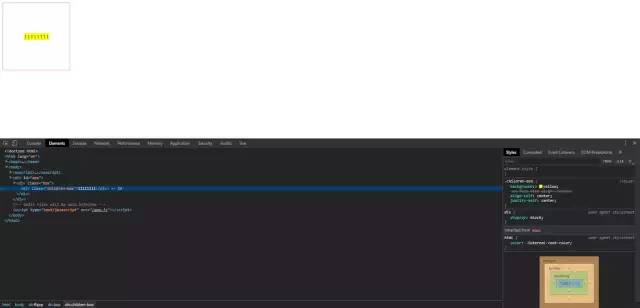
11111111.box {width: 200px;height: 200px;border: 1px solid red;display: grid;}.children-box {background: yellow;align-self: center;justify-self: center;}

六、gird + margin布局
11111111.box {width: 200px;height: 200px;border: 1px solid red;display: grid;}.children-box {background: yellow;margin: auto;}

七、writing-mode屬性布局
11111
.box {width: 200px;height: 200px;border: 1px solid red;writing-mode: vertical-lr;text-align: center;}.box>.children-box {writing-mode: horizontal-tb;display: inline-block;text-align: center;width: 100%;}.box>.children-box>p {display: inline-block;margin: auto;text-align: left;background: yellow;}

writing-mode 屬性定義了文本在水平或垂直方向上如何排布。兼容性上還有些小瑕疵,但大部分瀏覽器已經(jīng)支持。

3、番外(圖片定高|不定高水平垂直居中)
一、table-cell

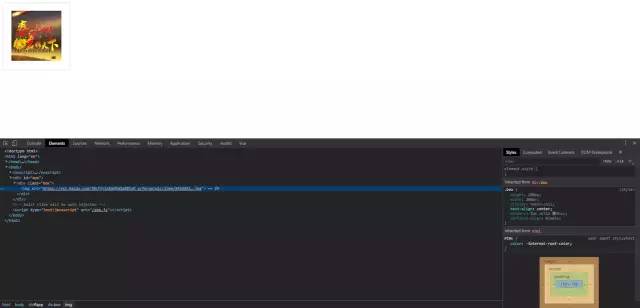
.box {height: 200px;width: 200px;display: table-cell;text-align: center;border: 1px solid #ccc;vertical-align: middle;}

二、 ::after
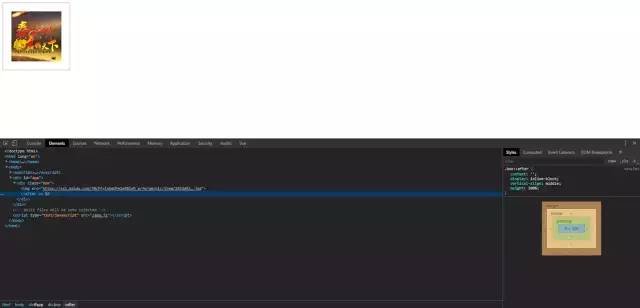
.box {width: 200px;height: 200px;border: 1px solid red;text-align: center;}.box::after {content: '';display: inline-block;vertical-align: middle;height: 100%;}img {vertical-align: middle;}

三、 ::before
.box {width: 200px;height: 200px;border: 1px solid #ccc;text-align: center;font-size: 0;}.box::before {display: inline-block;vertical-align: middle;content: '';height: 100%;}img {vertical-align: middle;}

四、總結(jié)
這里總結(jié)了很多種垂直水平居中的方法,但是肯定不是最完全的,還有很多其他中方式。但是總體的思路可以總結(jié)為以下幾點。
一、內(nèi)聯(lián)元素居中布局
水平居中
行內(nèi)元素可設(shè)置:text-align: center;
flex布局設(shè)置父元素:display: flex; justify-content: center;
垂直居中
單行文本父元素確認(rèn)高度:height === line-height
多行文本父元素確認(rèn)高度:disaply: table-cell; vertical-align: middle;
二、塊級元素居中布局
水平居中
定寬: margin: 0 auto;
不定寬:參考上訴例子中不定寬高例子。
垂直居中
position: absolute設(shè)置left、top、margin-left、margin-to(定高);
position: fixed設(shè)置margin: auto(定高);
display: table-cell;
transform: translate(x, y);
flex(不定高,不定寬);
grid(不定高,不定寬),兼容性相對比較差;
回復(fù)“加群”與大佬們一起交流學(xué)習(xí)~