
告別「復制+粘貼」,基于深度學習的OCR,實現(xiàn)PDF轉(zhuǎn)文本
點擊下面卡片關(guān)注,”AI算法與圖像處理”
最新CV成果,火速送達
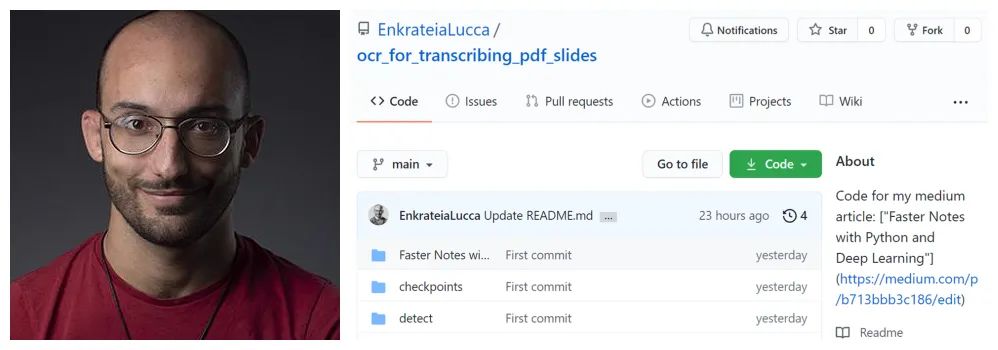
對很多人來說,將 PDF 轉(zhuǎn)換為可編輯的文本是個剛需,卻苦于沒有簡單方法。在本文介紹的項目中,來自 K1 Digital 的高級機器學習工程師 Lucas Soares,嘗試使用 OCR(光學字符識別)自動轉(zhuǎn)錄 pdf 幻燈片,轉(zhuǎn)錄效果還不錯。
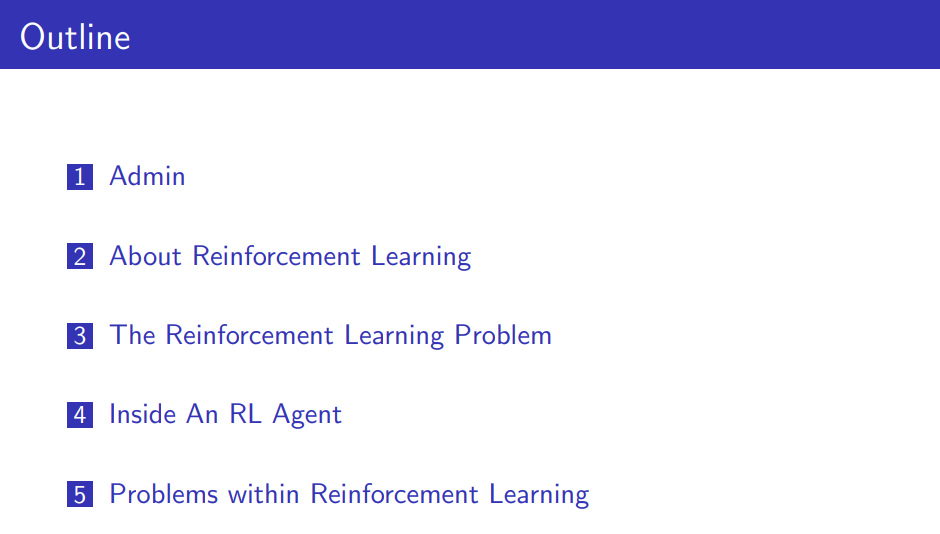
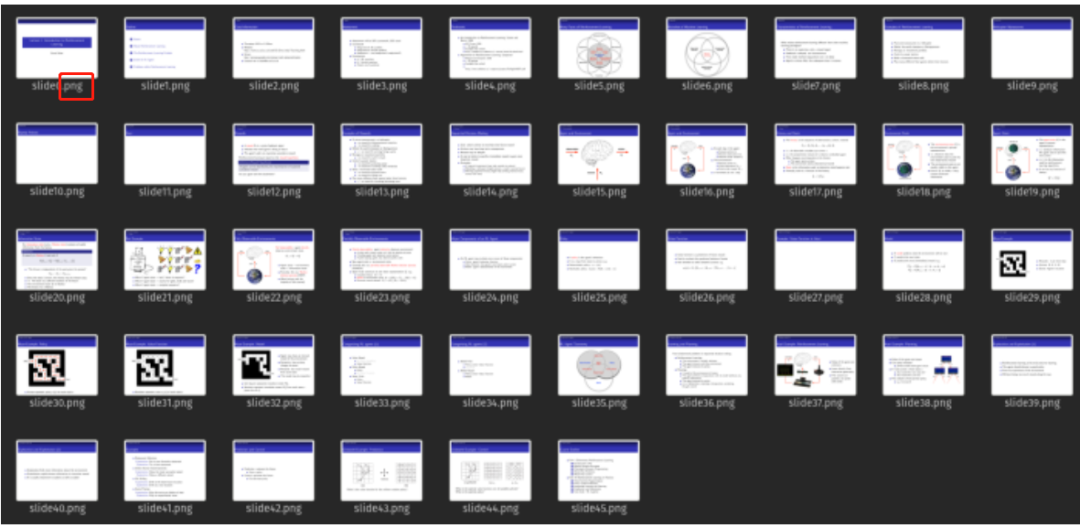
將 pdf 轉(zhuǎn)換為圖片;
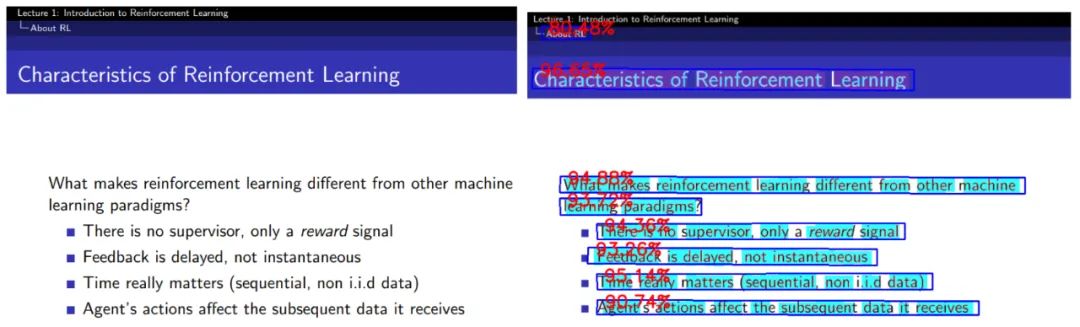
檢測和識別圖像中的文本;
展示示例輸出。
from pdf2image import convert_from_path
from pdf2image.exceptions import (
 PDFInfoNotInstalledError,
 PDFPageCountError,
 PDFSyntaxError
)

pdf_path = "path/to/file/intro_RL_Lecture1.pdf"
images = convert_from_path(pdf_path)
for i, image in enumerate(images):
    fname = "image" + str(i) + ".png"
    image.save(fname, "PNG")
# adapted from this source: https://github.com/courao/ocr.pytorch
%load_ext autoreload
%autoreload 2
import os
from ocr import ocr
import time
import shutil
import numpy as np
import pathlib
from PIL import Image
from glob import glob
import matplotlib.pyplot as plt
import seaborn as sns
sns.set()
import pytesseract

def single_pic_proc(image_file):
    image = np.array(Image.open(image_file).convert('RGB'))
    result, image_framed = ocr(image)
    return result,image_framed

image_files = glob('./input_images/*.*')
result_dir = './output_images_with_boxes/'

# If the output folder exists we will remove it and redo it.
if os.path.exists(result_dir):
    shutil.rmtree(result_dir)
os.mkdir(result_dir)

for image_file in sorted(image_files):
    result, image_framed = single_pic_proc(image_file) # detecting and recognizing the text
    filename = pathlib.Path(image_file).name
    output_file = os.path.join(result_dir, image_file.split('/')[-1])
    txt_file = os.path.join(result_dir, image_file.split('/')[-1].split('.')[0]+'.txt')
    txt_f = open(txt_file, 'w')
    Image.fromarray(image_framed).save(output_file)
    for key in result:
        txt_f.write(result[key][1]+'\n')
    txt_f.close()
import cv2 as cv

output_dir = pathlib.Path("./output_images_with_boxes")

# image = cv.imread(str(np.random.choice(list(output_dir.iterdir()),1)[0]))
image = cv.imread(f"{output_dir}/image7.png")
size_reshaped = (int(image.shape[1]),int(image.shape[0]))
image = cv.resize(image, size_reshaped)
cv.imshow("image", image)
cv.waitKey(0)
cv.destroyAllWindows()
filename = f"{output_dir}/image7.txt"
with open(filename, "r") as text:
    for line in text.readlines():
        print(line.strip("\n"))
個人微信(如果沒有備注不拉群!) 請注明:地區(qū)+學校/企業(yè)+研究方向+昵稱
下載1:何愷明頂會分享
在「AI算法與圖像處理」公眾號后臺回復:何愷明,即可下載。總共有6份PDF,涉及 ResNet、Mask RCNN等經(jīng)典工作的總結(jié)分析
下載2:終身受益的編程指南:Google編程風格指南
在「AI算法與圖像處理」公眾號后臺回復:c++,即可下載。歷經(jīng)十年考驗,最權(quán)威的編程規(guī)范!
下載3 CVPR2021
在「AI算法與圖像處理」公眾號后臺回復:CVPR,即可下載1467篇CVPR 2020論文 和 CVPR 2021 最新論文
點亮  ,告訴大家你也在看
評論
圖片
表情